TrueConf
1. Functionality
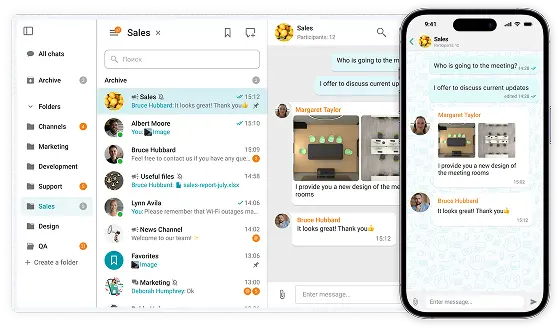
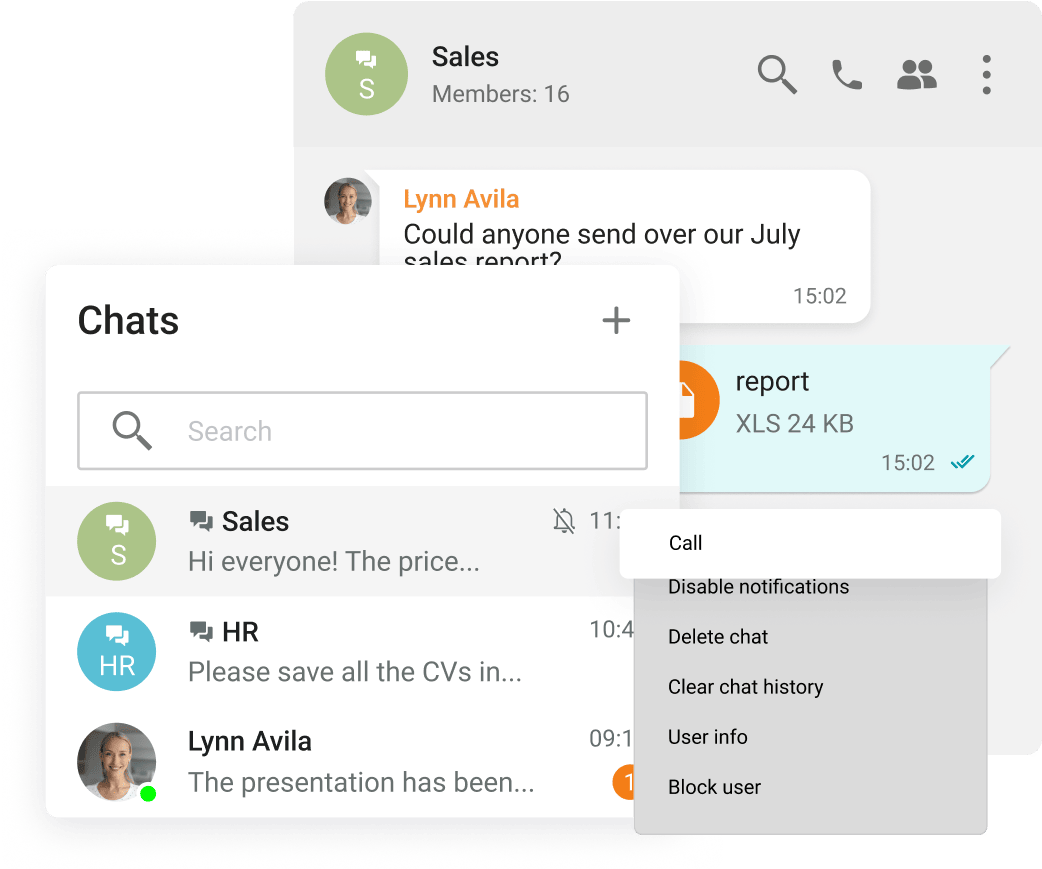
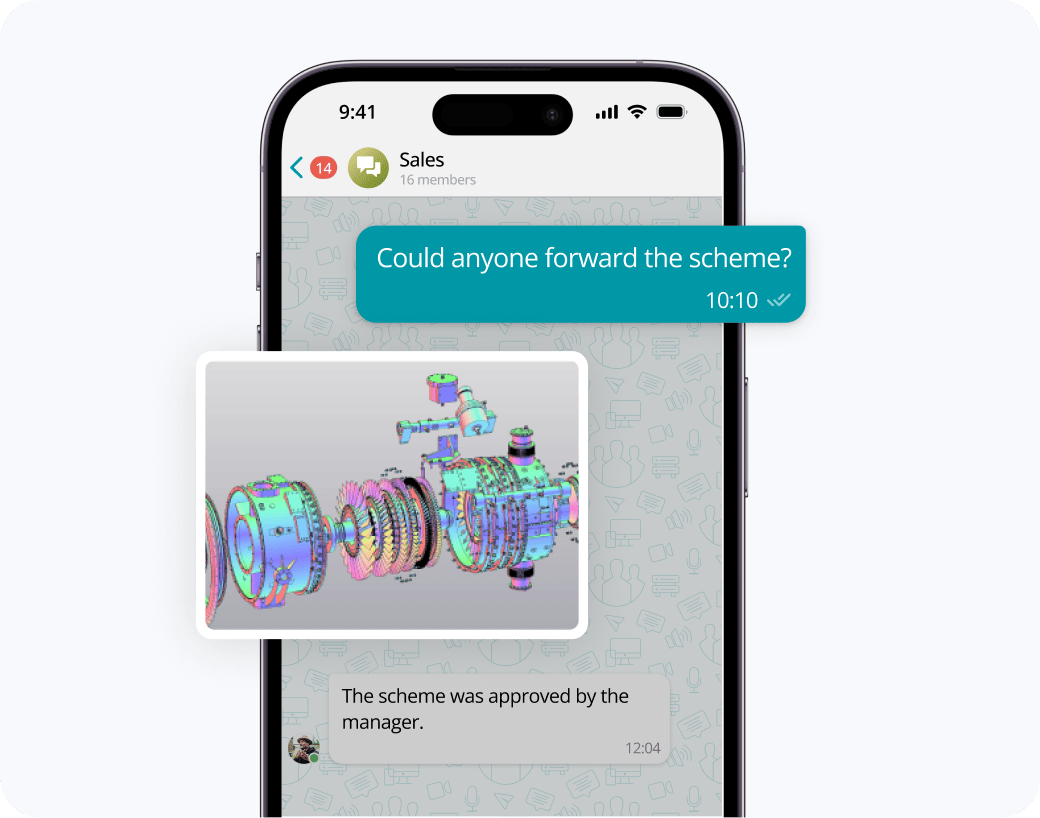
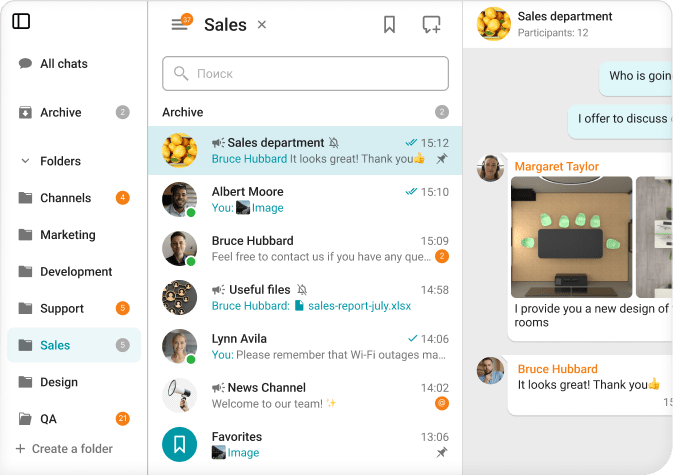
Group & Direct Messaging: Secure messenger enabling personal and group chats with file, image, video, and document sharing.
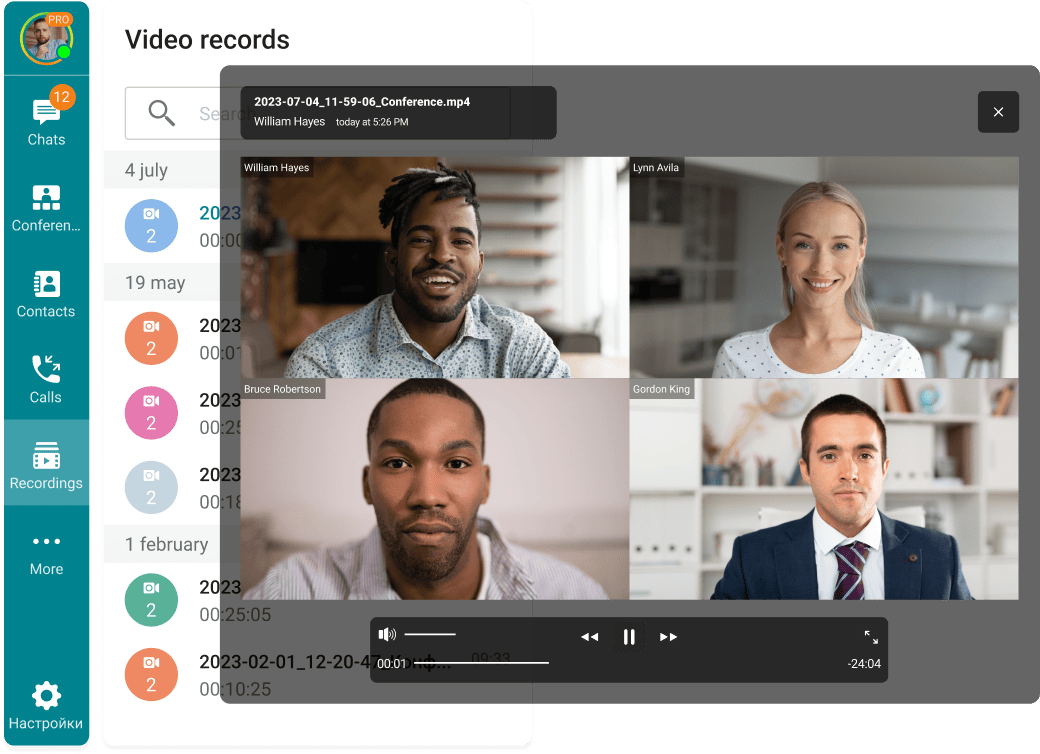
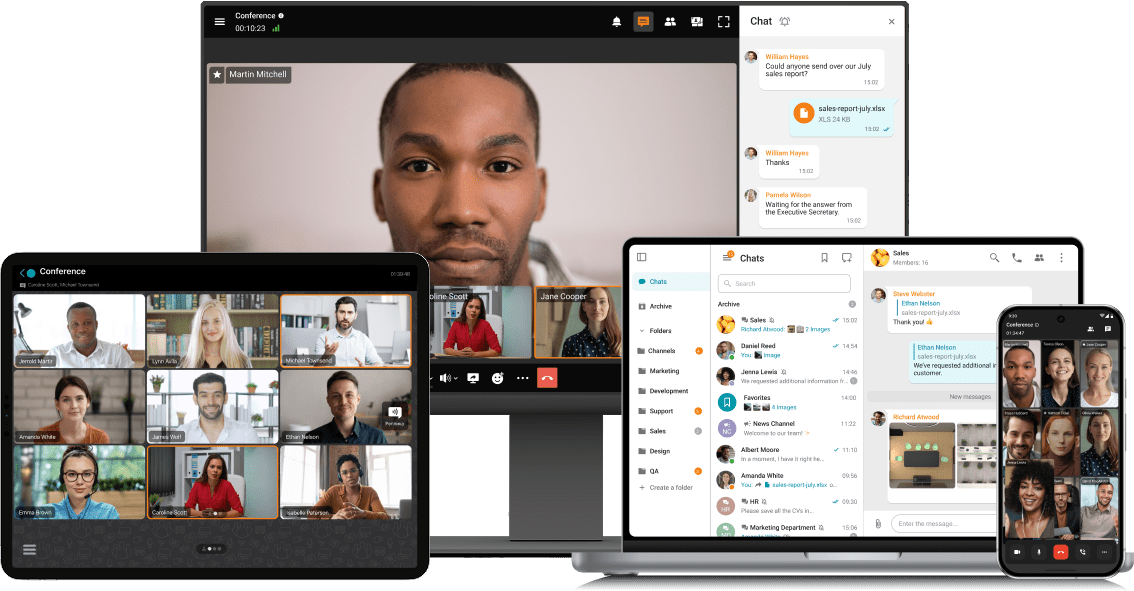
Audio & Video Calls: UltraHD 4K video and high-quality audio for clear communication.
Conferences & Webinars: Multipoint video conferencing for up to 2,000 participants, suitable for webinars, meetings, and lectures.
Calendar & Task Integration: Syncs with Microsoft Outlook, Thunderbird, and other corporate calendars for scheduling.
File & Document Sharing: Users can share files during chats and conferences to enhance collaboration.
2. Ease of Use
Intuitive Interface: User-friendly apps for Windows, macOS, Linux, iOS, Android, and WebRTC-compatible browsers.
Mobile & Desktop Applications: Seamless cross-platform communication with dedicated apps.
Notification Customization: Users can manage notification preferences within the app.
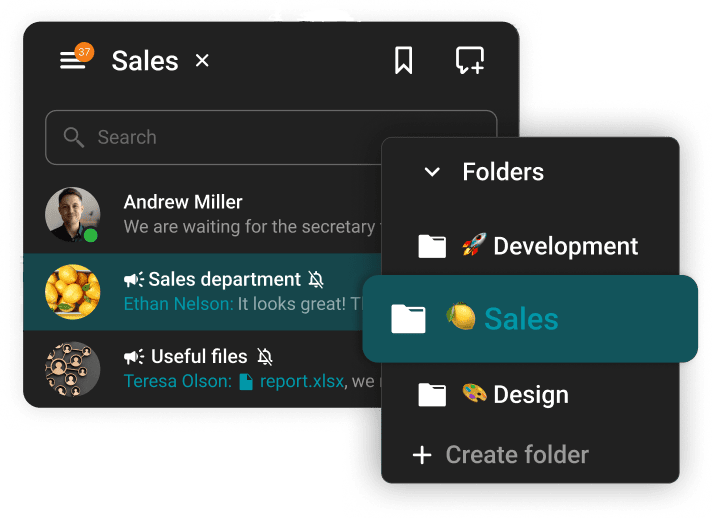
Search Functionality: Address book and chat history facilitate easy retrieval of contacts and past messages.
3. Integrations
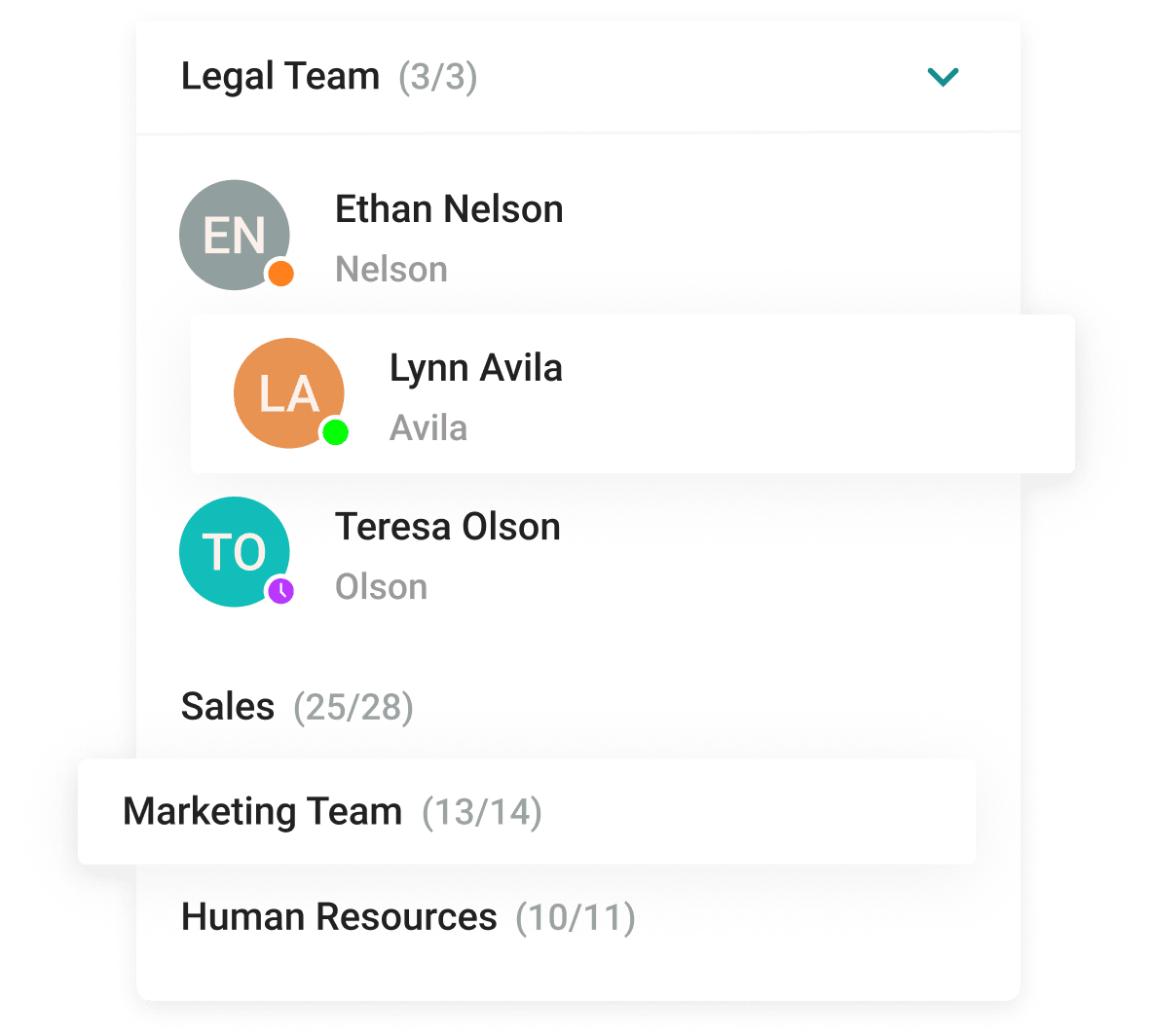
Corporate Service Compatibility: Integrates with Active Directory/LDAP for user synchronization and SIP/H.323 for interoperability with traditional video conferencing systems.
API for Custom Integrations: Developers can embed video communication capabilities into third-party apps using TrueConf’s API and SDK tools.
4. Security & Privacy
Data Encryption: AES-256, SRTP, and H.235 encryption protocols ensure secure communication.
On-Premises Deployment: Organizations retain full control over data storage and compliance with internal policies.
Single Sign-On (SSO): Active Directory integration enables centralized authentication.
Two-Factor Authentication (2FA): Enables multi-factor authentication for enhanced security.
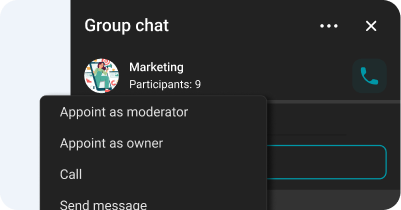
Granular Access Control: Administrators manage user roles and permissions to ensure controlled access.
5. Performance & Reliability
Optimized Performance: Scalable Video Coding (SVC) and dynamic data rate adjustments ensure high-quality communication in variable network conditions.
Deployment Flexibility: Available as on-premises (TrueConf Server) and cloud-based (TrueConf Online) solutions.
Low Latency Messaging: Optimized infrastructure for real-time communication.
Scalability: Enterprise-grade solutions accommodating up to one million users with load balancing and flexible license allocation.
6. Cost & Licensing
Free & Paid Plans:
TrueConf Server Free – Basic version for small teams.
TrueConf Server & Enterprise – Advanced features and scalability for large organizations.
Pricing Flexibility: Custom licensing available; discounts for education, healthcare, and nonprofits.
Trial Period: Free 3-week trial of TrueConf Server available upon request.
Clariti
1. Functionality
Group Chats & Direct Messaging: Supports direct messages and subject-based group chats for structured discussions.
Channels & Thematic Groups: Subject chats help organize conversations around specific topics for clarity.
Audio & Video Calls: Includes voice calling for real-time team discussions.
Calendar & Task Integration: Built-in calendar features help users manage events and to-dos.
File & Document Sharing: Files shared in chats are grouped by subject for easy access.
2. Ease of Use
Intuitive Interface: Combines emails, chats, and documents into context-based hybrid conversations to keep communication focused and organized.
Mobile & Desktop Applications: Availability is not specified on the official website.
Notification Settings: No details provided regarding customizable notifications.
3. Integrations
Corporate Service Compatibility: Integrates with 5,000+ applications via Zapier, enabling connections to various third-party services.
4. Security & Privacy
Data Encryption: End-to-end encryption ensures secure communication.
Data Storage & Compliance: User data is stored on secure AWS servers, adhering to industry security standards.
5. Performance & Reliability
Cloud-Based Service: No on-premises deployment options mentioned.
Low Latency Messaging: Instant messaging available, though latency details are unspecified.
6. Cost & Licensing
Pricing Information: Not specified on the official website.
Trial Period: No details on premium feature trials.
7. Localization & Support
Technical Support: Available through the website, but support hours and SLAs are unspecified.
Documentation & Training: Offers a blog with articles, but comprehensive user manuals are not explicitly mentioned.
Chanty
1. Functionality
Group Chats & Direct Messaging: Enables public and private conversations for team collaboration.
Channels & Thematic Groups: Allows users to create dedicated channels for projects and topics.
Audio & Video Calls: Provides voice and video calling directly within the app.
Conferences & Webinars: Facilitates group calls but lacks webinar-specific features.
Calendar & Task Integration: Includes built-in task management for creating, assigning, and tracking tasks.
Voice Messages: Allows users to send voice messages for quick communication.
File & Document Sharing: Enables file and link sharing in various formats.
2. Ease of Use
Intuitive Interface: Designed for efficient team communication with a streamlined layout.
Mobile & Desktop Applications: Available on Windows, macOS, Linux, iOS, and Android.
Notification Customization: Offers options to manage notification preferences.
Search Functionality: Provides a tool for quick retrieval of messages and files.
Customization Options: No details available regarding interface customization.
3. Integrations
Third-Party App Compatibility: Connects with various business tools to enhance functionality.
4. Security & Privacy
Data Encryption: Uses HTTPS with TLS (SSL) encryption for secure transactions.
Compliance Standards: Meets GDPR, ISO 27001, and SOC 2 security regulations.
Granular Access Control: Allows role and permission management for team security.
5. Performance & Reliability
Optimized Performance: Designed for seamless team communication, though specific performance metrics are not available.
Cloud-Based Service: No on-premises deployment mentioned.
Scalability: Adapts to teams of various sizes with flexible plans.
6. Cost & Licensing
Free & Paid Plans:
Free Plan: Includes unlimited conversations and task management for SMBs.
Business Plan ($3/user/month): Adds unlimited group video calls and dedicated support.
Trial Period: No specific trial mentioned, but the Free plan allows users to explore core features before upgrading.
7. Localization & Support
Language Availability: Not specified on the official website.
Technical Support: Business plan users receive dedicated support; all users have access to a help center.
Documentation & Training: Includes a help center with guides and articles.
Zoom Chat
1. Capabilities
Team Conversations & Private Messaging: Facilitates both public and private chat spaces for seamless teamwork.
Channels & Thematic Discussions: Enables structured conversations by setting up dedicated spaces for projects and topics.
Voice & Video Communication: Allows users to elevate text chats into voice or video meetings directly within the chat interface.
Meetings & Virtual Events: While direct chat-to-meeting transitions are supported, large-scale webinars and conferences are conducted through Zoom Meetings & Webinars.
Calendar & Task Synchronization: Integrates with scheduling tools for meeting coordination and task management.
File & Document Exchange: Enables effortless file sharing in multiple formats to enhance collaboration.
2. User-Friendliness
Cross-Platform Applications: Compatible with Windows, macOS, Linux, iOS, and Android devices.
Customizable Alerts: Users can tailor notifications to stay informed without disruptions.
Advanced Lookup Features: Powerful search functionality ensures quick retrieval of messages, files, and shared content.
Personalization Settings: Allows sidebar modifications and structured chat/channel organization for streamlined workflow.
3. Integrations
Enterprise Service Connectivity: Links with external tools such as SharePoint and Box.
API for Tailored Enhancements: Developers can expand platform capabilities using Zoom’s API.
4. Security & Data Protection
Data Encryption: Guarantees end-to-end security with encryption during storage and transmission.
Compliance with Regulations: Meets GDPR, HIPAA, and SOC 2 security standards.
Single Sign-On (SSO): Provides centralized authentication for enterprise accounts.
Two-Step Authentication (2FA): Strengthens account security with multi-layer authentication.
Granular Permission Management: Admins can regulate user/channel access to safeguard sensitive data.
5. Efficiency & Reliability
Optimized Performance: Delivers real-time messaging with minimal latency.
Cloud-Based Infrastructure: No mention of on-premises installation.
Scalability: Supports large-scale corporate deployments.
6. Localization & Assistance
Language Support: Not explicitly stated on the official website.
Technical Assistance: Offers online guides, community forums, and direct support for subscribers.
Training & Knowledge Resources: Provides extensive documentation, tutorials, and educational materials.
Workplace from Meta
1. Functionality
Group Chats & Direct Messaging: Facilitates seamless communication through groups and private messages for team collaboration.
Channels & Thematic Groups: Users can create dedicated groups for projects or topics to organize discussions.
Audio & Video Calls: Supports video messaging for real-time team conversations.
Conferences & Webinars: Offers Live Video broadcasting for company-wide events and virtual meetings with interactive features.
Calendar & Task Integration: Integrates with various tools, though specific details on task management are not explicitly mentioned.
File & Document Sharing: Users can share files and collaborate within groups to enhance workflow efficiency.
2. Ease of Use
Mobile & Desktop Applications: Available across multiple devices and operating systems.
Notification Customization: Users can adjust notification settings for better workflow management.
Advanced Search: Provides a robust search feature for quick access to messages, files, and shared content.
3. Integrations
Corporate Service Compatibility: Integrates with third-party applications, creating a centralized workspace.
API for Custom Solutions: Developers can extend platform functionality using Workplace’s API.
Bots & Automation: Supports automated workflows to streamline business processes.
4. Security & Privacy
Data Encryption: Ensures enterprise-grade security with encryption in transit.
Regulatory Compliance: Adheres to ISO 27001 and ISO 27018 for data protection and privacy.
Single Sign-On (SSO): Provides centralized authentication for secure login.
Two-Factor Authentication (2FA): Enhances account security with multi-factor authentication.
Granular Access Control: Admins manage permissions and access controls to maintain security.
5. Performance & Reliability
Optimized Performance: Ensures real-time collaboration with low latency.
Cloud-Based Service: No on-premises deployment mentioned.
Scalability: Supports large-scale enterprise deployments.
6. Cost & Licensing
Free & Paid Plans:
Core Plan: $4/user/month, including essential communication features.
Add-ons: Enhanced Admin & Support or Enterprise Live at $2/user/month each.
Trial Period: Not specified on the official website.
7. Localization & Support
Language Availability: Supports multiple languages for a global user base.
Technical Support:
Core Plan: 24-hour response time for support requests.
Training & Documentation: Provides a Help Center, tutorials, and resource hub for users.
Slack
1. Functionality
Group Chats & Direct Messaging: Organized conversations via channels for team collaboration and direct messages for private or small-group discussions.
Channels & Thematic Groups: Categorized by team, project, or topic to streamline communication.
Audio & Video Calls: Huddles enable real-time discussions and screen sharing within channels or DMs.
Conferences & Webinars: Supports group meetings but lacks dedicated webinar hosting.
Integration with Calendar & Tasks: Syncs with Google Calendar, Outlook Calendar, and task management tools for seamless scheduling.
Voice Messages: Users can send audio clips for asynchronous communication.
File & Document Sharing: Enables direct file uploads for easy collaboration and resource sharing.
2. Ease of Use
Intuitive Interface: Customizable themes & sidebar arrangements enhance user experience.
Multi-Platform Accessibility: Available on Windows, macOS, Linux, iOS, and Android for seamless device synchronization.
Notification Customization: Users can set Do Not Disturb schedules and customize alerts.
Search Functionality: Indexed and searchable content (messages, files, channels) for quick access.
Customization Options: Organize channels, personalize themes, and tailor workflows.
3. Integrations
Extensive App Compatibility: Over 2,600 integrations, including Google Drive, Office 365, and project management tools.
API for Custom Solutions: Developers can build custom automations using Slack’s API.
Bots & Automation: Workflow Builder supports no-code automations; bots streamline routine tasks.
4. Security & Privacy
Data Encryption: End-to-end encryption at rest and in transit.
Compliance Standards: Meets SOC 2, SOC 3, and ISO/IEC 27001 security certifications.
Single Sign-On (SSO): SAML-based SSO available in Business+ and Enterprise plans.
Two-Factor Authentication (2FA): Enhances account security with multi-layer verification.
Granular Access Control: Admins can restrict permissions and configure access levels.
5. Performance & Reliability
Optimized Performance: Real-time messaging and quick resource access.
Cloud-Based: No on-premises deployment.
Low Latency: Fast messaging for immediate team interactions.
Scalability: Enterprise Grid supports large organizations with interconnected workspaces.
6. Cost & Licensing
Free & Paid Plans:
Free Plan: 90-day message history, 10 app integrations.
Pro & Business + Plans: Unlimited history, advanced security, and admin controls.
Pricing Model: Per-user billing, available in monthly & annual plans.
Discounts & Trials: Discounts for nonprofits & educational institutions; the Free plan serves as a trial.
7. Localization & Support
Language Availability: Supports English, Spanish, French, German, Japanese, Korean.
Support Quality:
Help center, forums, and direct support for paid plans.
Priority 24/7 support for higher-tier plans.
Learning Resources: Documentation, webinars, and tutorials via Slack Learn.
Microsoft Teams
1. Functionality
Group & Direct Messaging: Enables seamless communication through direct messages and group chats.
Channels & Thematic Groups: Supports dedicated channels for teams, projects, and topics to keep discussions organized.
Audio & Video Calls: Provides high-quality voice and video calls, including group calling, voicemail, and call transfers.
Calendar & Task Integration: Syncs with Microsoft Outlook, allowing meeting scheduling and task management within the platform.
Voice Messages: Supports audio messages via integrated voice notes.
File & Document Sharing: Enables real-time collaborative editing within chats and channels using Microsoft 365 tools.
2. Ease of Use
Intuitive Interface: Offers a customizable layout with themes and workspace configurations.
Mobile & Desktop Applications: Available on Windows, macOS, Linux, iOS, and Android for cross-device accessibility.
Notification Customization: Users can adjust notification preferences for better workflow management.
Advanced Search: Allows quick access to messages, files, and shared content.
Customization Options: Supports workspace customization, including tabs, connectors, and bots.
3. Integrations
Microsoft 365 Compatibility: Seamless integration with SharePoint, OneDrive, and Office applications, plus third-party app support.
API for Custom Solutions: Developers can extend functionality using Microsoft Graph API.
Bots & Automation: Supports Power Automate workflows and bot integrations for process automation.
4. Security & Privacy
Data Encryption: Ensures secure communication and file storage with encryption at rest and in transit.
Regulatory Compliance: Meets GDPR, HIPAA, and ISO/IEC 27001 security standards.
Single Sign-On (SSO): Provides centralized authentication for easy and secure login.
Two-Factor Authentication (2FA): Enhances account security with multi-factor authentication.
Granular Access Control: Admins can manage permissions at team and channel levels.
5. Performance & Reliability
Optimized Performance: Ensures real-time collaboration with minimal latency.
Cloud & On-Premises Deployment: Primarily cloud-based, but on-premises options are available via Microsoft Teams Rooms.
Low Latency Messaging: Guarantees instant messaging for efficient interactions.
Scalability: Supports organizations of all sizes, including enterprise-level deployments
6. Cost & Licensing
Free & Paid Plans:
Free Plan: Offers core messaging and collaboration features.
Paid Plans: Includes Microsoft Teams Essentials & Microsoft 365 Business Basic with expanded features.
Trial Period: Microsoft provides trial access to certain plans for evaluation.
7. Localization & Support
Language Support: Available in multiple languages for a global user base.
Technical Support: Offers online resources, community forums, and direct assistance for paid plans.
Documentation & Training: Provides comprehensive tutorials, training materials, and admin guides.
Google Chat
1. Functionality
Group Chats & Direct Messaging: Enables direct messages and group conversations within Spaces for topic-based discussions.
Channels & Thematic Groups: Spaces provide structured discussions by allowing users to create project-specific or topic-based channels.
Audio & Video Calls: Does not include native calling but integrates with Google Meet for seamless video meetings.
Calendar & Task Integration: Syncs with Google Calendar for meeting scheduling and includes task management within chats.
File & Document Sharing: Works with Google Drive, allowing direct file sharing and real-time collaboration on documents.
2. Ease of Use
Intuitive Interface: Features smart compose, autocorrect, and summarization to enhance communication efficiency.
Mobile & Desktop Applications: Available via web browsers and as apps for Windows, macOS, iOS, and Android.
Notification Customization: Provides adjustable notification settings for tailored message alerts.
Advanced Search: Includes powerful search tools to quickly locate messages, files, and content.
3. Integrations
Corporate Service Compatibility: Seamlessly connects with Google Workspace apps (Drive, Docs, Sheets, Slides) and third-party tools.
API for Custom Solutions: Allows developers to extend platform capabilities using Google Chat API.
Bots & Automation: Enables automated workflows and bots for enhanced productivity.
4. Security & Privacy
Data Encryption: Ensures end-to-end security with encryption at rest and in transit.
Regulatory Compliance: Meets ISO/IEC 27001 and SOC 2/3 security standards.
Single Sign-On (SSO): Integrates with SSO for secure, centralized authentication.
Two-Factor Authentication (2FA): Strengthens account security with multi-factor authentication.
Granular Access Control: Allows admins to manage user roles, permissions, and security policies.
5. Performance & Reliability
Cloud-Based Service: No on-premises deployment mentioned.
6. Cost & Licensing
Free & Paid Plans: Available with all Google Workspace plans.
Discord
1. Functionality
Group Chats & Direct Messaging: Supports public and private conversations for seamless collaboration.
Channels & Thematic Groups: Users can create dedicated channels for projects and discussions.
Audio & Video Calls: Allows voice and video calls directly from the app.
Voice Messages: Users can send voice messages as an alternative to text.
File & Document Sharing: Enables file and link sharing with support for various formats.
2. Ease of Use
Mobile & Desktop Applications: Available on Windows, macOS, Linux, iOS, and Android.
Notification Customization: Users can manage notifications to prioritize important messages.
Advanced Search: Built-in search tool for quick access to messages, files, and shared content.
Customization Options: No specific information provided about theme and layout customization.
3. Integrations
Corporate Service Compatibility: Connects with third-party applications for enhanced functionality.
API for Custom Solutions: Developers can extend capabilities using Discord’s API.
Bots & Automation: Supports bots and automated workflows to improve efficiency.
4. Security & Privacy
Data Encryption: Uses HTTPS with TLS (SSL) encryption for secure transactions.
Regulatory Compliance: Adheres to international security standards for data protection.
Granular Access Control: Admins manage roles and permissions for secure server management.
5. Performance & Reliability
Cloud-Based Service: No on-premises deployment mentioned.
Scalability: Servers support large communities with high member limits.
6. Cost & Licensing
Free & Paid Plans:
Free Plan: Includes core messaging and communication features.
Nitro Plan: $9.99/month or $99.99/year with higher-quality streaming and larger file uploads.
7. Localization & Support
Language Availability: Not specified on the official website.
Technical Support: Available through Help Center with guides and articles.
Training & Documentation: Extensive knowledge base for users.