
Audio Conferencing

Audio conferencing is the process of using electronic communication channels to conduct meetings between three or more participants who communicate using audio only. Today, audio conferencing is in high demand for effective company and employee management, as well as for more productive interaction with partners.
Many audio conferencing solutions can be accompanied by multiple online collaboration tools, such as screen sharing, team messaging, and meeting recording, further enhancing the value of audio meetings.
Types of Audio Conferencing
There are three types of audio conferencing systems: distributed, local, and integrated:
- Distributed (Remote) audio conferencing connects several participants from different locations.
- Local audio conferencing connects several participants who are in the same room (conference room or meeting room).
- Integrated audio conferencing brings together remote and on-site participants.
Advantages of Audio Conferencing
Audio conferencing is a useful communication tool for different types of businesses. It has many benefits and advantages, which include:
- Audio conferencing is a cost-effective communication tool. It is a cheaper alternative to face-to-face meetings and business travel.
- Audio conferencing allows businesses to conduct meetings and conferences without the need for expensive equipment. All you need is a telephone and a conference call service.
- Audio conferencing is a convenient communication tool. It allows businesses to conduct meetings and conferences at a time and place that is convenient for all participants.
- Audio conferencing is a flexible communication tool. It can be used for different types of meetings, such as sales meetings, training sessions, and board meetings.
- Audio conferencing is a reliable communication tool. It is less likely to experience technical problems than other types of communication tools, such as video conferencing.
- Audio conferencing is an easy-to-use communication tool. It is simple to set up and operate.
What Is DTMF?
DTMF is a dual-tone multi-frequency analog signal used to dial a telephone number. In other words, DTMF translates the sound signals from the keys on telephone keypads into readable information.
Today, DTMF signaling technology is widely used in call centers to speed up call processing and reduce errors. Paired with voice auto-response (DISA or IVR), DTMF provides automated self-service menu selection and collects customer data. IVR systems enhance the customer experience by allowing users to navigate through options seamlessly, ensuring they reach the right department or service without unnecessary delays.
Advanced public data platforms and data service providers can further improve DTMF and IVR systems by offering rich datasets that support better customer segmentation and streamlined interaction pathways. For example, leveraging such data can help tailor menu options dynamically based on user demographics or historical interaction trends, significantly enhancing the customer journey.
What Are the Main Differences Between Video Conferencing and Audio Conferencing?
Video and audio conferencing are components of the broader umbrella term “teleconferencing,” which takes place in real time.
There are three main differences between video and audio conferencing:
-
Methods of information transmission
During an audio conference session, users can only communicate in voice mode and cannot see other users or use collaboration tools that require visual contact.
-
Cost of solutions
Audio conferencing systems are much cheaper than video conferencing because they only require telecommunications equipment (phone, IP phone, conference phone) and IP telephony software applications through which users can communicate with each other.
-
Convenience
Unlike video conferencing, where a virtual meeting is as close as possible to real audiovisual contact, in audio conferencing the level of interaction between participants is much lower and is similar to a telephone conversation.
Equipment for Audio Conferencing
If a user wants to equip a room for audio conferencing with a remote branch office, it is necessary to pay attention to equipment such as conference systems consisting of a central control unit and remote conference microphones. This equipment is specifically designed for organizing audio and video discussions in large-area conference rooms. You can also use echo-canceling speakerphones for audio playback, which can be connected in a chain to cover large areas.
If a user needs to negotiate with foreign partners or customers, additional equipment can be used (e.g., simultaneous interpretation systems with wireless headsets to avoid communication difficulties). This equipment can be either integrated with a conference system or autonomous. In the first case, the translation is distributed by the central unit; in the second, it is necessary to use IrDA.
Setting up a professional audio conferencing room involves choosing the right equipment, such as central control units, remote microphones, echo-canceling speakerphones, and even simultaneous interpretation systems for multilingual meetings, along with proper audio testing to ensure clear and consistent sound quality. With a wide variety of technologies and specifications available, selecting the best setup for your needs can be overwhelming.
Whether you’re integrating a multilingual interpretation system or just looking to enhance sound quality in a large meeting space, AI-powered recommendations can simplify the decision-making process and ensure an efficient, future-proof setup.
TrueConf Audio Conferencing
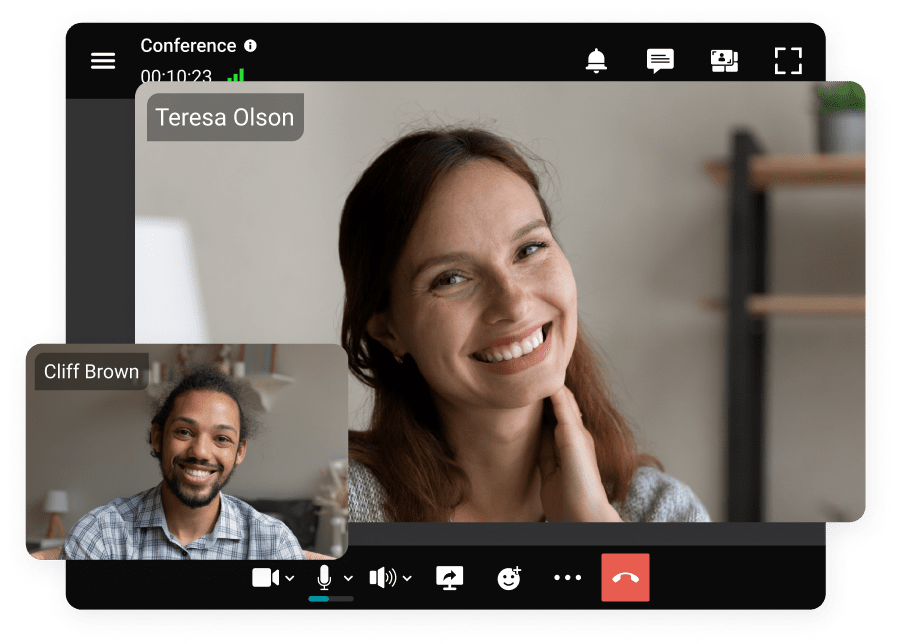
TrueConf is a ecure solution for audio/video conferencing with self hosted chat that makes business communication more productive. Thanks to the integrated SIP/H.323 gateway, you can call or invite VoIP devices, PBX, or PSTN users to your meetings.
Level up your audio conferencing with TrueConf:
- Unified communications: Ultra HD video conferencing with up to 1,500 participants, instant team messaging, and telephony are available to TrueConf users.
- HD Audio: TrueConf creates a real presence effect thanks to the modern Opus audio codec, which easily adapts to bandwidth, providing the best quality even on unstable connections.
- Security: The solution is deployed on-premises or in a private cloud, providing full control of the data. Media data is encrypted with AES-256, SRTP, or H.235 depending on the network protocol.
- Recording: You can record your audio conference for future playback. All recordings are stored locally and are available only to participants.
Empower your video conferencing experience with TrueConf!
FAQ
Can I use my existing office conference phones and PBX systems for audio meetings?
Yes, you can seamlessly integrate your existing hardware without replacing it. TrueConf features a built-in SIP/H.323 gateway that allows you to connect legacy VoIP devices, corporate PBX systems, and standard PSTN lines directly to your conferences. This ensures you can leverage your current audio equipment while enjoying modern, unified communication features.
How does the platform maintain clear audio quality if our internet connection is unstable?
Audio quality heavily depends on the codec used to compress and transmit the sound. TrueConf utilizes the modern Opus audio codec, which dynamically adapts to your available bandwidth to deliver HD audio even on fluctuating or low-speed connections. This ensures that your audio conferences remain crystal clear and free from dropouts, regardless of network conditions.
Are our audio conference recordings secure, and where is the data stored?
Security is a major concern for businesses discussing sensitive topics over audio calls. Because TrueConf is deployed on-premises or in a private cloud, all audio recordings and media data are stored locally on your own servers, never touching third-party clouds. Additionally, all audio streams are protected by military-grade AES-256, SRTP, or H.235 encryption to prevent any unauthorized access.
Can external clients or partners join our audio conference using a regular telephone without internet access?
Absolutely, bridging traditional telephony with modern conferencing is essential for reaching all stakeholders. Through TrueConf’s integrated SIP/H.323 gateway, you can easily invite participants dialing in via standard PSTN telephone lines or mobile networks. This guarantees that anyone, regardless of their internet access or technical setup, can seamlessly join your audio meetings.
Can we start with an audio-only call and easily upgrade to a video conference during the meeting?
Yes, modern unified communication platforms are designed to be highly flexible based on your immediate needs. TrueConf allows participants to seamlessly transition from a standard audio conference to a full Ultra HD video meeting with up to 1,500 participants without having to restart the session. This adaptability ensures you only use the bandwidth you need while keeping the option for face-to-face interaction readily available.
How can we support multilingual audio conferences with international partners?
For global meetings, you can integrate specialized simultaneous interpretation systems with wireless headsets into your conference room setup. When connected to TrueConf, these professional audio systems integrate directly with the central server, allowing the platform to distribute translated audio channels to remote participants seamlessly. This combination of dedicated hardware and TrueConf’s unified routing ensures smooth, barrier-free communication across different languages.
Follow us on social networks