Full version
Enterprise-Ready Video Conferencing for Large Teams
Built for large organizations: scalable video conferencing with unlimited meetings, a secure team messenger, and AI-powered tools that make collaboration faster and smarter.


Built for large organizations: scalable video conferencing with unlimited meetings, a secure team messenger, and AI-powered tools that make collaboration faster and smarter.
Offline operation in LAN/VPN, encryption and complete control over your communications.
Turnkey enterprise-class solution embraced by tens of thousands of companies worldwide.
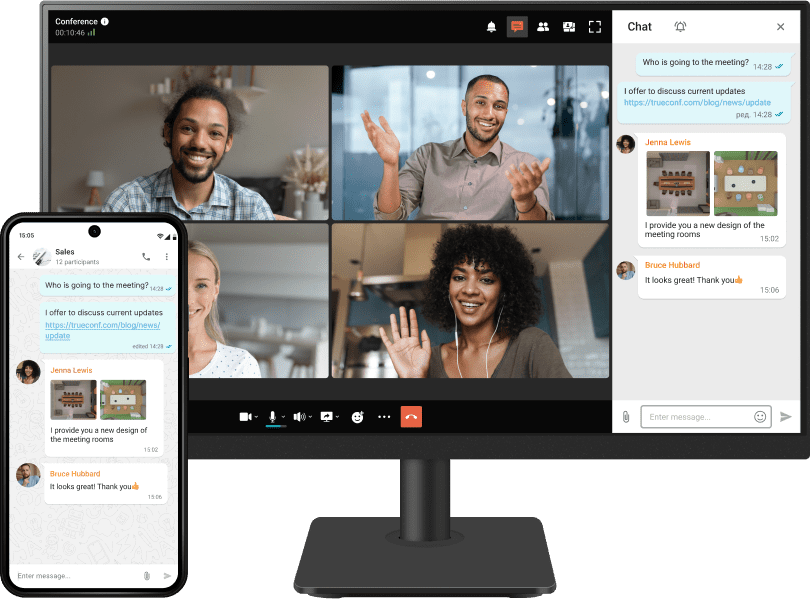
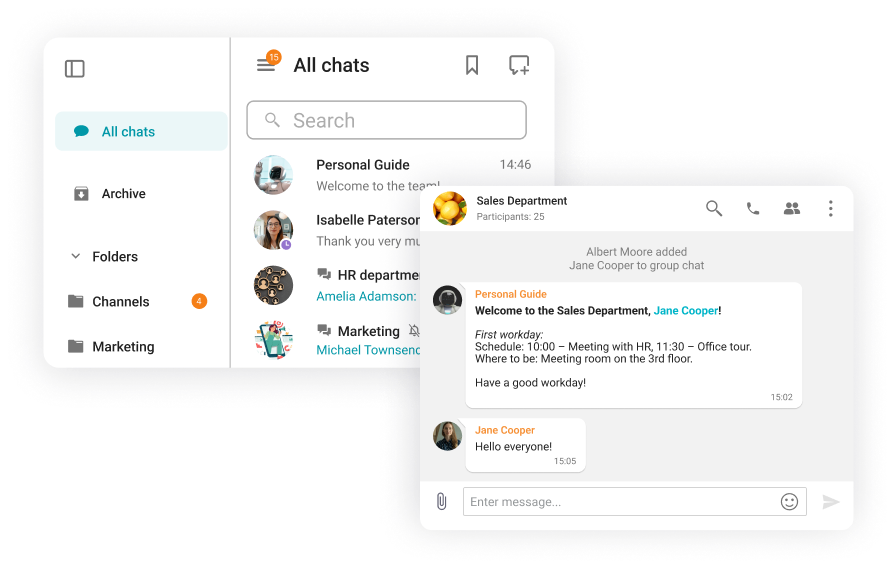
Exchange messages, images, videos, documents, and other files in both group and personal chats.
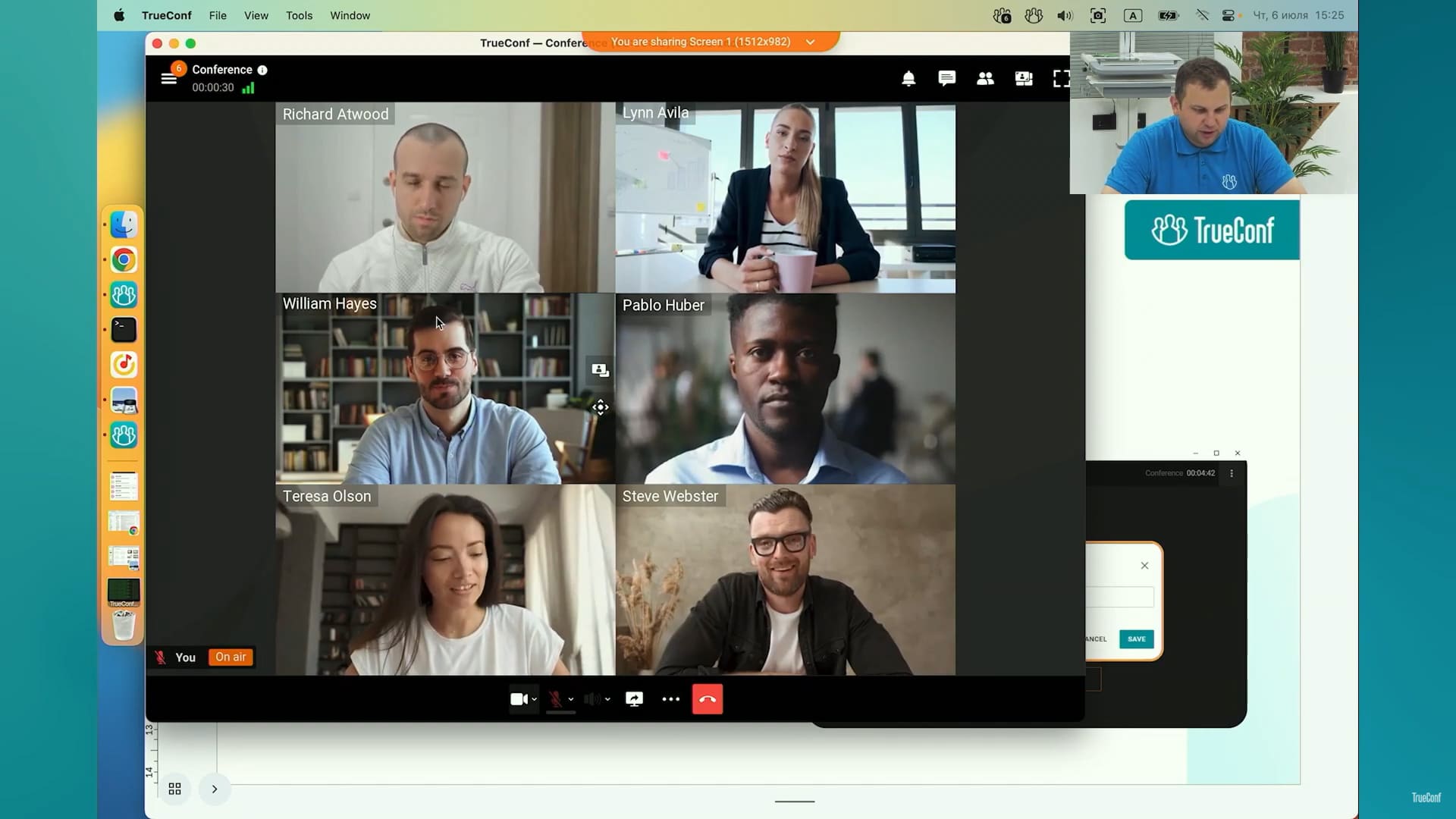
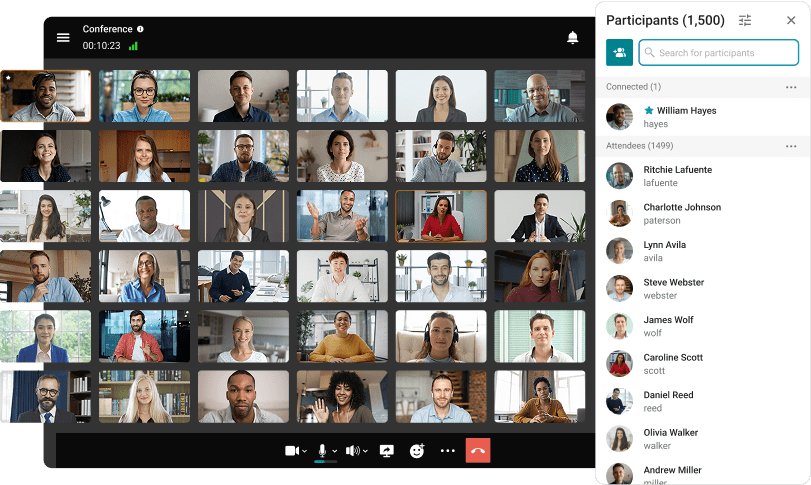
Video conferences in Ultra HD with up to 2,000 participants.
Low infrastructure requirements and high communication quality across all channels.
Work on all popular devices and platforms, including PCs, smartphones, set-top boxes on Android TV.
Webinar: New features of API and Chat Bots
27 min. 55 sec.
Webinar: what's new? TrueConf Server and Apps
41 min. 07 sec.
Webinar: recent updates of TrueConf corporate platform and apps
40 min. 38 sec.
Webinar: Update of TrueConf Server 5.5
56 min. 47 sec.
Webinar: TrueConf Server 5.4 — the major update of video collaboration platform
56 min. 51 sec.
Webinar: TrueConf Server 5.3 major update and new licensing
1 h. 14 min.
Webinar: TrueConf Server 5.2.9 — the latest update of video collaboration platform
1 h. 03 min.
Webinar: TrueConf Server 5.2 Update
52 min. 52 sec.
Webinar: TrueConf Server 5.0 Major Update
54 min. 08 sec.
The comprehensive solution for corporate communication with a built-in messenger, video conferencing and collaboration tools.
Deploys on-prem or to private cloud for full control of data
AES-256 bit encryption
Protection without compromising on must-have features and smooth, fast experience
Enterprise-grade security and compliance capabilities
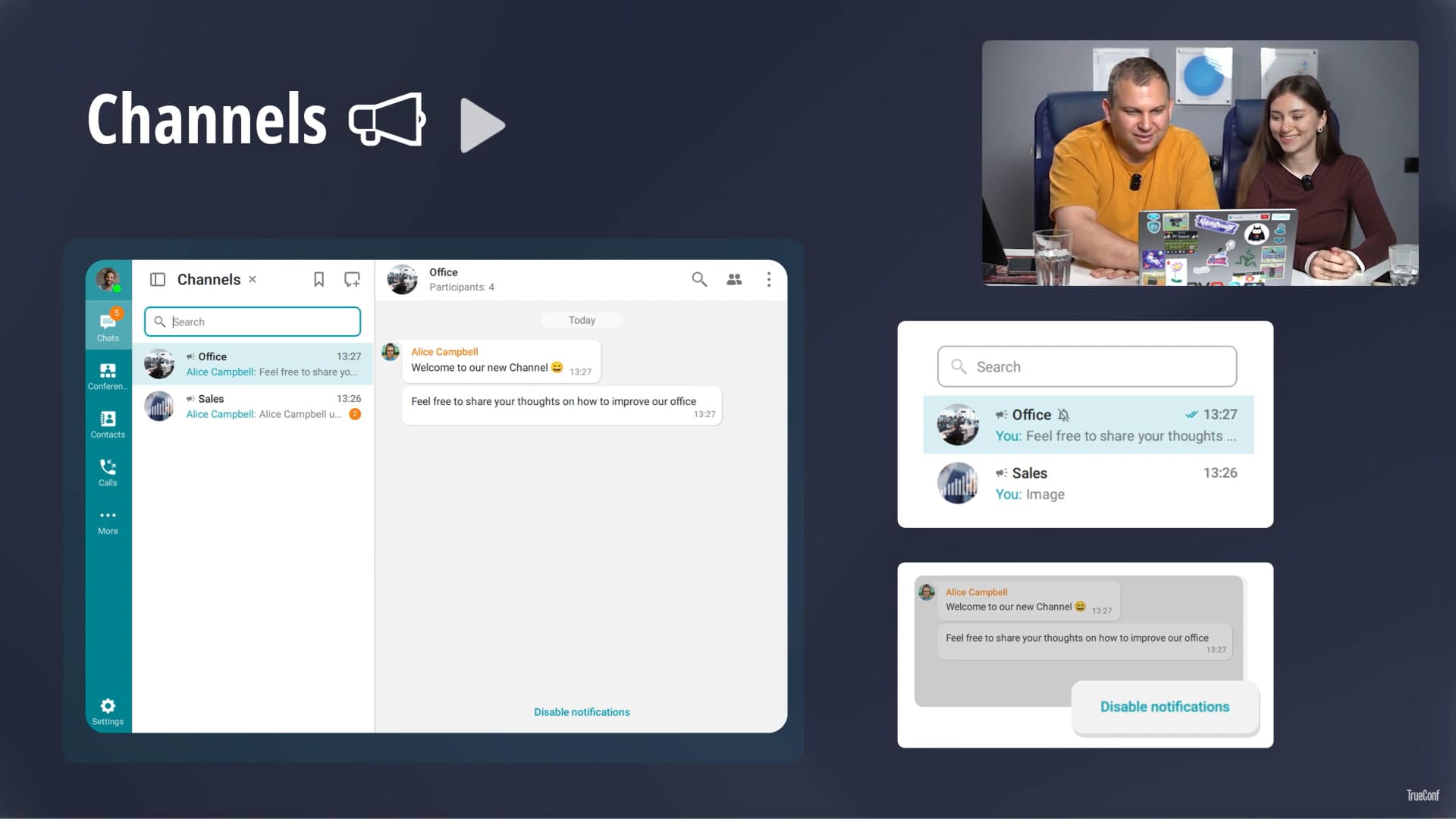
Personal and group chats, presence statuses, convenient contact search, secure file storage and multifunctional chatbots — all in a secure corporate system.
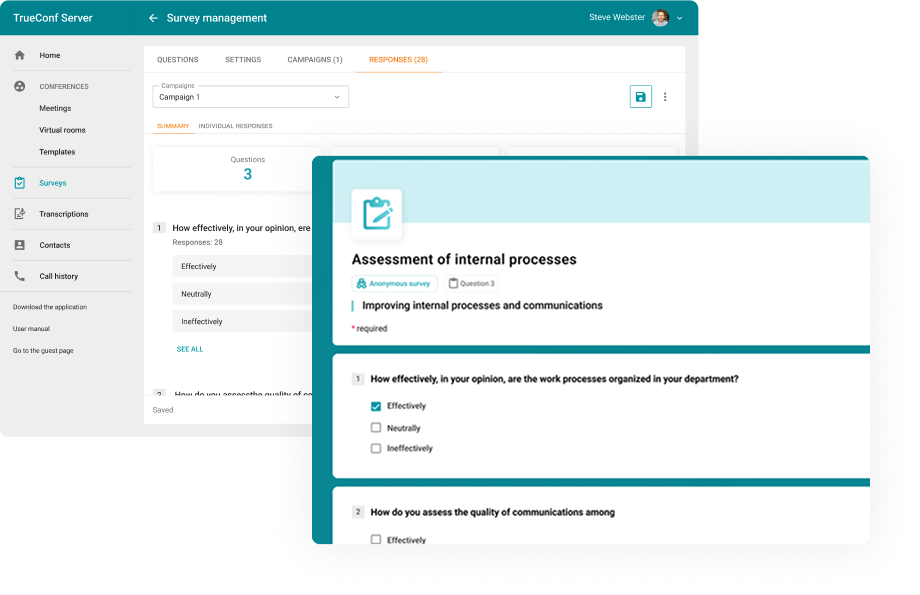
Assess the effectiveness of internal workflows with surveys. Analyze feedback with detailed insights per employee and department.
Schedule online meetings from any convenient device and gather up to 2,000 participants in each of them.
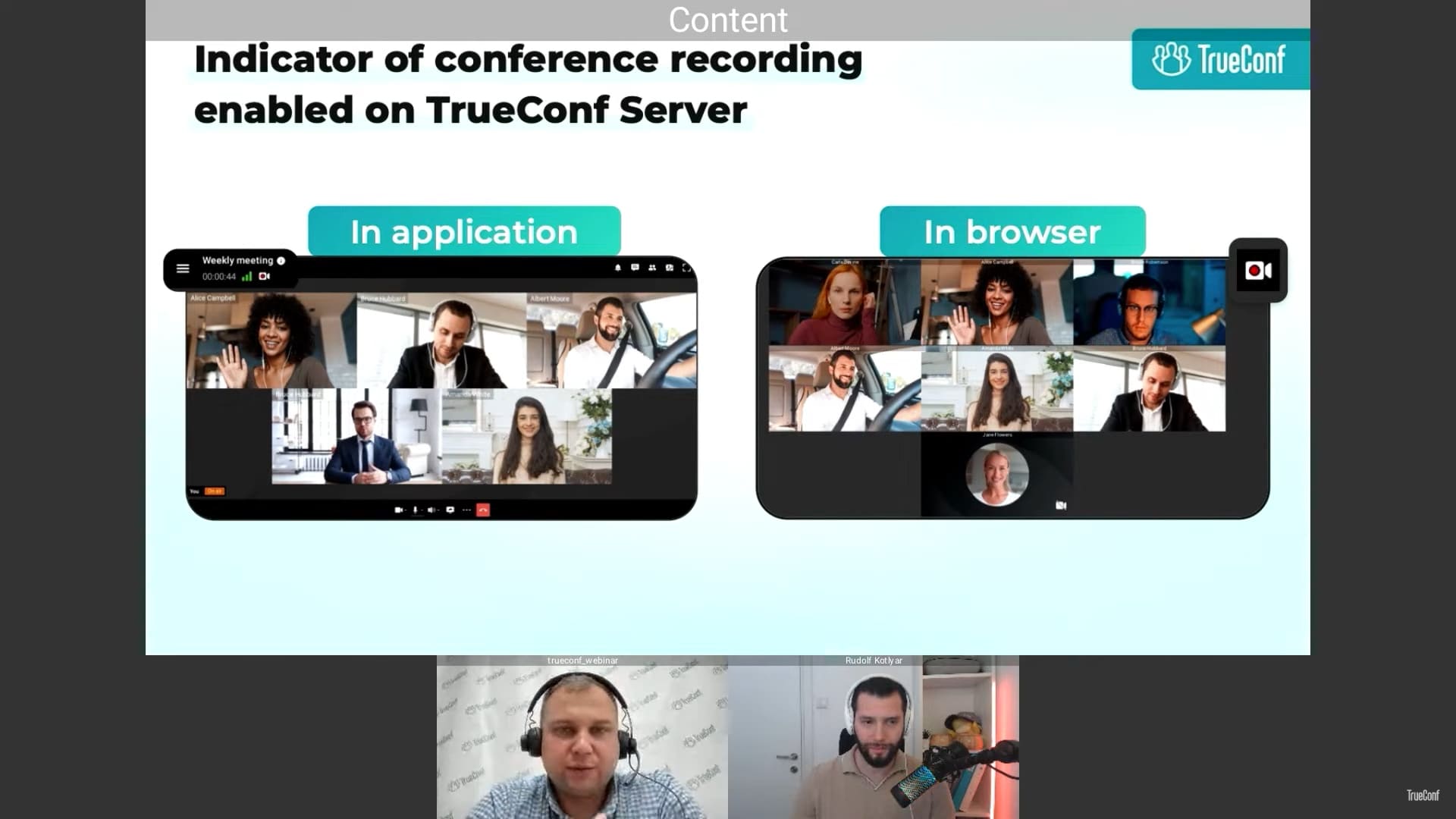
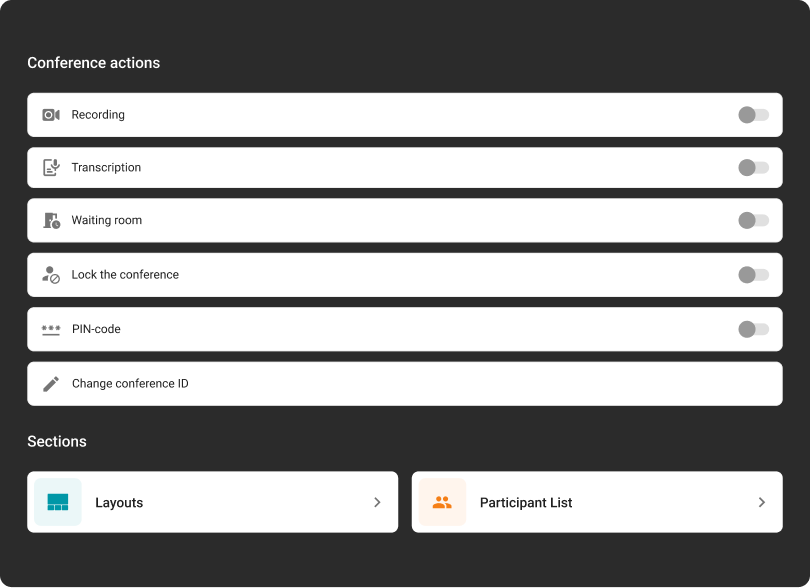
Adjust meeting settings, and enable recording, transcription, and a waiting room on the fly.
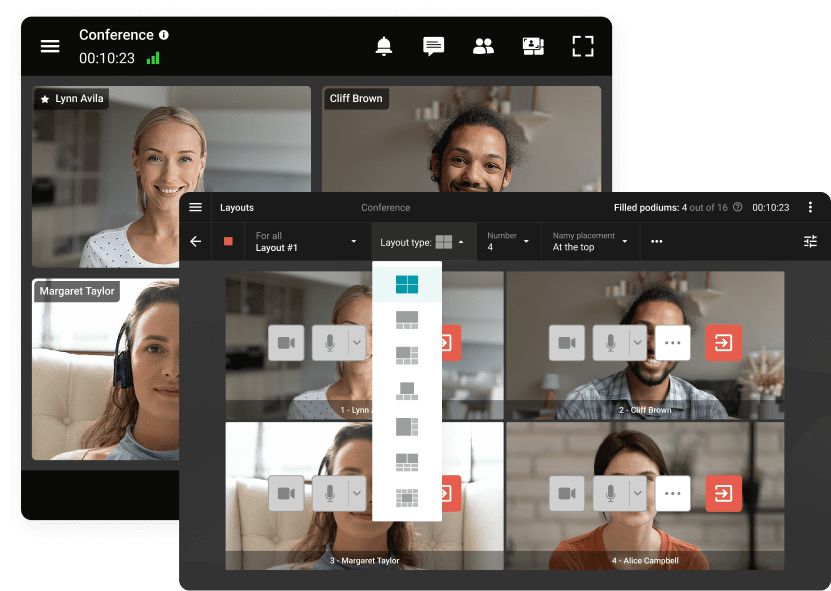
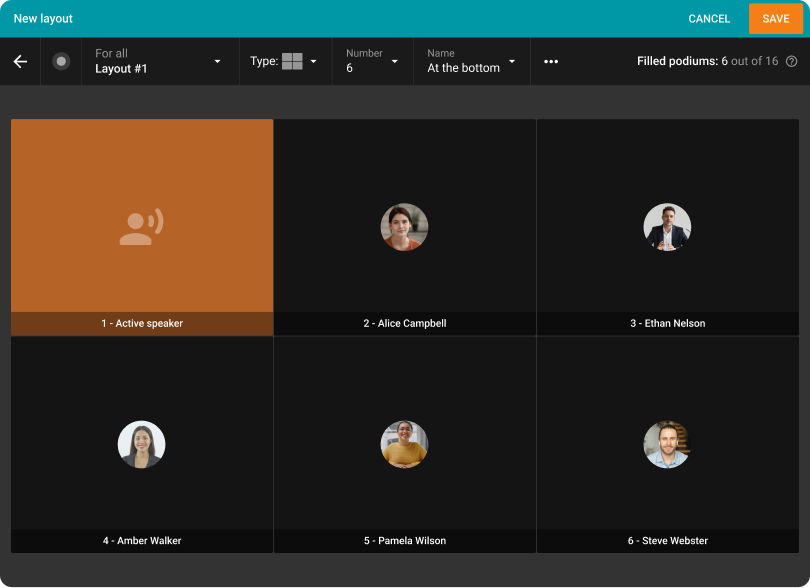
Set up your video layout for any need or type of meeting.
Assign moderators and hosts, add or remove participants, and manage their cameras and microphones.
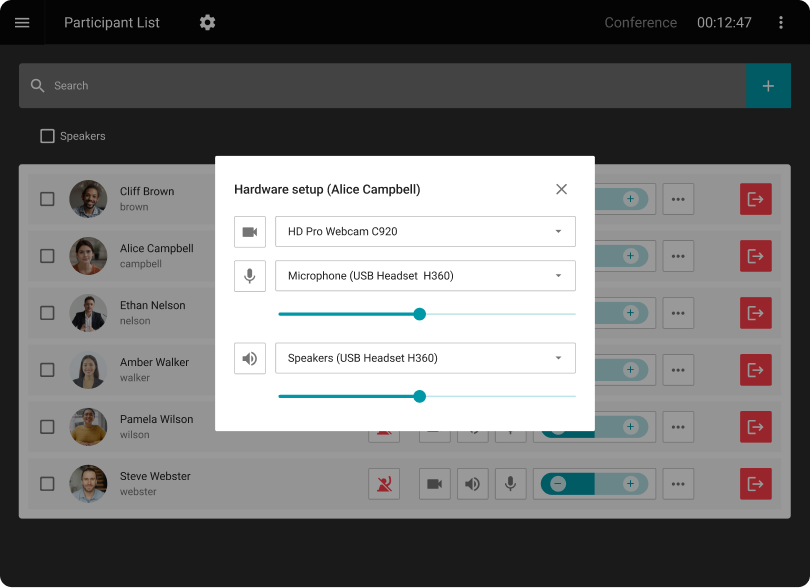
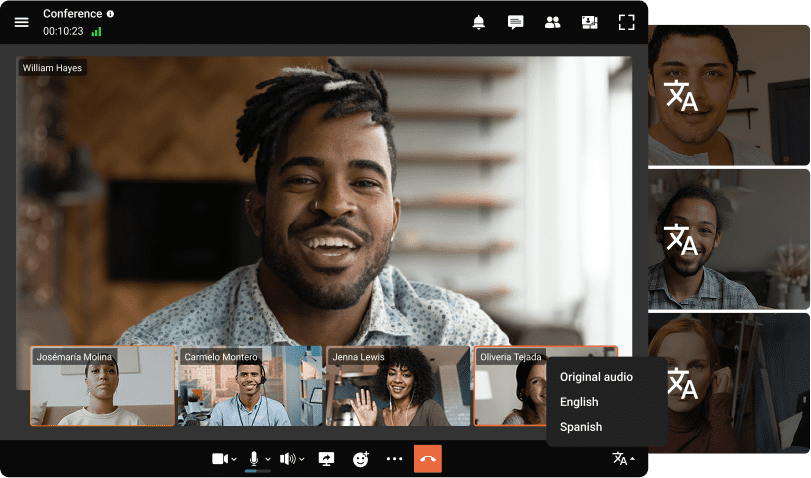
Host international conferences with simultaneous translation for users from different countries!
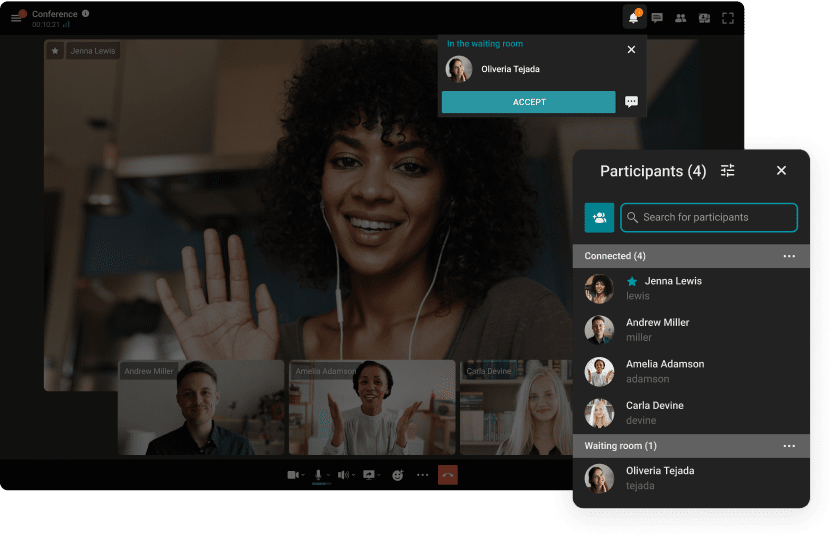
Direct users to waiting rooms where they can wait their turn to participate in the conference.
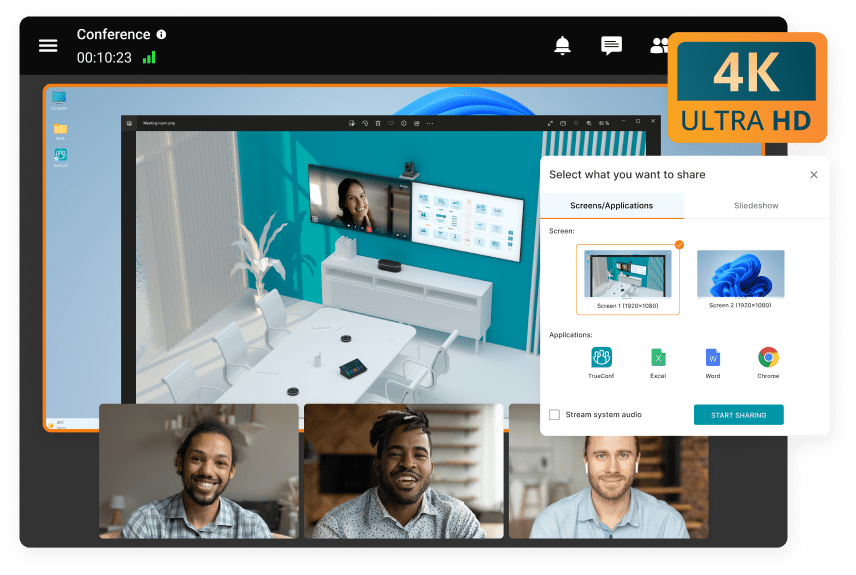
Share content in 4K UltraHD during online meetings! Show detailed CAD models, tables and presentations using third-party applications.
Revise the conference layout to align with the event agenda, utilizing a variety of options for configuring video windows.
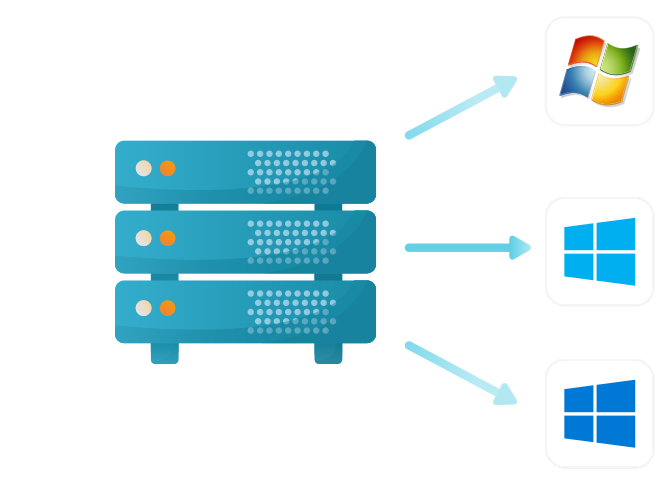
Windows
Debian
CentOS
Docker
Our solutions breathe new life into legacy systems, ensuring security that matches modern software standards.
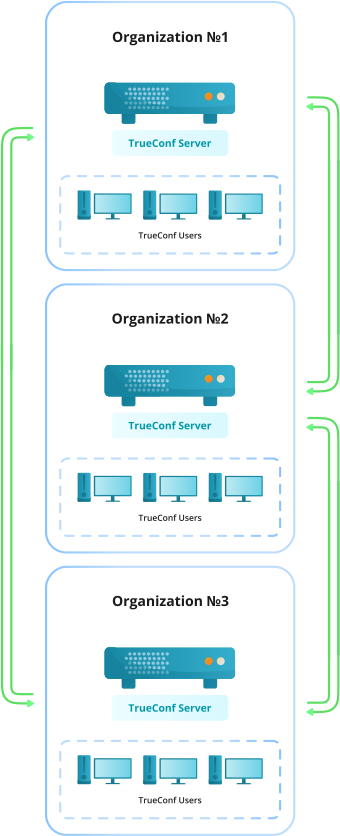
Host conferences and securely interact with users of TrueConf Server installed by other customers.
Learn moreGroup chats, video conferences, and communication with users of other servers without time limits are available.
Setting up blacklists or whitelists of TrueConf Server that are open for connection and instant interaction.
Exchange contact information to view presence statuses and engage in operational communication with external users.
The autonomous operation of each server guarantees the security of corporate data.
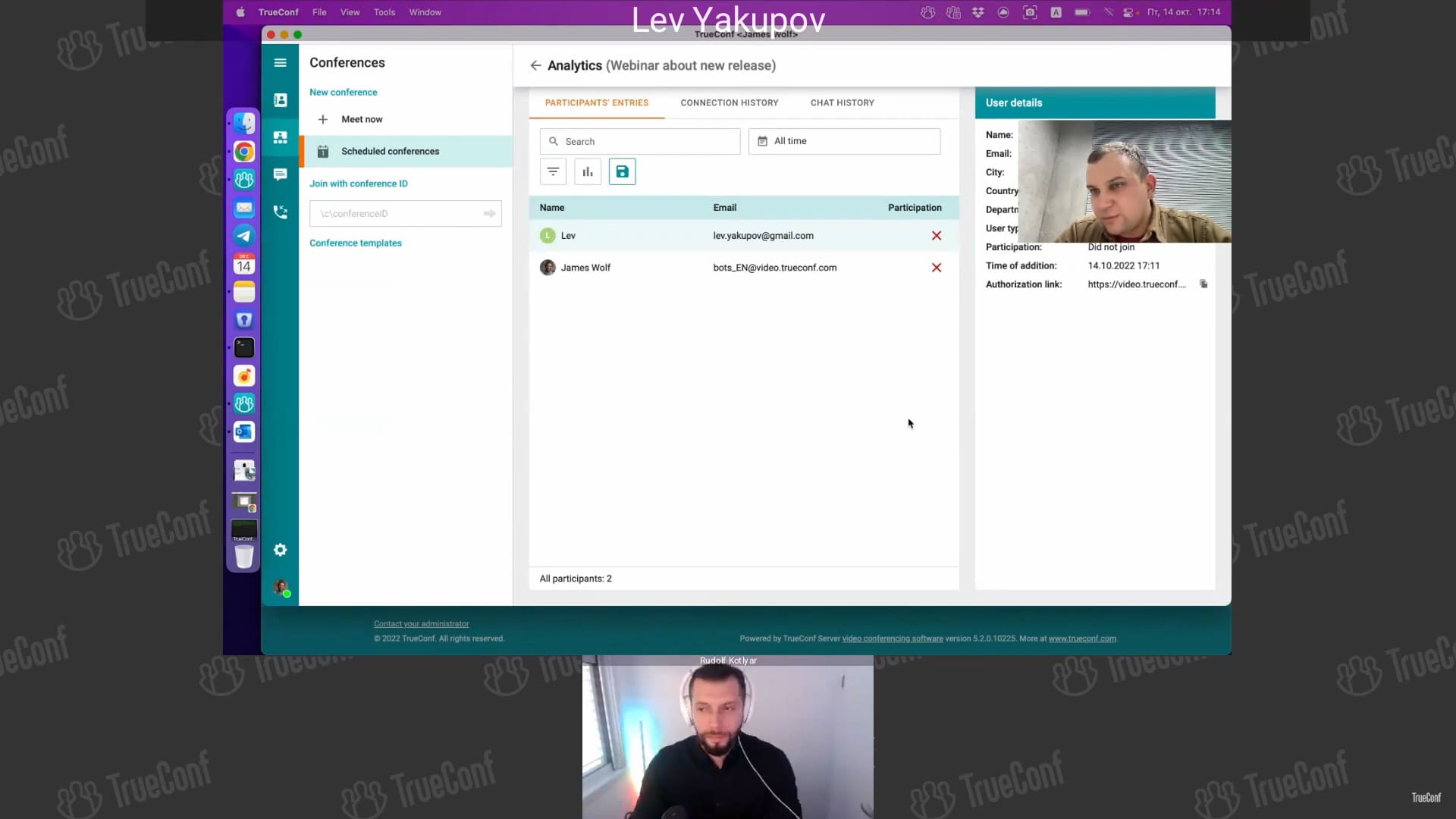
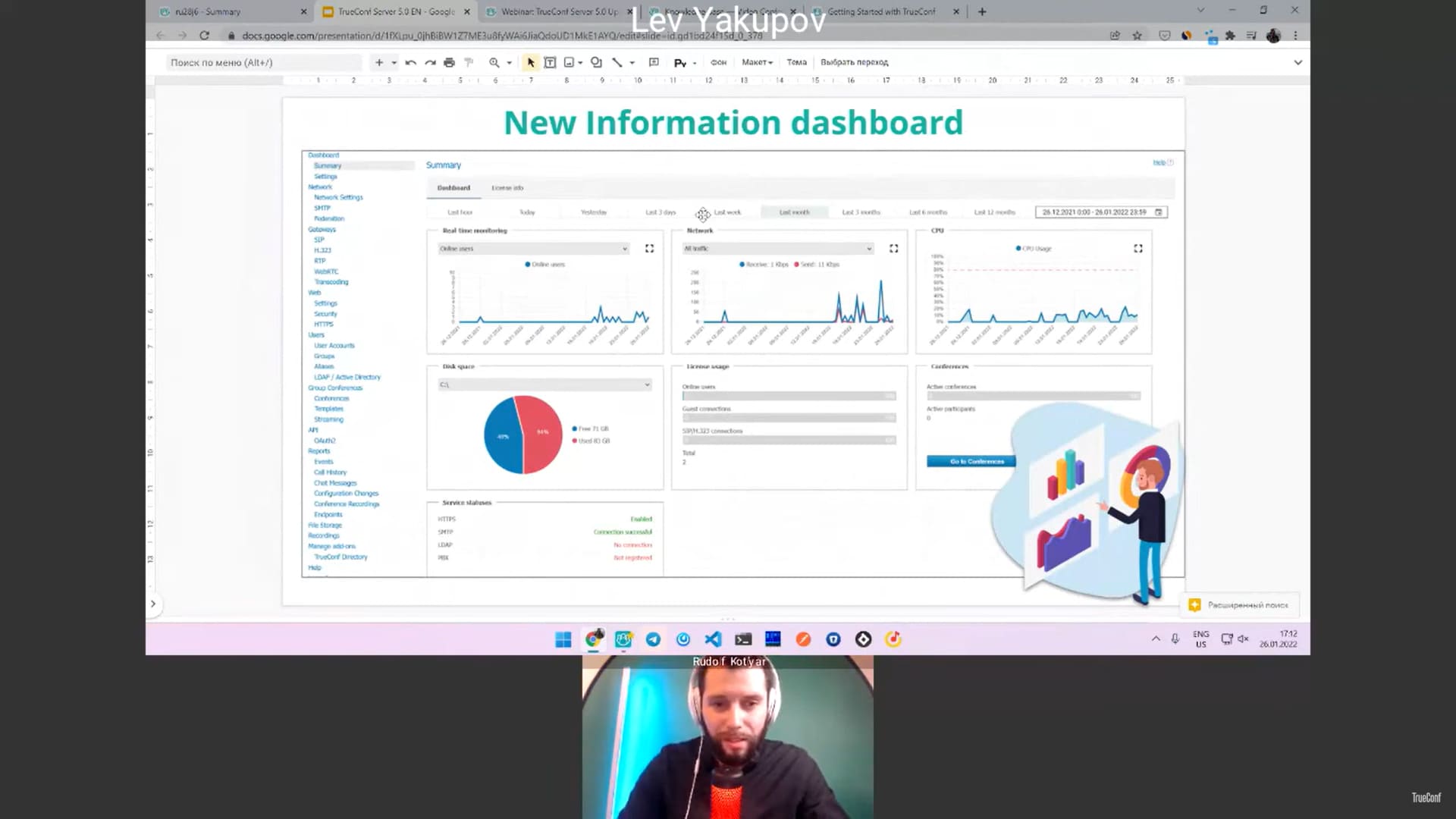
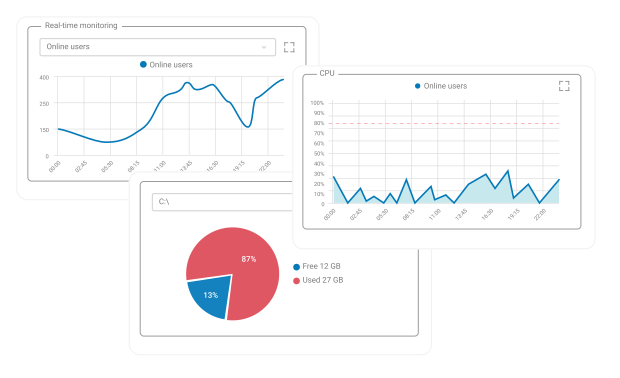
The convenient dashboard with TrueConf Server operation statistics and visual graphs is available.
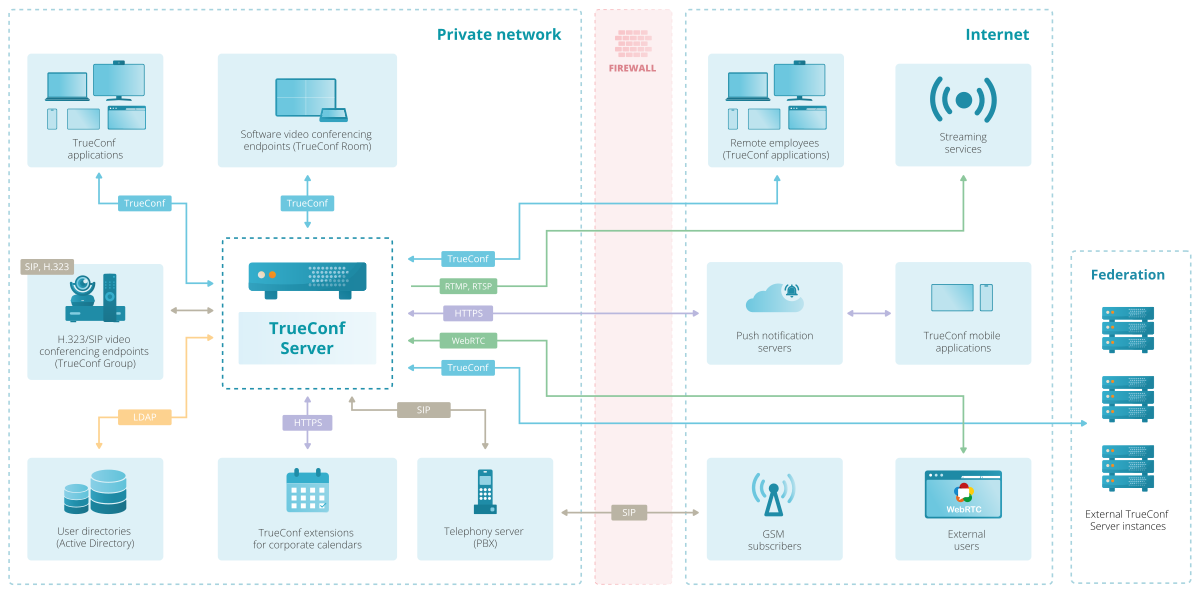
Connect to video conferences from third-party endpoints using SIP and H.323 protocols. Simply register your equipment on TrueConf, and hardware endpoints will be able to fully participate in the meeting.
Call and invite users of your PBX, external telephone subscribers or even VoIP devices registered on TrueConf Server to a group video conference at any time.
Powered by award-winning video conferencing technology, TrueConf is honored to be recognized in IDC MarketScape and Gartner Magic Quadrant for Meeting Solutions for three consecutive years.
Thanks to the support of single sign-on (SSO) technology, as well as NTLM and Kerberos protocols, TrueConf client applications provide secure authorization without the need for a login and password.
The administrator has the ability to configure authentication methods for users from either a trusted IP address zone or an external network.
TrueConf Server enables high-capacity webinars and video conferences. Participants connect directly from their browsers without software installation.
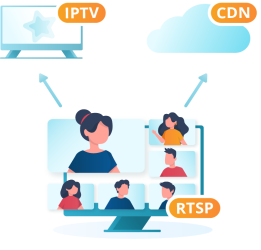
Learn moreExpand your audience to millions of viewers by launching live broadcasts of events on popular CDN services such as YouTube and Wowza.
Learn moreIntegrate TrueConf Server with Active Directory to centralize user account management and restrict access rights to your corporate information.
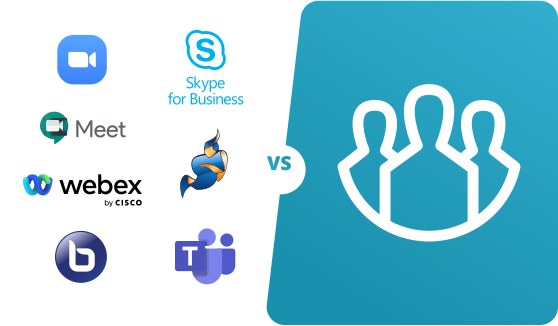
Evaluate the advantages of TrueConf in relation to other communication platforms.
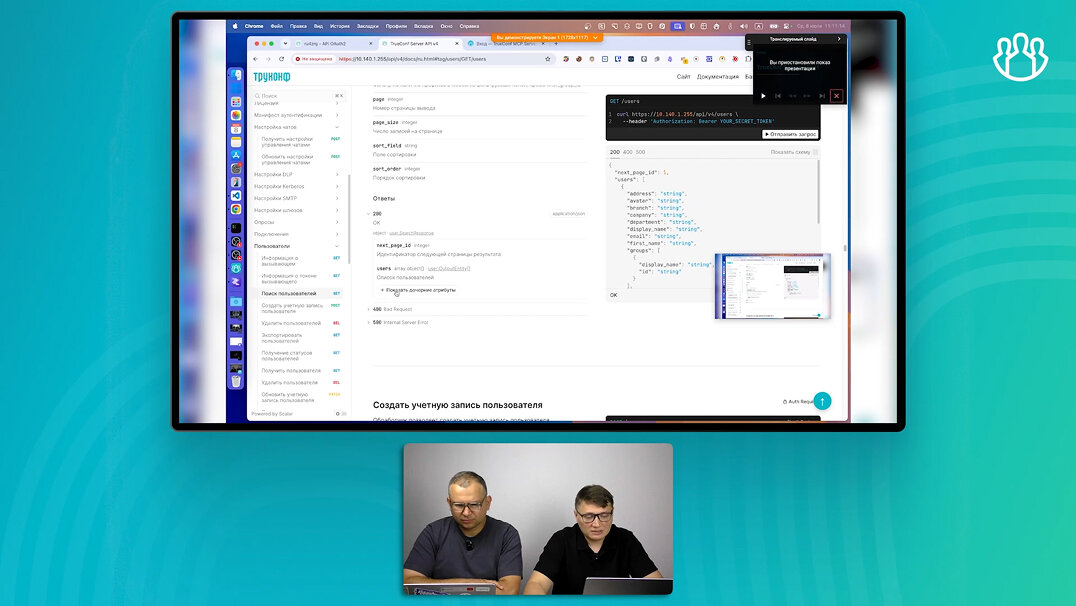
Create your own solutions or integrate video communication into third-party applications using the TrueConf Server API and SDK.
Enterprise communication includes the systems, methods, and frameworks that support efficient information exchange and cooperation among employees, teams, and entire departments. It functions as the foundation of organizational connectivity — guaranteeing smooth distribution of insights and concepts that fuel performance, creativity, and expansion. In the current fast-moving, globalized business environment, effective enterprise communication ensures organizations remain adaptable, competitive, and quick to react to shifting market dynamics.
A crucial component of enterprise communication is unified communication (UC), which merges various technologies and platforms within a single, cohesive framework. UC promotes teamwork and overall productivity, elevates employee involvement, increases operational efficiency while cutting expenses, enhances customer satisfaction, and streamlines IT oversight through an integrated, centralized model.
Security & Compliance
In enterprise communication, trust fundamentally starts with security. A genuine enterprise-grade platform must safeguard every conversation, document, and meeting against unauthorized intrusion. End-to-end encryption guarantees that only verified participants can access or interpret the content, while on-premises deployment provides organizations with full authority over their information — eliminating dependence on external cloud services.
This protection is vital for sectors such as finance, healthcare, or government, where privacy is not optional but legally required. Picture a legal division reviewing confidential contracts or a research group exchanging proprietary blueprints — without adequate encryption, one breach could result in multimillion-dollar losses. Adherence to global standards like ISO/IEC 27001 and GDPR confirms that the platform operates within rigorous legal boundaries and satisfies demanding audit obligations.
Scalability & Performance
An enterprise platform must expand alongside the organization — without falling behind in capability. Whether it connects 20 users or 20,000 participants, the system should deliver consistent call clarity, rapid responsiveness, and continuous uptime. This reliability becomes crucial during all-hands meetings, major product unveilings, or international training sessions where even minor disruptions can halt progress.
Integrations with Your Tech Stack
Using APIs, SDKs, SIP, or LDAP, the platform can seamlessly link with environments such as Microsoft Active Directory or Salesforce, enabling instant user setup and harmonized workflows. For instance, a sales department can initiate a video conference directly within its CRM, while HR can update employee information automatically without switching between different applications. Such integration ensures communication remains effortless and productivity remains consistent.
Centralized Data Management
Visibility equals control. A unified management dashboard empowers IT departments to oversee user behavior, analyze performance indicators, and apply security configurations — all from a single interface. This approach streamlines everyday administration and enables swift intervention when potential problems arise before they impact end users.
Ease of Administration
Complicated infrastructures should not result in complicated oversight. Automation, permission-based access, and directory alignment relieve IT departments from repetitive processes and minimize potential mistakes. For example, when a new staff member is added, the system can instantly generate their profile, allocate appropriate rights, and synchronize data across all divisions.
User Experience & Adoption
Even the most secure or scalable solution will struggle if employees perceive it as cumbersome. A consistent, user-friendly interface across desktop, mobile, and meeting room devices guarantees seamless communication — whether teams operate in the office or remotely. When users no longer need to figure out how to access a meeting or locate a message, adoption evolves naturally and sustainably.
1. TrueConf Server / TrueConf Enterprise
Best for: Private and secure video meetings, internal collaboration, and enterprise-wide communication
G2 rating: 4.7/5
Notable customers: Commercial Bank of Kuwait (Kuwait), Banpara Bank (Brazil), Department of Justice and Home Affairs (Switzerland), Agency for Services and Payments (France)
TrueConf is built for organizations that don’t compromise on privacy. Hosted entirely within your infrastructure, it gives you complete ownership of your communication environment — no cloud, no third-party servers, no data leakage. With rich interoperability, powerful APIs, and full customization, TrueConf scales from private companies to national-level deployments, combining enterprise-grade security with exceptional video quality.
2. Microsoft Teams
Best for: Cloud-based collaboration, team chat, and enterprise communication within Microsoft 365
G2 rating: 4.4/5
Notable customers: Accenture, Pfizer, Continental, L’Oréal
Think of Microsoft Teams as the command center for modern collaboration — where chats spark innovation, meetings become action, and documents evolve in real time. Built on the powerhouse of Microsoft 365, it turns remote work into connected work, blending security, scalability, and simplicity like few others can.
3. Google Workspace
Best for: Cloud-based productivity, real-time collaboration, and seamless team communication
G2 rating: 4.6/5
Notable customers: Spotify, Airbus, Colgate-Palmolive, Verizon
Google Workspace reimagines the modern office for the cloud era. Combining communication, collaboration, and creation under one digital roof, it empowers organizations to work smarter and faster. With built-in AI intelligence, seamless file sharing, and enterprise-grade security, Workspace helps teams transform everyday tasks into meaningful progress.
4. Slack
Best for: Team messaging, workflow automation, and real-time collaboration
G2 rating: 4.5/5
Notable customers: IBM, Target, Airbnb, Oracle
Slack redefined how teams talk, share, and get things done. It’s more than just chat — it’s where conversations become decisions, and work happens in context. With organized channels, integrated apps, and built-in automation, Slack keeps teams aligned and energized — no matter where they are.
5. Zoom
Best for: Video conferencing, webinars, and hybrid team collaboration
G2 rating: 4.8/5
Notable customers: Capital One, Nasdaq, Dropbox, Zendesk
Zoom is where teams meet, brainstorm, and build connection — no matter the distance. Known for its clarity and ease of use, Zoom blends video, chat, phone, and events into one unified experience. From spontaneous huddles to global conferences, it keeps every face, voice, and idea just one click away.
6. Asana
Best for: Project management, task coordination, and team productivity tracking
G2 rating: 4.4/5
Notable customers: Amazon, NASA, Spotify, The New York Times
Asana turns chaos into clarity. It’s where teams map out goals, assign tasks, and see progress unfold in real time. Whether you’re managing complex projects or simple to-do lists, Asana keeps everyone on the same page — connecting strategy with execution through an elegant, intuitive interface.
7. Pexip
Best for: Secure, interoperable video conferencing across devices, protocols, and platforms
G2 rating: 4.4/5
Notable customers: Fortune 50 Manufacturing Company (USA), Henner Group (France)
Pexip is an enterprise-grade video collaboration platform designed for organizations that value control, security, and flexibility. Unlike many cloud-only solutions, Pexip offers full deployment freedom — from private servers to global cloud. Its interoperability connects Microsoft Teams, Google Meet, and SIP/H.323 systems, making it a trusted choice for governments, healthcare, and defense sectors.
8. Cisco Webex
Best for: Enterprise-grade video conferencing, secure collaboration, and hybrid work environments
G2 rating: 4.5/5
Notable customers: AT&T, Siemens, Broadcom, Aston Martin
Cisco Webex isn’t just for meetings — it’s the command center of hybrid work. Backed by Cisco’s unmatched security and AI innovation, Webex connects people, devices, and ideas across borders. From immersive video to smart meeting rooms, it turns collaboration into a frictionless, intelligent experience.
TrueConf Server supports integration into existing enterprise environments without requiring a full rebuild of internal processes. TrueConf Server supports LDAP and Active Directory integration for centralized user management. TrueConf Server supports SSO and IdP-based authentication scenarios. TrueConf Server supports SIP and H.323 interoperability with third-party communication systems. TrueConf Server supports calendar integration for meeting scheduling. TrueConf Server is deployed on company-controlled infrastructure. Company-controlled deployment supports control over security, access, and data flows.
On-premises video conferencing keeps the platform inside a company-controlled LAN or VPN environment. Company-controlled deployment supports direct control over communication infrastructure and data placement.