Full version
TrueConf Server
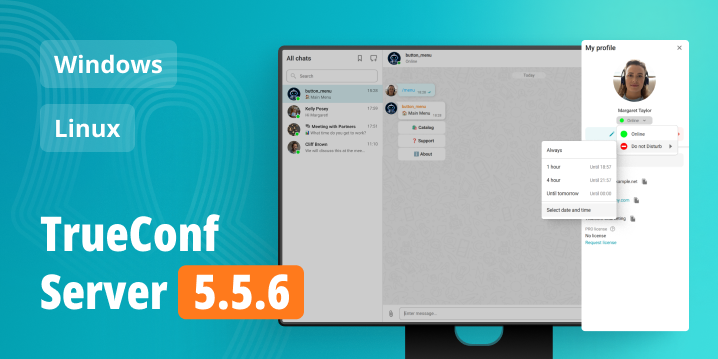
Secure team messenger and UltraHD video conferencing platform that easily integrates with IT infrastructure and operates on-premises in private networks.


Secure team messenger and UltraHD video conferencing platform that easily integrates with IT infrastructure and operates on-premises in private networks.
Offline operation in LAN/VPN, encryption and complete control over your communications.
Turnkey enterprise-class solution embraced by tens of thousands of companies worldwide.
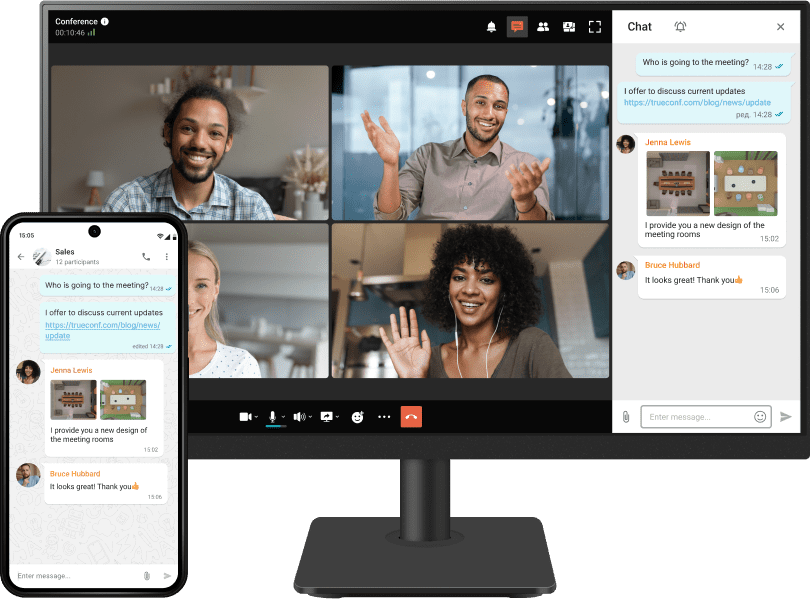
Exchange messages, images, videos, documents, and other files in both group and personal chats.
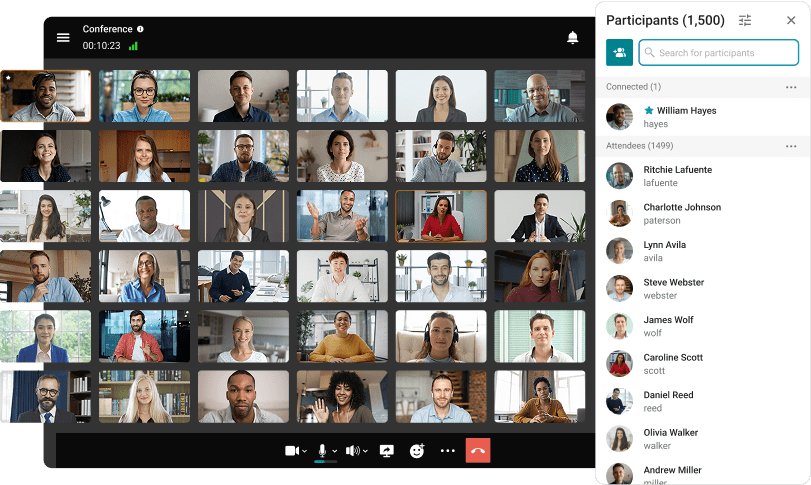
Video conferences in Ultra HD with up to 2,000 participants.
Low infrastructure requirements and high communication quality across all channels.
Work on all popular devices and platforms, including PCs, smartphones, set-top boxes on Android TV.
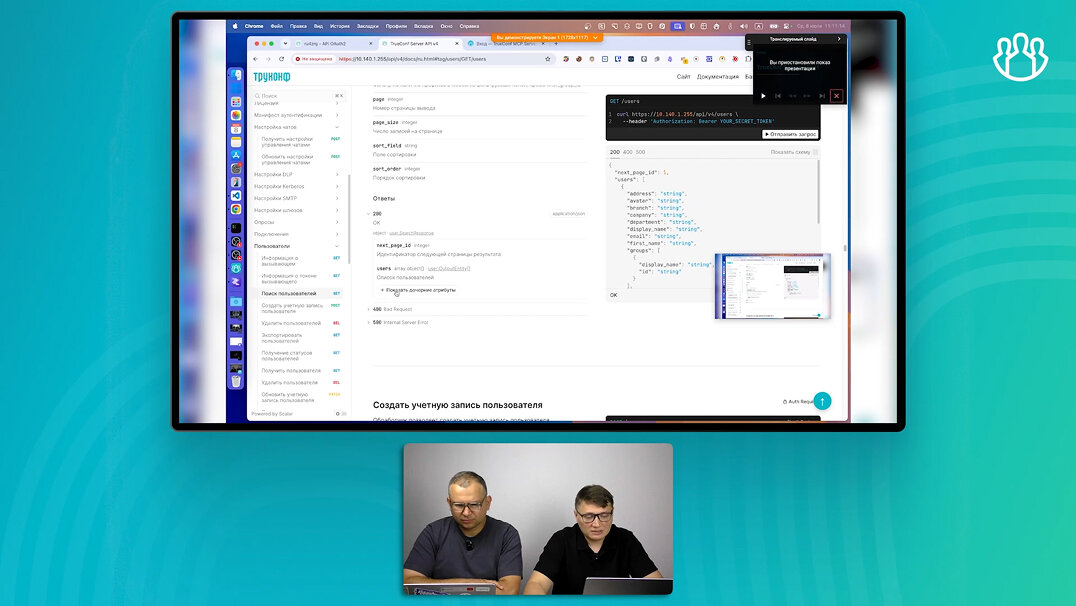
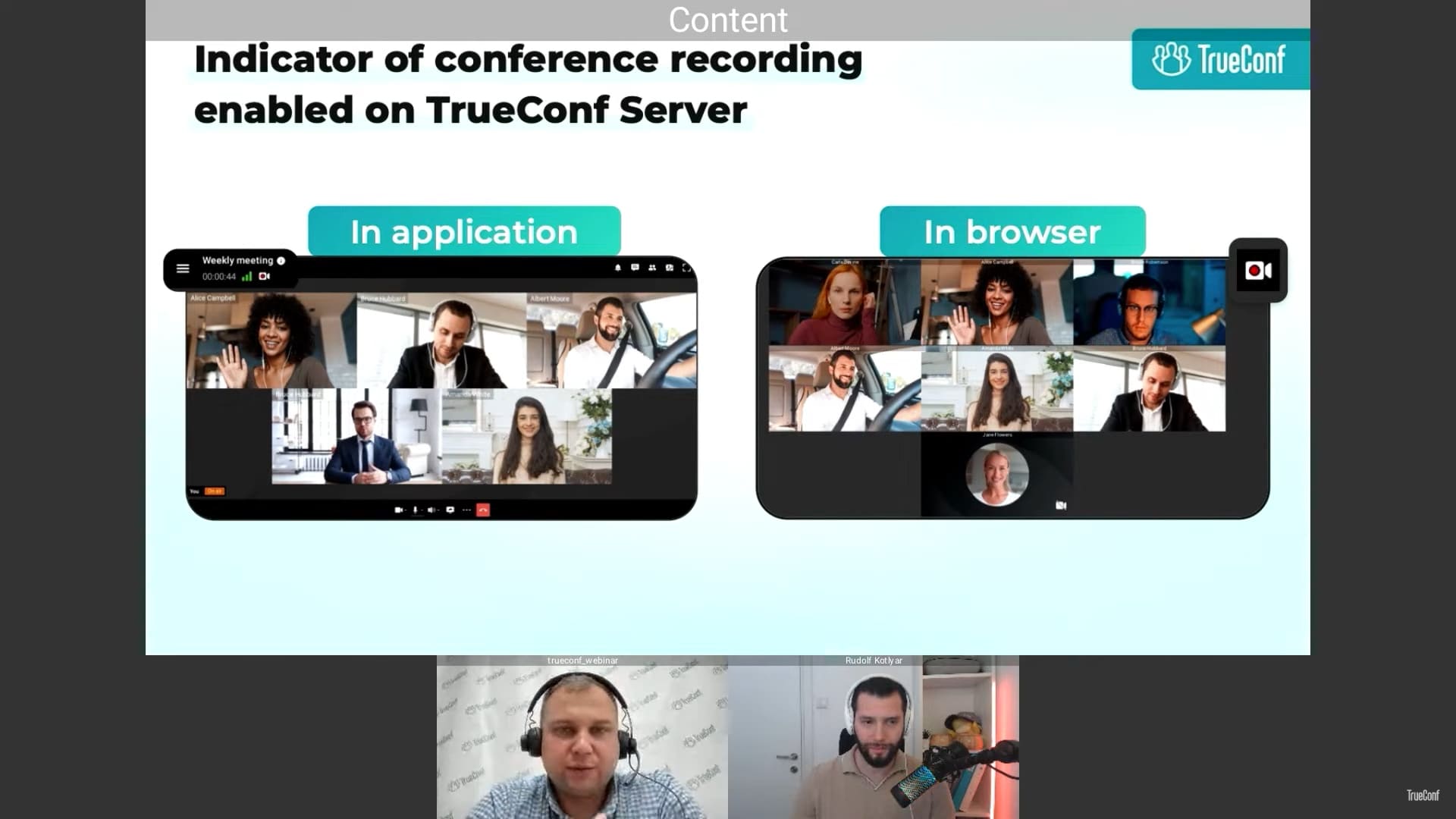
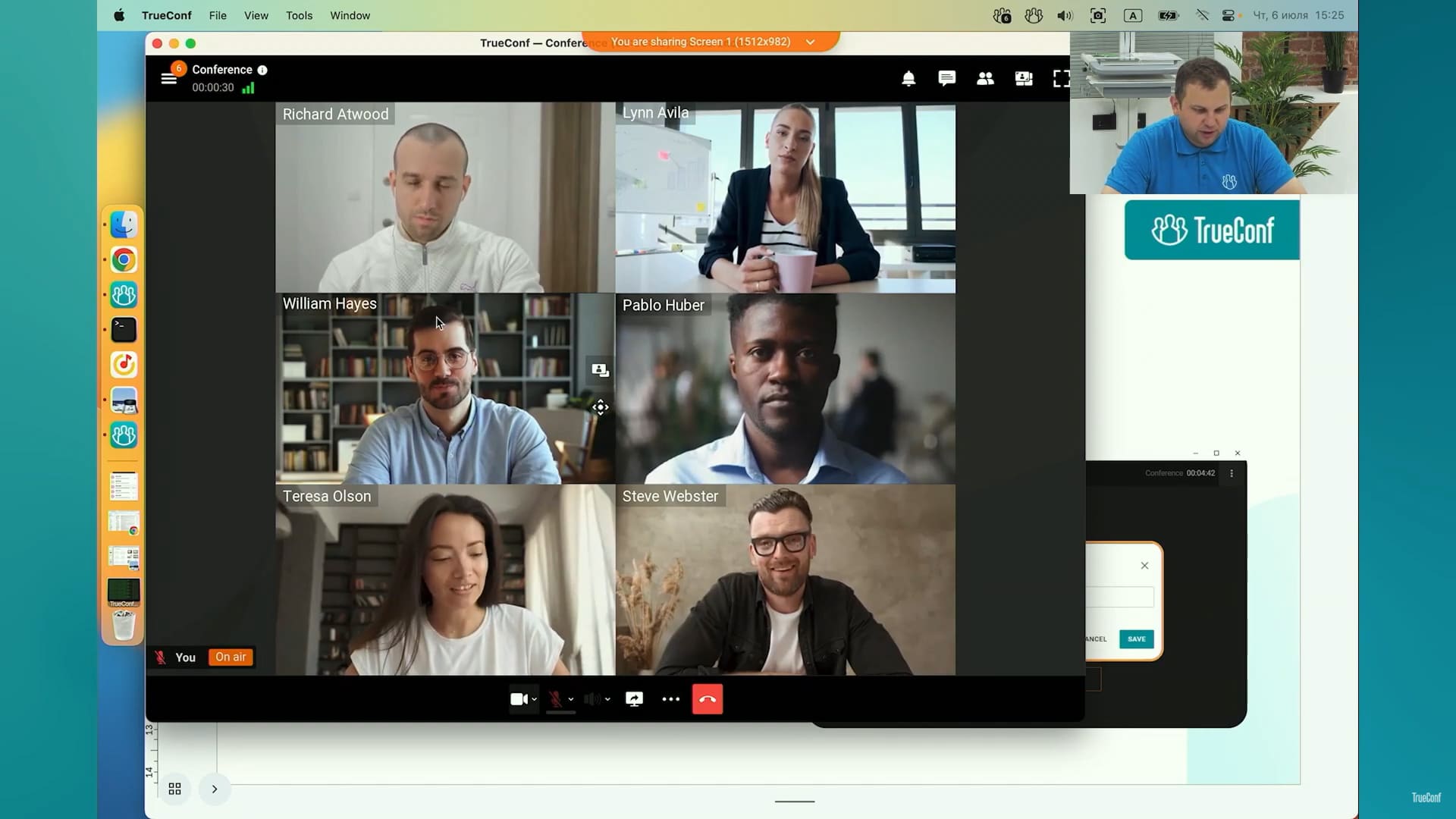
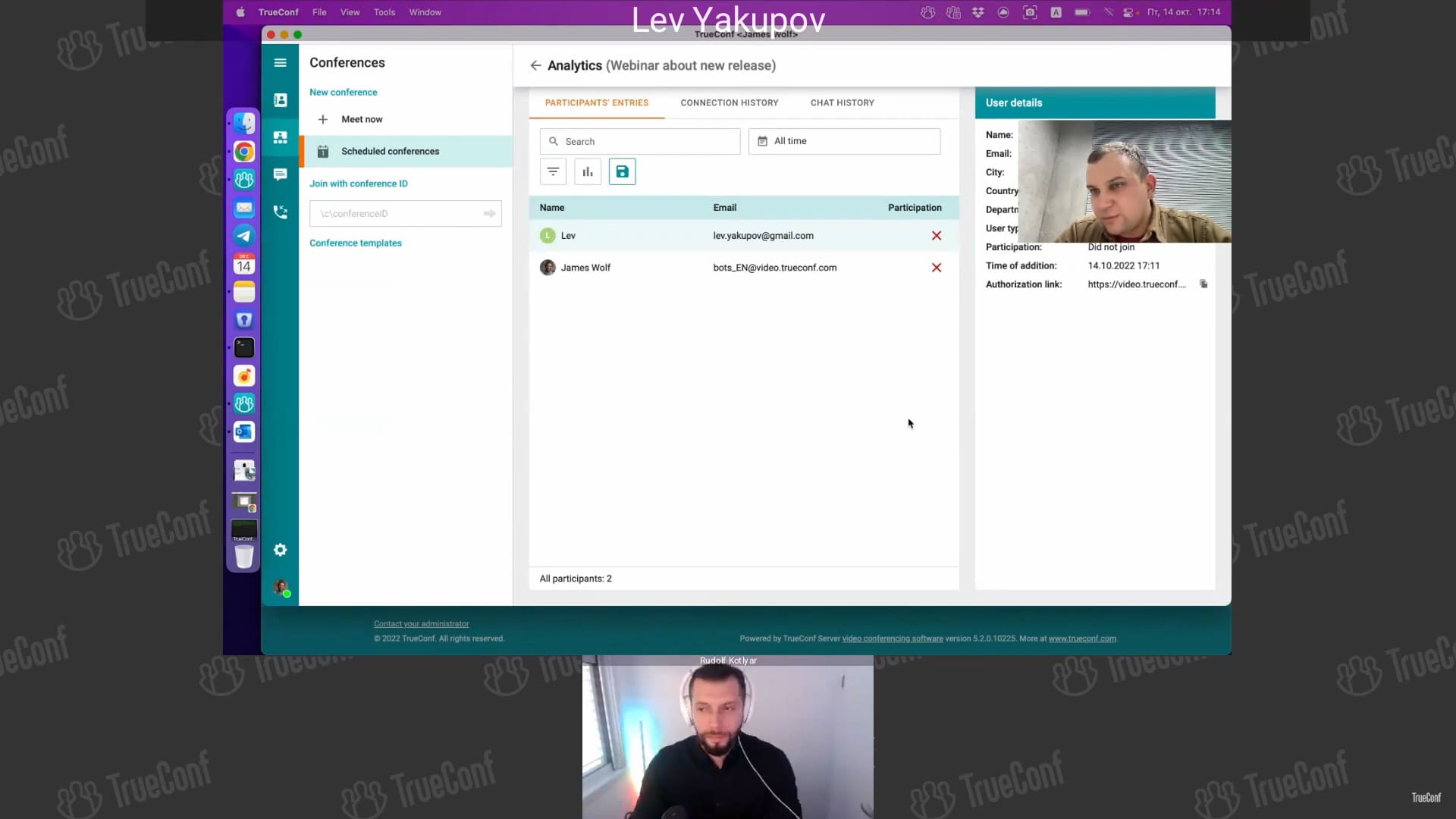
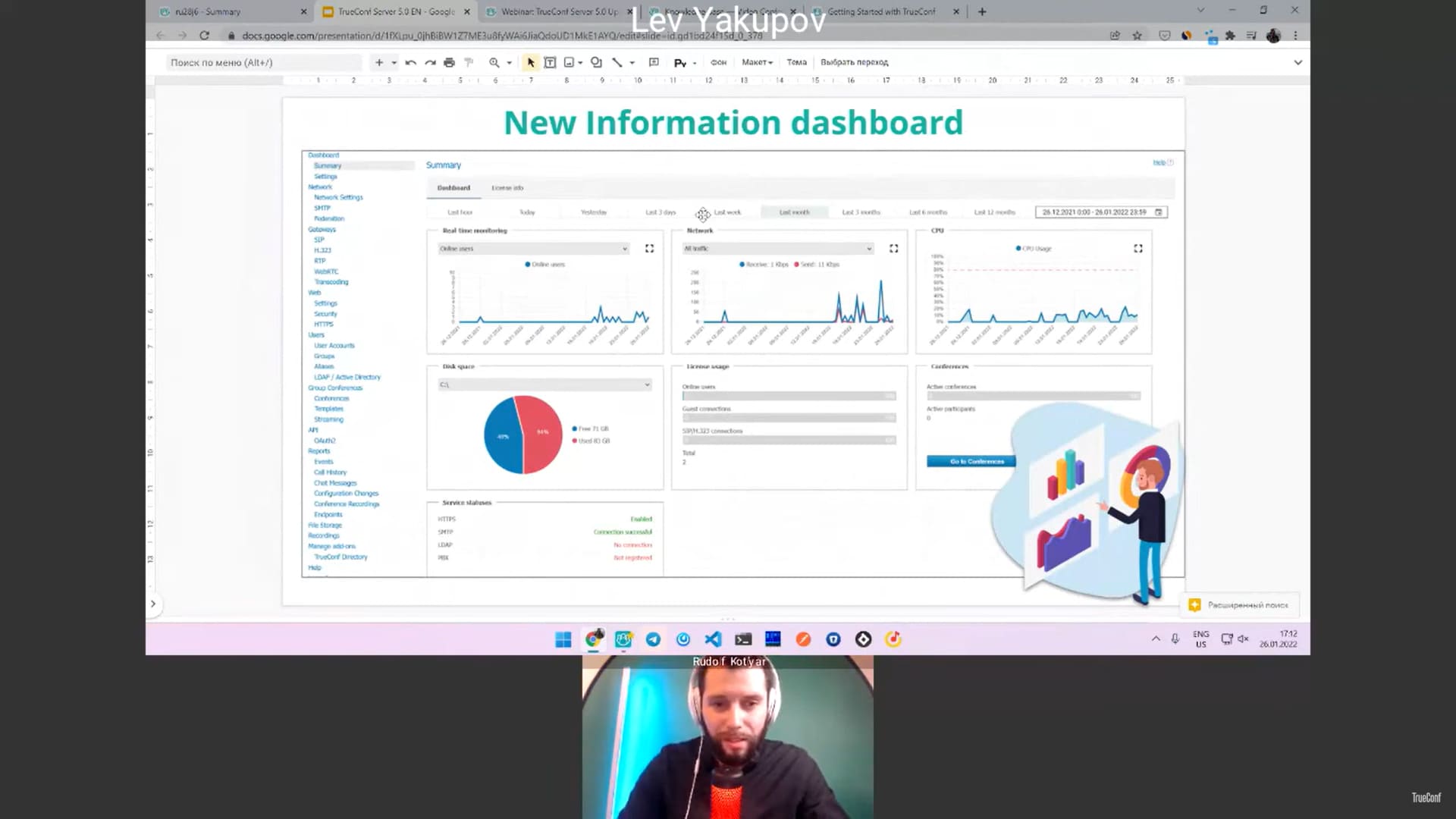
Webinar: New features of API and Chat Bots
27 min. 55 sec.
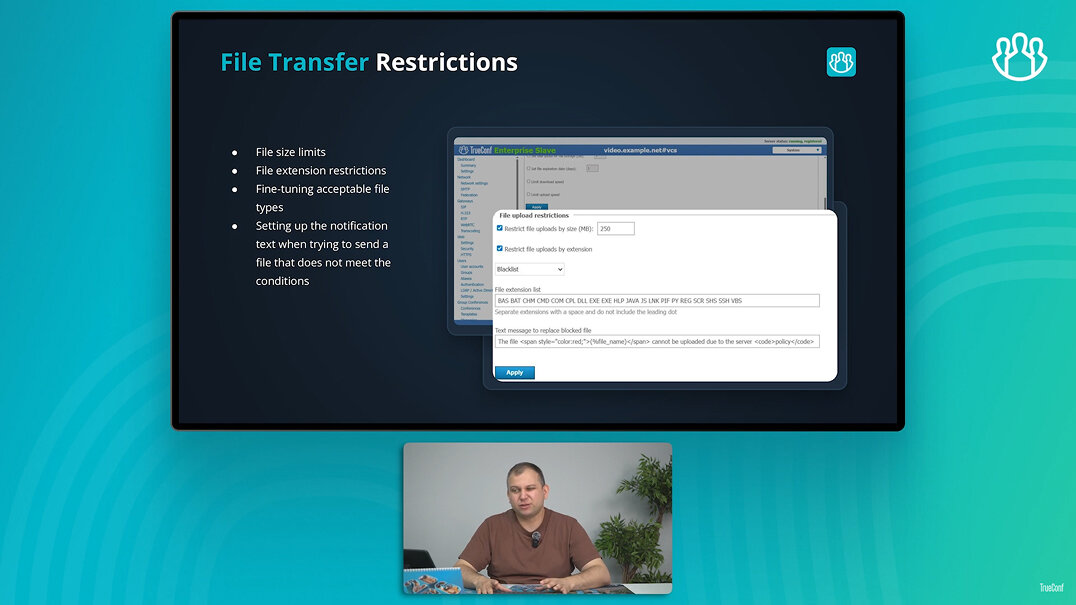
Webinar: what's new? TrueConf Server and Apps
41 min. 07 sec.
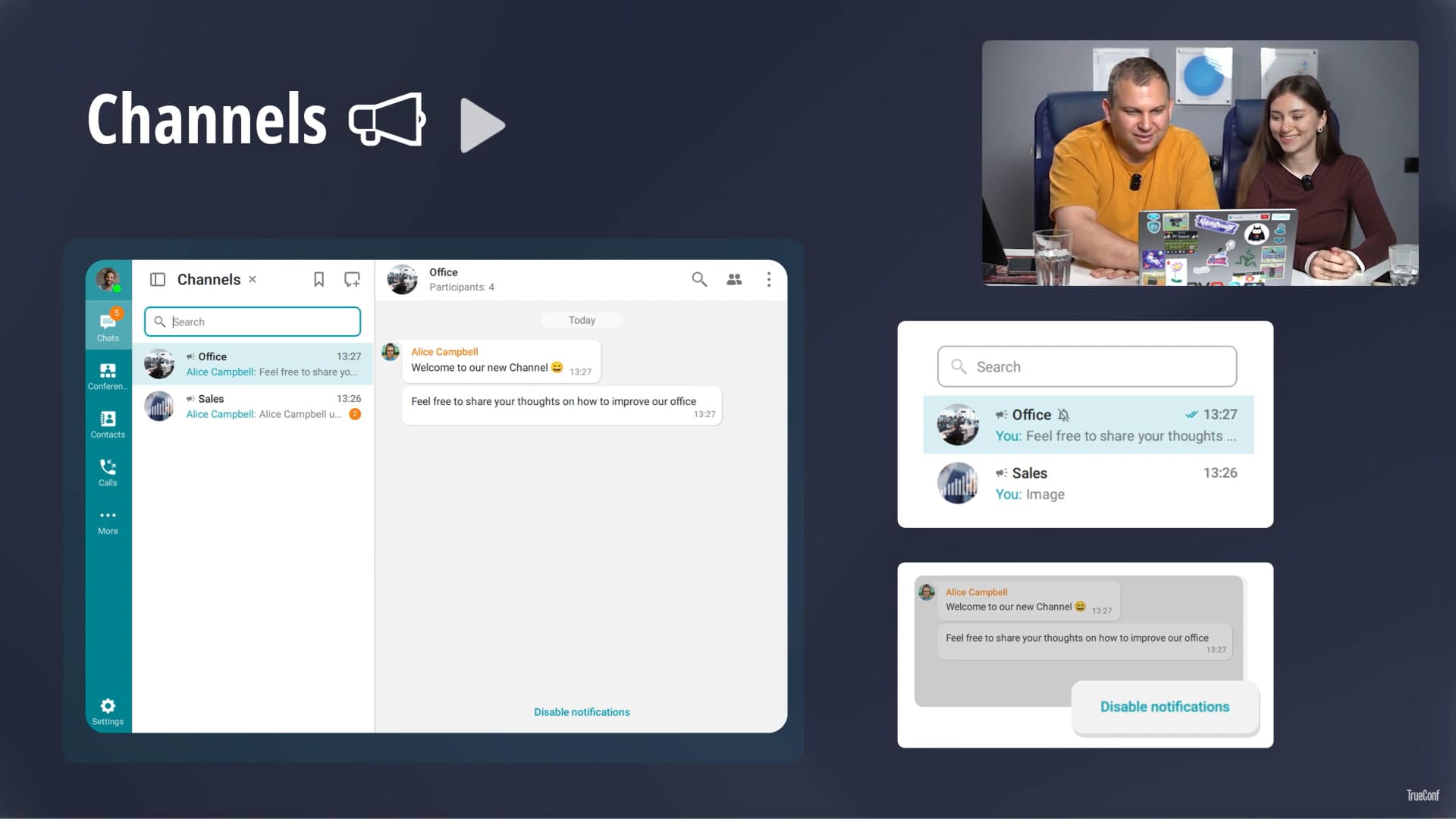
Webinar: recent updates of TrueConf corporate platform and apps
40 min. 38 sec.
Webinar: Update of TrueConf Server 5.5
56 min. 47 sec.
Webinar: TrueConf Server 5.4 — the major update of video collaboration platform
56 min. 51 sec.
Webinar: TrueConf Server 5.3 major update and new licensing
1 h. 14 min.
Webinar: TrueConf Server 5.2.9 — the latest update of video collaboration platform
1 h. 03 min.
Webinar: TrueConf Server 5.2 Update
52 min. 52 sec.
Webinar: TrueConf Server 5.0 Major Update
54 min. 08 sec.
The comprehensive solution for corporate communication with a built-in messenger, video conferencing and collaboration tools.
Deploys on-prem or to private cloud for full control of data
AES-256 bit encryption
Protection without compromising on must-have features and smooth, fast experience
Enterprise-grade security and compliance capabilities
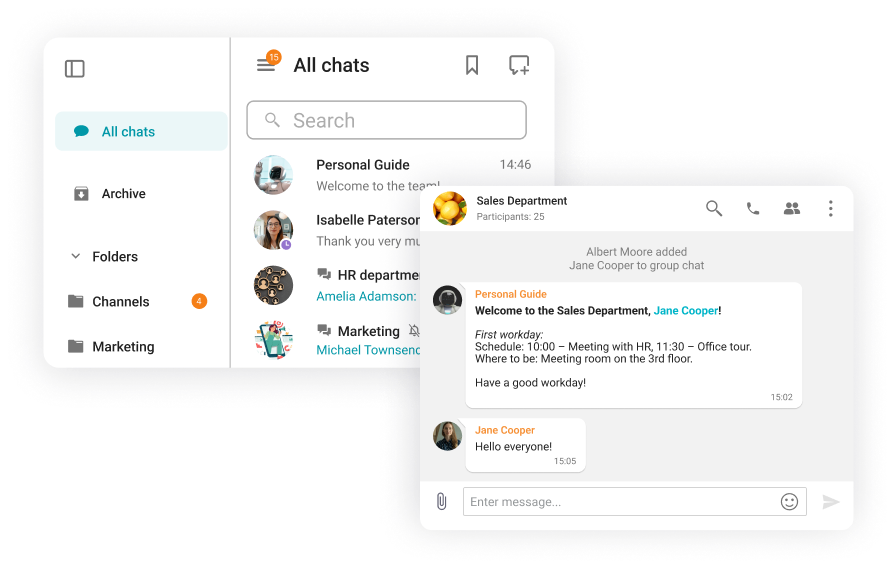
Personal and group chats, presence statuses, convenient contact search, secure file storage and multifunctional chatbots — all in a secure corporate system.
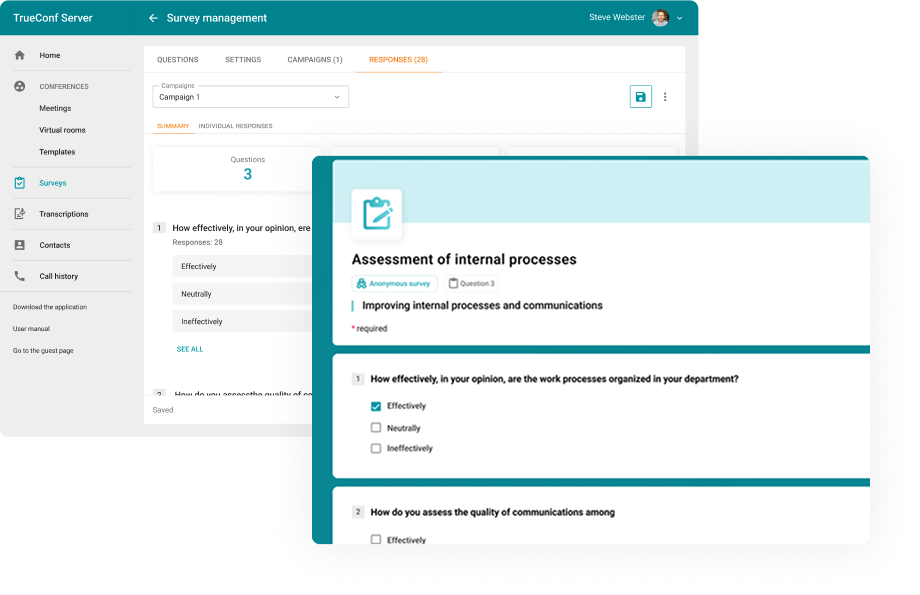
Assess the effectiveness of internal workflows with surveys. Analyze feedback with detailed insights per employee and department.
Schedule online meetings from any convenient device and gather up to 2,000 participants in each of them.
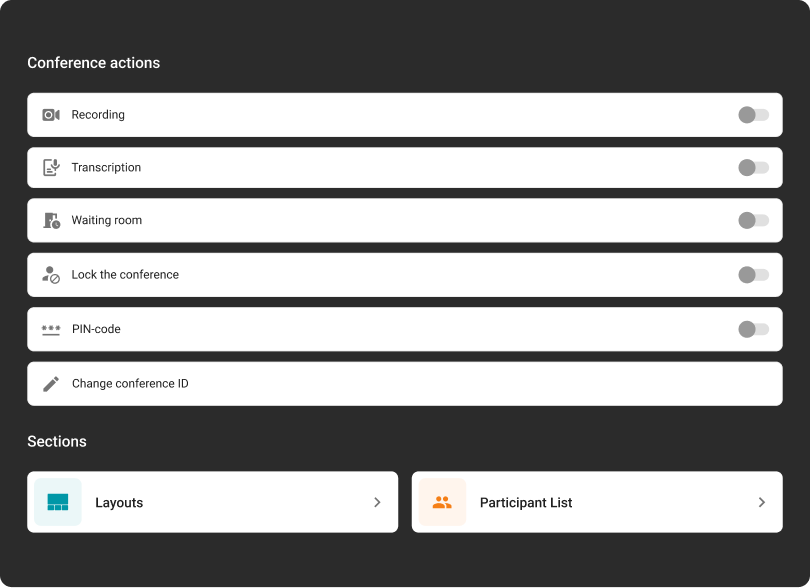
Adjust meeting settings, and enable recording, transcription, and a waiting room on the fly.
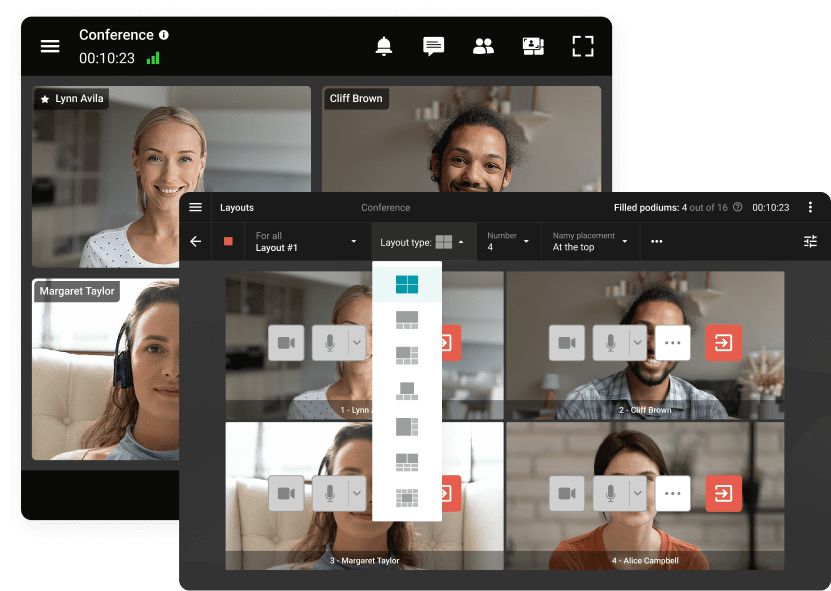
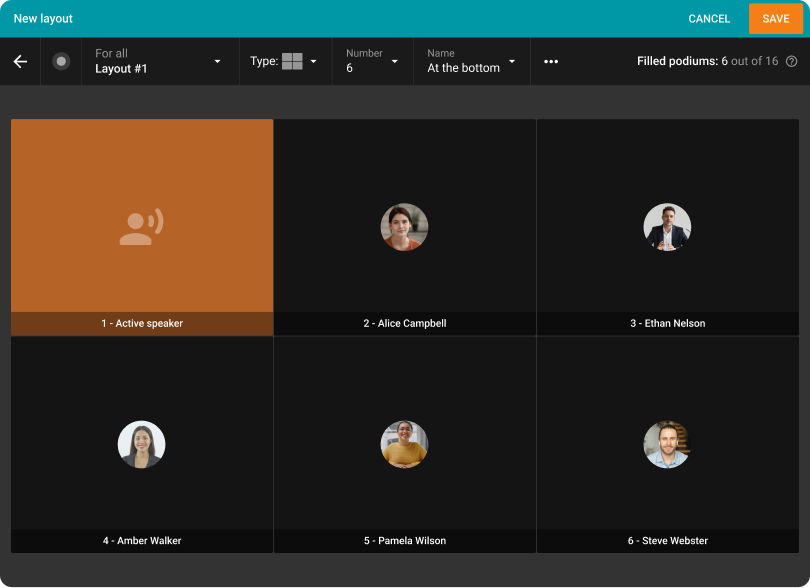
Set up your video layout for any need or type of meeting.
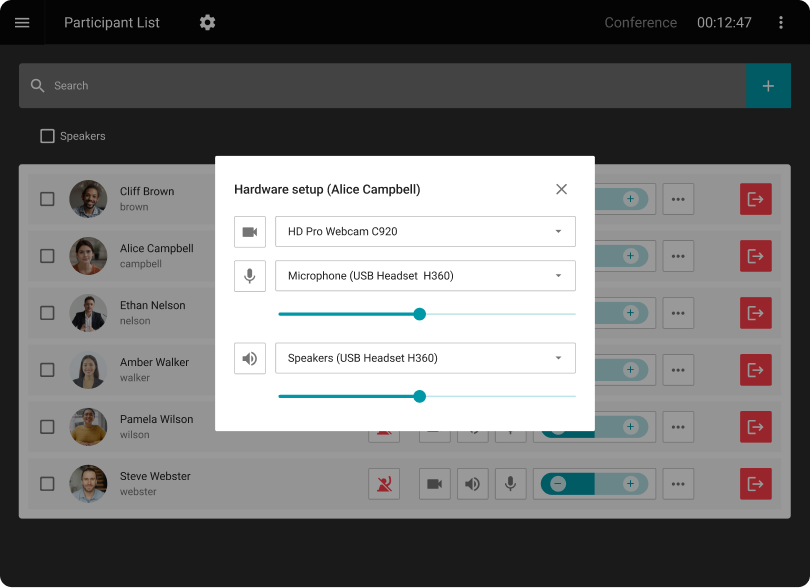
Assign moderators and hosts, add or remove participants, and manage their cameras and microphones.
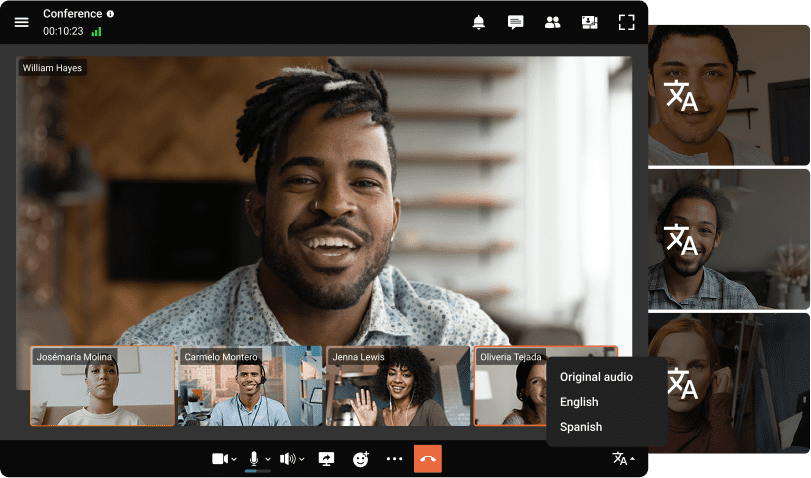
Host international conferences with simultaneous translation for users from different countries!
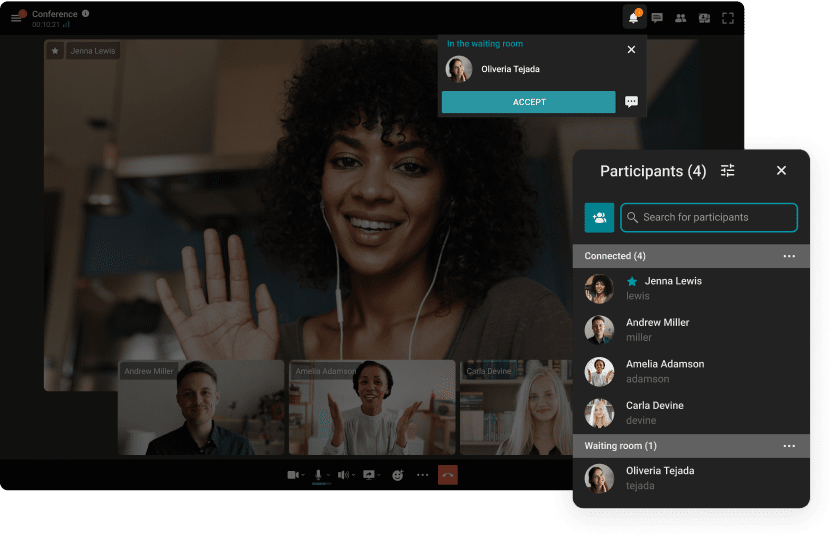
Direct users to waiting rooms where they can wait their turn to participate in the conference.
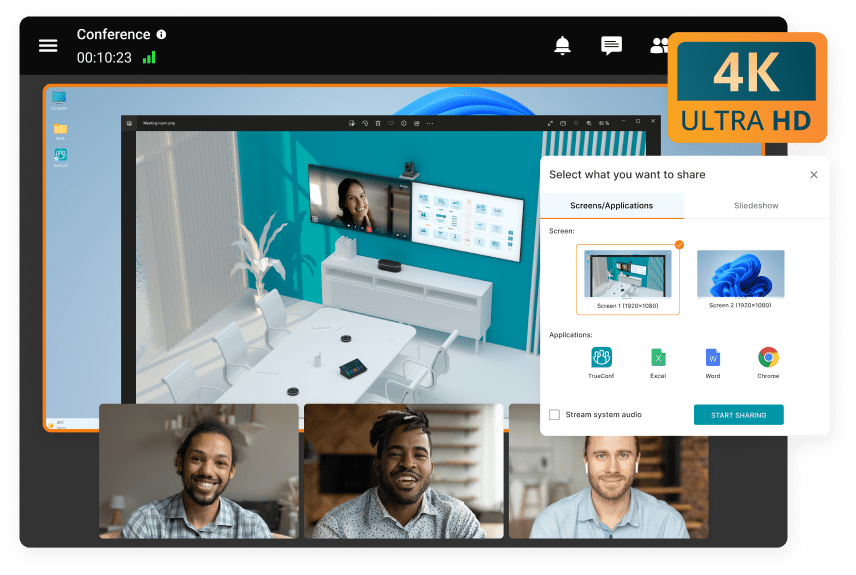
Share content in 4K UltraHD during online meetings! Show detailed CAD models, tables and presentations using third-party applications.
Revise the conference layout to align with the event agenda, utilizing a variety of options for configuring video windows.
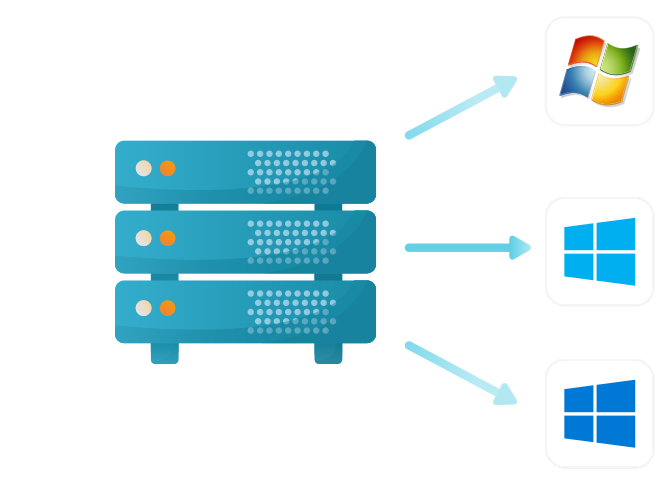
Windows
Debian
CentOS
Docker
Our solutions breathe new life into legacy systems, ensuring security that matches modern software standards.
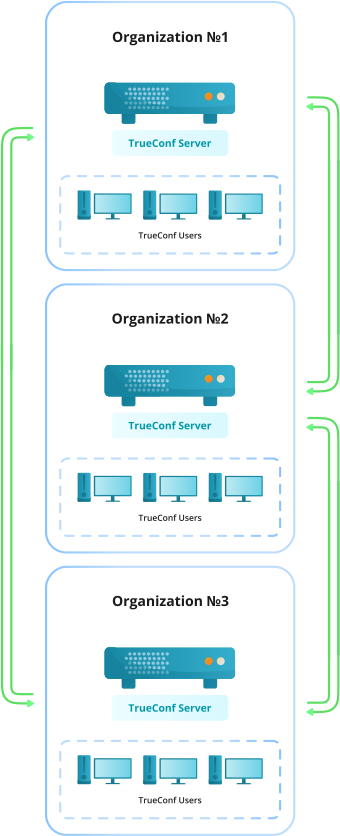
Host conferences and securely interact with users of TrueConf Server installed by other customers.
Learn moreGroup chats, video conferences, and communication with users of other servers without time limits are available.
Setting up blacklists or whitelists of TrueConf Servers that are open for connection and instant interaction.
Exchange contact information to view presence statuses and engage in operational communication with external users.
The autonomous operation of each server guarantees the security of corporate data.
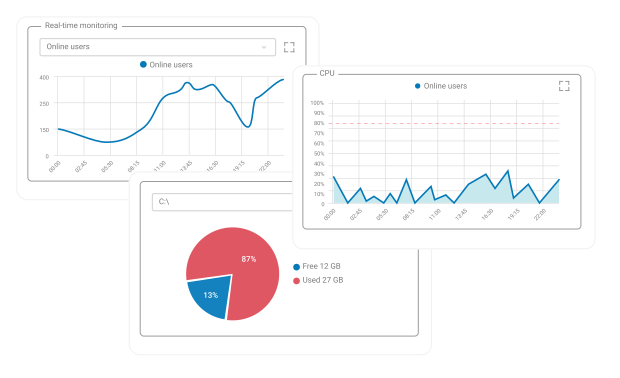
The convenient dashboard with TrueConf Server operation statistics and visual graphs is available.
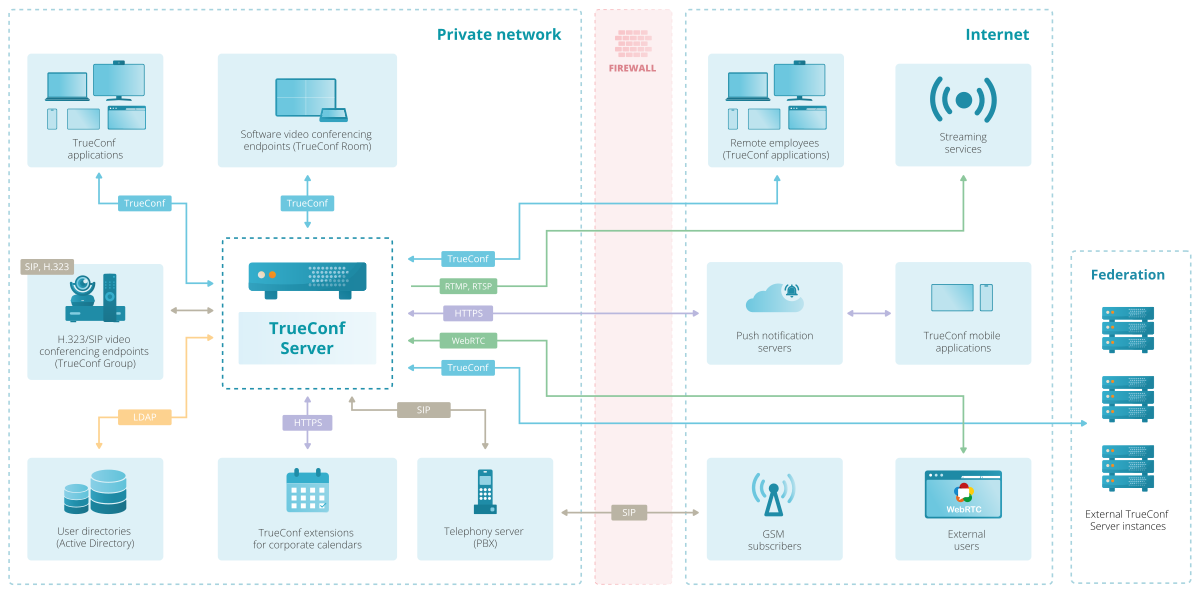
Connect to video conferences from third-party endpoints using SIP and H.323 protocols. Simply register your equipment on TrueConf, and hardware endpoints will be able to fully participate in the meeting.
Call and invite users of your PBX, external telephone subscribers or even VoIP devices registered on TrueConf Server to a group video conference at any time.
Powered by award-winning video conferencing technology, TrueConf is honored to be recognized in IDC MarketScape and Gartner Magic Quadrant for Meeting Solutions for three consecutive years.
Thanks to the support of single sign-on (SSO) technology, as well as NTLM and Kerberos protocols, TrueConf client applications provide secure authorization without the need for a login and password.
The administrator has the ability to configure authentication methods for users from either a trusted IP address zone or an external network.
TrueConf Server enables high-capacity webinars and video conferences. Participants connect directly from their browsers without software installation.
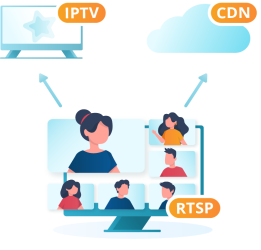
Learn moreExpand your audience to millions of viewers by launching live broadcasts of events on popular CDN services such as YouTube and Wowza.
Learn moreIntegrate TrueConf Server with Active Directory to centralize user account management and restrict access rights to your corporate information.
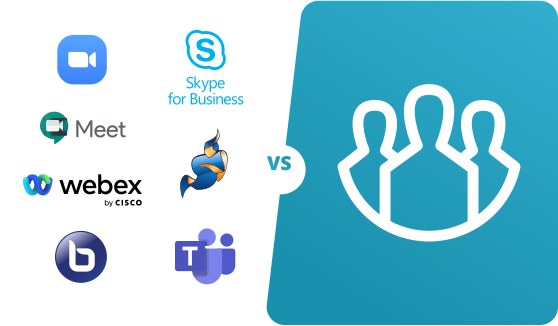
Evaluate the advantages of TrueConf in relation to other communication platforms.
Create your own solutions or integrate video communication into third-party applications using the TrueConf Server API and SDK.
TrueConf supports Single Sign-On (SSO), allowing users to log in using corporate credentials without creating separate accounts. The platform integrates with enterprise identity systems and supports authentication protocols such as Kerberos, SAML, and OAuth2. This simplifies user management and improves security across the organization.
TrueConf protects all communications by encrypting both signaling (connection setup) and media streams (audio, video, and data). Secure protocols such as HTTPS and TLS are used to prevent interception, ensuring that all video calls and transmitted data remain confidential and protected from unauthorized access.
Yes, TrueConf supports two-factor authentication to add an extra layer of security. Users must confirm their identity using a second verification method in addition to their password. This significantly reduces the risk of unauthorized access, especially in enterprise environments.
TrueConf provides authenticated and controlled admin access through role-based permissions. Administrators must log in securely, and their access can be restricted by roles, IP policies, and security settings. This ensures that only authorized personnel can manage the system and its configurations.
TrueConf allows administrators to assign roles and permissions to users and groups. With RBAC, organizations can control who can create conferences, manage users, access features, or administer the system. This helps enforce internal policies and minimizes security risks.
Yes, TrueConf Server is designed for on-premise deployment, allowing organizations to run the entire video conferencing infrastructure within their private network. This ensures full control over data, compliance with internal security policies, and the ability to operate without internet access if required.
Organizations can ensure a high level of security in TrueConf by combining multiple features:
- Single Sign-On (SSO) for centralized authentication
- End-to-end encryption of signaling and media
- Two-factor authentication (2FA)
- Role-based access control (RBAC)
- Secure on-premise deployment