
TrueConf Server 5.5.6: Enhanced Search, Quick Polls, and Chatbot Buttons
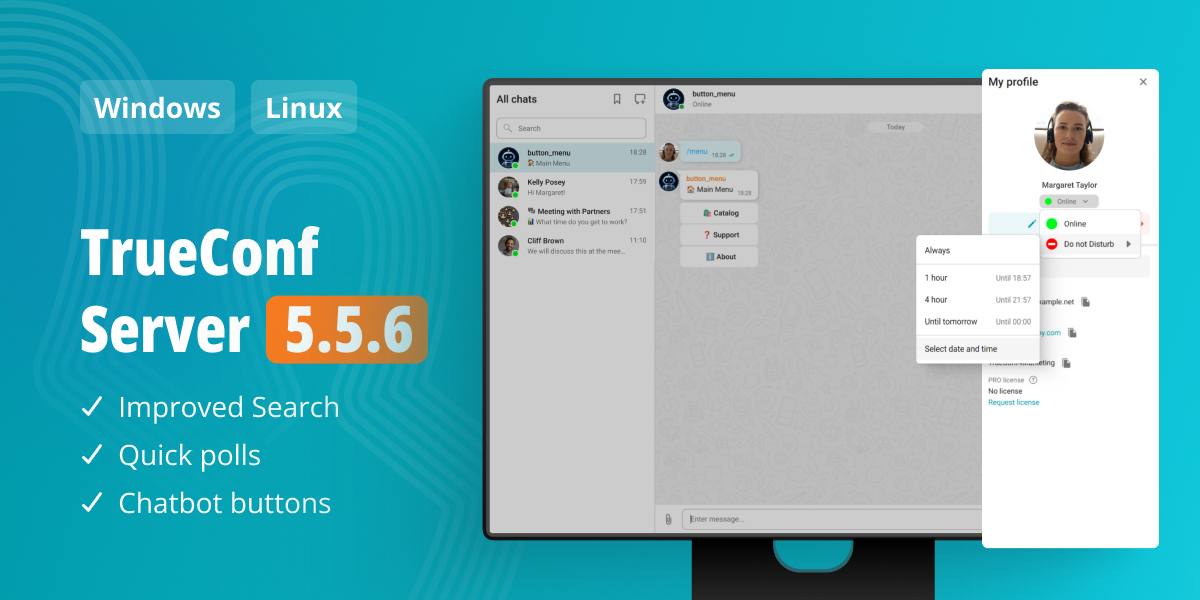
We are excited to announce TrueConf Server 5.5.6, a new version of our enterprise messenger and video conferencing platform! This update brings improved message search, quick polls in chats, interactive buttons for chatbots, and much more.
Enhanced Search
We have significantly improved message search in chats. Search results are now displayed instantly and cover the entire chat history. Even if the message you are looking for was sent a long time ago and has not yet been loaded, you can still find it within seconds.
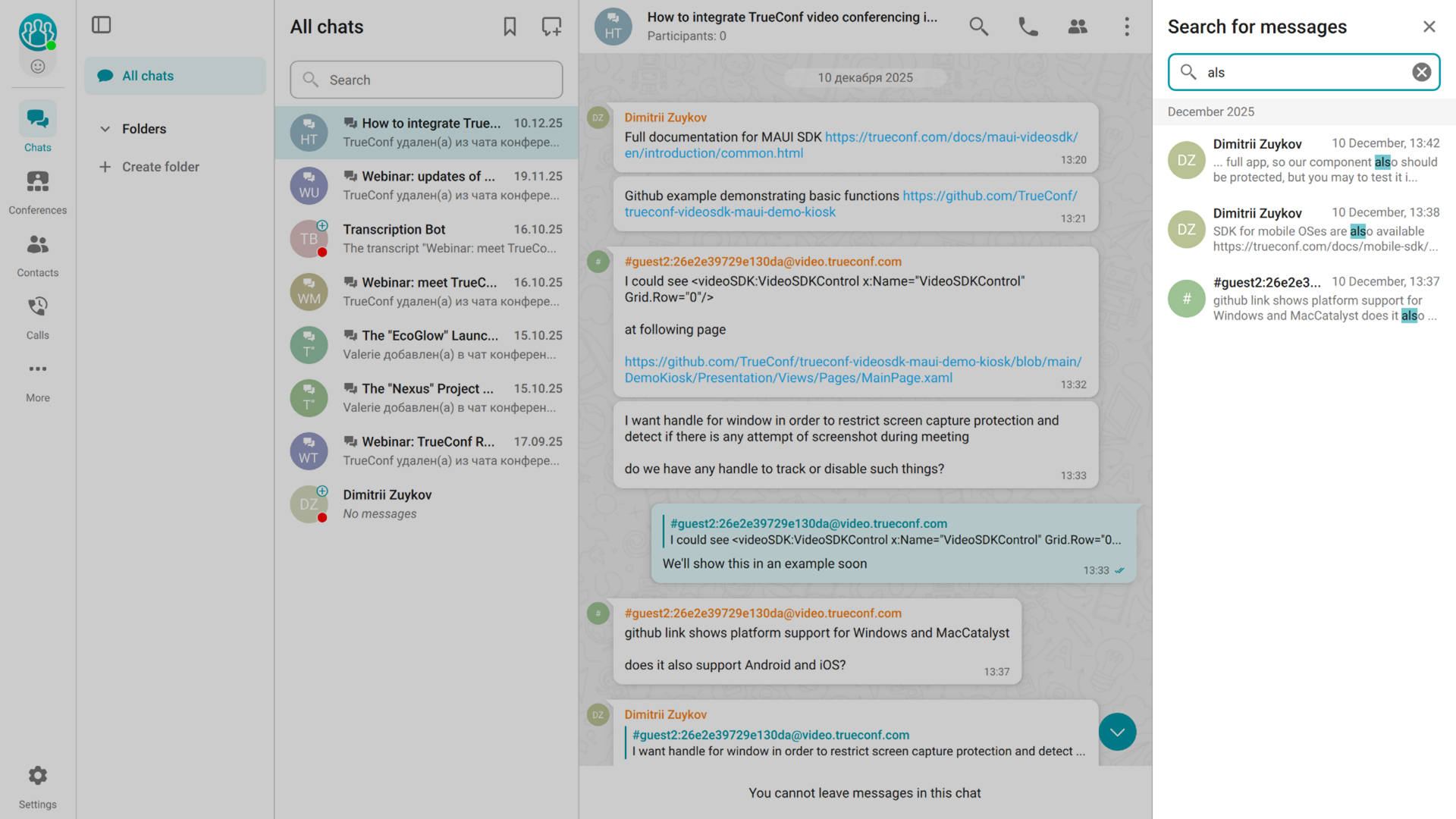
The feature is available in TrueConf desktop applications 8.6+, TrueConf for Android 3.3+, and TrueConf for iOS 4.1+.
Quick Polls
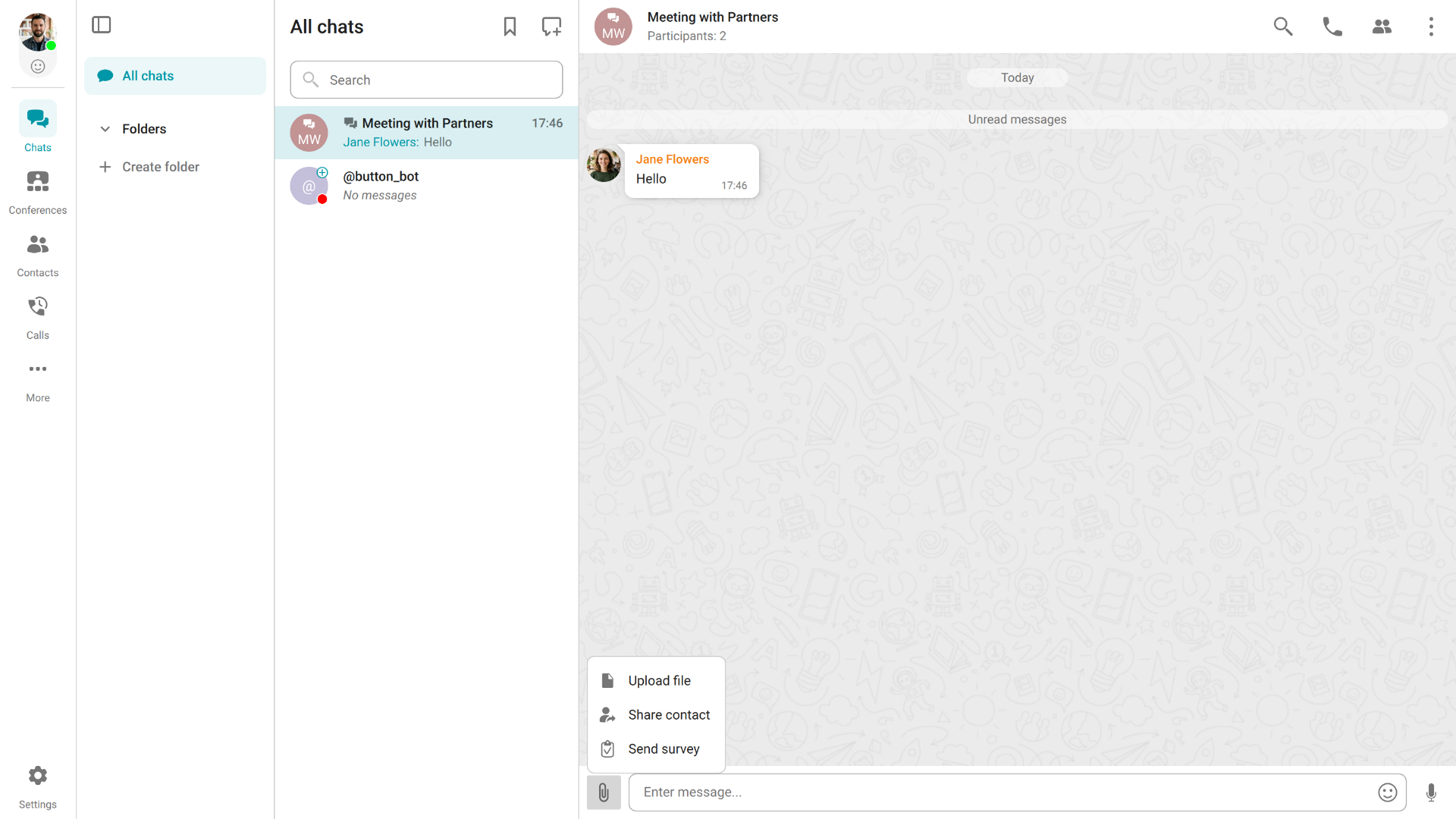
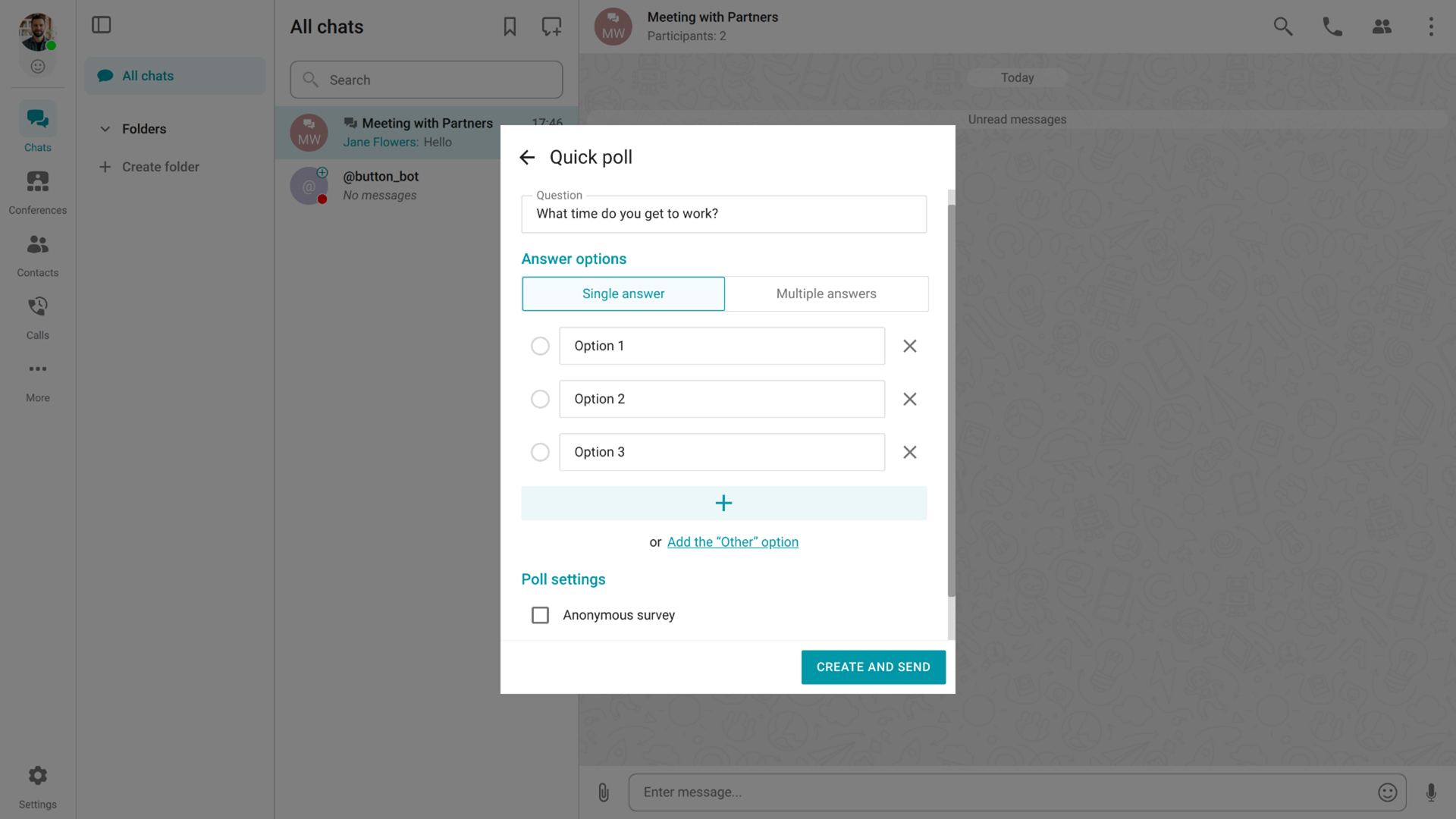
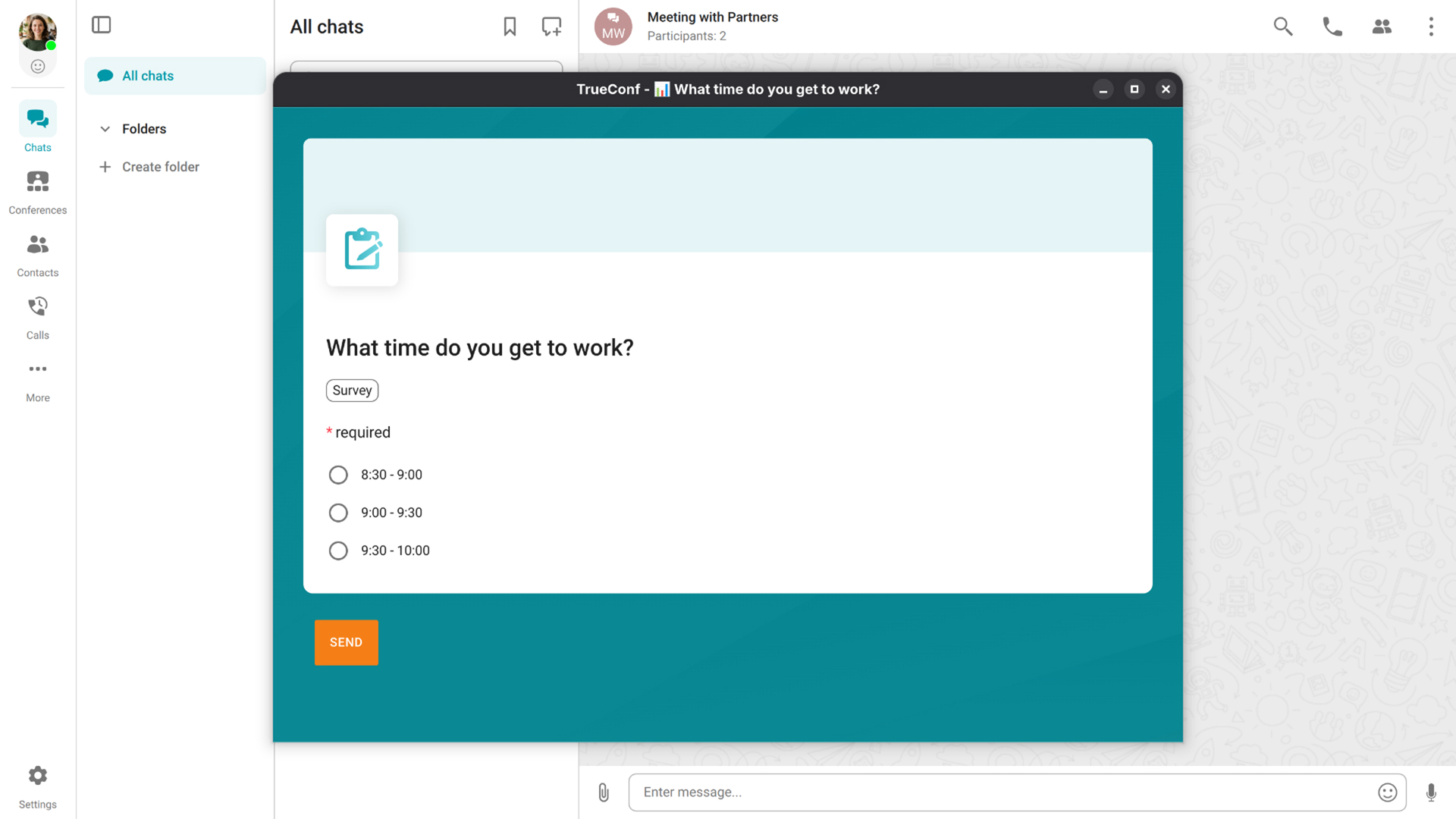
Users can now create quick polls directly in chats in just a few clicks. Ask a question, add answer options, and let participants vote without leaving the chat. Quick polls make it easier to handle everyday team decisions, whether you need to choose a meeting time, agree on one of the alternatives, or quickly gather feedback from colleagues.
Buttons in Chatbot Messages
We have added buttons in messages sent by chatbots connected to your TrueConf Server enterprise messenger. There is no need to enter commands to interact with a bot anymore — just click on one of the buttons.
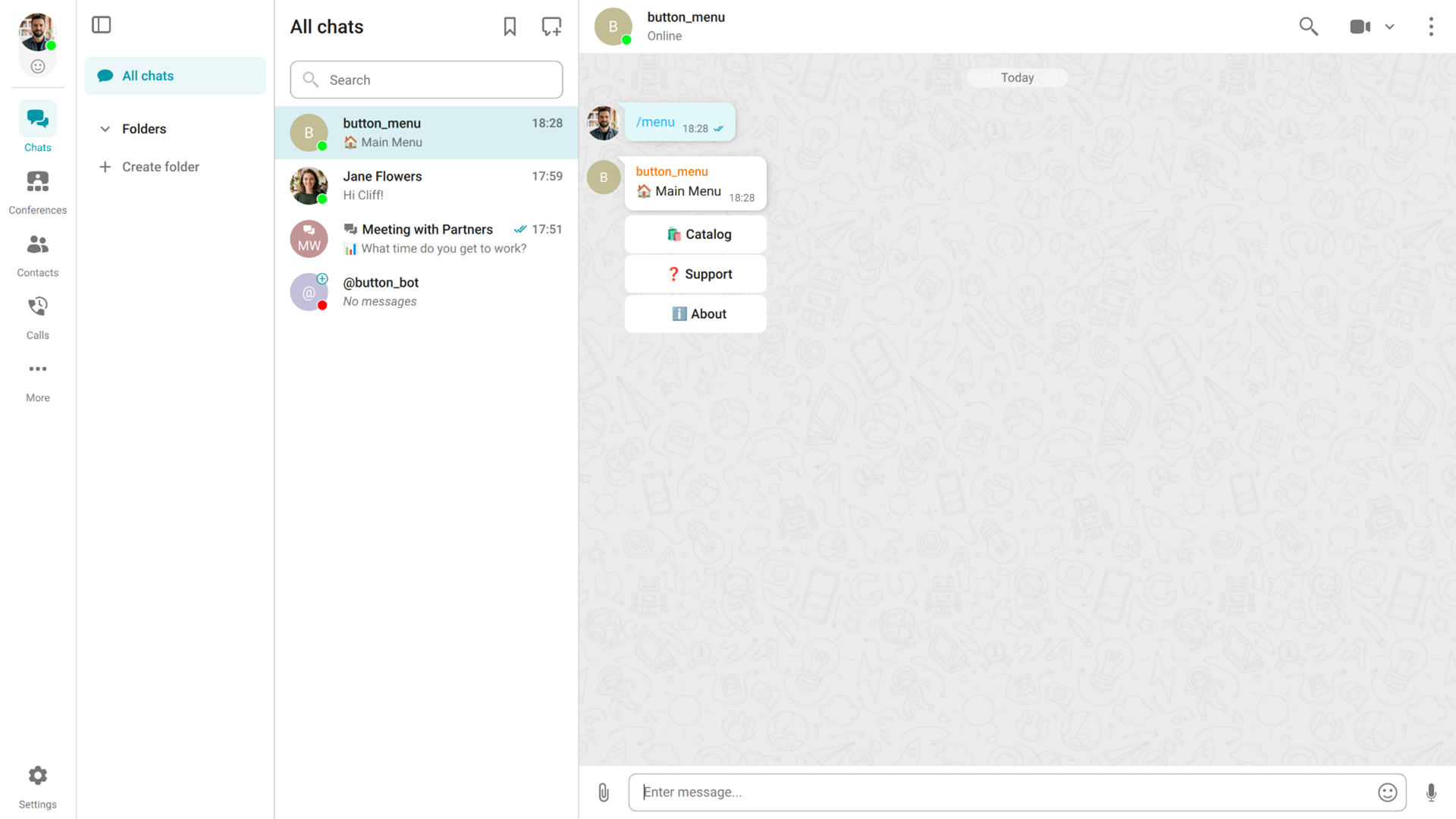
The feature is available in TrueConf desktop applications 8.6+, TrueConf for Android 3.3+, and TrueConf for iOS 4.2+.
Improved Status and Notification Controls
Desktop and mobile app users can now set the Do Not Disturb status or a custom status for a specific period: 1 hour, 4 hours, until the end of the day, or for any custom duration.
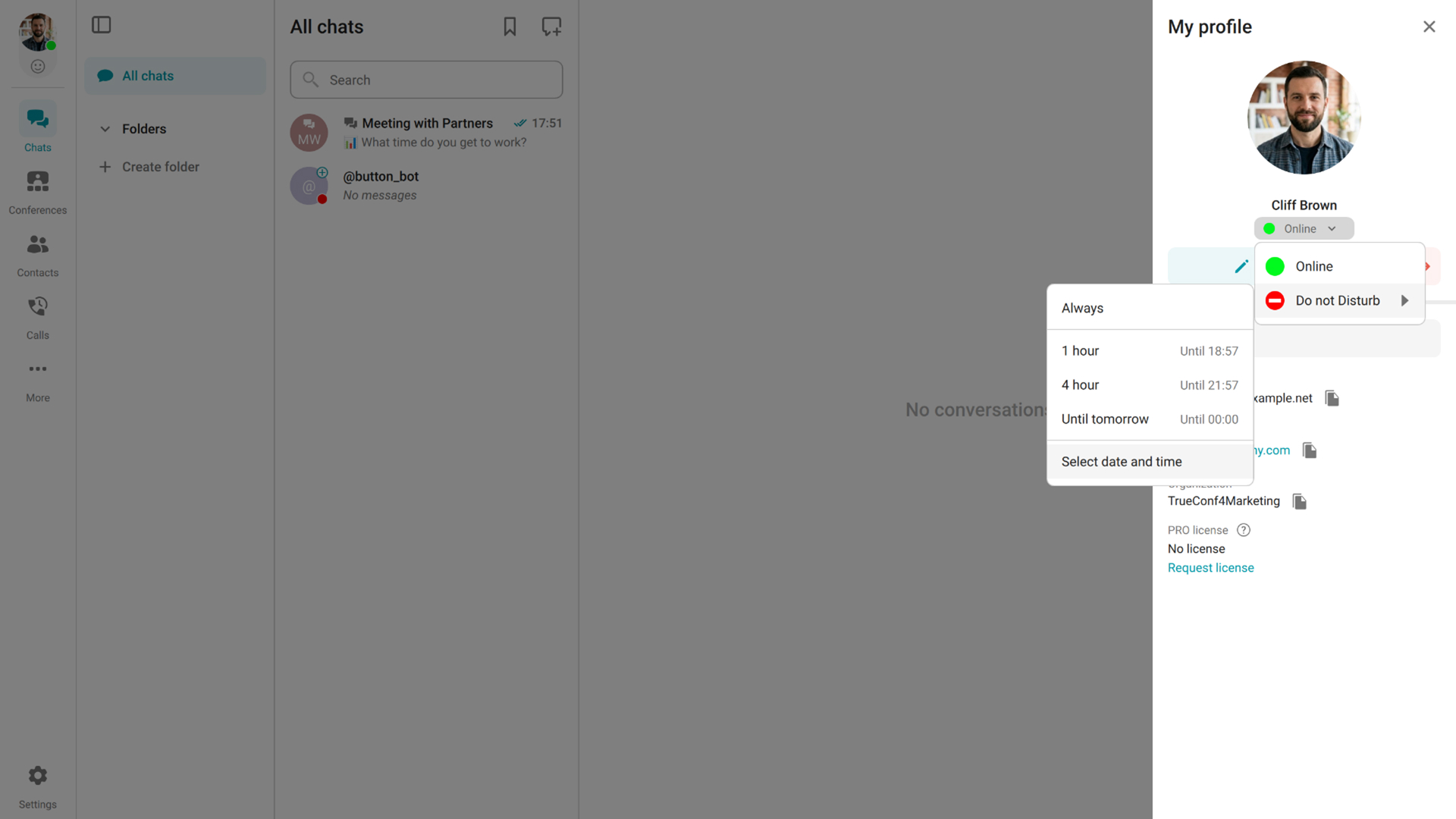
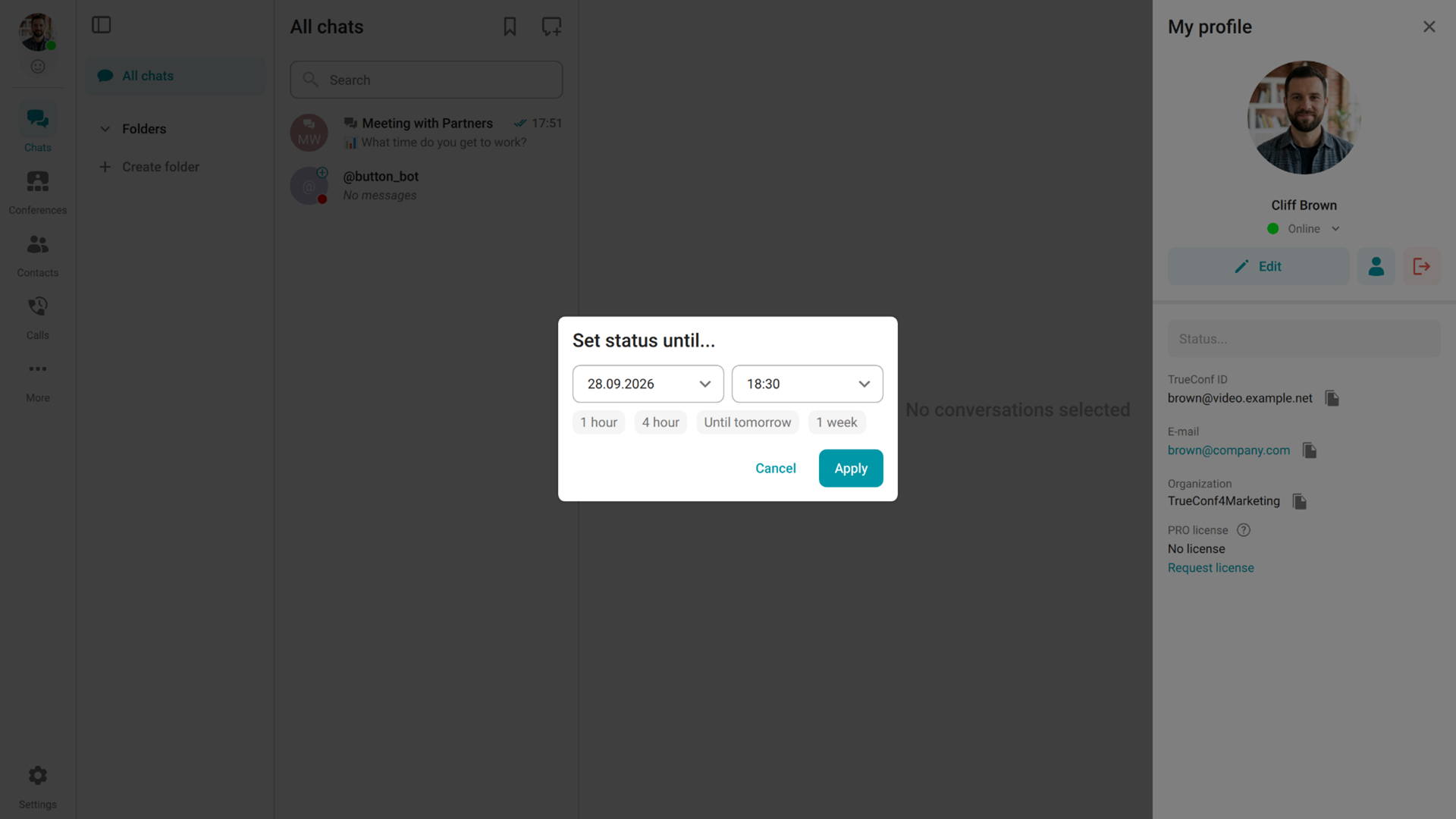
Notifications for individual chats or contacts can also be muted for a selected period.
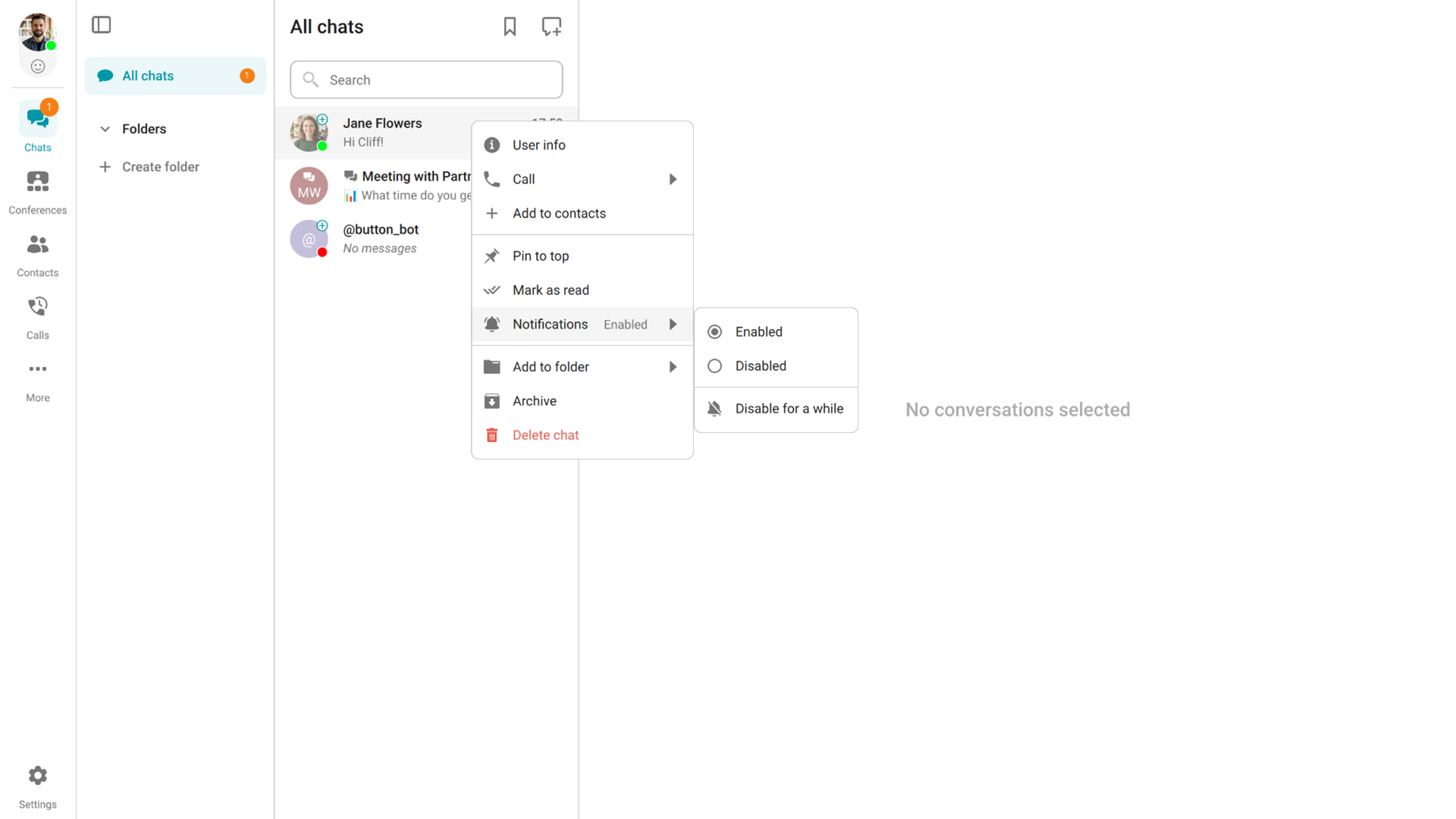
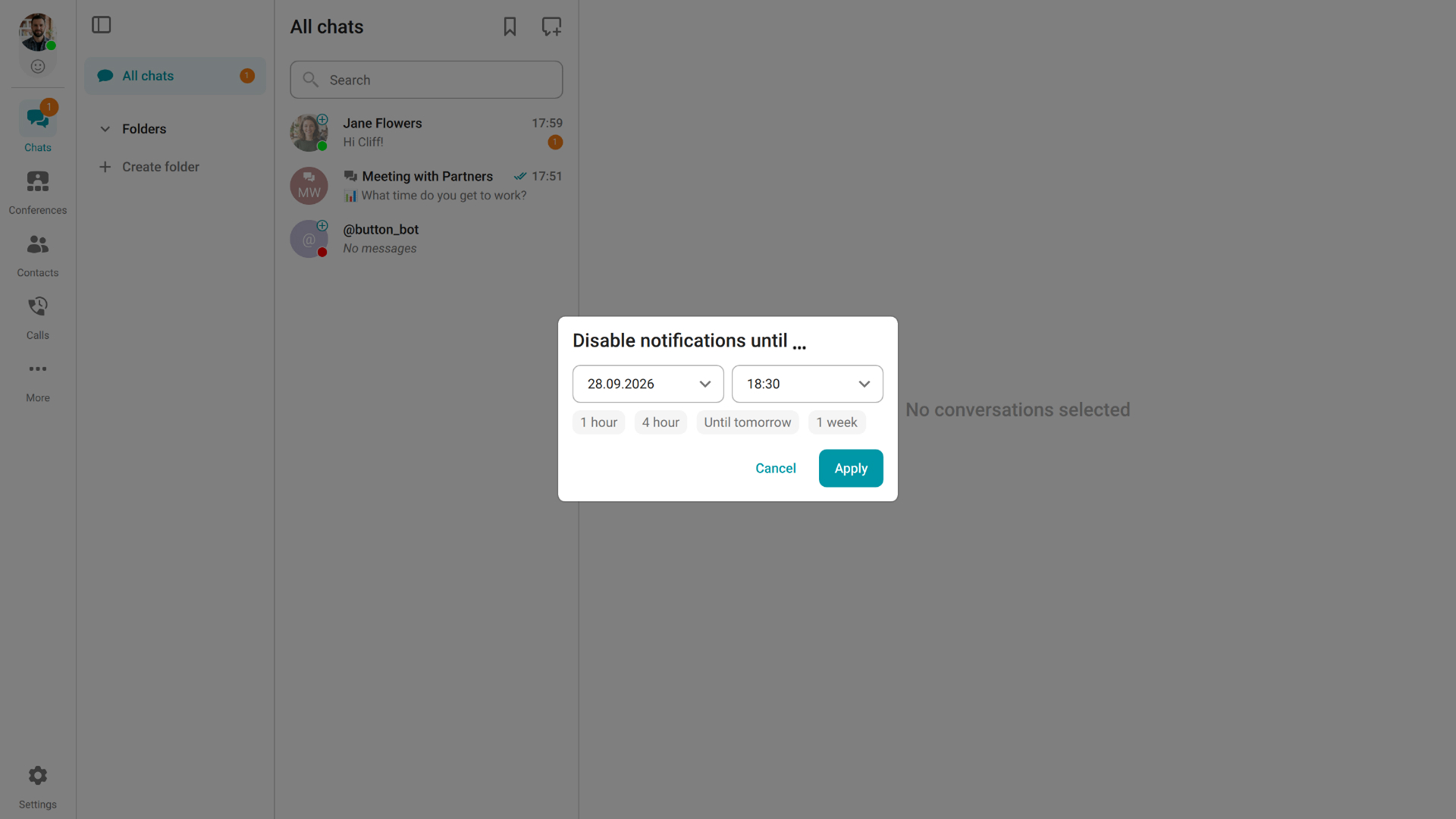
The feature is available in TrueConf desktop applications 8.6+, TrueConf for Android 3.3+, and TrueConf for iOS 4.2+.
Sessions in the Personal Area
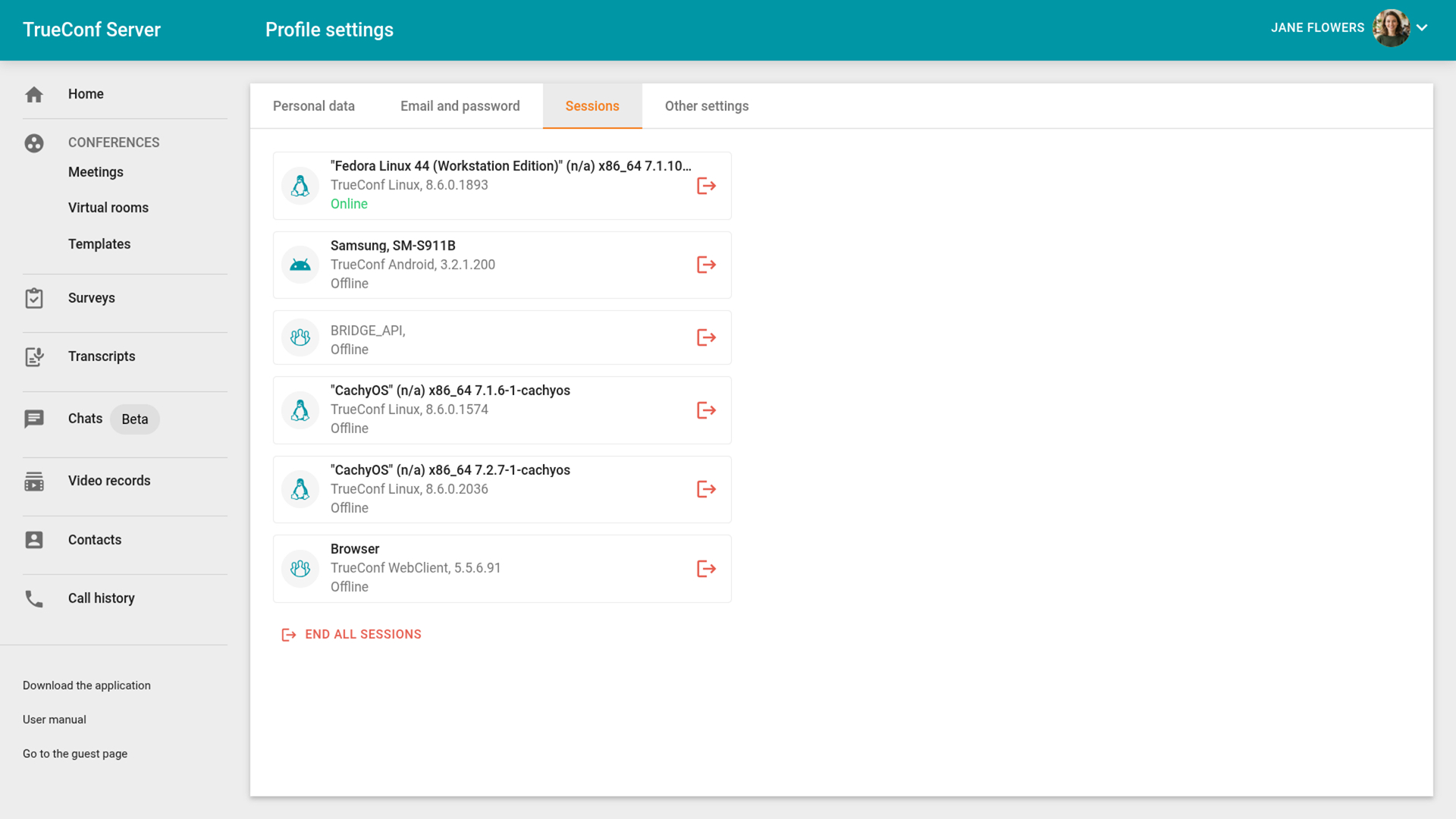
A new Sessions section is now available in the profile settings of the user personal area. It displays all active authentication sessions for an account, including the devices used to sign in and the time of each login. Users can terminate any session directly from a browser — for example, if they forgot to sign out of their account on some device.
Transcribe Your Own Files from the Personal Area
TrueConf AI Server 1.1 allows users to upload audio or video files for transcription and summarization. With TrueConf Server 5.5.6, users can now upload their files directly from the TrueConf Server personal area.


Available only when integrated with TrueConf AI Server 1.1 or above.
Other Changes and Improvements
- Added September 2026 security updates.
- Moderators who join a conference from a browser can now manage the waiting room.
- Conference recording now starts when the first participant joins (earlier it started right at the beginning of the conference even if there were no participants).
- TrueConf Room and TrueConf Group endpoints can now display corporate calendar events that are not linked to video conferences.
- SIP/H.323 endpoints and telephony users now receive a voice confirmation via the IVR menu after successfully joining a conference.
- Improved overall stability.

Ivan Datsenko
Date published: 02.10.2026
Ivan Datsenko
Date published: 02.10.2026
Follow us on social networks