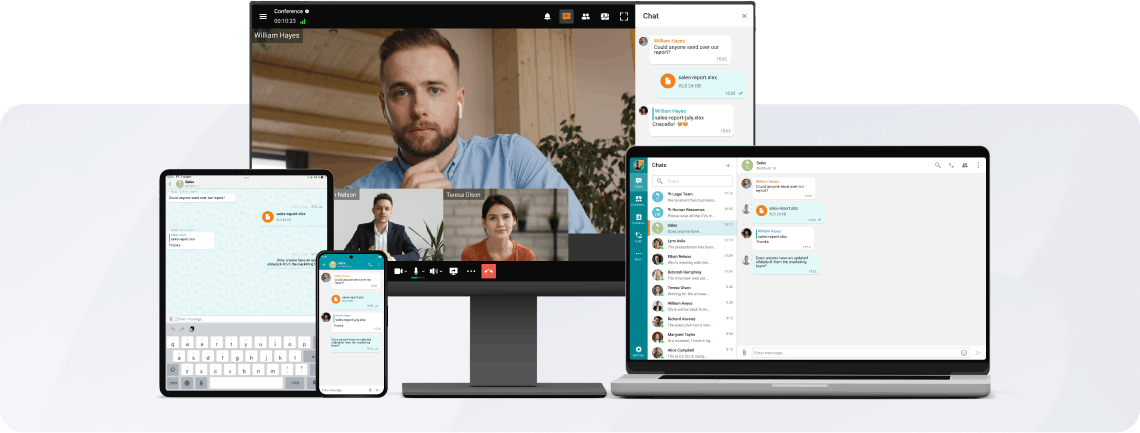
All on the Screen
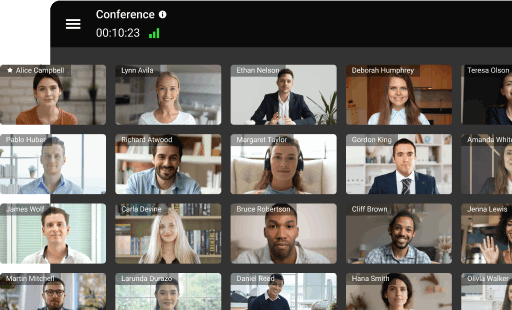
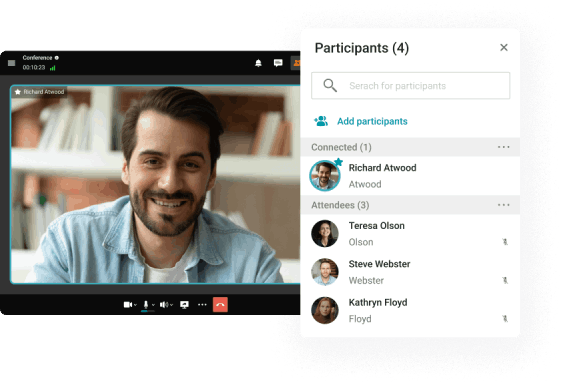
Create group conferences to organize online meetings and round tables for up to 49 participants* on the screen.
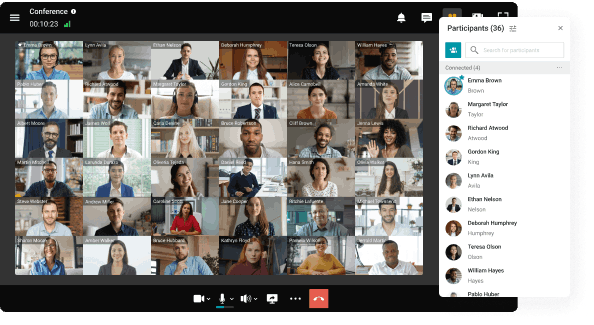

Create group conferences to organize online meetings and round tables for up to 49 participants* on the screen.
Conferences in 4K
Organize online meetings in 4K for up to 49 participants without time limits.
Conference Recording
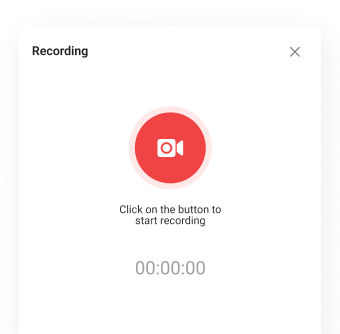
Take an active part in online meetings without being distracted by taking notes! Record video conferences and share recordings with colleagues.
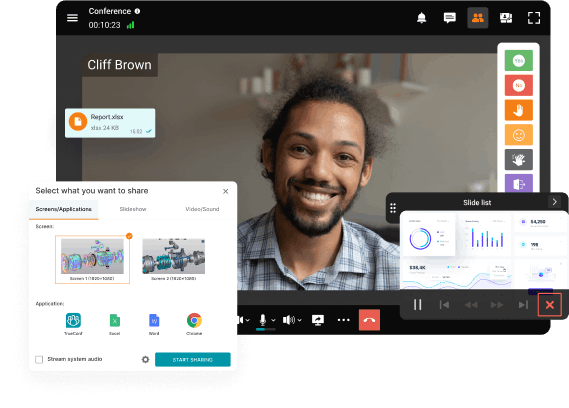
Communicate in the conference chat with other participants, share images, presentations, videos and documents, as well as remotely control your desktop.
Enjoy advanced communication capabilities: participate in video meetings even with external noise, blur, replace and brand the background, and convert conference recordings into detailed transcripts.
Smart Noise Suppression
Blurring and replacing the background
Transcription of the Meetings
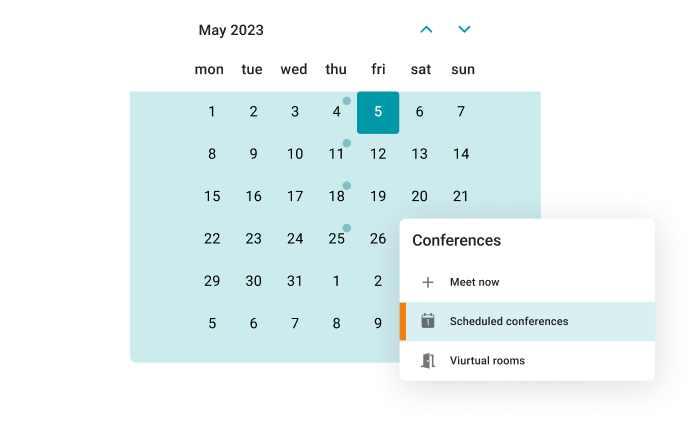
Schedule video meetings in advance — set the date, time, duration, and regular schedule for conferences.
Work in a closed network without an internet connection, data encryption, and full control over communications.
Accept calls and participate in conferences on any device, maintaining the continuity of communication!
Connect to video conferences from third-party endpoints using SIP and H.323 protocols. Register your hardware on TrueConf Server — endpoints will become full-fledged participants of the meeting!
TrueConf Server is a video conference platform for corporate communications that allows webinars to be held by up to a million viewers!
With TrueConf Server, you can run multipoint (all on screen) conferences for up to 36 participants (up to 49 on request) and virtual meetings (moderated role-based conferences) for up to 2,000 participants.
With TrueConf Server, you can join any meeting from your browser. Please read our guide on how to join web meetings to learn more.
Yes. TrueConf Server administrators can schedule meetings in the TrueConf Server control panel, while TrueConf users can schedule meetings both on the guest page and in their client applications. You can learn more on how to schedule your meetings in our guide.
Yes, TrueConf lets multiple participants share their screens in real time.
Yes. You can join from your browser or TrueConf mobile client application.
Yes. You can add users that do not have an account on TrueConf Server to your meeting. Unregistered guests can join the meeting from their browsers or by downloading TrueConf temporary application. To enable several guests access, you will need to purchase a Public Web Conferences or Webinar extension to your TrueConf Server license. We will also be happy to provide you with a trial period on your request, please contact our sales department to learn more.
Yes. TrueConf offers a number of flexible layouts. Every participant can change their own conference view, while the moderator can change and fix the layouts for all meeting participants. To learn more and see how it works, watch our video guide.
Yes, you can stream your conferences in real time to popular streaming platforms such as YouTube or Facebook Live. To enable this feature you need to buy a streaming extension to your TrueConf Server license.
Yes, if you are using TrueConf Server. You can invite SIP/H.323 endpoints to multipoint video conferences as well as to connect to IP cameras (RTSP).