

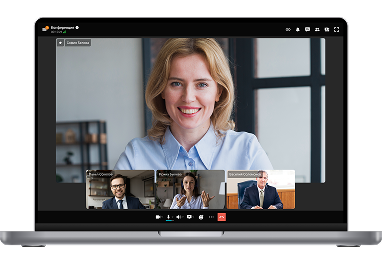
Team Messaging App for Modern Workplaces
AI-powered messaging for seamless collaboration for every team. Chat, video, file sharing, and task management in one platform.
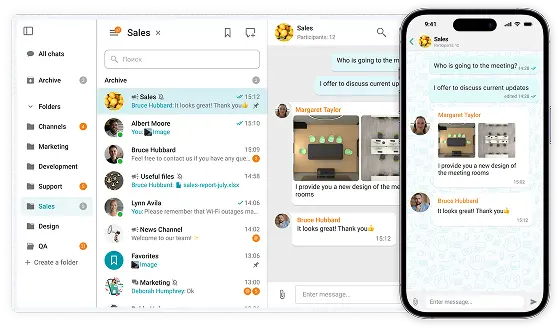

AI-powered messaging for seamless collaboration for every team. Chat, video, file sharing, and task management in one platform.
On-premises Installation
Capable of offline operation within a private network without an Internet connection required.
You Own Your Data
Your data never leaves your network.
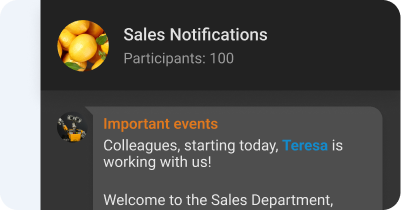
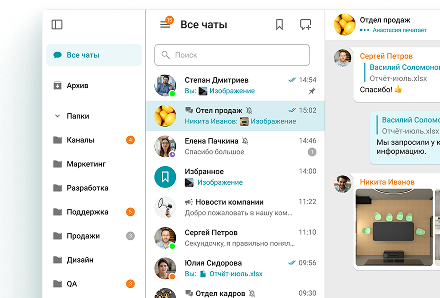
Group and personal chats
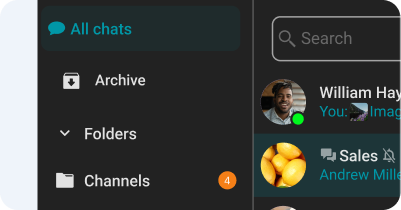
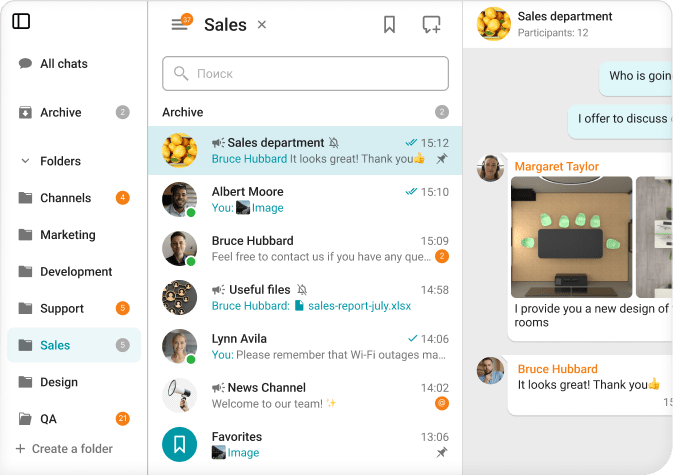
Chat folders
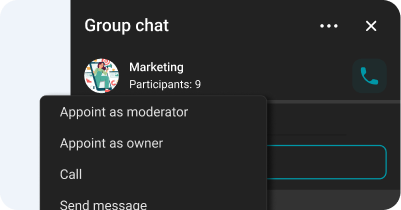
Chat moderator management and ownership rights transfer
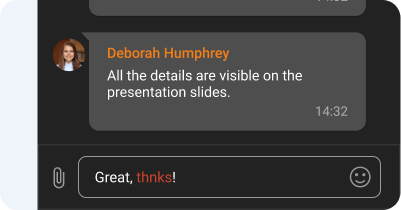
Spell-checking
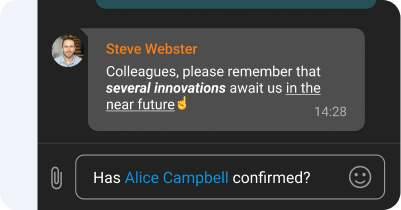
Text formatting and Hyperlinks
Channels
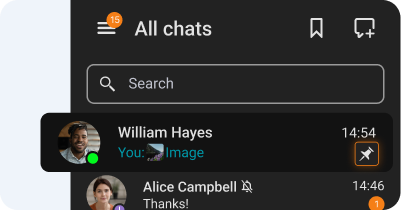
Chat pinning
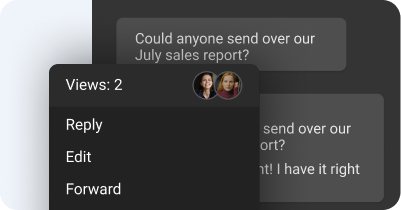
Message reading status
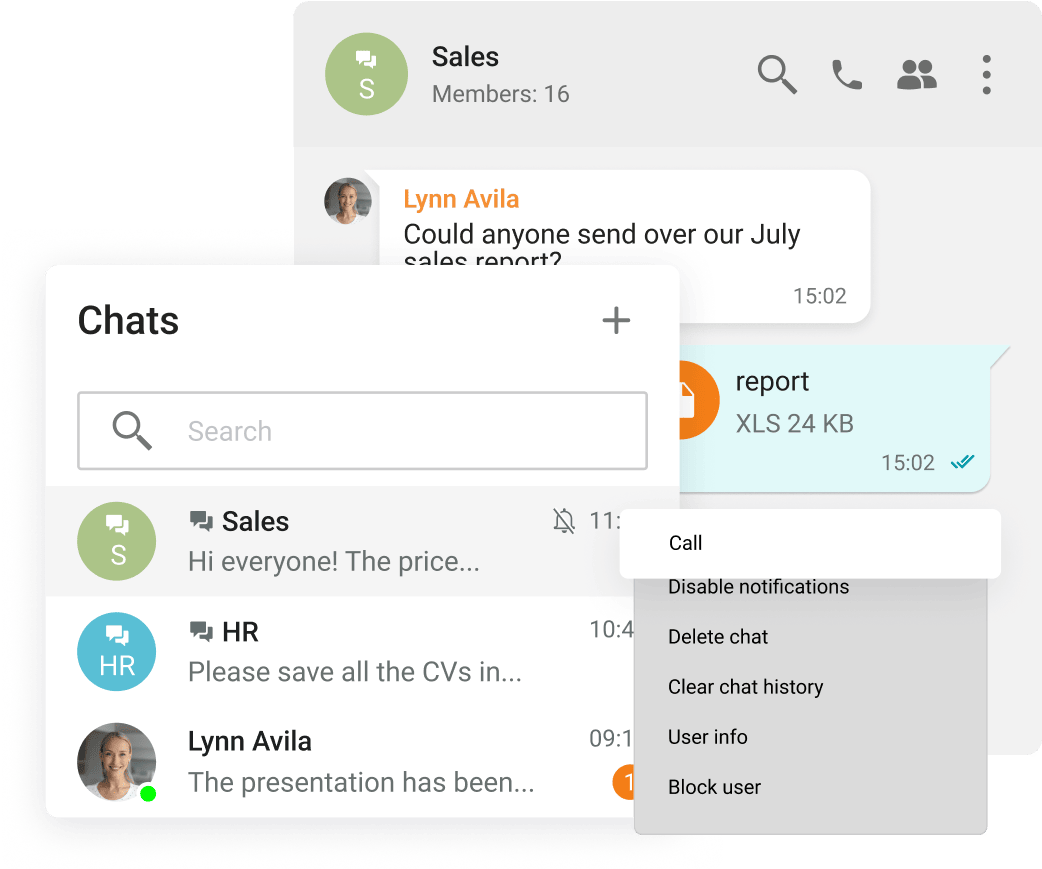
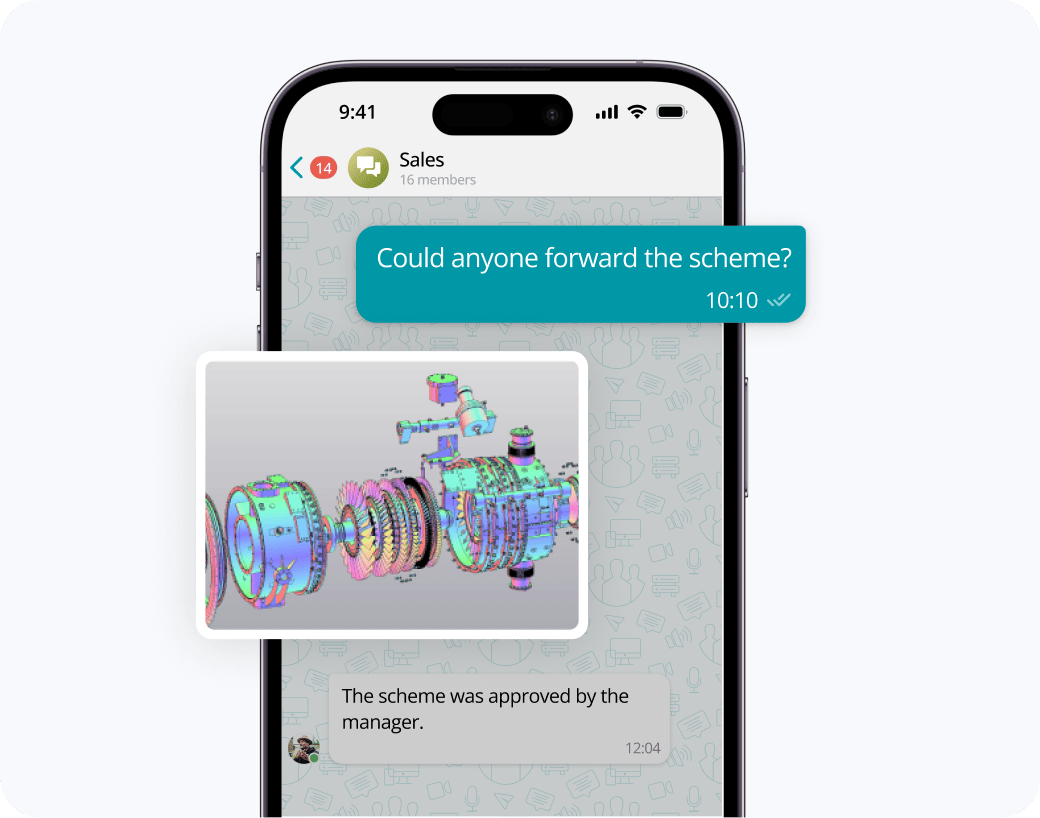
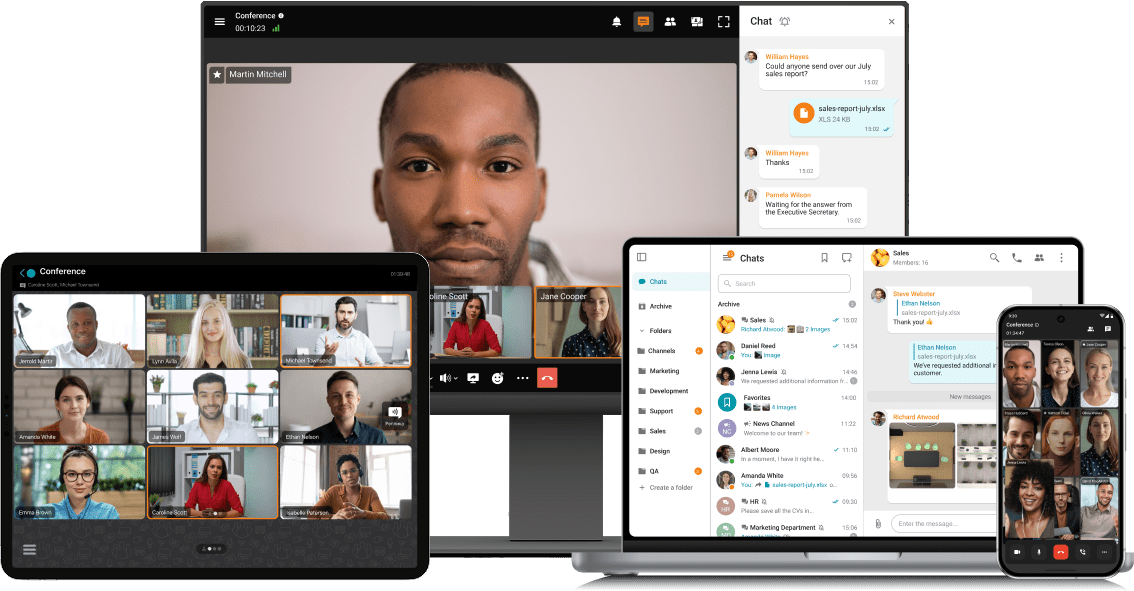
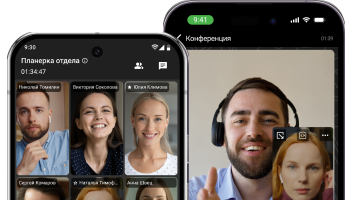
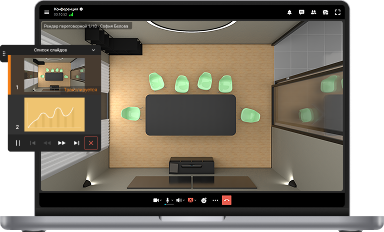
Exchange messages during conferences and beyond! Respond to colleagues' requests in personal and group chats, swiftly transitioning discussions into online meetings.
Share files of any size and look through them right in TrueConf client applications.
View the resulting images and video files, as well as PDF documents, in TrueConf desktop client applications.
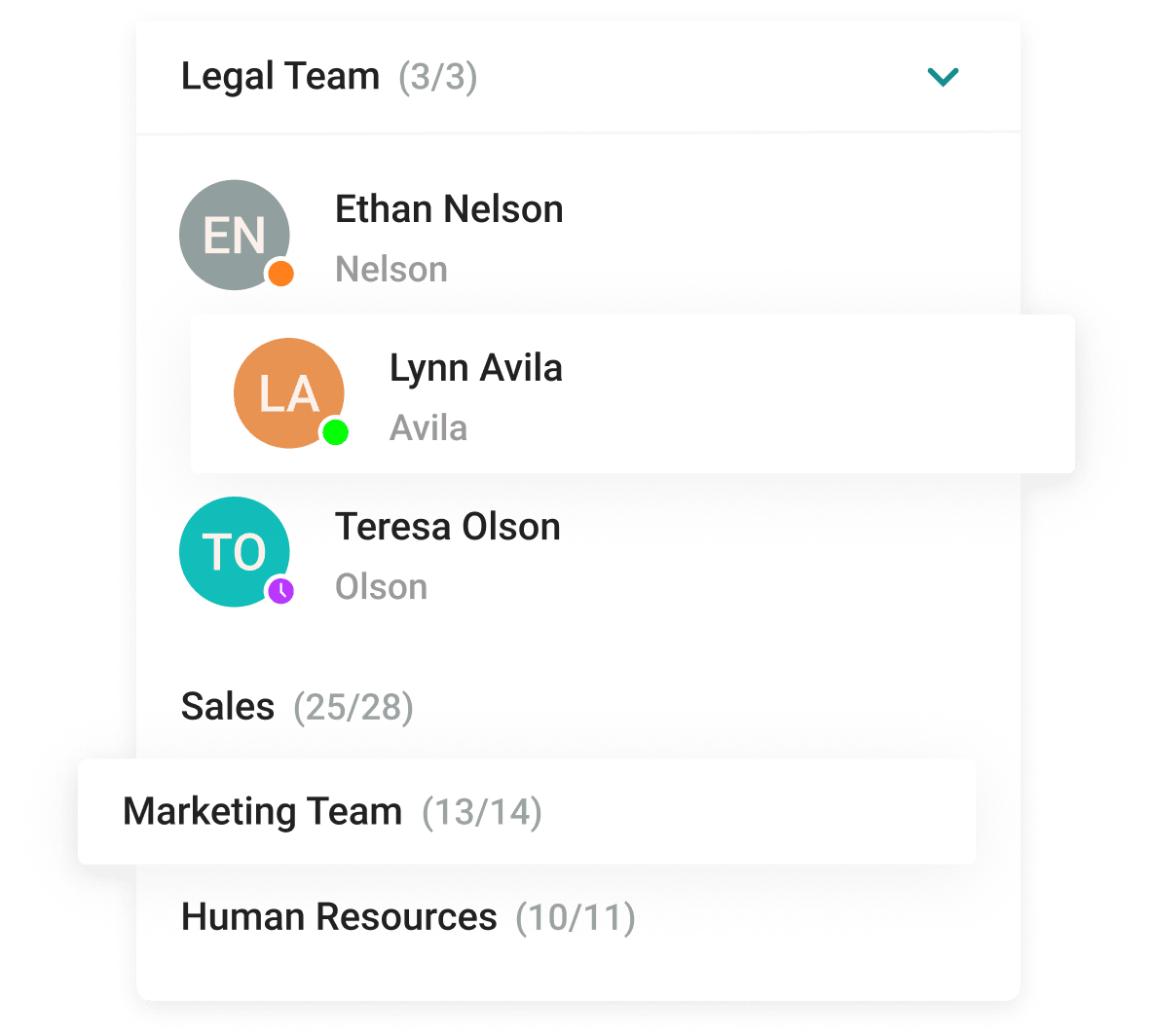
With the help of a convenient address book and department navigation, you can contact any employee of the company and see which colleagues are available for communication.
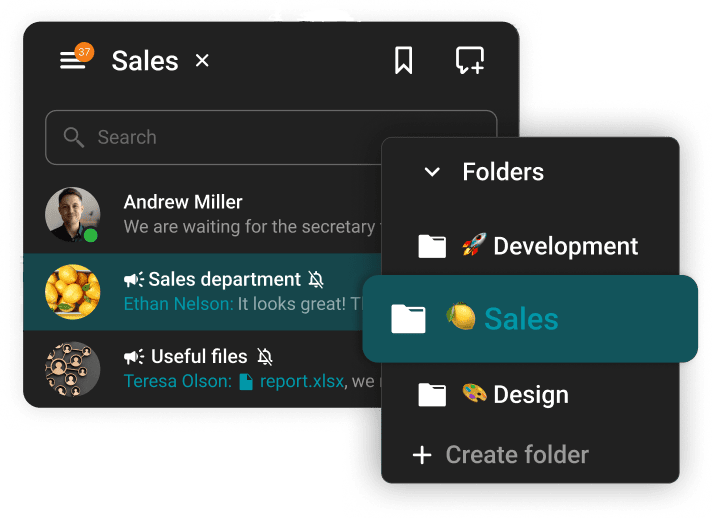
Arrange communication easily and conveniently, group chats into folders and add colorful emojis.








The group chat participants can easily find all the necessary documents as they are collected in the "File" tab.
Enhance the capabilities of the address book by integrating Active Directory or any LDAP directory with TrueConf Server.
Single Sign-On (SSO) technology, along with support for NTLM and Kerberos protocols, allows users of TrueConf client applications to securely log in without entering a username and password.
Download the corporate messenger for video conferencing and secure communication, for your operating system.
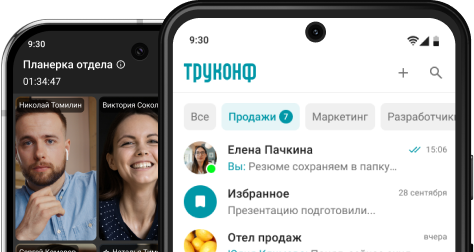
Organize video conferences and discuss tasks in chats wherever you are — all corporate communications in one mobile application. Download TrueConf mobile app!
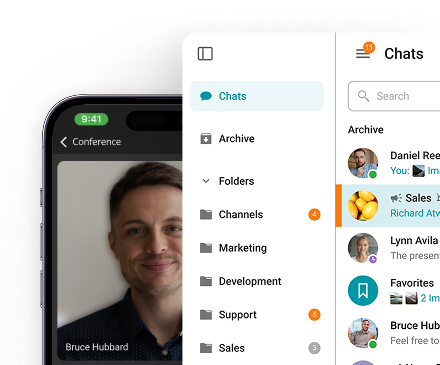
Switch devices seamlessly – your messages are always handy in desktop and mobile apps.
A team messaging app is a specialized communication platform designed to help employees, departments, and external collaborators stay connected, aligned, and productive — all from a single digital workspace. Unlike conventional email, which is slow and often cluttered, team messaging tools deliver conversations instantly and organize them around channels, projects, or specific topics. Modern solutions such as TrueConf take this concept further by merging chat functionality with built-in video conferencing, file management, and live presence indicators. The result is a truly unified communications environment where switching between messaging and a full video meeting takes just one click.
The way teams communicate has a direct impact on how fast and effectively they work. Team messaging apps address many of the friction points that slow organizations down. Here is what they bring to the table:
Faster decisions — Real-time messaging cuts through the back-and-forth of email threads, helping teams reach conclusions without unnecessary delays.
Reduced inbox clutter — Routine internal conversations move out of email entirely, freeing up inboxes for external or formal communications.
Greater transparency — Shared channels and group chats keep everyone informed without the need for lengthy status meetings.
Seamless escalation — With TrueConf, any text conversation can be instantly upgraded to a high-definition video conference without switching applications or sending calendar invites.
Improved focus — Because everything — messages, files, calls, and meeting history — lives in one place, employees spend less time context-switching between tools and more time doing meaningful work.
TrueConf
TrueConf is a unified communications platform that integrates enterprise-grade team messaging with fully featured video conferencing in a single, cohesive solution. Available both as a self-hosted server deployment and a cloud service, TrueConf gives organizations complete flexibility over how and where their data is stored. Its on-premise option is particularly valued by enterprises, government bodies, and regulated industries that cannot afford to store sensitive communications on third-party servers. The messaging layer supports direct messages, group chats, threaded replies, emoji reactions, and file sharing — while being natively connected to TrueConf's video engine, which handles conferences with up to 1,000 simultaneous video participants. Administrative controls are extensive, allowing IT teams to manage users, configure roles, set access policies, and monitor system activity from a centralized console.
Google Chat
Google Chat is a messaging service built directly into the Google Workspace ecosystem. It works well for organizations that have already standardized on Gmail, Google Drive, and Google Meet, as it integrates with these tools out of the box. Spaces allow teams to organize conversations around shared topics or projects. However, Google Chat is primarily a messaging interface — video capabilities are handled by Google Meet as a separate service, which means the user experience is split across two different products rather than being unified as it is in TrueConf.
Slack
Slack is one of the most recognized names in team messaging, known for its intuitive channel-based structure and an extensive library of third-party integrations with tools like Jira, GitHub, Salesforce, and Zoom. It performs well for mid-sized teams and is particularly popular in the tech and startup sectors. The free plan is limited in terms of message history and integration count, while paid tiers can add up significantly for larger organizations. Importantly, Slack does not include native enterprise video conferencing — it relies on integrations with external meeting platforms, which adds complexity compared to TrueConf's all-in-one approach.
Microsoft Teams
Microsoft Teams is a broad collaboration platform designed around the Microsoft 365 suite. It combines persistent chat, file storage via SharePoint, and video meetings within a single interface, making it a natural fit for organizations already running on Word, Excel, Outlook, and other Microsoft products. The platform is feature-rich but can feel overly complex for smaller teams or companies not embedded in the Microsoft ecosystem. Licensing is typically bundled with Microsoft 365 subscriptions, which may mean paying for capabilities a team does not actually need. In contrast, TrueConf offers purpose-built licensing that scales to actual usage.
Element
Element is an open-source messaging client built on the Matrix protocol, a decentralized and federated communication standard. It stands out for its strong privacy posture and the ability to run entirely on self-managed infrastructure without depending on any single vendor. This makes Element appealing to highly security-conscious organizations, open-source advocates, and public sector institutions. The trade-off is that deployment, maintenance, and customization require meaningful technical expertise. TrueConf, while also supporting on-premise hosting, provides a fully packaged enterprise solution with dedicated support, professional onboarding, and a polished interface — making it more accessible for organizations without large IT teams.
Team messaging app pricing depends on several factors: the chosen deployment model, the number of users, and which features are included in a given plan. Most platforms follow a per-user, per-month subscription structure with tiered plans based on functionality.
Free versions exist for tools like Google Chat and Slack, but they carry notable restrictions — Slack's free plan, for instance, limits searchable message history to 90 days and caps the number of app integrations. Paid plans across major platforms typically range between $3 and $15 per user per month, with enterprise tiers priced separately based on custom requirements.
TrueConf approaches pricing differently. It offers perpetual licensing for on-premise deployments — meaning organizations pay once and own the software rather than committing to ongoing monthly fees. For larger teams, this model tends to be considerably more economical over a two-to-three year horizon. It is also worth noting that TrueConf's license already includes video conferencing, so businesses avoid paying for a separate meeting platform on top of a messaging tool.
For enterprises seeking a secure, self-contained communication environment, TrueConf consistently stands out. It eliminates the need to stitch together separate tools for messaging and video by offering both natively within one platform. Organizations operating in sectors where data residency is non-negotiable — such as healthcare, finance, government, or defense — particularly benefit from TrueConf's on-premise deployment model, which ensures all communication data stays within the organization's own infrastructure.
Yes. Team messaging is not an add-on or a secondary feature in TrueConf — it is a core, fully developed component of the platform. Users can exchange one-on-one direct messages or participate in group chats with any number of colleagues. Conversations support threaded replies, file and media attachments, emoji reactions, and @mentions to keep discussions structured and easy to follow. Real-time presence statuses let team members see who is available, busy, in a meeting, or offline before they reach out.
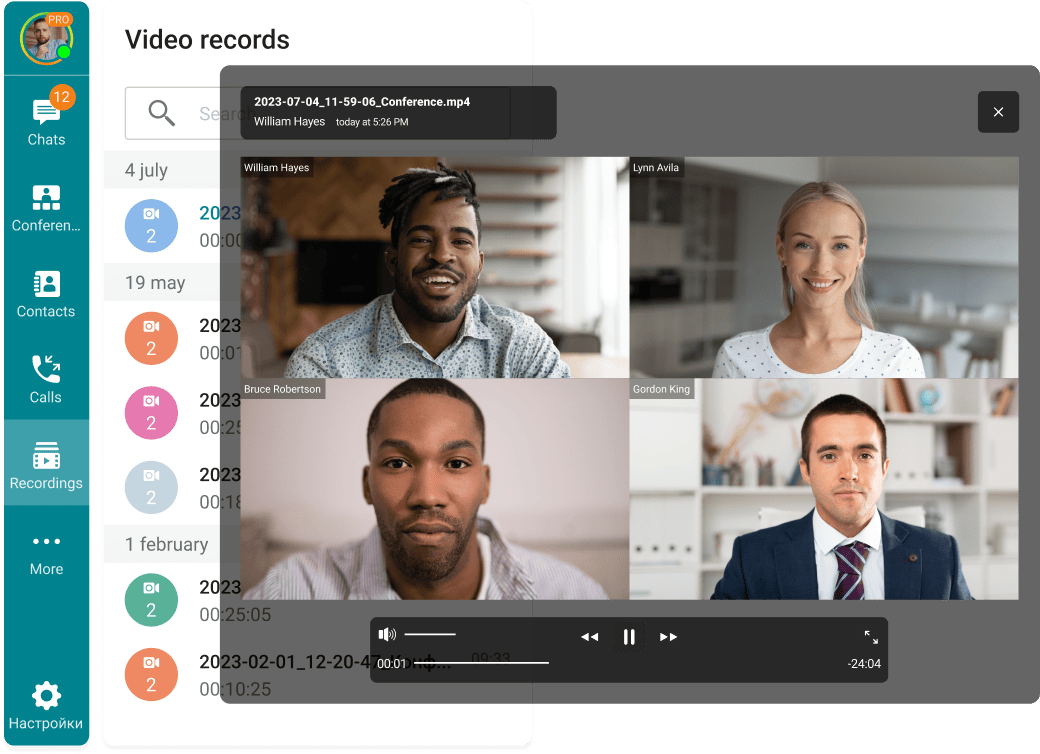
What sets TrueConf apart from standalone messaging tools is the native connection between chat and video. Any conversation — whether a quick DM or an ongoing group thread — can be escalated into a live video conference with a single button press. No redirects, no third-party apps, no scheduling required. This design means that communication flows naturally across formats, and the complete history of messages, shared files, and call records remains organized in one searchable archive.
Choosing the right team messaging solution requires looking beyond the basic feature checklist. Here are the most important factors to evaluate:
Data security and deployment control — Understand where your messages and files are stored. Cloud-only platforms hand custody of your data to a vendor. TrueConf offers an on-premise server option, giving your organization full ownership of its communication data — a critical consideration for regulated industries.
Native video integration — Messaging and meetings rarely stay separate in practice. Platforms that require a separate video tool create friction and fragment communication history. TrueConf eliminates this by combining both in a single, deeply integrated product.
Scalability without cost penalties — Some platforms become significantly more expensive as headcount grows. Review how pricing scales and whether the architecture can handle your team's future size without performance degradation.
Cross-platform consistency — Your team should have a uniform experience whether they are working from a Windows workstation, a Mac, a Linux machine, a smartphone, or a browser. TrueConf clients are available across all major operating systems and mobile platforms.
Administrative depth — IT administrators need the ability to provision users, configure permissions, enforce security policies, and pull usage reports. Robust admin tooling is a mark of an enterprise-ready platform.
Ease of adoption — The most feature-rich platform is only valuable if people actually use it. Prioritize tools with clean, intuitive interfaces that require minimal training for everyday users.