


Instant Chat for Business
TrueConf is an instant chat messenger for business that delivers secure, real-time communication with team chats and file sharing.

TrueConf is an instant chat messenger for business that delivers secure, real-time communication with team chats and file sharing.
On-premises Installation
Capable of offline operation within a private network without an Internet connection required.
You Own Your Data
Your data never leaves your network.
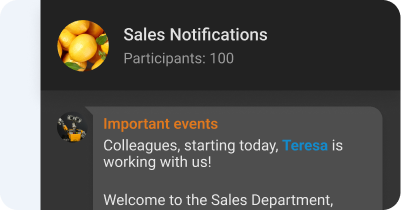
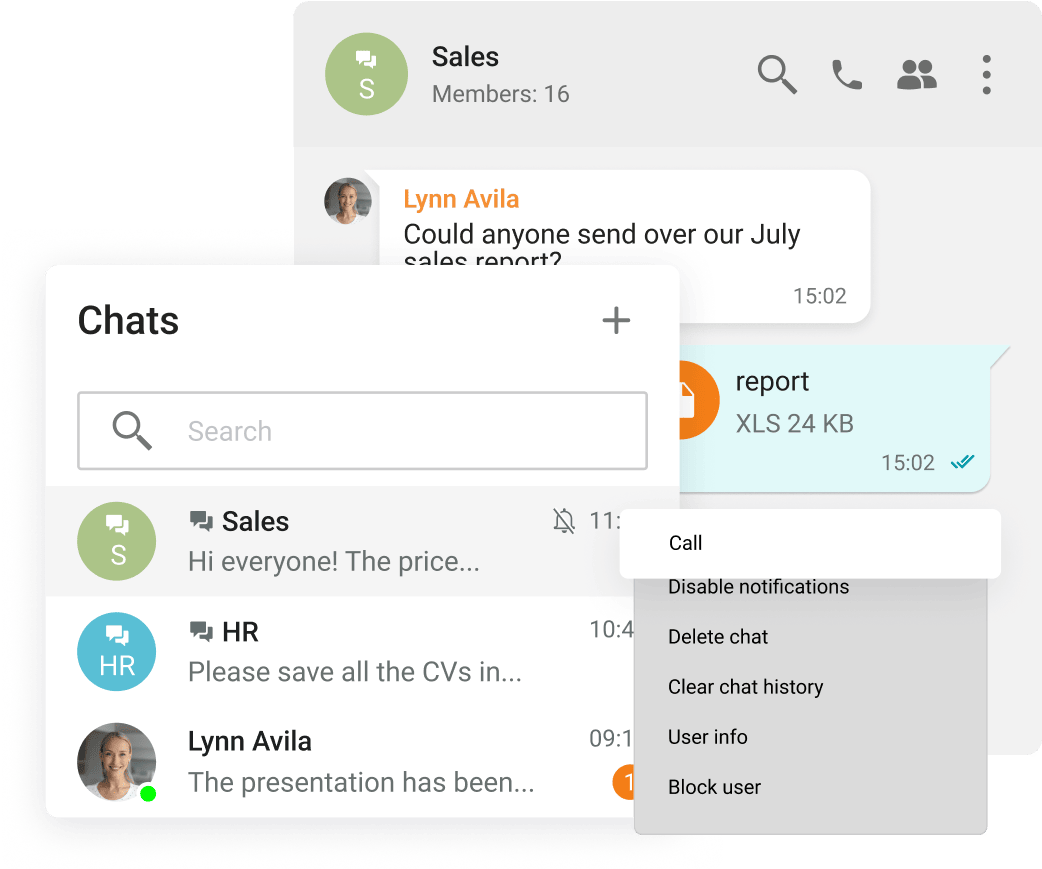
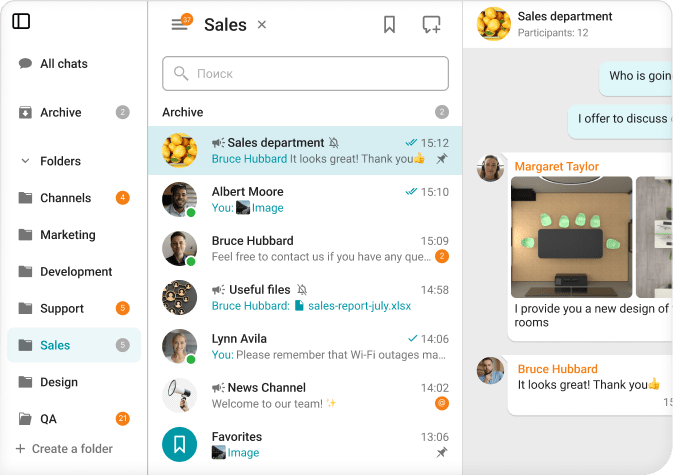
Group and personal chats
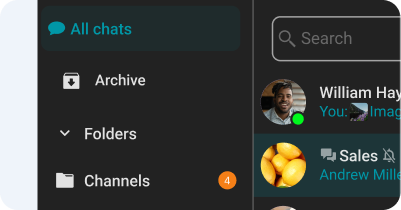
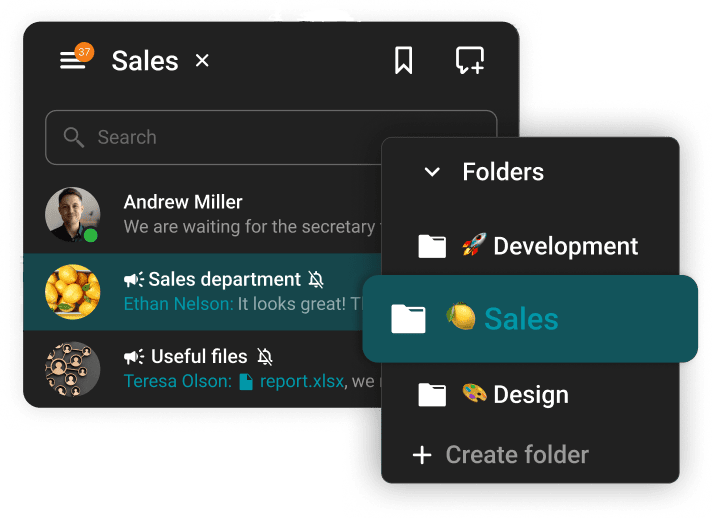
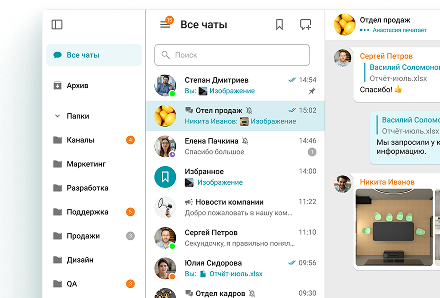
Chat folders
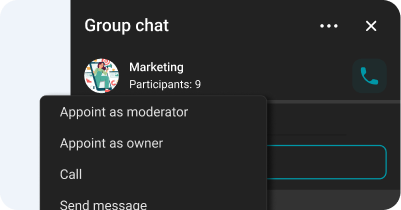
Chat moderator management and ownership rights transfer
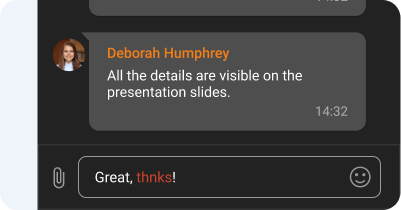
Spell-checking
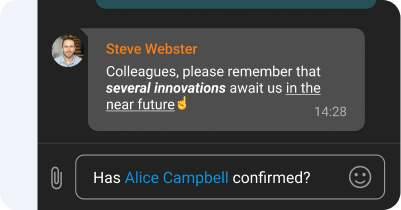
Text formatting and Hyperlinks
Channels
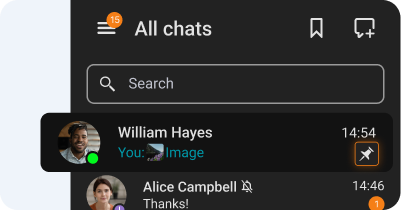
Chat pinning
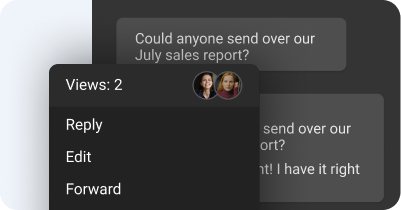
Message reading status
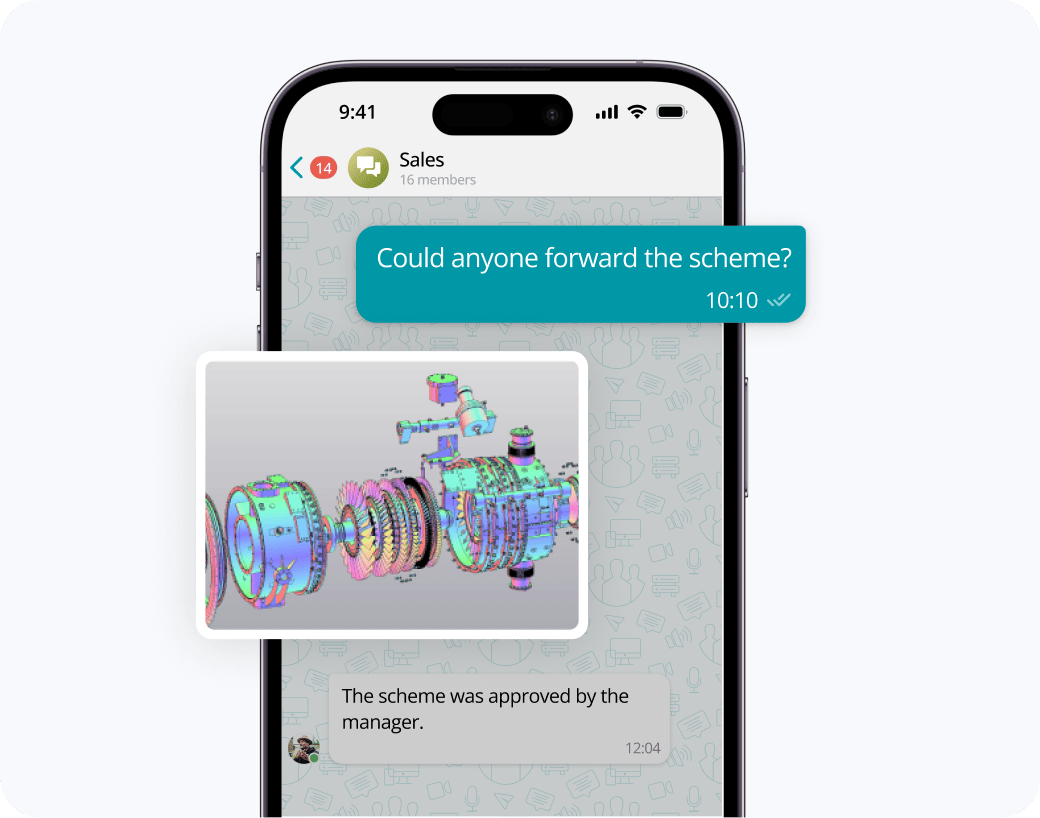
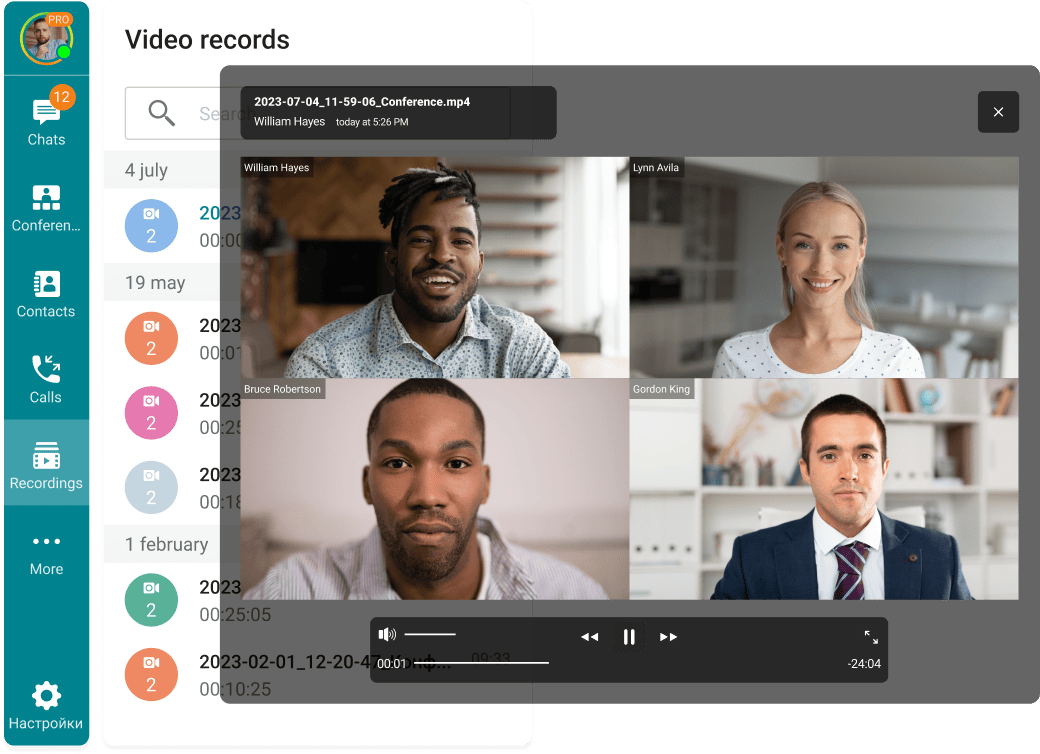
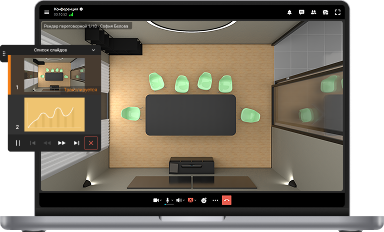
Exchange messages during conferences and beyond! Respond to colleagues' requests in personal and group chats, swiftly transitioning discussions into online meetings.
Share files of any size and look through them right in TrueConf client applications.
View the resulting images and video files, as well as PDF documents, in TrueConf desktop client applications.
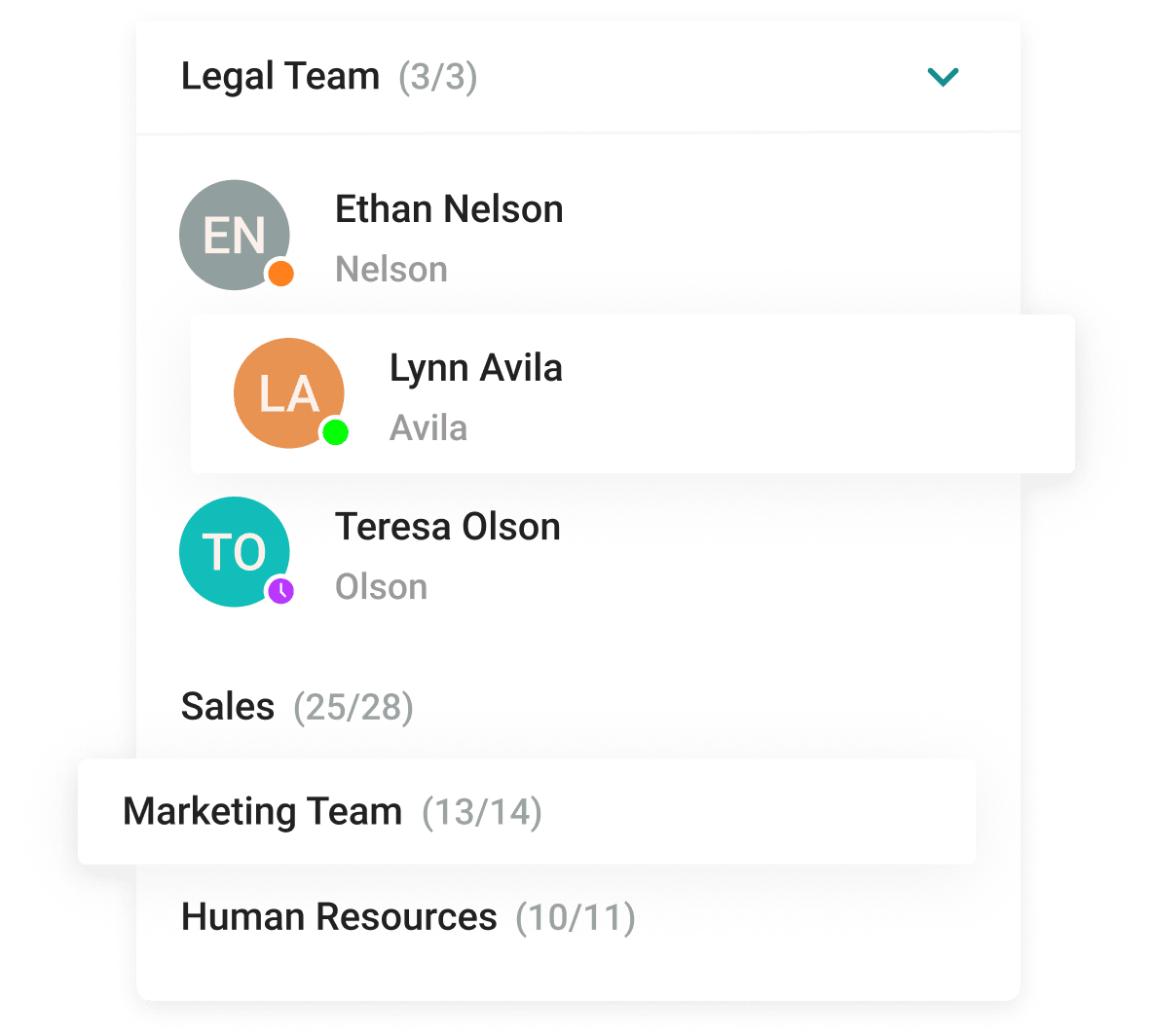
With the help of a convenient address book and department navigation, you can contact any employee of the company and see which colleagues are available for communication.
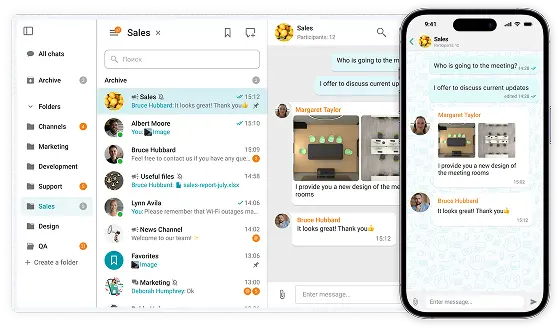
Arrange communication easily and conveniently, group chats into folders and add colorful emojis.









The group chat participants can easily find all the necessary documents as they are collected in the "File" tab.
Enhance the capabilities of the address book by integrating Active Directory or any LDAP directory with TrueConf Server.
Single Sign-On (SSO) technology, along with support for NTLM and Kerberos protocols, allows users of TrueConf client applications to securely log in without entering a username and password.
Download the corporate messenger for video conferencing and secure communication, for your operating system.
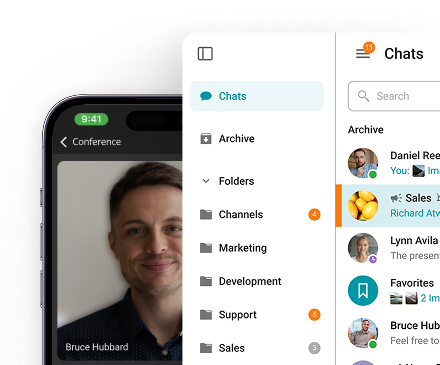
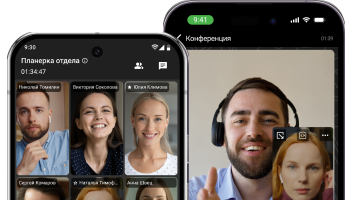
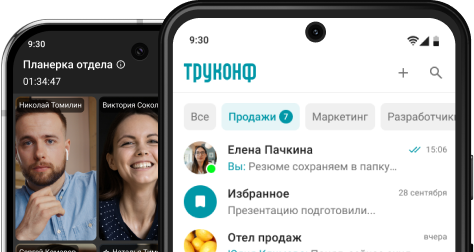
Organize video conferences and discuss tasks in chats wherever you are — all corporate communications in one mobile application. Download TrueConf mobile app!
Switch devices seamlessly – your messages are always handy in desktop and mobile apps.
An instant chat messenger is a software application that enables people to send and receive messages in real time over the internet or a private network. Unlike email, which operates more like a digital letter, instant chat creates a live back-and-forth exchange — responses arrive within seconds, making conversations feel natural and immediate. Modern instant chat messengers have grown far beyond simple text, offering features such as group chats, multimedia sharing, voice and video calls, message threading, emoji reactions, and integrations with other workplace tools. They are used across virtually every industry, from customer support and remote team collaboration to internal corporate communication and project management.
Instant chat transforms the way teams communicate by making information exchange faster, more organized, and more accessible than traditional alternatives.
One of the most immediate benefits is speed. Questions that would take hours to resolve over email are answered in seconds, keeping workflows moving without unnecessary delays. This is especially valuable in fast-paced environments where waiting on a reply is not an option.
Instant chat also reduces inbox clutter significantly. Instead of long email chains with multiple participants copying each other endlessly, conversations happen in dedicated chat spaces that are easy to scroll, search, and reference later. Team members always know where to look for a specific discussion.
For remote and distributed teams, instant chat acts as a virtual office — a persistent space where colleagues can check in, share updates, and maintain a sense of connection regardless of geography or time zone. Group chats and channels allow entire departments to stay aligned without scheduling a formal meeting for every update.
From a productivity standpoint, the ability to share files, links, images, and documents directly within a conversation eliminates the need to switch between applications constantly. Everything relevant to a project or topic lives in one place, accessible to everyone involved.
Finally, instant chat supports better decision-making by creating a searchable record of conversations. Past decisions, shared files, and discussed ideas remain retrievable at any point, giving teams a reliable source of truth as projects evolve.
Yes — instant chat is a fully integrated and core component of the TrueConf platform, not an add-on or secondary feature. TrueConf's instant chat is available directly within the Windows desktop application, as well as on mobile devices and through the browser client, with all messages and content syncing automatically across every device a user is signed into.
What makes TrueConf's instant chat particularly valuable for enterprise environments is that it operates entirely within the organization's own infrastructure when deployed in self-hosted mode. This means that every message exchanged, every file shared, and every conversation thread stored remains on the company's own servers — with no third-party cloud provider having any access to that data. For industries where confidentiality is critical, such as healthcare, finance, government, and legal services, this architecture provides a level of data control that cloud-only messaging platforms simply cannot match.
TrueConf instant chat is designed to cover the full range of communication needs a professional team encounters on a daily basis.
Users can start one-on-one conversations with any contact or create group chats for specific teams, departments, or projects. Within those chats, messages can be formatted with rich text, organized into threads to keep replies contextually linked, and enhanced with emoji reactions for quick acknowledgment without cluttering the conversation.
File and image sharing is built directly into the chat interface, allowing participants to exchange documents, presentations, screenshots, and media without leaving the application or relying on a separate file transfer tool. Important messages — such as deadlines, decisions, or key instructions — can be pinned to the top of any chat so they remain visible to all participants at all times.
When a text conversation needs to move faster or requires face-to-face clarity, any chat can be escalated to a high-definition video conference in a single click, with no need to schedule a separate meeting or switch to another application. This seamless transition between messaging and video is one of TrueConf's defining advantages over standalone messaging tools.
A built-in search function allows users to locate any message, file, or piece of shared content from across the entire conversation history instantly — ensuring that nothing discussed or shared is ever difficult to retrieve as projects grow and teams expand.