


Company Chat App for Secure Business Communication
A secure company chat app with on-premises deployment: instant messaging, encrypted file sharing, and remote collaboration for business teams.
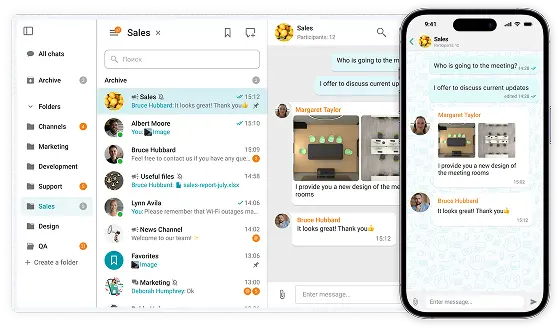

A secure company chat app with on-premises deployment: instant messaging, encrypted file sharing, and remote collaboration for business teams.
On-premises Installation
Capable of offline operation within a private network without an Internet connection required.
You Own Your Data
Your data never leaves your network.
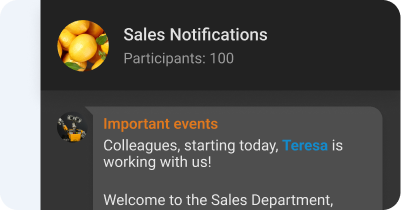
Group and personal chats
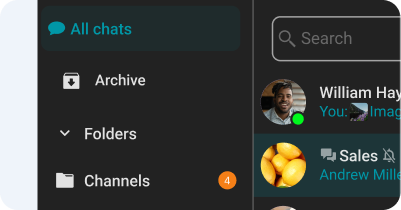
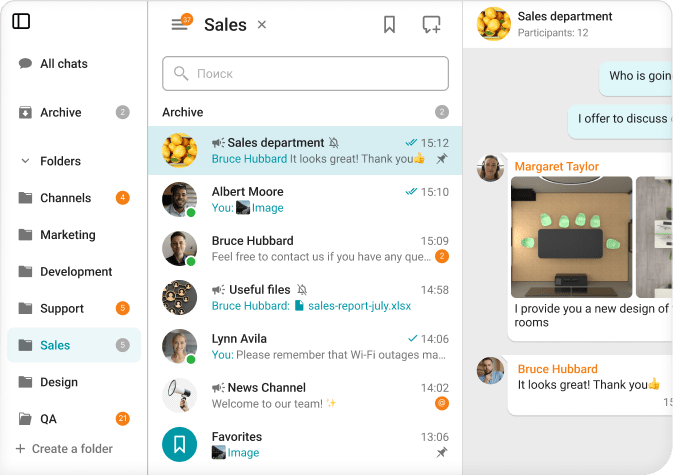
Chat folders
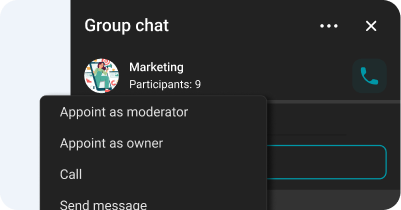
Chat moderator management and ownership rights transfer
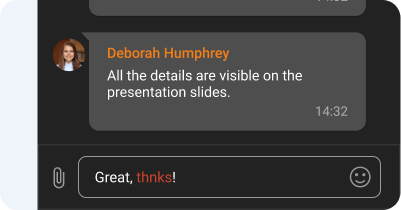
Spell-checking
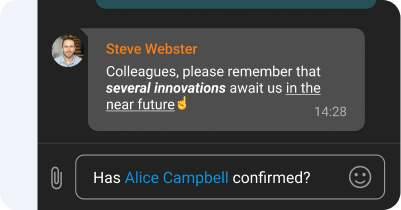
Text formatting and Hyperlinks
Channels
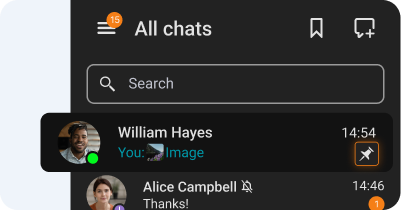
Chat pinning
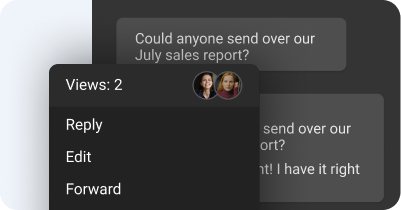
Message reading status
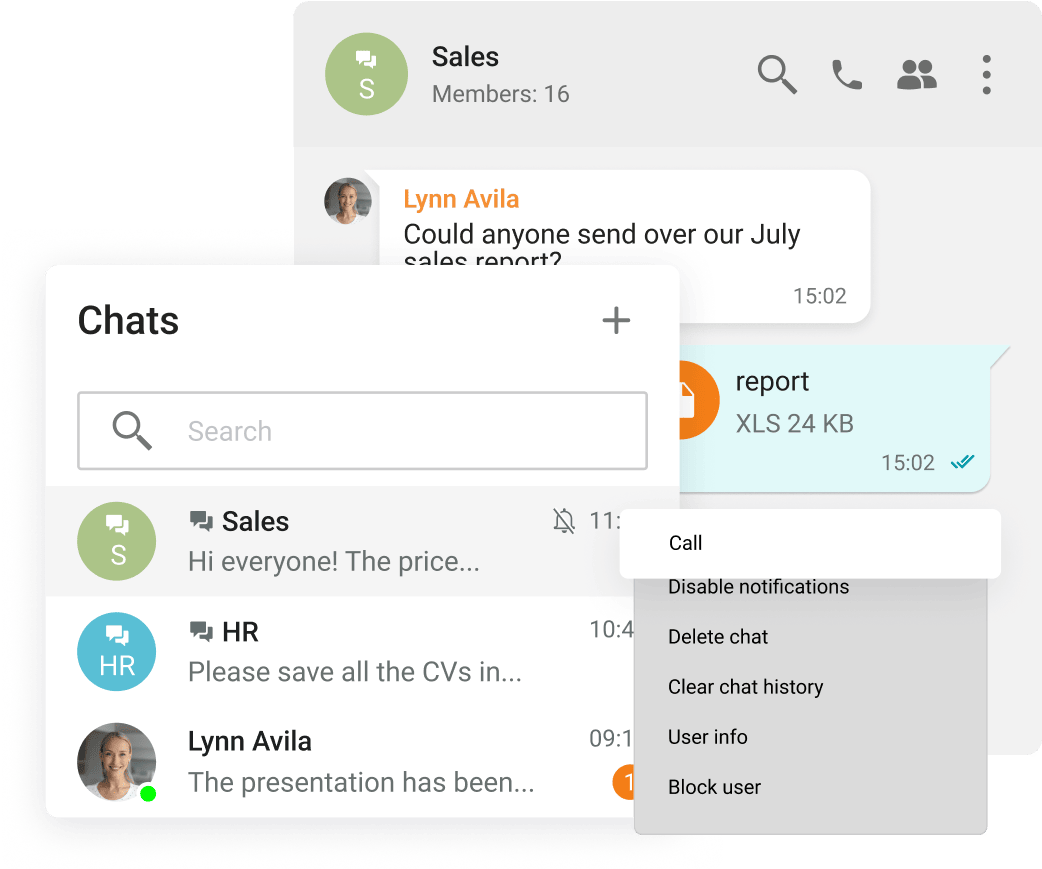
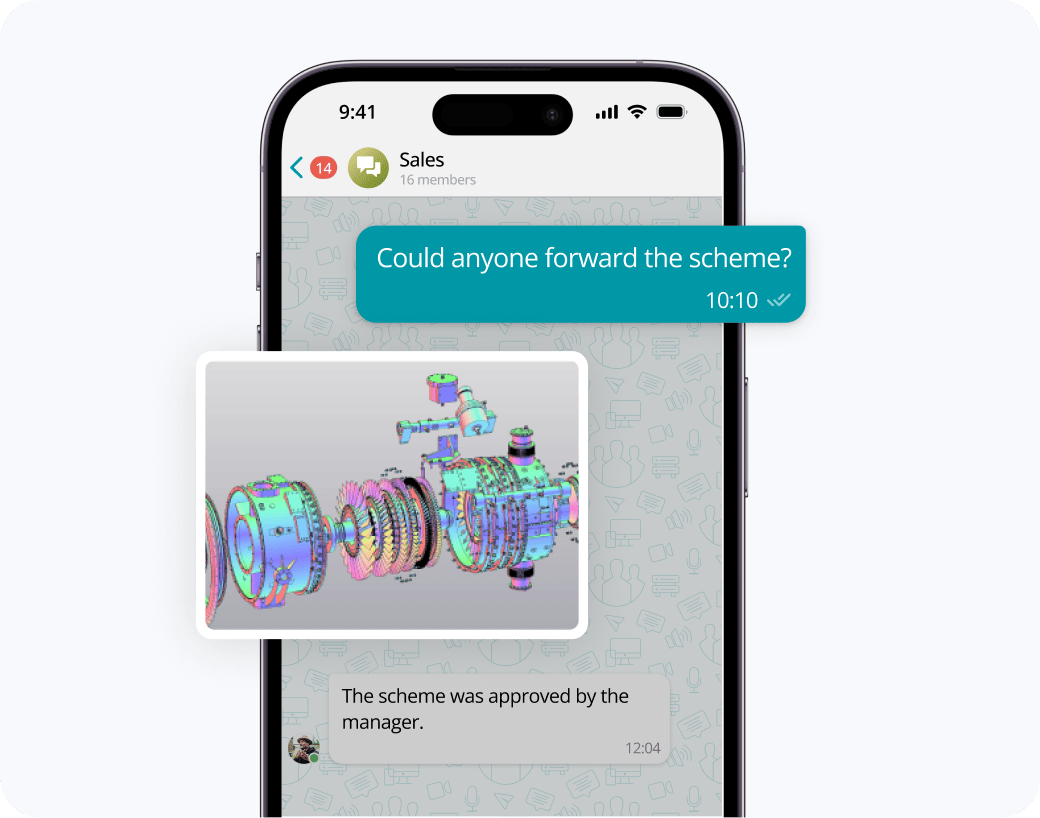
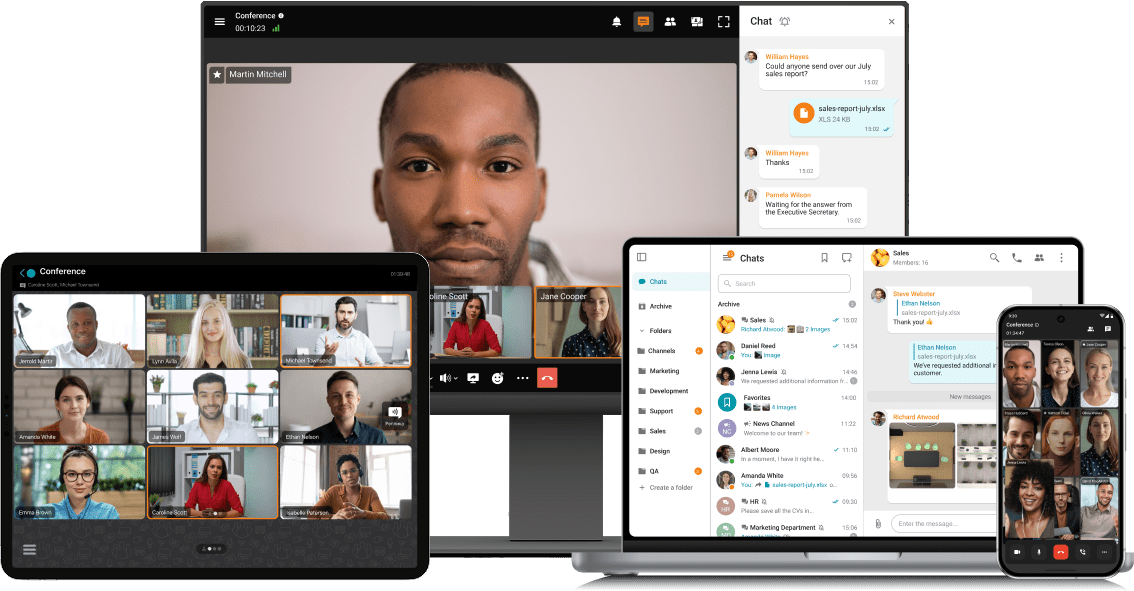
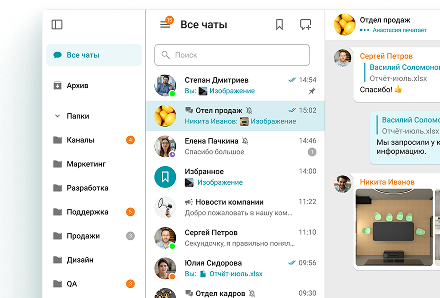
Exchange messages during conferences and beyond! Respond to colleagues' requests in personal and group chats, swiftly transitioning discussions into online meetings.
Share files of any size and look through them right in TrueConf client applications.
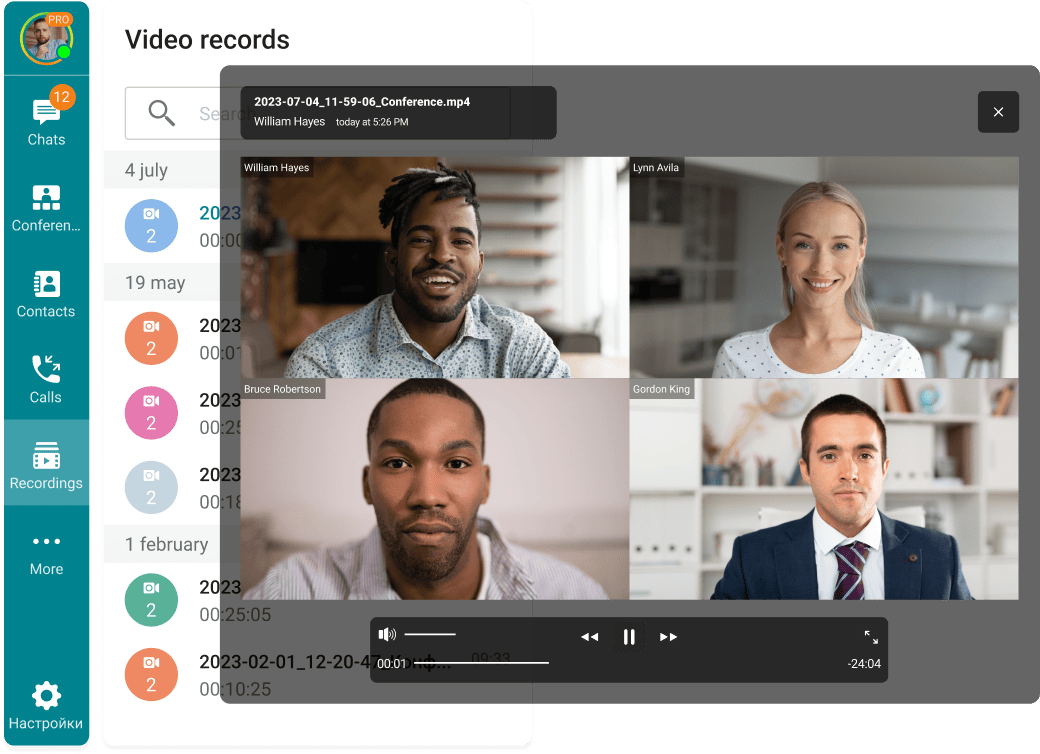
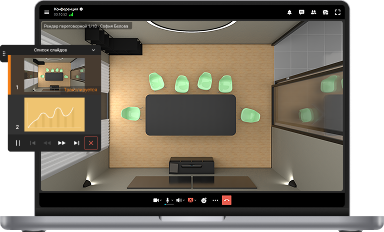
View the resulting images and video files, as well as PDF documents, in TrueConf desktop client applications.
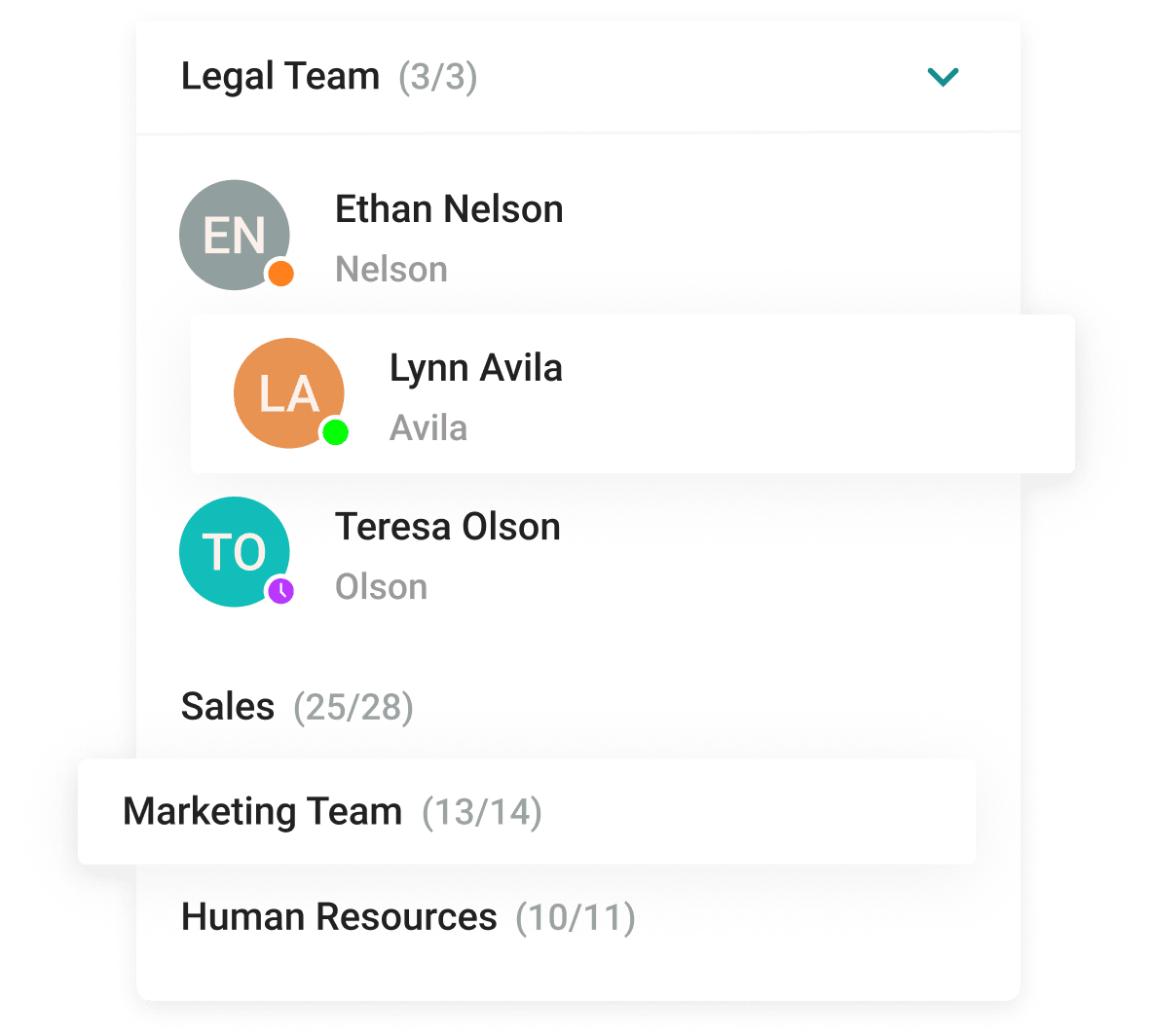
With the help of a convenient address book and department navigation, you can contact any employee of the company and see which colleagues are available for communication.
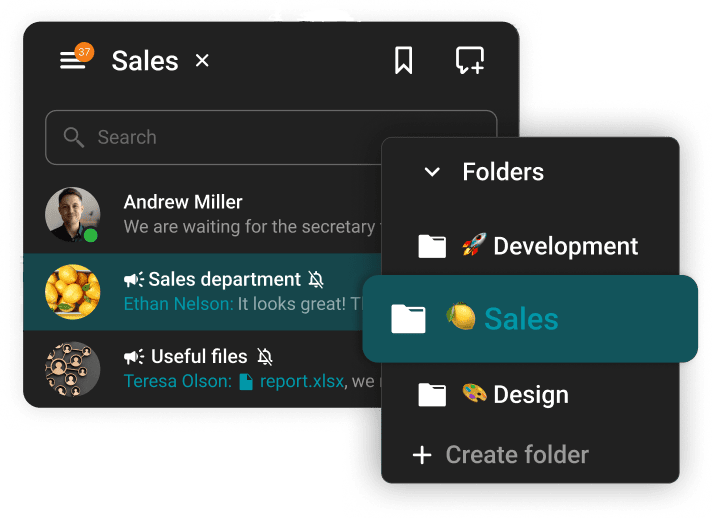
Arrange communication easily and conveniently, group chats into folders and add colorful emojis.









The group chat participants can easily find all the necessary documents as they are collected in the "File" tab.
Enhance the capabilities of the address book by integrating Active Directory or any LDAP directory with TrueConf Server.
Single Sign-On (SSO) technology, along with support for NTLM and Kerberos protocols, allows users of TrueConf client applications to securely log in without entering a username and password.
Download the corporate messenger for video conferencing and secure communication, for your operating system.
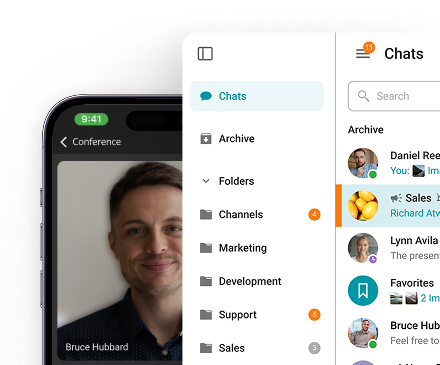
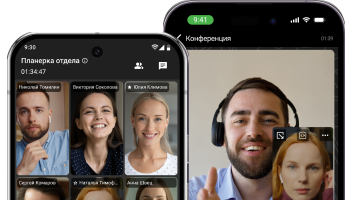
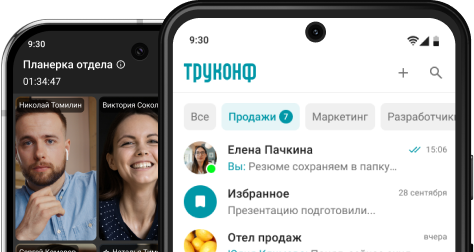
Organize video conferences and discuss tasks in chats wherever you are — all corporate communications in one mobile application. Download TrueConf mobile app!
Switch devices seamlessly – your messages are always handy in desktop and mobile apps.
A company chat app is a business-grade communication platform that gives teams a secure, centralized space for messaging, file exchange, project coordination, and real-time collaboration — all within a controlled organizational environment. Unlike consumer messengers, it's built around enterprise priorities: centralized user management, structured topic channels, full-text search across history, and deep integrations with calendars, CRMs, and task tools. Organizations that need data sovereignty, regulatory compliance, and cross-functional efficiency choose solutions like TrueConf, a unified corporate suite combining secure messaging, HD video, voice calls, and collaboration within a single protected infrastructure. The right company chat app isn't just a tool; it's a scalable communication foundation that evolves alongside your business and regulatory landscape.
Email was never designed for the pace of modern teamwork. A company chat app replaces overloaded inboxes with fast, structured, and fully governed workplace communication — a dedicated environment for quick decisions, project updates, urgent alerts, and daily team coordination. Deploying one helps organizations:
• Cut through email noise with instant, topic-focused messaging
• Organize conversations by team, project, or priority
• Speed up decisions through real-time replies and targeted @mentions
• Keep hybrid and remote staff connected through one unified hub
• Dismantle departmental silos and strengthen cross-team collaboration
• Maintain full compliance, data security, and administrative oversight
For teams that need speed without sacrificing control, TrueConf offers a secure, enterprise-ready platform that brings messaging, video, and collaboration under one roof.
Email handles formal announcements, external communication, and detailed documentation well, but it wasn't built for speed. A company chat app fills that gap: it's engineered for rapid internal exchange, where questions get answered in seconds, project threads stay organized in dedicated spaces, and colleagues can jump from text to a video call without switching platforms. Instead of replies buried in threads and attachments scattered across inboxes, conversations are structured by channel or project, fully searchable, and actionable in real time. The result: fewer communication bottlenecks, less inbox fatigue, and teams that stay aligned without the overhead.
A capable company chat app balances intuitive communication with enterprise-grade controls. Key capabilities to evaluate:
Core Messaging
• Private and group chats with real-time delivery
• Structured channels or project spaces for focused discussions
• Threaded replies and @mentions to preserve context
Content & Discovery
• File sharing with in-app previews for documents, images, and video
• Search across messages, attachments, and links
• Pinned messages and conversation history for quick reference
User Experience
• Consistent interface across desktop, browser, and mobile
• Configurable notifications and Do Not Disturb scheduling
• Presence indicators to signal availability at a glance
Security & Governance
• Encryption with GDPR, HIPAA, and ISO 27001 alignment
• SSO, role-based access controls, and centralized user management
• On-premises and private cloud deployment for full data ownership
Integration & Scale
• Connections to calendars, CRM, helpdesk, and task management tools
• API and webhook support for custom workflow automation
• Native voice and video calling built directly into the platform
Yes, when built for enterprise from the ground up. A purpose-built company chat app delivers end-to-end encryption, granular permission structures, audit trails, data residency controls, and compliance with frameworks like GDPR, HIPAA, and ISO 27001. Enterprise platforms also enforce centralized user management, single sign-on, and policy-driven access controls to safeguard sensitive communications. TrueConf is built on exactly this foundation: a secure company chat app with full infrastructure control, available for on-premises or private cloud deployment. For organizations where data sovereignty is non-negotiable, the right platform ensures every conversation stays confidential, compliant, and entirely within organizational boundaries.
The answer depends on your organization's specific requirements around control, compliance, and infrastructure. Cloud-based tools work well for smaller teams, but enterprises and regulated industries typically require on-premises or private cloud deployment to satisfy data governance mandates. The strongest options combine enterprise encryption, role-based access, audit capabilities, and native workflow integrations, without creating usability tradeoffs. TrueConf is built for this profile: secure messaging, HD video, and collaboration tools unified within a fully controllable infrastructure. Whether deployed behind your firewall or in an isolated private cloud, it provides a compliant, scalable foundation for secure enterprise communication.
Yes, and for many organizations, self-hosting is the only viable option. Deploying a company chat app on your own servers or within private infrastructure gives you complete data ownership, full control over access policies, and the ability to meet industry-specific compliance requirements without depending on external cloud providers. This model is especially critical for enterprises, government bodies, and security-sensitive sectors that must keep communications within a protected perimeter. A self-hosted company chat app delivers full collaboration functionality — messaging, video, file sharing — alongside unrestricted administrative oversight. For organizations where data sovereignty is a strategic priority, it's not just a deployment preference; it's an operational requirement. TrueConf supports this with flexible on-premises and private cloud options.
The distinction comes down to scale, governance, and organizational depth. A team chat app serves small groups or single departments with basic messaging needs. A company chat app is architected for the entire organization: multiple departments, locations, and user roles operating under centralized administration, enterprise security policies, and consistent compliance controls. At scale, a company chat app becomes core infrastructure, integrating with LDAP/Active Directory, supporting flexible deployment models, enabling HD video across the organization, and adapting to evolving operational demands. TrueConf reflects this design philosophy: a unified platform where secure messaging, video, and cross-functional workflows operate within one enterprise-ready system.
Yes, and in modern work environments, mobile access is a baseline expectation, not a bonus feature. A well-designed company chat app delivers a consistent, secure experience across iOS and Android, enabling employees to stay connected whether they're commuting, traveling, working from home, or operating in the field. Capabilities that matter on mobile: push notifications, offline message sync, encrypted local storage, and one-tap escalation to voice or video. For organizations supporting hybrid or distributed teams, mobile-ready access through a company chat app means decisions don't stall when people step away from their desks — productivity follows the employee, not the workstation.
The productivity gains from a company chat app aren't theoretical, they show up in the places where work gets stuck. Three areas where the impact is most direct:
• Decision velocity: Questions that would have waited hours for an email response get answered in a thread in seconds. Projects move; blockers clear faster
• Information consolidation: When files, discussions, and task updates live in the same searchable workspace, employees stop re-asking questions and start finding answers
• Reduced switching cost: Fewer tools to toggle between means fewer interruptions, less context loss, and more sustained focus on actual work
The downstream effect is a team that spends less energy navigating communication overhead and more energy on the work itself.
It can, and should, replace the meetings that shouldn't have been meetings in the first place. Status updates, quick approvals, one-directional announcements, and simple Q&A all belong in a company chat app. Pulling six people into a video call for any of these is a productivity cost with no real return. Where meetings remain irreplaceable: complex deliberation, sensitive conversations, structured onboarding, and anything where tone, facial expression, or collaborative visual work shapes the outcome. The most productive teams don't choose between chat and meetings, they match format to purpose. TrueConf supports this naturally, with secure messaging and HD video conferencing unified in one platform. When a conversation outgrows text, escalating to video is one tap away: no app-switching, no friction, no lost context.
Yes, and the quality of that integration varies significantly between platforms. Some treat video as a native capability built directly into the communication layer; others add it through third-party connections that introduce credential management, separate interfaces, and inconsistent security policies. The distinction matters operationally. When video is native to the company chat app, moving from a text discussion to a face-to-face conversation is instantaneous: no link to generate, no external tool to launch, no context reset. Security is also cleaner: encryption and access controls apply uniformly across messaging and video rather than requiring two separate policy frameworks. TrueConf is built this way: secure messaging, UltraHD video conferencing, and screen sharing operate as a single unified system, not adjacent products stitched together.
In enterprise environments, administrative oversight of a company chat app is standard practice, and usually a regulatory requirement. What this oversight includes depends on the organization's governance policies, applicable laws, and the platform's administrative capabilities: message archiving, audit logs, data retention rules, and access to conversation records for compliance or legal review. Business-grade platforms handle this transparently. Employees learn about monitoring policies through onboarding documentation, acceptable use agreements, or in-platform disclosures, not through surprise. The practical implication is simple: a company chat app is a professional business channel. Treat it accordingly. TrueConf gives administrators the controls needed to meet compliance obligations while defining boundaries that respect employee privacy and applicable legal standards.
For distributed teams, a company chat app solves the fundamental problem of presence: how do you create shared context and momentum when people aren't in the same room, building, or time zone? The answer is a unified workspace where announcements, project threads, informal exchanges, and urgent updates all land in one searchable, structured environment, not fragmented across email, personal apps, and phone calls. When teammates can see project history, pick up mid-conversation threads, and gauge each other's availability through presence indicators, the gap between remote and in-office narrows considerably. Video, screen sharing, and voice calling within the same platform make this even more effective, resolving the kind of ambiguities that text alone can't handle, without forcing a context switch to a separate tool. TrueConf delivers this as a native experience, purpose-built for the way modern distributed teams actually work.
Enterprise evaluation goes well beyond feature lists. Selecting a company chat app at organizational scale is an infrastructure decision with long-term consequences: for security posture, regulatory standing, operational continuity, and the daily experience of every employee who depends on it. The wrong choice means costly migrations, compliance gaps, and communication fragmentation. The right one becomes invisible in the best sense: reliable, secure, and entirely fit for purpose. Before committing, the questions that matter most:
• Infrastructure: Can it run on-premises or in a private cloud? Who owns the data?
• Governance: Does it integrate with LDAP/Active Directory? Can roles, permissions, and policies be managed centrally at scale?
• Security: Is encryption end-to-end across all communication types? Does it meet GDPR, HIPAA, or ISO 27001 requirements? Is audit logging available?
• Communication depth: Is HD video conferencing built in natively, or is it a third-party dependency?
• Support: What does enterprise-tier technical support actually look like when something breaks at scale?
For organizations where the answers to these questions are non-negotiable, TrueConf offers a platform built to satisfy all of them: messaging, video, and administration unified in one secure, scalable system.
Yes, and it's built for organizations that need more than a messaging tool with a security badge. TrueConf combines instant messaging, HD video conferencing, voice calling, screen sharing, file collaboration, and centralized administration in a single platform designed for enterprise governance. The differentiator is infrastructure ownership. TrueConf runs on-premises or in a private cloud, giving organizations complete control over their communication environment: who has access, where data lives, how long it's retained, and how it's protected. For industries and regions where data sovereignty is a hard requirement rather than a preference, this isn't a nice-to-have. It's the deciding factor. For businesses ready to move beyond public cloud messaging platforms without sacrificing capability or usability, TrueConf offers a secure, scalable, and fully controllable alternative — built for the demands of modern enterprise communication.