Office Chat App
Need an office chat app for your company?TrueConf Server is a self-hosted, private solution that keeps all communication inside your infrastructure, provides full data control, and supports seamless teamwork across departments.

Need an office chat app for your company?TrueConf Server is a self-hosted, private solution that keeps all communication inside your infrastructure, provides full data control, and supports seamless teamwork across departments.
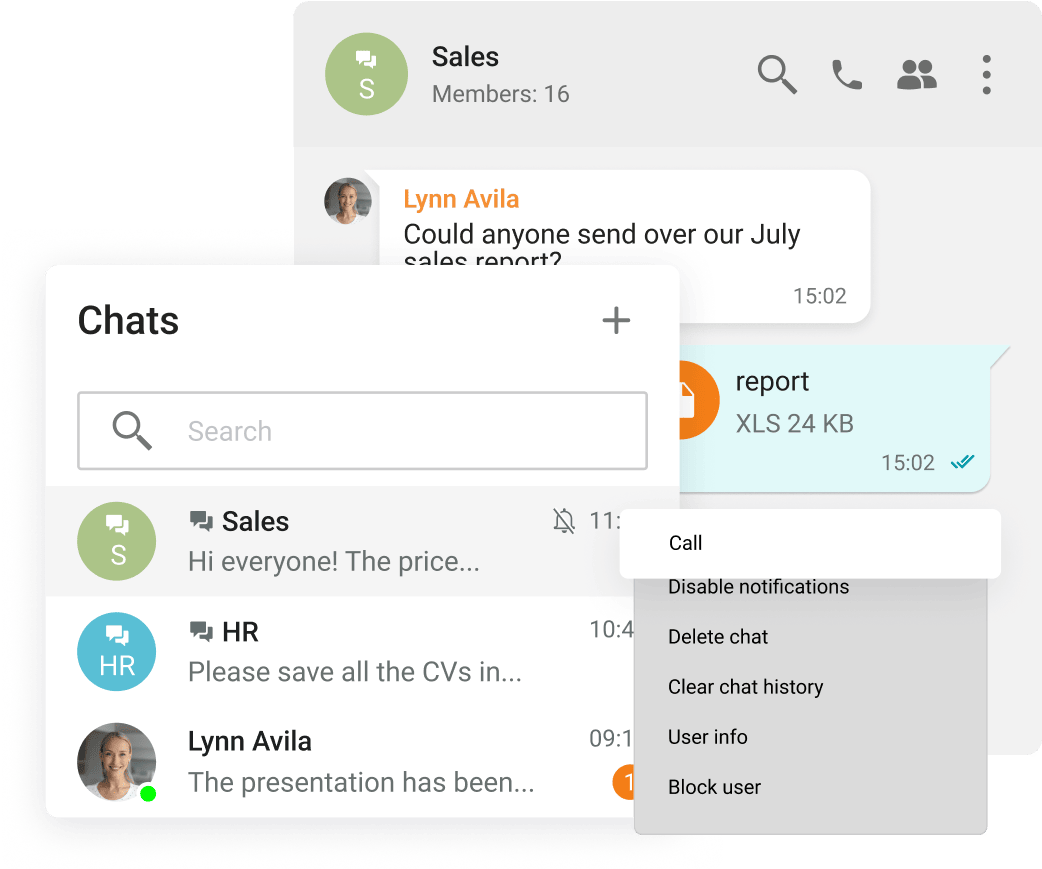
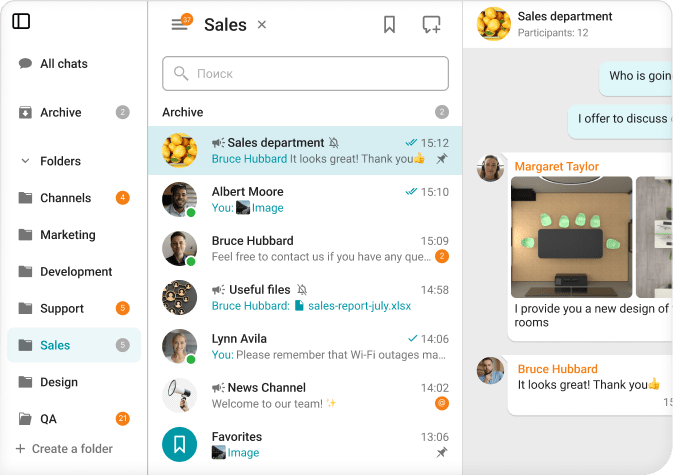
Group and personal chats
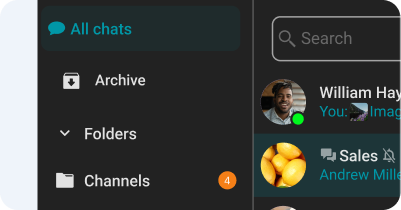
Chat folders
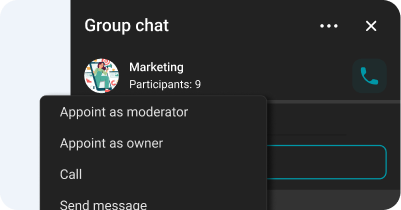
Chat moderator management and ownership rights transfer
Spell-checking
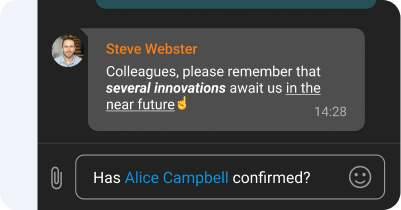
Text formatting and Hyperlinks
Channels
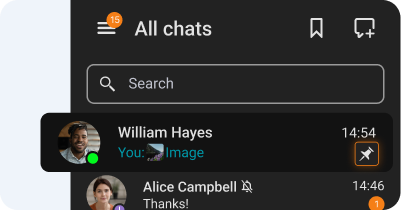
Chat pinning
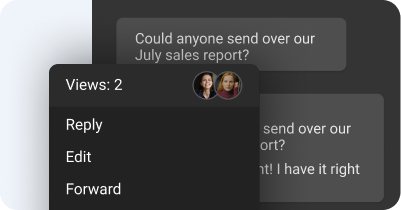
Message reading status
On-premises Installation
Capable of offline operation within a private network without an Internet connection required.
You Own Your Data
Your data never leaves your network.
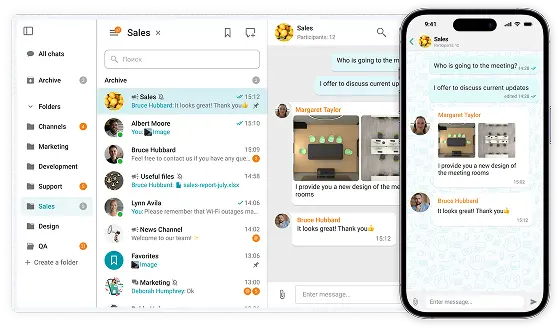
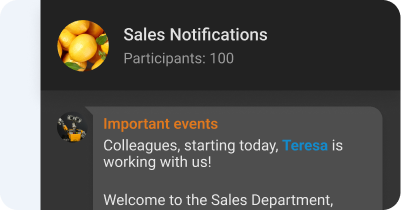
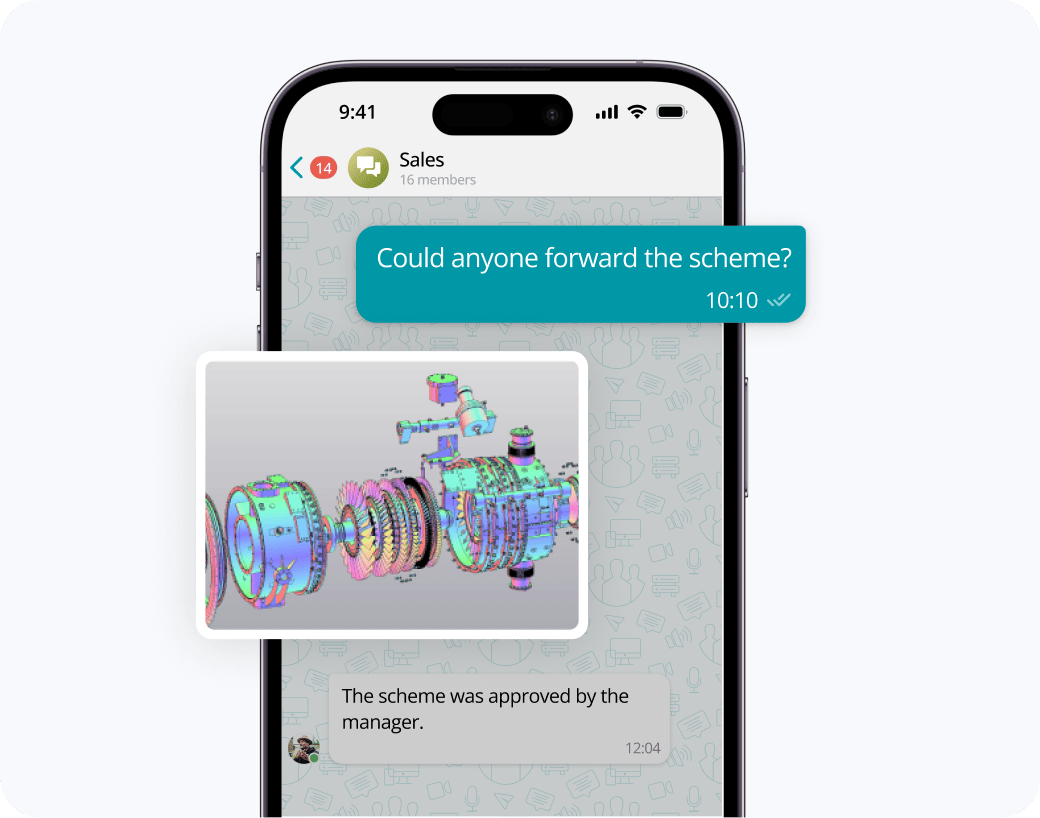
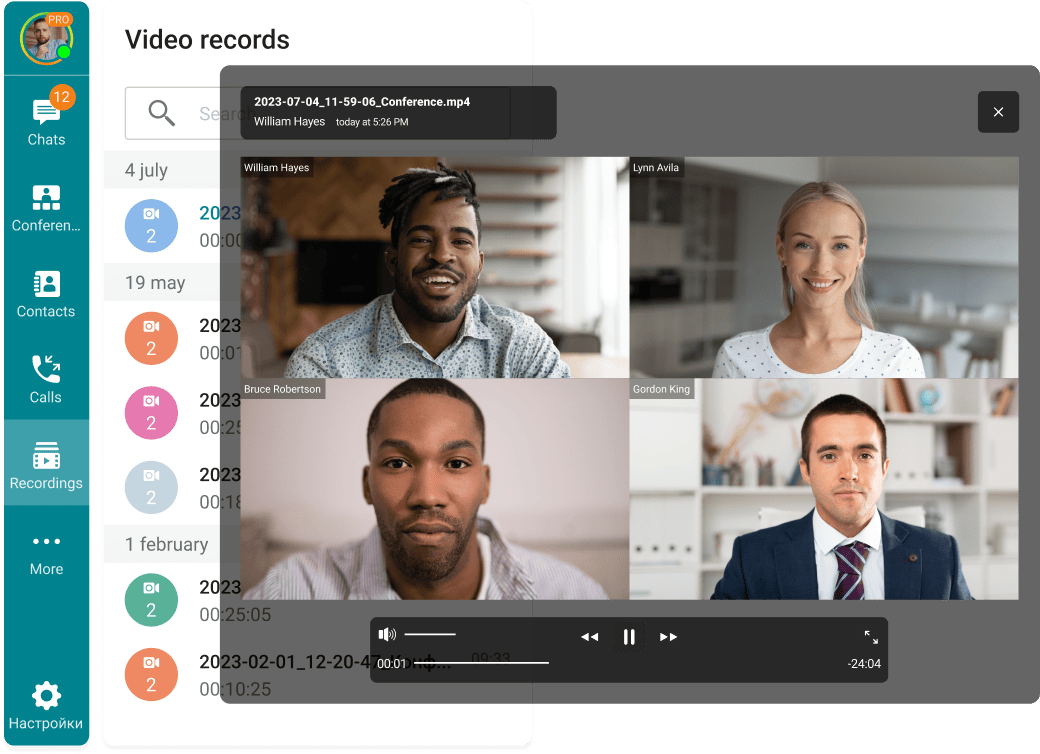
Exchange messages during conferences and beyond! Respond to colleagues' requests in personal and group chats, swiftly transitioning discussions into online meetings.
Share files of any size and look through them right in TrueConf client applications.
View the resulting images and video files, as well as PDF documents, in TrueConf desktop client applications.
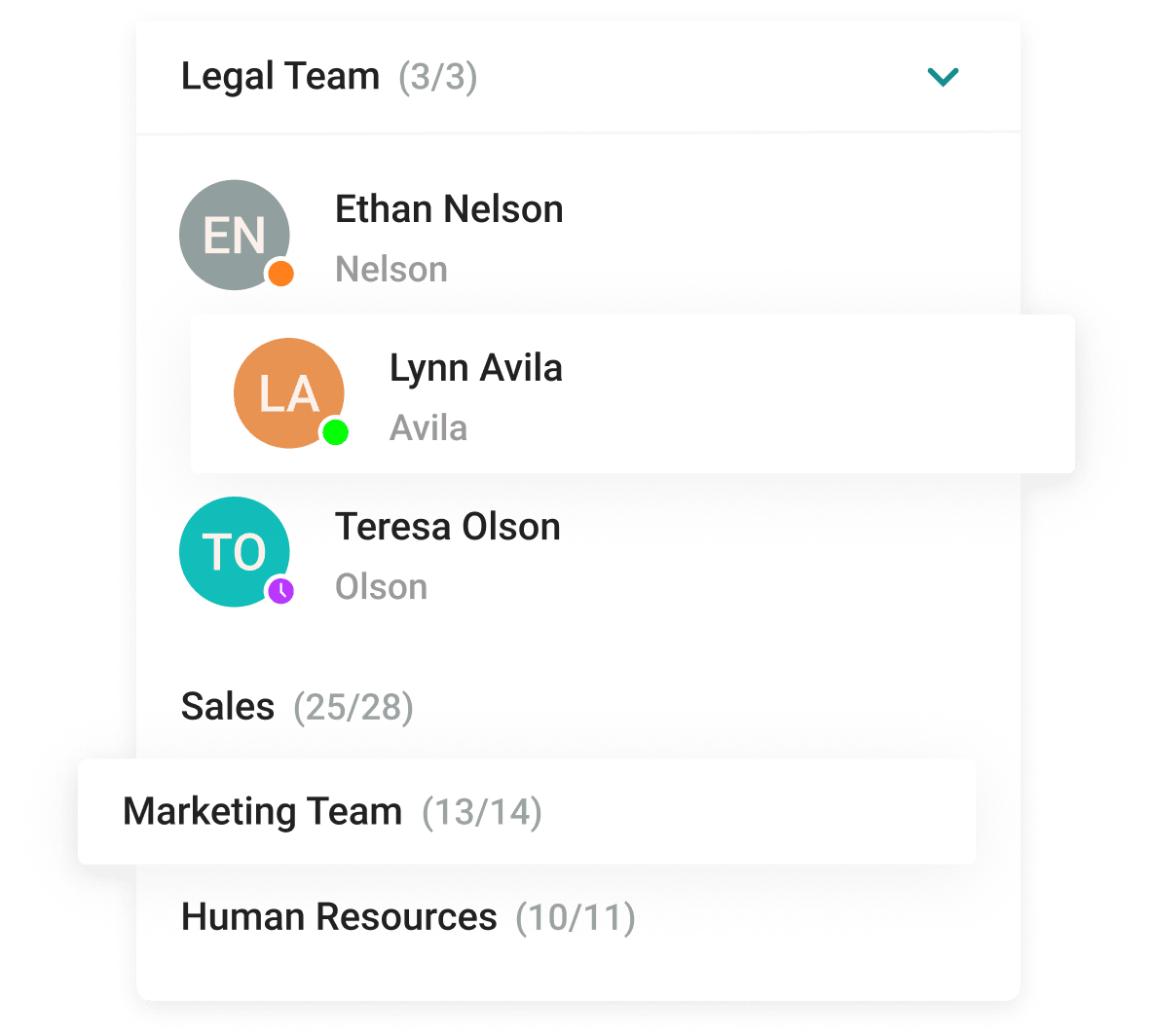
With the help of a convenient address book and department navigation, you can contact any employee of the company and see which colleagues are available for communication.
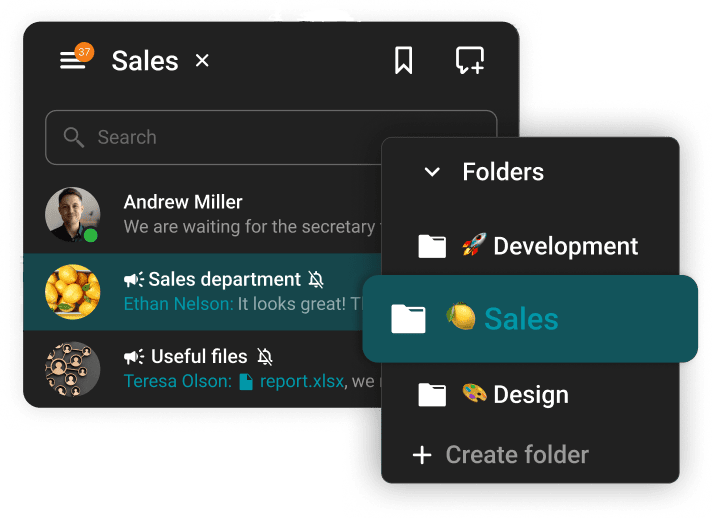
Arrange communication easily and conveniently, group chats into folders and add colorful emojis.
The group chat participants can easily find all the necessary documents as they are collected in the "File" tab.
Enhance the capabilities of the address book by integrating Active Directory or any LDAP directory with TrueConf Server.
Single Sign-On (SSO) technology, along with support for NTLM and Kerberos protocols, allows users of TrueConf client applications to securely log in without entering a username and password.
Download the corporate messenger for video conferencing and secure communication, for your operating system.
Organize video conferences and discuss tasks in chats wherever you are — all corporate communications in one mobile application. Download TrueConf mobile app!
Switch devices seamlessly – your messages are always handy in desktop and mobile apps.
Office chat is a private communication system that enables employees to exchange messages, collaborate on projects, and share files within an organization. Unlike cloud-based solutions, local office chat systems operate on a company's internal servers, ensuring full control over data and security. These systems allow businesses to maintain strict access policies, customize features according to their needs, and integrate seamlessly with existing infrastructure.
Full Data Control and Security
• All messages, files, and conversations are stored on internal servers.
• Eliminates the risk of third-party data access or breaches.
• Ensures compliance with internal security policies and industry regulations.
Customizable Features and Integration
• Can be tailored to fit specific business needs and workflows.
• Allows seamless integration with existing enterprise tools and systems.
• Provides flexibility in user roles, permissions, and access control.
Reliable and Uninterrupted Communication
• Remains operational even during internet outages or external service disruptions.
• No dependency on external providers, ensuring consistent performance.
• Can be optimized for internal network speed and efficiency.
Enhanced Compliance and Regulatory Adherence
• Ensures full compliance with industry-specific regulations.
• Provides complete oversight of data storage and access management.
• Allows businesses to implement their own security policies and encryption standards.
Cost-Effective in the Long Run
• Eliminates recurring subscription fees for cloud-based services.
• Reduces risks associated with potential data breaches and compliance violations.
• Offers a one-time infrastructure investment with long-term benefits.
Improved Privacy and Confidentiality
• Internal messaging remains private and restricted to authorized personnel.
• Prevents data mining or tracking by third-party service providers.
• Suitable for industries handling sensitive or classified information.
Implementing Office Chat: A Step-by-Step Guide
Introducing an office chat app requires careful planning to ensure smooth adoption, security, and effectiveness. Here’s a structured approach to successfully implementing an office chat solution in your organization.
1. Define Objectives and Requirements
Before selecting a chat app, identify your organization’s goals:
Improve internal communication and collaboration.
Enhance productivity by reducing email dependency.
Ensure data security and compliance with industry regulations.
Enable remote and hybrid teams to stay connected.
Integrate with existing tools like project management and CRM systems.
2. Choose the Right Chat App
Consider the following factors when selecting an office chat solution:
On-Premise vs. Cloud-Based: On-premise offers more security, while cloud-based provides accessibility.
Security & Compliance: End-to-end encryption, role-based access, and regulatory compliance.
Integration Capabilities: Compatibility with project management, email, and HR tools.
Customization: Ability to tailor features to your organization’s needs.
3. Plan the Implementation Strategy
A structured rollout prevents disruptions and ensures adoption:
Step 1: Pilot Testing – Deploy the chat app to a small group for testing and feedback.
Step 2: Security & Compliance Check – Configure user permissions, encryption, and data retention policies.
Step 3: Integrate with Other Tools – Link the chat app to calendars, file storage, and project management systems.
Step 4: Develop Usage Guidelines – Define best practices, acceptable use policies, and etiquette.
Step 5: Full Deployment – Roll out the chat app company-wide with minimal disruption.