Free Team Chat App
Connect your team with fast, reliable messaging and file sharing designed for seamless remote and office collaboration.

Connect your team with fast, reliable messaging and file sharing designed for seamless remote and office collaboration.
On-premises Installation
Capable of offline operation within a private network without an Internet connection required.
You Own Your Data
Your data never leaves your network.
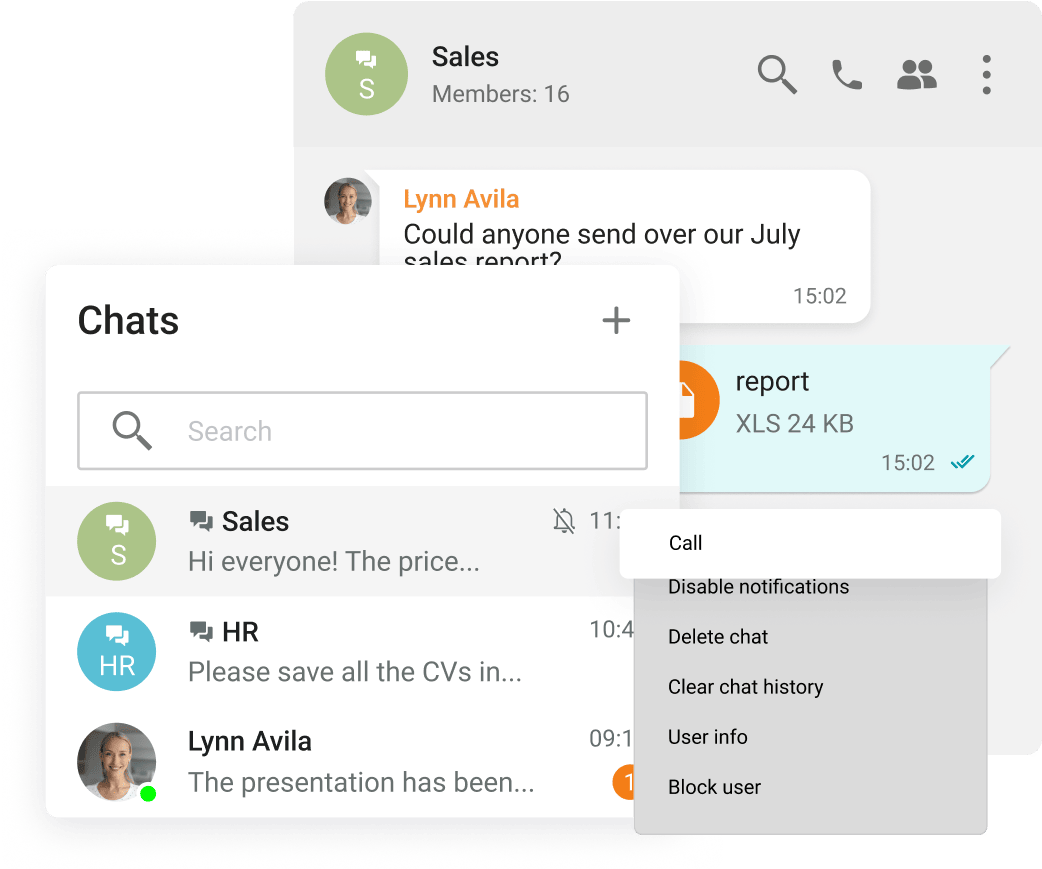
Group and personal chats
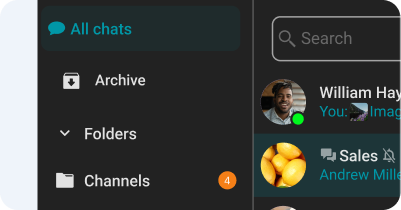
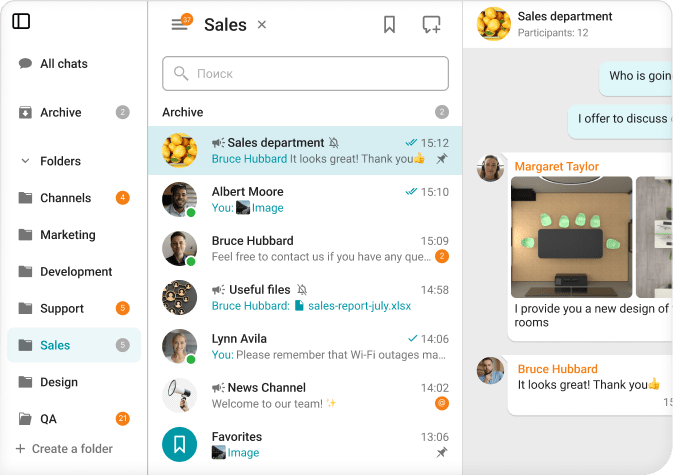
Chat folders
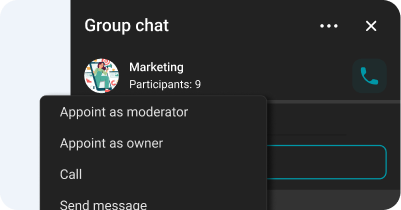
Chat moderator management and ownership rights transfer
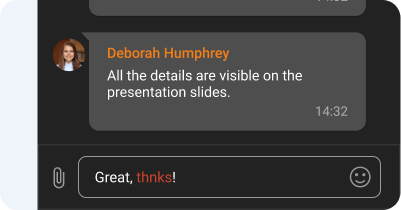
Spell-checking
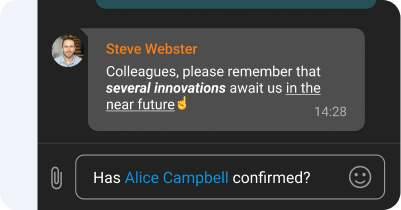
Text formatting and Hyperlinks
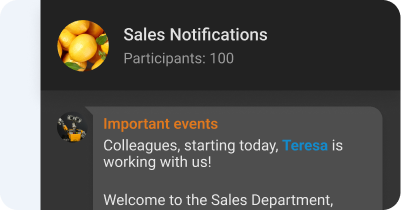
Channels
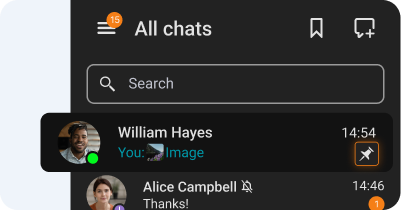
Chat pinning
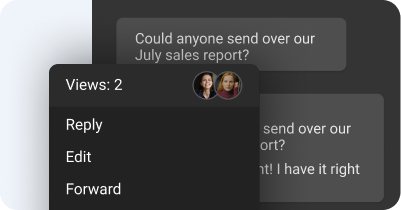
Message reading status
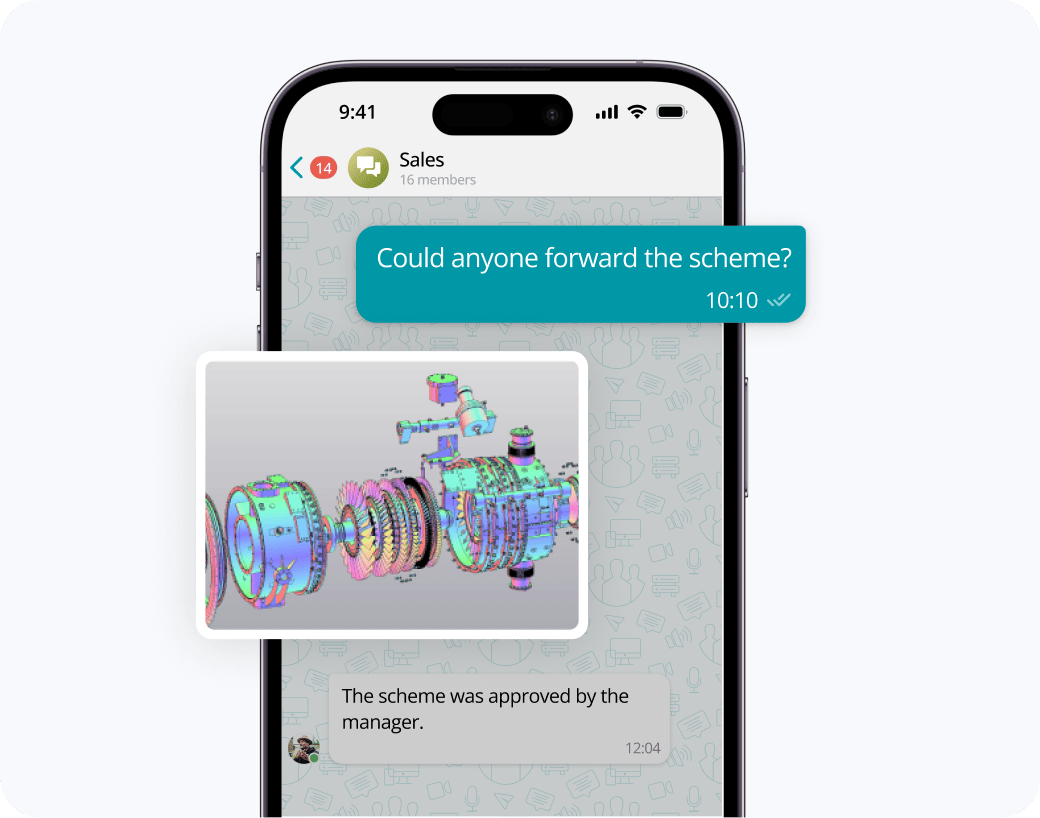
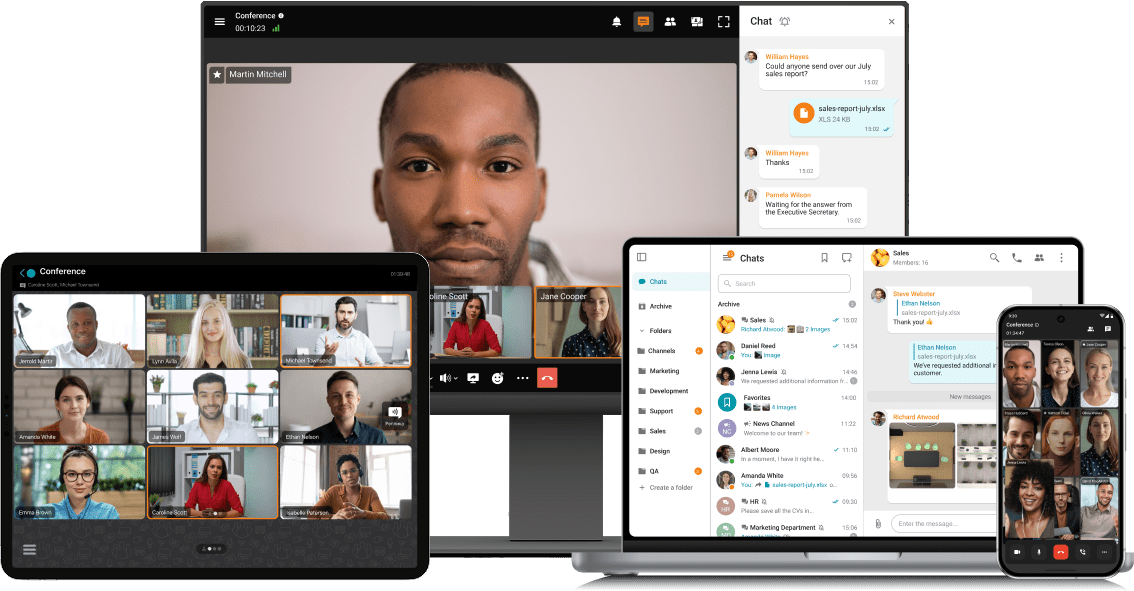
Exchange messages during conferences and beyond! Respond to colleagues' requests in personal and group chats, swiftly transitioning discussions into online meetings.
Share files of any size and look through them right in TrueConf client applications.
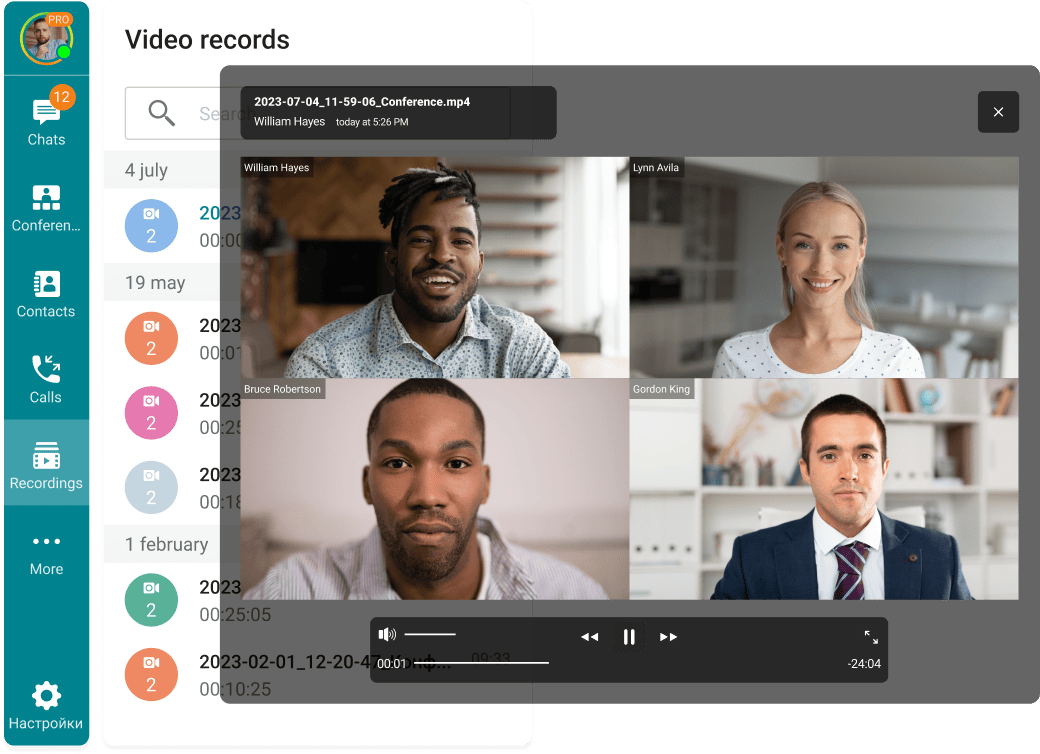
View the resulting images and video files, as well as PDF documents, in TrueConf desktop client applications.
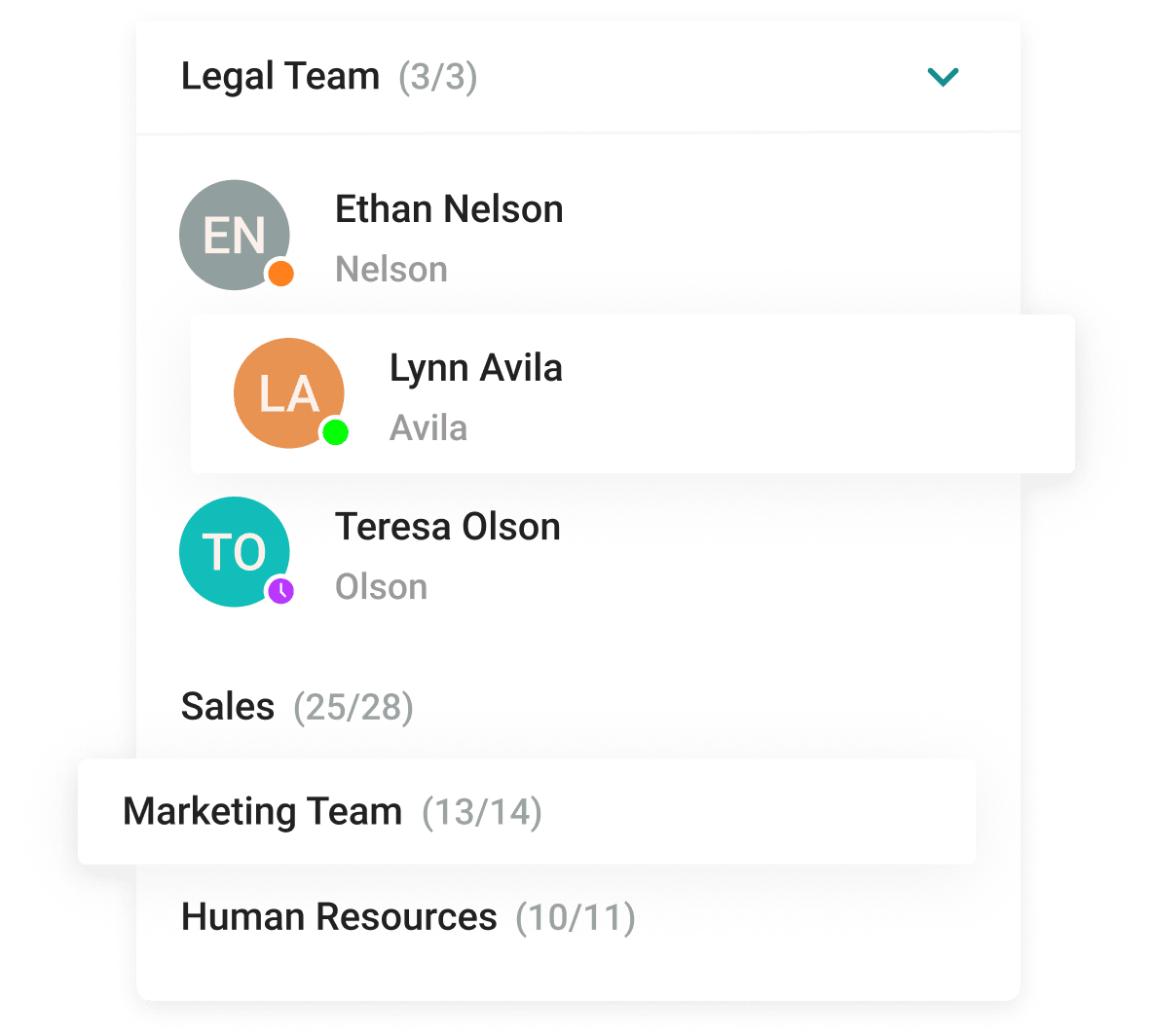
With the help of a convenient address book and department navigation, you can contact any employee of the company and see which colleagues are available for communication.
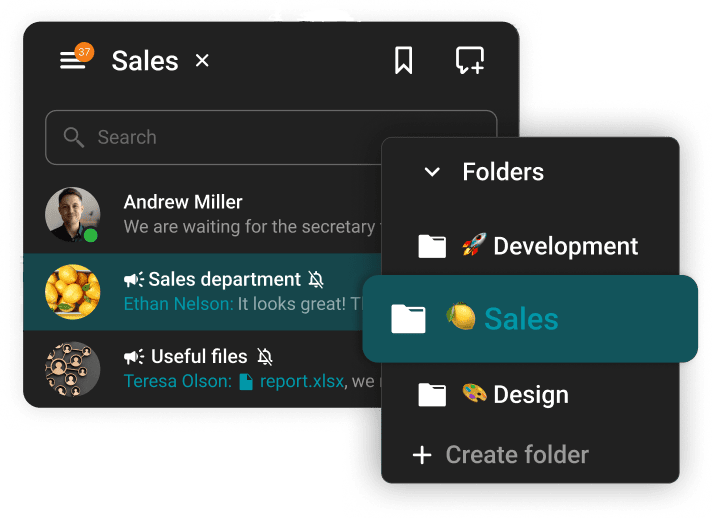
Arrange communication easily and conveniently, group chats into folders and add colorful emojis.









The group chat participants can easily find all the necessary documents as they are collected in the "File" tab.
Enhance the capabilities of the address book by integrating Active Directory or any LDAP directory with TrueConf Server.
Single Sign-On (SSO) technology, along with support for NTLM and Kerberos protocols, allows users of TrueConf client applications to securely log in without entering a username and password.
Download the corporate messenger for video conferencing and secure communication, for your operating system.
Organize video conferences and discuss tasks in chats wherever you are — all corporate communications in one mobile application. Download TrueConf mobile app!
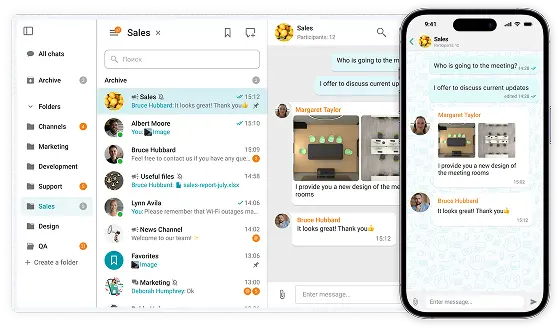
Switch devices seamlessly – your messages are always handy in desktop and mobile apps.
Free team chat applications significantly improve collaboration efficiency by merging instant messaging, document sharing, and video conferencing into a single platform. These tools streamline communication, minimize inbox clutter, and help distributed or hybrid teams maintain consistent interaction regardless of location. Popular platforms — including Slack, Element, Discord, and TrueConf Server — provide such capabilities without cost, making them perfect for small enterprises and growing startups.
Among these options, TrueConf Server distinguishes itself with its on-premises deployment model, giving companies complete authority over their communication data and ensuring enterprise-level protection. The platform seamlessly integrates group messaging, voice calls, and video meetings, making it an excellent solution for businesses that seek modern collaboration capabilities while retaining the privacy and control of a self-hosted infrastructure.
Free group chat applications offer an effective and convenient solution for organizations seeking to maintain seamless communication and productivity without incurring extra expenses. These digital platforms merge instant messaging, teamwork features, and security instruments within a unified workspace, allowing teams to collaborate effortlessly — whether they operate in one office or across multiple locations.
Below are the main advantages that make free group chat tools a vital component of modern business communication environments:
• Instant collaboration
Free group chat platforms enhance teamwork speed and engagement by offering immediate communication channels for coworkers and project members. Staff can instantly share ideas, provide updates, or deliver feedback without needing formal meetings. This continuous interaction streamlines decision-making processes and keeps initiatives progressing efficiently, particularly in remote or fast-evolving work settings.
• Enhanced productivity
Replacing lengthy email exchanges with structured communication spaces, free chat systems help maintain clarity and focus within teams. Each discussion can be grouped into themed channels or threads according to projects, minimizing distractions and boosting visibility. This organized layout enables professionals to access critical information swiftly and address tasks more effectively.
• Budget-friendly solution
A key strength of free chat applications lies in their affordability and broad accessibility. These tools deliver vital communication features, including group messaging, content sharing, and integrated video calls, at zero cost, assisting startups and smaller enterprises in cutting expenses. Companies can preserve seamless collaboration without purchasing extra software licenses.
• Smooth integration
Contemporary chat solutions integrate effortlessly with mainstream digital tools like Google Drive, Trello, Zoom, or Microsoft 365. This connectivity simplifies routine operations, letting users handle documents, assign tasks, and launch meetings from a single hub. As a result, businesses achieve a cohesive workflow while reducing context switching and improving productivity.
• Remote teamwork
Free communication platforms are purpose-built for distributed and hybrid workforces. They empower staff to stay connected from any device and location, whether desktop, tablet, or mobile. Teams maintain real-time collaboration even when separated by geography or time zones, ensuring consistent engagement and smooth coordination.
• Strong data protection
Data security remains a central priority for business communication tools. Most free group chat programs feature encrypted channels, restricted access, and administrator permissions to protect private information. Such safeguards guarantee that only verified users can view sensitive data, preserving both confidentiality and regulatory compliance.
• Flexible scalability
Free-tier options enable organizations to start small and grow as operational demands increase. With expansion, companies can transition to advanced plans that unlock features like analytics, expanded participant capacity, and improved administrative controls. This scalable design supports long-term adaptability without interrupting established communication workflows.
Selecting an effective group chat application for professional communication extends far beyond mere convenience: it requires identifying a platform that aligns with the organization’s operational framework, compliance requirements, and strategic collaboration objectives. The most suitable solution should unify employees, integrate effortlessly into established workflows, scale alongside company expansion, and guarantee complete control over sensitive information. Presented below are the essential aspects to assess when choosing the optimal communication tool for any business environment:
• Match your communication needs
Select a group chat platform that merges messaging, voice, video, and document sharing within a unified environment. Doing so allows teams to collaborate efficiently and reduces the time spent switching between multiple disconnected applications.
• Focus on security and control
For companies managing confidential data, an on-premises or self-hosted platform with complete data control and end-to-end encryption is often the most secure option. Such solutions enhance privacy, meet strict compliance standards, and offer stronger governance compared to standard cloud alternatives.
• Evaluate integration and flexibility
The right platform should integrate naturally with your organization’s IT ecosystem, including user directories, conferencing hardware, and common productivity services such as Microsoft 365 or Google Workspace. This flexibility streamlines workflows and maintains consistency across digital tools.
• Consider scalability and support
Opt for a chat system that can expand alongside your organization’s growth — supporting both small teams and large-scale deployments. Ensure that it delivers consistent performance, customization capabilities, and dependable technical assistance as your communication infrastructure evolves.
When evaluating options for a free team communication platform, many leading tools deliver impressive functionality for collaboration, messaging, and virtual meetings — all without a paid license. Below is a detailed look at what the free tiers of today’s most popular group chat applications include:
• TrueConf Server Free
TrueConf Server delivers a robust self-managed infrastructure equipped with personal and group messaging, file transfers, and user presence tracking. It supports video meetings with up to 10 active participants and accommodates as many as 1,000 registered accounts on one server. Because the solution operates fully on-premises or in a private cloud, companies retain absolute data control and alignment with internal compliance regulations. Additionally, it features screen sharing, remote desktop management, and a comprehensive admin console for user administration and permissions.
• Slack
Slack continues to be among the most recognizable enterprise messengers. The complimentary plan allows unlimited channels and participants but restricts message history to the latest 90 days. Users can initiate one-on-one audio or video sessions with screen sharing, while multi-user calls are limited to premium subscriptions. The plan supports up to 10 third-party integrations and provides file uploads, reactions, and robust message search features.
• Google Chat
Google Chat functions as an integrated part of the Google Workspace ecosystem, linking directly to Gmail and Google Drive. It enables effortless file exchange, one-to-one and group conversations, and the creation of “spaces” for topic-based collaboration. Video meetings can be launched through Google Meet, and notifications automatically stay synchronized across multiple devices, ensuring streamlined teamwork.
• Pumble
Pumble offers unlimited participants and unrestricted message archives, even on its no-cost version. It supports public and private channels, threaded replies, mentions, reactions, and the ability to save essential content. Each workspace comes with 10 GB of cloud storage, making it ideal for smaller organizations. However, advanced features such as video conferencing and screen sharing remain exclusive to paid subscriptions.
• Zulip
Zulip, an open-source and self-hosted communication tool, presents an innovative method for organized discussions. Its free hosted plan includes up to 10,000 messages per user and implements a unique threaded messaging structure to maintain clarity in conversations. Zulip also provides file uploads, broad integration capabilities, and native desktop and mobile applications.
• Element
Element, built on the Matrix protocol, represents another open-source and decentralized alternative prioritizing privacy and security. It delivers end-to-end encrypted chats, file transfers, and both public and private discussion rooms. The platform can be deployed on-premises for complete data sovereignty or accessed via the public Matrix network for extended interoperability.
• Flock
Flock serves small teams through a no-cost plan supporting up to 20 users. It allows unlimited one-on-one and group communication, file exchanges, and collaboration tools like to-do lists, reminders, and polls. Basic video meeting capabilities are included, positioning Flock as an accessible solution for startups or small workgroups seeking simple yet effective communication.
Each of these solutions provides a strong foundation for team collaboration, offering different advantages depending on organizational priorities, from self-hosted, privacy-centered platforms like TrueConf Server and Element to flexible, cloud-driven systems such as Slack or Google Chat that emphasize usability and third-party integration.