All-in-One Enterprise Chat Solution for Teams

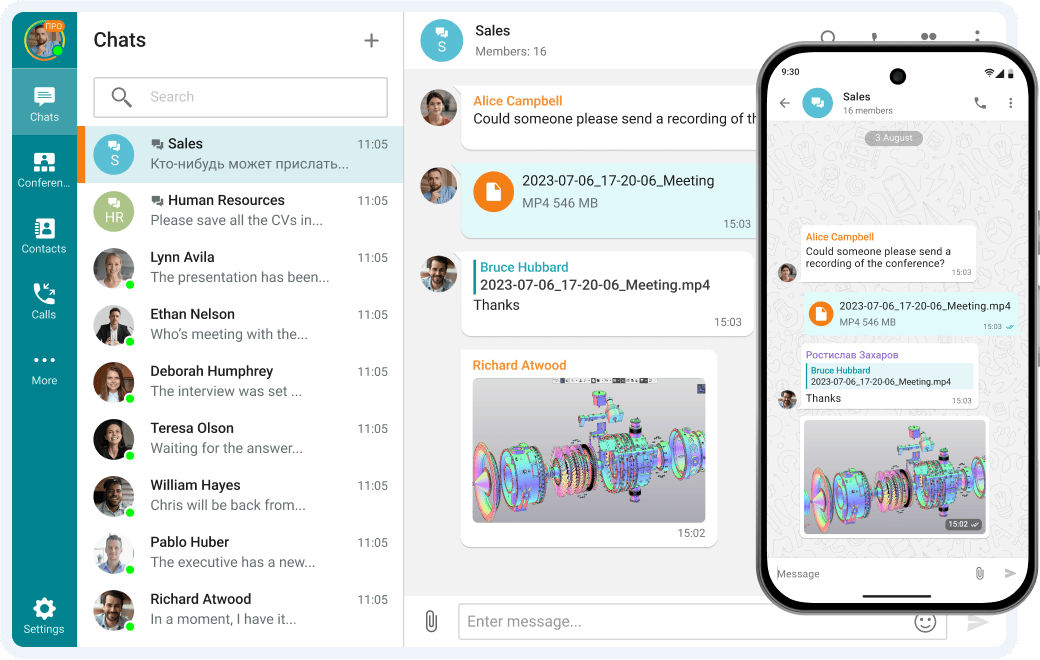
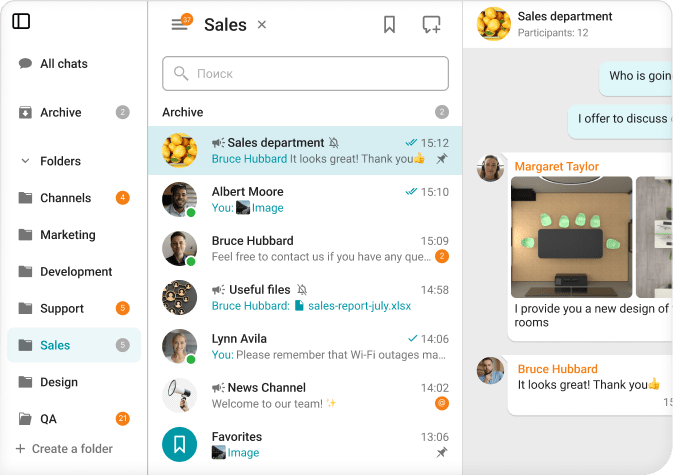
TrueConf offers a robust enterprise chat solution designed to enhance secure internal communication. With features like instant messaging, group chats, and seamless file sharing, all within a self-hosted environment, TrueConf ensures your business communications remain confidential and compliant.

Team communicating through secure enterprise chat software platform

Team Messaging Without Limits

Group and personal chats

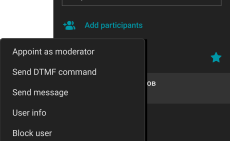
Managing chat moderators and transferring owner rights

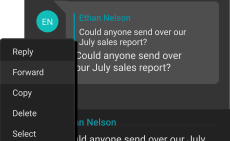
Edit, reply & forward messages

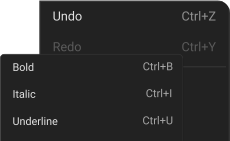
Text formatting: bold, underline, strikethrough, and italics

Participants mentions

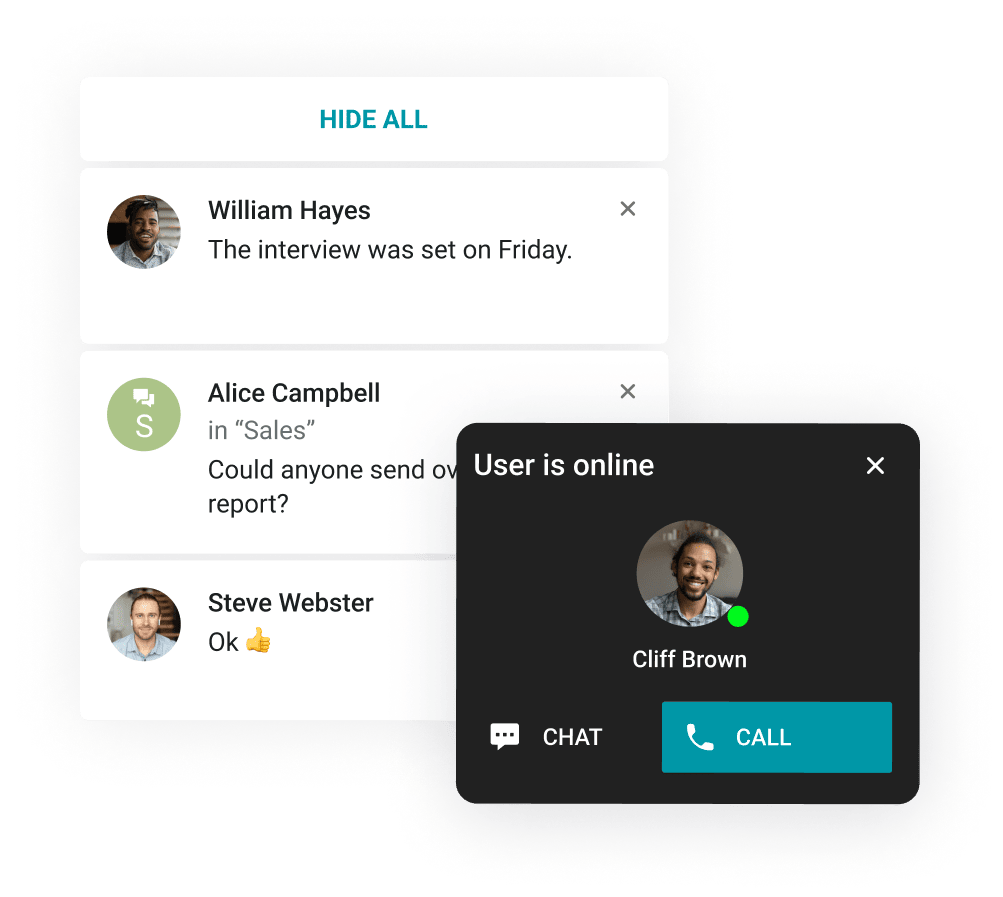
Customization of pop-up notifications

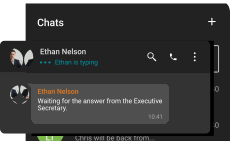
«Typing» status

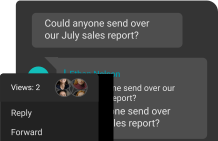
Information about reading the message

Secure Communications

Working in the Company's Contour

Working in the Company's Contour

Offline operation within a closed network without an Internet connection.

Safe Data Transfer

Safe Data Transfer

Strong encryption of all corporate communications.

Corporate Messenger

Group and Personal Chats

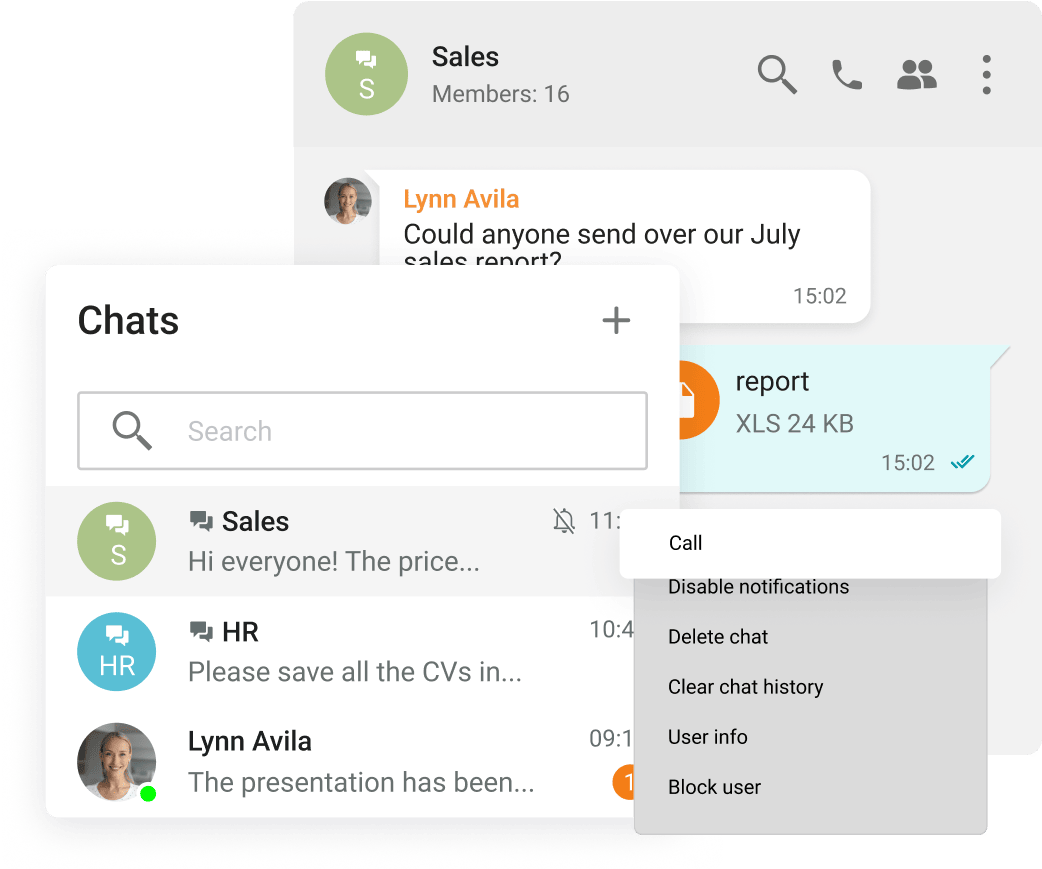
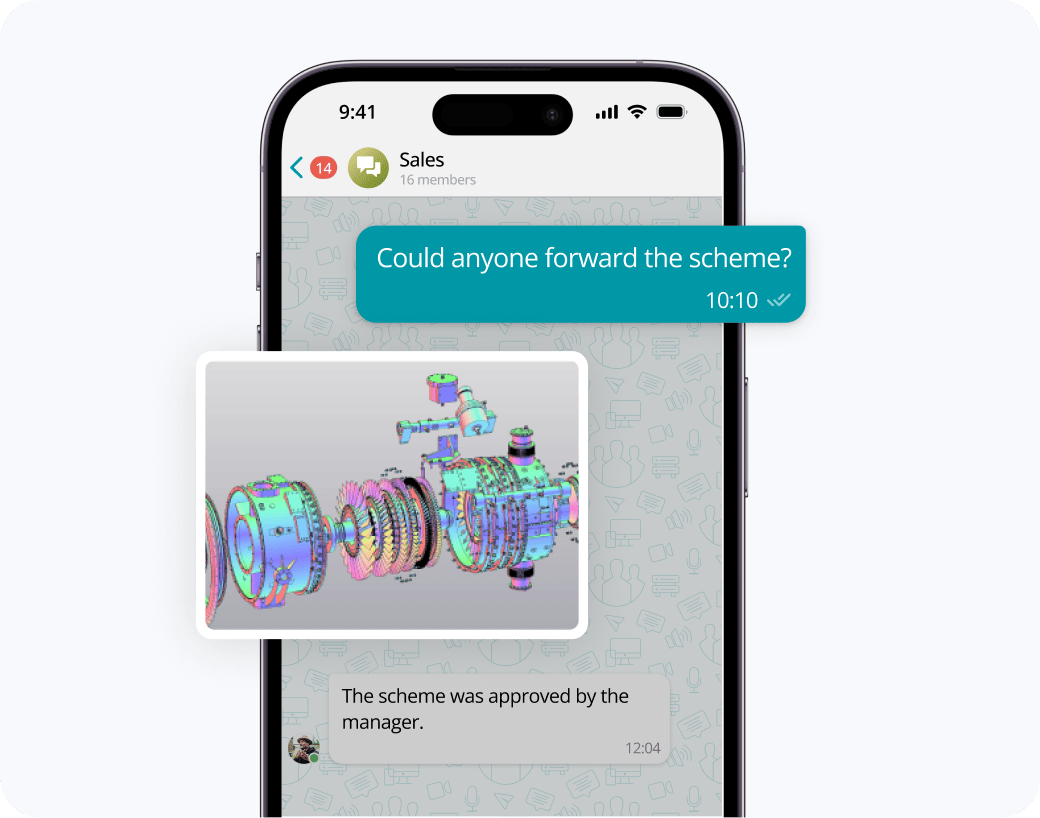
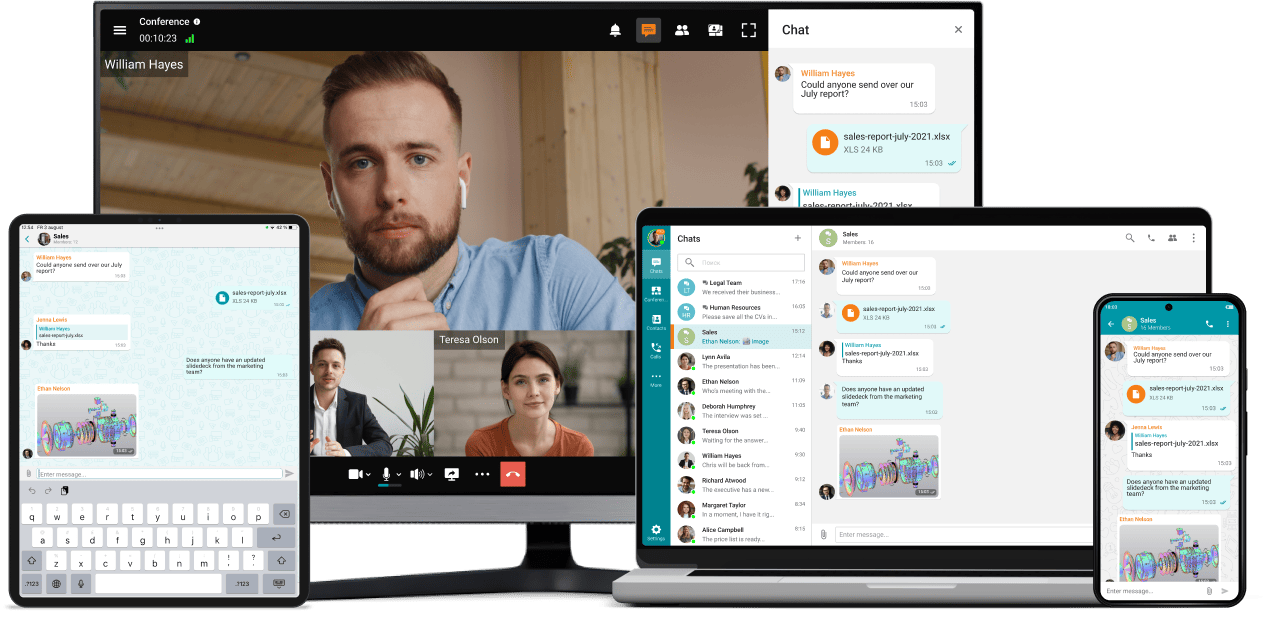
Exchange messages during conferences and beyond! Respond to colleagues' requests in personal and group chats, swiftly transitioning discussions into online meetings.

Group and Personal Chats

Unlimited Notifications

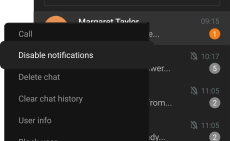
Receive push notifications when new messages appear in personal and group chats.

Unlimited Notifications

Fast File Sharing

Share and quickly view files directly in TrueConf client applications.

Fast File Sharing

Documents and Media Files View

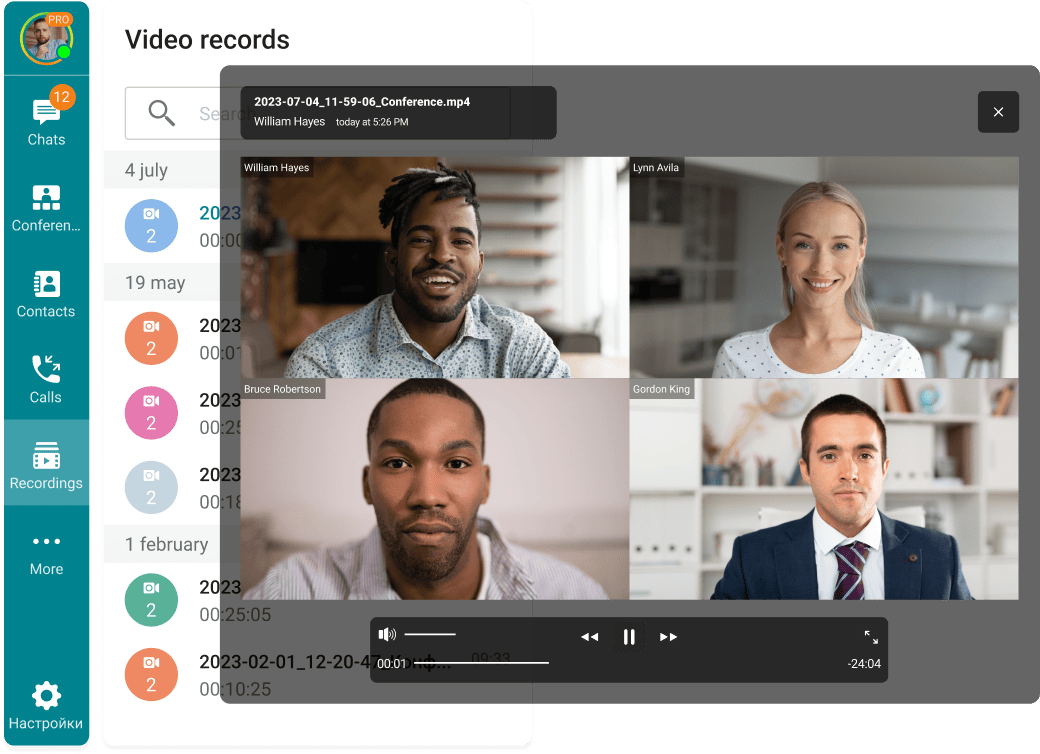
View the resulting images and video files, as well as PDF documents, in TrueConf desktop client applications.

Documents and Media Files View

Organization of the Address Book

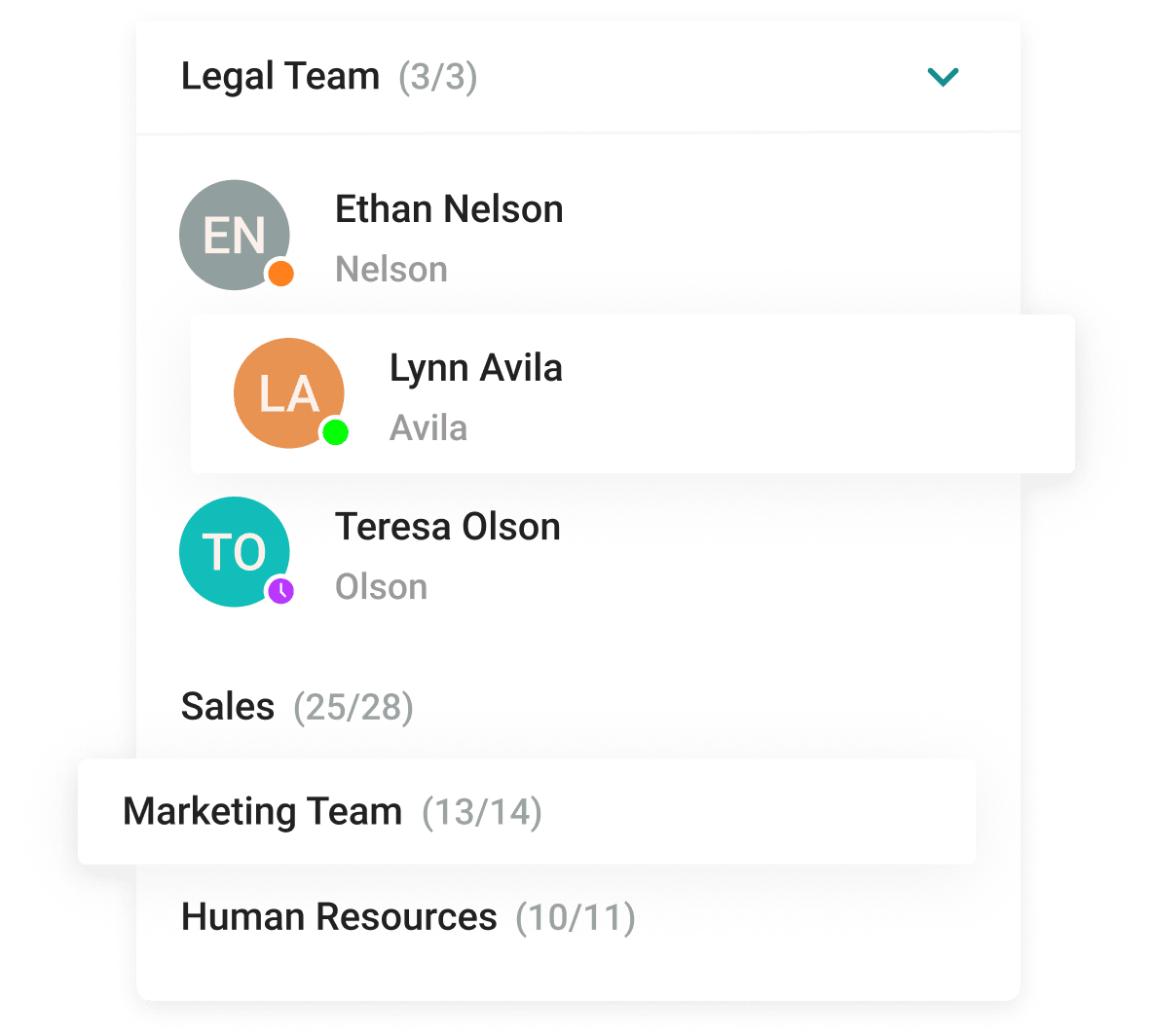
With the help of a convenient address book and department navigation, you can contact any employee of the company and see which colleagues are available for communication.

Organization of the Address Book

Presence Statuses

OnlineBusyConference ownerOfflineDo not disturbAwayOn the phoneOn the terminalаRecently active

Integration with Active Directory

Enhance the capabilities of the address book by integrating Active Directory or any LDAP directory with TrueConf Server.

Integration with Active Directory

Seamless Authorization

Single Sign-On (SSO) technology, along with support for NTLM and Kerberos protocols, allows users of TrueConf client applications to securely log in without entering a username and password.

Seamless Authorization
Syncing on all Devices

Syncing on all Devices

Access your TrueConf account on multiple devices simultaneously while synchronizing your correspondence and message drafts.

Desktop Applications

Download the corporate messenger for video conferencing and secure communication, for your operating system.

Mobile Devices

Organize video conferences and discuss tasks in chats wherever you are — all corporate communications in one mobile application. Download TrueConf mobile app!

Start messaging with TrueConf!

Download for free

Start messaging with TrueConf!

Our Project

Department of Justice and Home Affairs
Success Stories

Department of Justice and Home Affairs

With limited resources and judges short on time, Zurich legal professionals and court officials are embracing video conferencing for all stages of the legal process. With TrueConf, officers are spending less time on inmate security and transport to focus more on their primary job functions, while multiple inmates from multiple locations can be connected without the need for extra holding cells in the courtrooms.

Hindustan Aeronautics Limited
Success Stories

Hindustan Aeronautics Limited

TrueConf Enterprise has powered Hindustan Aeronautics Limited to create a private collaboration cloud that enables more than 30,000 employees to communicate seamlessly from any convenient device. After moving their meeting activities online, HAL managed not only to save time and money on transportation costs but also reduce the risk of delays and cancellations due to travel disruptions.

European Patent and Trademark Attorneys
Success Stories

European Patent and Trademark Attorneys

TrueConf helped Isarpatent to connect multiple company offices and provide online patent consultations with their clients and partners. All communications between patent advisors and clients are encrypted and safely stored on the company’s premises.

Istanbul Airport
Success Stories

Istanbul Airport

The visitors of Istanbul Airport can experience a new level of real-time customer service and get immediate help in a matter of seconds thanks to information video kiosk system powered by TrueConf SDK.

ZTM Bad Kissingen
Success Stories

ZTM Bad Kissingen

The TeleView for Refugees project based on TrueConf video conferencing systems was quickly deployed and did not require large financial contributions or legacy video conferencing endpoint installments. The solution meets the requirements for sensitive medical data processing, storage and transmission.

Koluman Holding
Success Stories

Koluman Holding

Koluman Holding, one of the leading manufacturers in Turkey’s automotive industry, has replaced hardware MCU with TrueConf Server, a software video conferencing system. The solution integrates smoothly with existing SIP/H.323 infrastructure, delivering high quality video collaboration across five branches.

FAQ

What is an enterprise chat?

Enterprise chat software as a dependable, instantaneous communication system crafted explicitly for corporate environments. It enables swift exchanges, teamwork, and the dissemination of knowledge among staff members, groups, and divisions throughout an organization. In contrast to personal messaging platforms, enterprise messaging solutions emphasize information protection, regulatory adherence, and seamless integration with organizational applications.

What are the benefits of using an enterprise chat software?

Enterprise chat software is vital for contemporary businesses striving to improve interaction, teamwork, and operational performance. The following points outline the primary reasons organizations adopt these solutions:

1. Enhancing Efficiency

Enterprise messaging systems simplify interactions by offering instant communication, minimizing dependence on outdated channels such as email. This promptness supports faster resolutions and agile responses. For example, research indicates that adopting collaboration tools can lead to a 20–25% boost in efficiency.

2. Fostering Teamwork

These applications enable smooth cooperation among groups, units, and external collaborators. Functionalities like shared discussions, document exchange, and synchronized task coordination promote unified efforts, irrespective of physical distances.

3. Maintaining Security and Standards

Enterprise communication platforms emphasize information protection through features such as comprehensive encryption and adherence to standards like GDPR and HIPAA. This guarantees that confidential organizational data stays secure.

4. Supporting Distributed Teams

With the increase in remote and flexible work arrangements, enterprise chat tools offer a unified space for dialogue, ensuring that dispersed teams remain connected and involved.

5. Seamless Tool Integration

These systems frequently connect with other business applications like customer relationship management software, workflow organizers, and online storage solutions, establishing a cohesive process that improves productivity.

6. Lowering Operational Expenses

By unifying communication methods and decreasing the necessity for various separate tools, businesses can reduce operational expenditures and streamline IT oversight.

In conclusion, enterprise chat software is a crucial asset for organizations aiming to enhance communication, encourage collaboration, uphold security, and accommodate a versatile workforce.

What should an enterprise chat include?

1. Instant Messaging and Structured Discussions

Enables prompt interactions via private messages, team channels, and organized threads, allowing groups to collaborate effectively and preserve context in conversations.

2. Audio and Visual Meetings

Facilitates sound and visual conferences, encompassing team sessions, to support distributed work and diminish the necessity for distinct meeting applications.

3. Data Exchange and Collaborative Editing

Permits participants to distribute files, pictures, and various documents effortlessly, frequently with intuitive upload features, and jointly work on them instantly.

4. Protection and Regulatory Adherence

Implements strong protective protocols like comprehensive encryption, information preservation strategies, and conformity with guidelines such as GDPR and HIPAA to safeguard critical data.

5. Connectivity with Enterprise Applications

Provides smooth connectivity with additional business software like customer management platforms, task coordination tools, and online storage solutions, forming an integrated process.

6. Account Oversight and Control Settings

Delivers centralized oversight of member permissions, roles, and interaction pathways, empowering managers to supervise and regulate the system proficiently.

7. Advanced Retrieval Tools

Enables personalization of the messaging platform to match the company's identity, ensuring a uniform user interface.

8. Personalization and Corporate Identity

Offers sophisticated retrieval tools to swiftly find conversations, documents, and dialogues, improving data access and efficiency.

9. Portable Device Support

Guarantees that the messaging system is reachable through smartphones and tablets, facilitating communication and teamwork while mobile.

10. Data Analysis and Performance Tracking

Supplies evaluations of interaction trends, user participation, and system metrics, supporting strategic planning and ongoing development.

By incorporating these features, enterprise chat software becomes a vital tool that supports efficient, secure, and integrated communication within organizations, distinguishing itself from consumer messaging apps by focusing on business needs and compliance requirements.