Business Chat for Teams
A secure business chat for fast team communication, file and image sharing, and keeping work organized across office, remote, and hybrid teams.
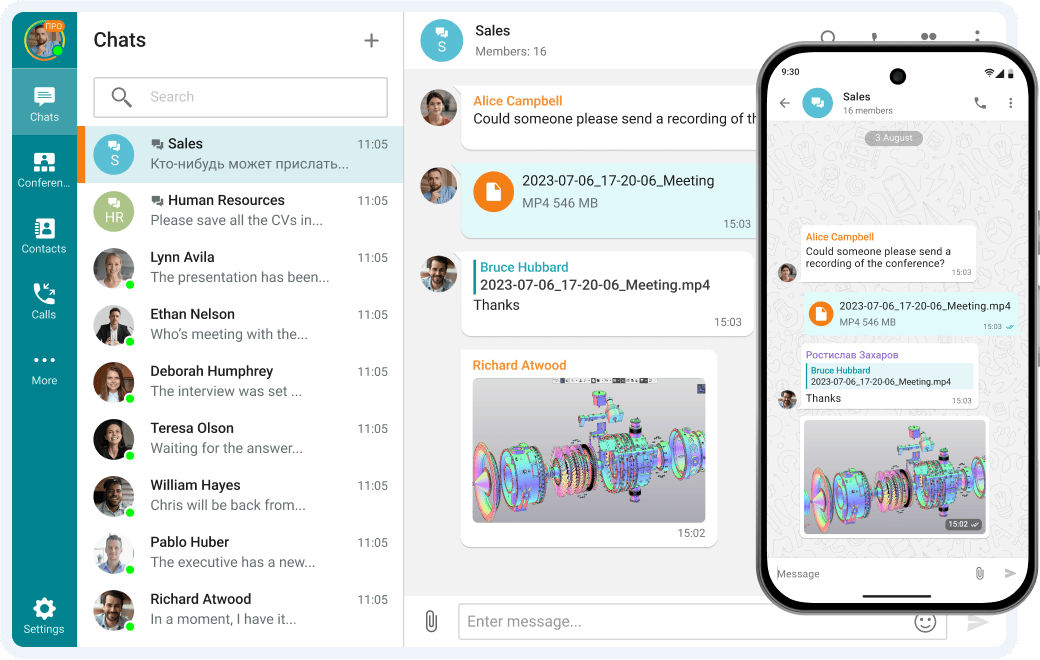

A secure business chat for fast team communication, file and image sharing, and keeping work organized across office, remote, and hybrid teams.
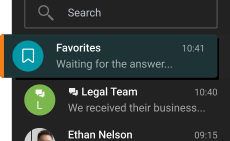
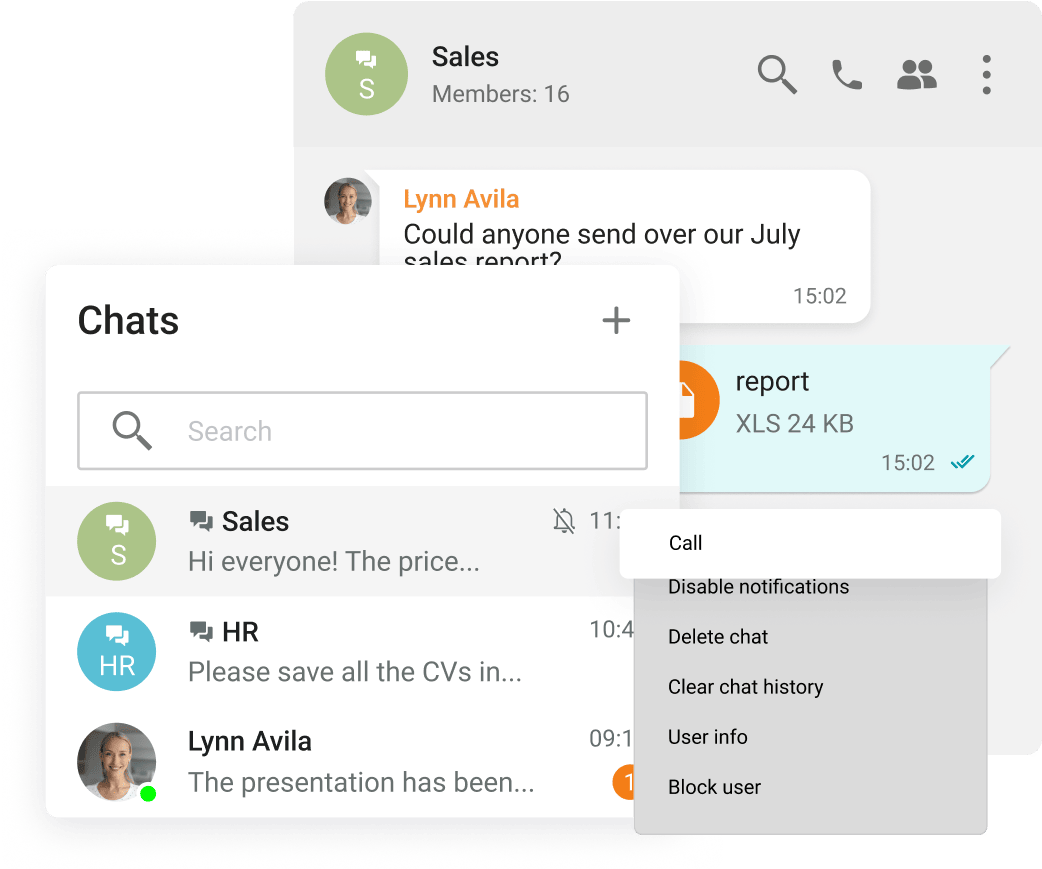
Group and personal chats
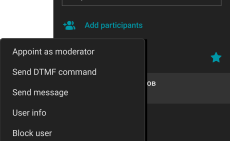
Managing chat moderators and transferring owner rights
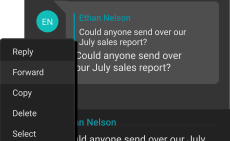
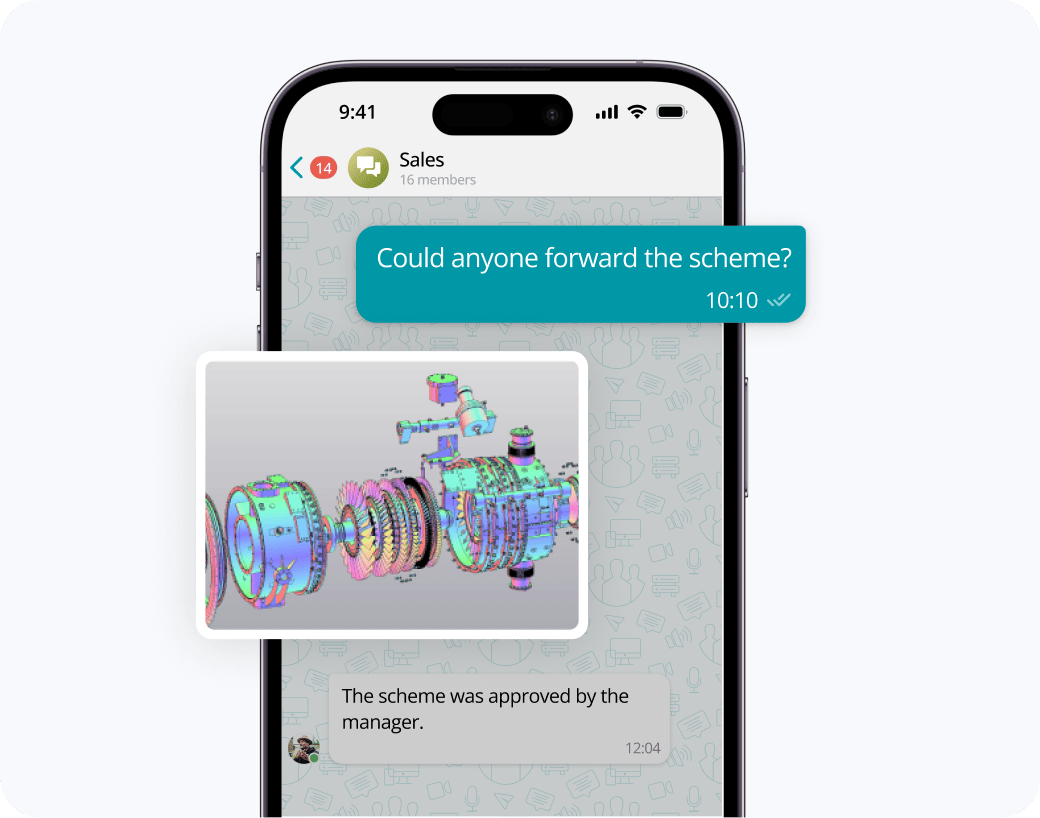
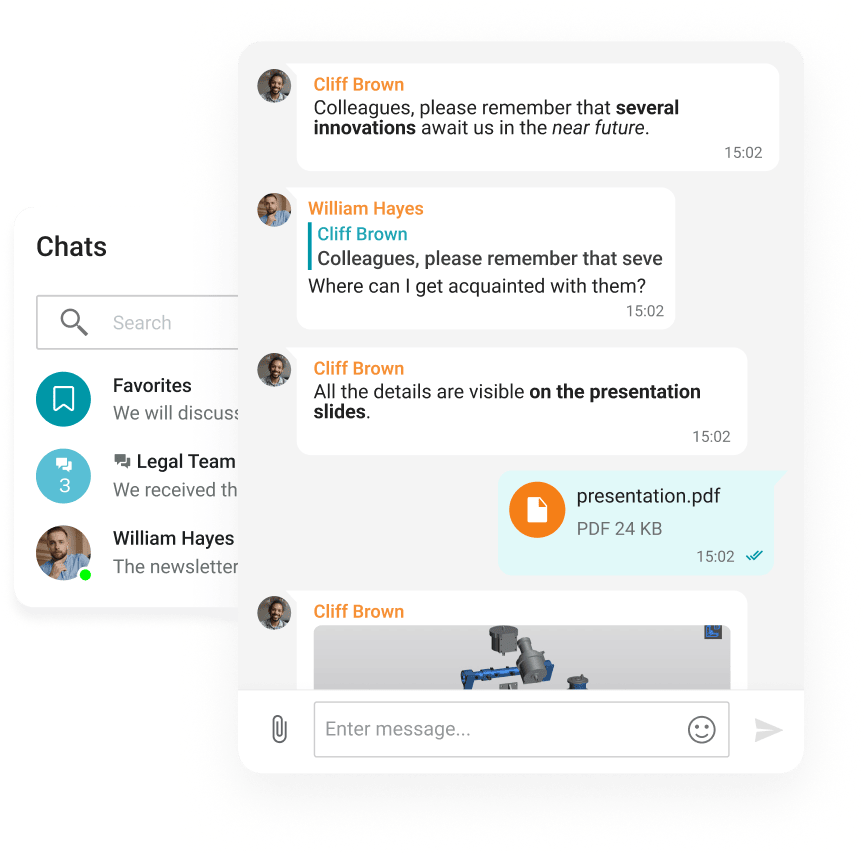
Edit, reply & forward messages
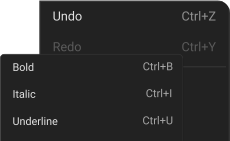
Text formatting: bold, underline, strikethrough, and italics
Participants mentions
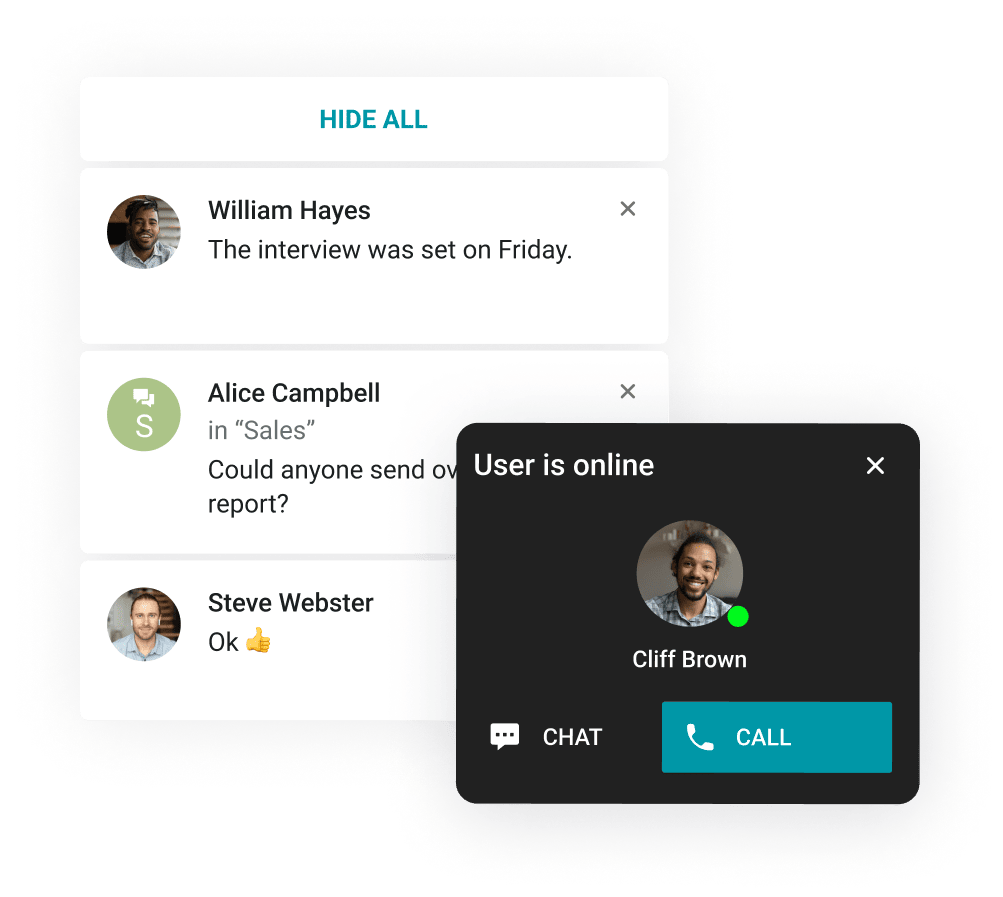
Customization of pop-up notifications
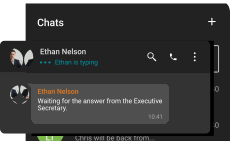
«Typing» status
Information about reading the message
Working in the Company's Contour
Offline operation within a closed network without an Internet connection.
Safe Data Transfer
Strong encryption of all corporate communications.
Exchange messages during conferences and beyond! Respond to colleagues' requests in personal and group chats, swiftly transitioning discussions into online meetings.
Receive push notifications when new messages appear in personal and group chats.
View the resulting images and video files, as well as PDF documents, in TrueConf desktop client applications.
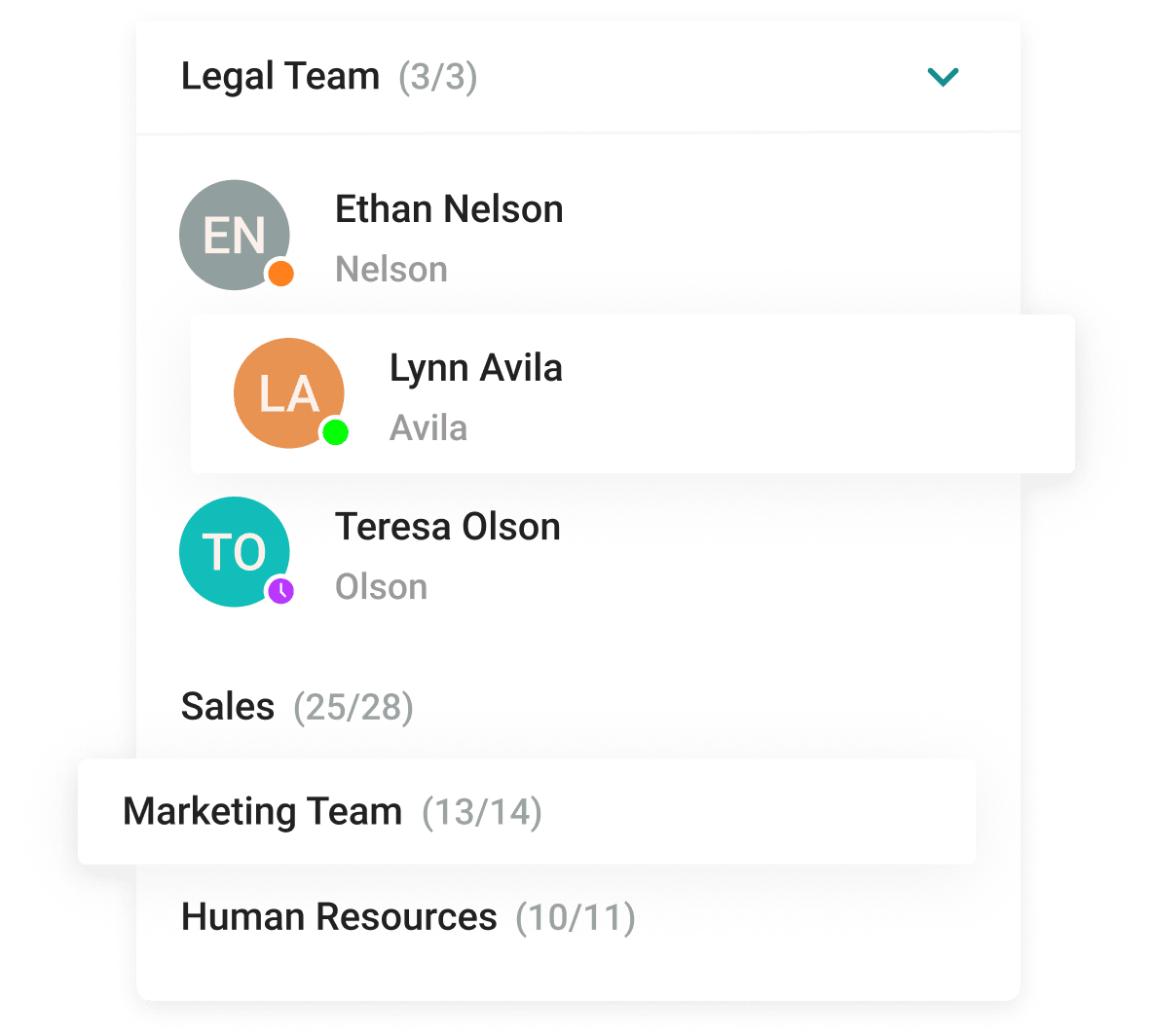
With the help of a convenient address book and department navigation, you can contact any employee of the company and see which colleagues are available for communication.









Enhance the capabilities of the address book by integrating Active Directory or any LDAP directory with TrueConf Server.
Single Sign-On (SSO) technology, along with support for NTLM and Kerberos protocols, allows users of TrueConf client applications to securely log in without entering a username and password.
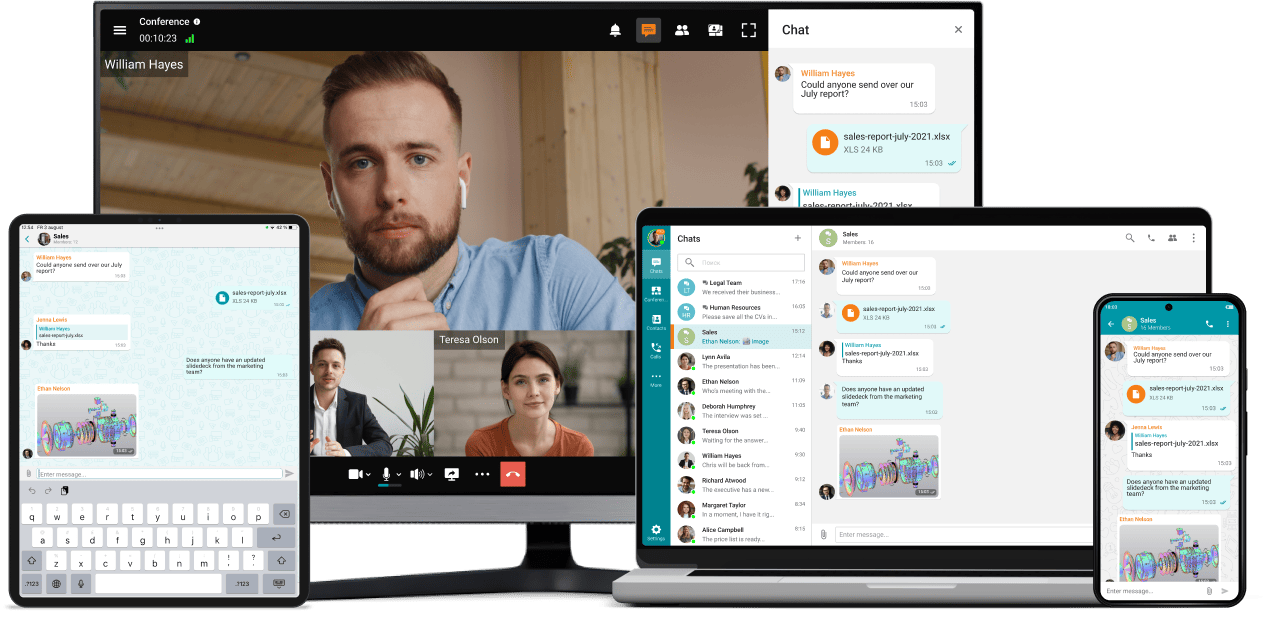
Access your TrueConf account on multiple devices simultaneously while synchronizing your correspondence and message drafts.
Download the corporate messenger for video conferencing and secure communication, for your operating system.
Organize video conferences and discuss tasks in chats wherever you are — all corporate communications in one mobile application. Download TrueConf mobile app!
Business chat describes messaging software created specifically for workplace environments. These applications differ from personal messaging apps by including professional features: dedicated spaces for team discussions, secure file transfers, connections to work applications, management tools for administrators, and protection systems that keep company information safe. They let employees exchange messages immediately while giving businesses the oversight and organization they need.
Top business chat platforms share important qualities. Security protections keep confidential business data safe through encryption and regulatory compliance. Simple designs let team members begin communicating right away without complex tutorials. Consistent performance ensures messages arrive without lag or system failures. Connection options let the chat software work with current business tools like task managers, scheduling systems, and document storage. Growth capacity means the platform expands with your company, handling small groups through large enterprise installations.
Companies using business chat platforms notice real improvements in how they work. Messages arrive instantly rather than sitting in email queues, helping teams make decisions faster. Collaboration improves when discussions are grouped by subject instead of scattered across individual inboxes. Remote teams stay connected through a shared digital workspace. People spend less time hunting for information and more time on actual work. Many platforms also cut down on meetings by letting people ask quick questions through text.
TrueConf
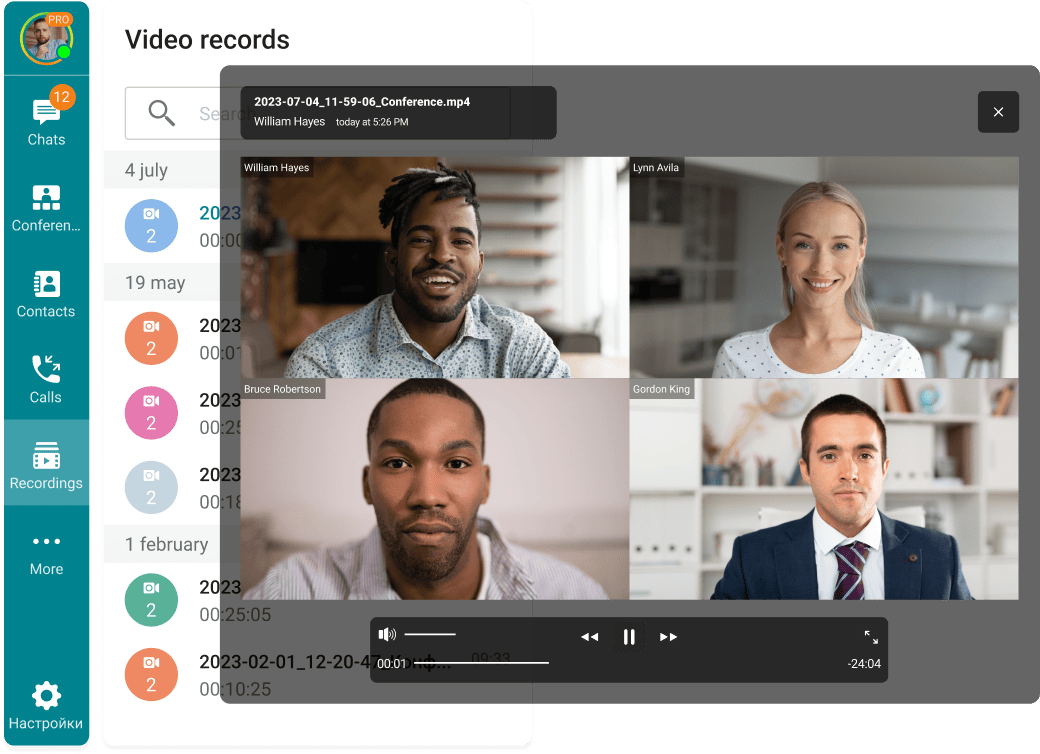
TrueConf offers a unified communications system that pairs business messaging with robust video conferencing tools. What sets this platform apart is the option to install it on your own infrastructure, letting companies maintain direct control over their communications and information. Businesses can run TrueConf on private servers, which appeals to organizations with regulatory obligations or those in areas requiring local data storage. The system handles unlimited video conference attendees, includes presentation sharing and session recording, and provides both hosted and self-managed versions. Chat features connect directly with video tools, so teams can jump from text discussions to video meetings instantly without switching applications.
Pros:
• Private server installation keeps all data under company control
• No limits on video conference participants
• Self-hosted version eliminates recurring per-user charges
• Advanced encryption protects communications
• Functions effectively even with limited internet connections
Cons:
• Private installation needs technical skills to configure
• Design feels less contemporary than cloud-only alternatives
• Fewer connections to external business applications
[b]Element[/b]
Element takes a different path with business chat, building on the open Matrix protocol. This distributed design lets organizations operate their own servers while connecting with users on different Matrix installations. The system prioritizes security by encrypting all conversations automatically from the start. Element attracts organizations that value data control, open technology standards, and the freedom to modify their communication setup. Features include text messaging, voice communication, video meetings, and document sharing. Government departments, medical facilities, and regulated businesses have chosen Element for its transparency and flexibility.
Pros:
• Distributed system prevents dependency on single vendors
• Automatic encryption for all communications
• Public code allows independent security reviews
• Can connect with other messaging systems
• Private hosting available
Cons:
• Needs technical expertise for setup and maintenance
• Smaller community means fewer pre-built connections
• Can be complicated for users without technical background
[b]Google Chat[/b]
Google Chat connects closely with the complete Google Workspace environment, making it logical for companies already relying on Gmail, Drive, Docs, and Calendar. The system arranges conversations into spaces where groups can talk about work, share Drive files, and distribute tasks. Google's search technology works across Chat, helping people locate old conversations and shared documents. The platform offers smart features like reply suggestions and the option to tag coworkers for their attention. For businesses using Google's tools extensively, Chat creates a unified experience where communication and work applications function together naturally.
Pros:
• Strong connections with Google Workspace applications
• Excellent search across message history
• Recognizable design for Google users
• Comes with Google Workspace plans
• Well-designed mobile applications
Cons:
• Reduced value outside Google's ecosystem
• Fewer capabilities than dedicated messaging platforms
• Video requires separate Google Meet application
• Poor fit for companies using Microsoft or alternative productivity tools
[b]Microsoft Teams[/b]
Microsoft Teams ranks among the most common business chat systems, especially in large companies already using Microsoft 365. The software merges ongoing chat, video meetings, file work, and Office app connections in one place. Teams arranges communication into groups and discussion areas, with each area focused on particular work or topics. The platform excels at document work, letting multiple people modify Word, Excel, or PowerPoint files together while discussing edits in chat. Microsoft's enterprise orientation means Teams includes detailed management controls, compliance capabilities, and security features that satisfy large organization requirements.
Pros:
• Thorough connection with Microsoft 365 applications
• Large third-party application catalog
• Strong video meeting capabilities
• Enterprise security and compliance features
• Comes with many Microsoft 365 plans
Cons:
• Can overwhelm users with many features and settings
• Performance problems reported in large groups
• Mobile application sometimes slower than computer version
• Uses significant computer resources
[b]Slack[/b]
Slack introduced many concepts that now define business chat applications. The system arranges discussions into channels, which can be open company-wide or restricted to particular groups. Slack's advantage comes from its straightforward design and large collection of connections to other business software. Teams can link Slack to task management programs, customer service systems, programming tools, and hundreds of other applications. The platform allows threaded discussions, organizing responses within active channels. Slack's search helps users locate previous messages, documents, and links efficiently. The company maintains a pattern of regular updates, adding capabilities based on customer input.
Pros:
• Clear design requiring little training
• Extensive application connection marketplace
• Superior search and arrangement features
• Powerful programming interface for custom connections
• Common in technology businesses and new companies
Cons:
• Costs rise significantly with growing teams
• Free version limits message history access
• Busy workspaces can generate excessive notifications
• Video meeting features lag behind competitors
[b]Staffbase[/b]
Staffbase concentrates on internal communications for large companies, especially those employing many field or non-desk workers. The system combines business chat with wider employee connection features like company announcements, opinion surveys, and content distribution. Staffbase helps organizations contact employees who lack company email or spend workdays away from computers. The mobile-centered design ensures workers in stores, factories, hospitals, and service industries stay connected through smartphones. Communications departments can distribute company news, division updates, and procedure information while enabling direct conversations between management and staff.
Pros:
• Created specifically for non-desk employee communication
• Mobile-centered design suits field workers
• Merges chat with wider employee connection tools
• Handles multiple languages for international teams
• Provides data on message delivery and interaction
Cons:
• Costs more than general business messaging applications
• Unnecessary for small companies or desk-only environments
• Less valuable for organizations without substantial field workforce
• Fewer connections with programming and task management tools
[b]Blink[/b]
Blink concentrates on connecting field workers through mobile-centered communication tools. The system acknowledges that many employees in hospitality, stores, medical care, and delivery need communication tools built for phones rather than computers. Blink offers business chat alongside features like work scheduling, document storage, and company announcements. The application functions without internet, synchronizing messages and updates when connection returns. Organizations can arrange their Blink setup to match company structure, with feeds and discussion areas for various departments, sites, or groups. The platform emphasizes simplicity, letting workers begin using it immediately without instruction.
Pros:
• Built specifically for mobile and field workers
• Functions without internet with automatic synchronization
• Easy design needs no instruction
• Contains scheduling and workforce organization features
• Strong emphasis on employee connection
Cons:
• Basic computer functionality
• Fewer connections with office software tools
• Less appropriate for office workers or traditional environments
• Basic video meeting features
• Smaller community than mainstream platforms
Yes - TrueConf applies multiple protection systems to safeguard business communications. The platform encrypts all information during transmission, keeping conversations and video calls confidential. Companies selecting the private installation option keep full authority over their information, since everything remains on company-controlled servers instead of external cloud systems. This method benefits businesses managing sensitive information, operating in regulated fields, or working in nations with data storage laws. TrueConf allows secure login methods and gives administrators precise access management. The platform holds security certifications and undergoes periodic reviews to confirm its protection standards.
TrueConf strengthens collaboration by eliminating barriers between communication types. Teams can begin text discussions and switch to video immediately when more thorough conversation becomes needed. The platform allows screen sharing for presentations and joint work, recording options for meetings requiring documentation, and file transfers for rapid document exchange. Rather than separating chat and video into different programs, TrueConf's combined method keeps teams in one environment. The platform's capacity to manage large video conferences enables company meetings, department sessions, or customer presentations without attendance restrictions. For separated teams, TrueConf builds a virtual meeting environment that maintains connection across physical distance.
Yes - TrueConf works across computers, phones, and tablets through specific applications for Windows, macOS, Linux, iOS, and Android. People can begin a conversation on their work computer, continue it on their phone while traveling, and join a video meeting from a tablet. The platform matches messages and discussion records across all devices, confirming team members see the same information regardless of device choice. Web browser access adds flexibility for people needing to join meetings or review messages from computers where they cannot install programs. This multi-device capability proves valuable for current work settings where people alternate between devices during the day and work from different places.