Wire Alternatives: Why TrueConf Is the Superior Choice for Secure Collaboration

Compare Wire with TrueConf to find the most reliable and secure communication platform for business collaboration.

Download for free
Wire Alternative: Why Choose TrueConf

TrueConf and Wire

TrueConf

Wire

Short description

Video conferencing software server with a team messenger and collaboration tools

Open-source team messenger

Deployment type

On-premises, cloud and hybrid

Cloud-based or on-premises server

Data autonomy and protection

Yes

Partial / depends on plan

Max group video conference size (paid)

1,500 participants

50 participants

Number of chat users in the free version

1000

500

Number of group conference users in the free version

10

No

Personal and group chats

Yes
Yes

Address book

Yes
Yes

File sharing

Yes
Yes

Message search

Yes
Yes

Message forwarding

Yes
Yes

Message formatting

Yes
Yes

Saved messages (Favorites)

Yes
Yes

Configuring chat history visibility for new group participants

Yes
No

Profile picture editing

Yes
Yes

Moderator permissions

Yes
Yes

Support for video calls from chat

Yes
Yes

4K UltraHD video support

Yes
No

Integration with calendars

Yes
No

PDF and presentation slide import (PPT, PPTX, ODP)

Yes
Yes

Integration with SIP / H.323 endpoints

Yes
No

Conference recording

Yes
Yes

Active Directory / LDAP / SSO support

Yes
Yes

Offline mode (LAN operation)

Yes
No

Analytics and reports

Yes
No

AI features / smart assistance

Yes
No

Multi-factor authentication

Yes
Yes

Cross-device synchronization

Yes
Yes

Client applications

Yes
Yes

APIs and SDKs

Yes
Yes

Unlock more features with TrueConf Server!

Download for free

Comparison With Other Vendors

All Corporate Communications — in One Device

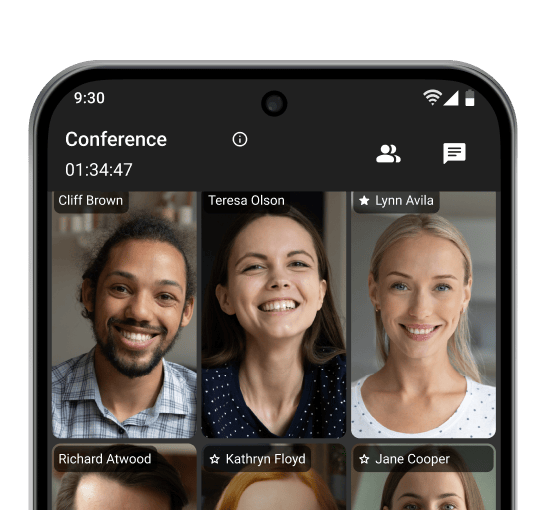
Interface of a video conference with six participants, promoting 4K UltraHD online meetings

4K Online Meetings

Make video calls and host conferences in 4K UltraHD resolution, with no time limits on your conversations!

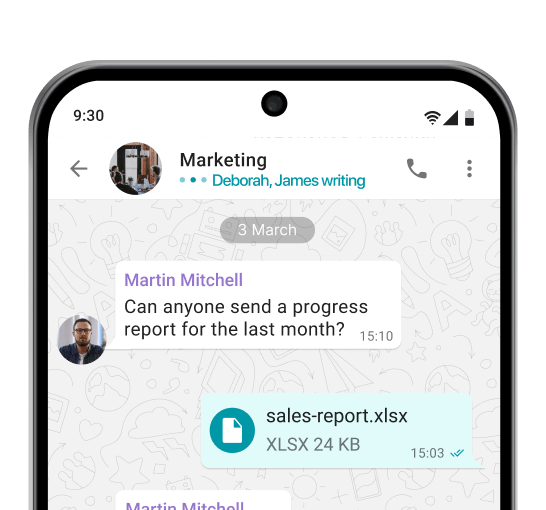
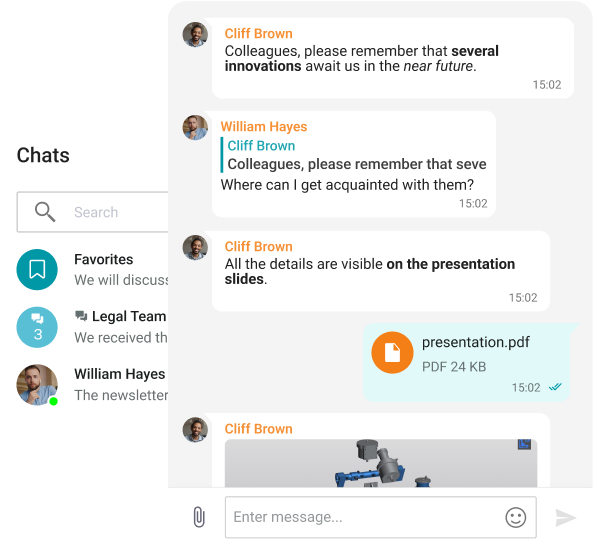
Corporate messaging app showing group chat with file sharing and quick replies

Corporate Messenger

Exchange messages during conferences and beyond! Respond to colleagues' requests in private and group chats, seamlessly turning discussions into video meetings.

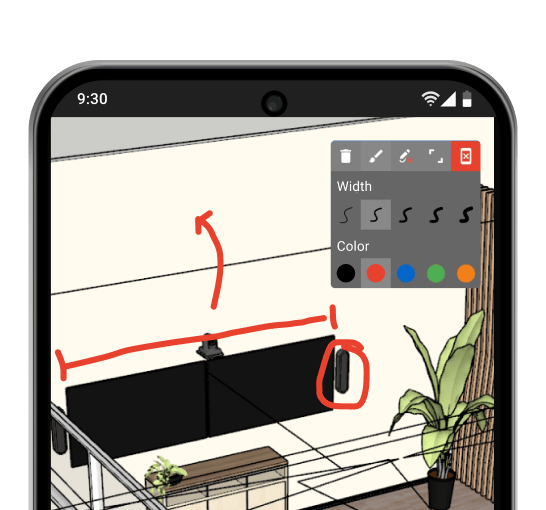
Collaborative workspace with annotation tools used to mark up a shared screen

Team Collaboration

Use a wide range of collaboration tools: screen sharing, presentations, and video files, as well as remote desktop control, reactions, and annotations over content.

AI-based Features

Communicate in noisy environments, change your background, and transcript important meeting details — all enabled by artificial intelligence.

Smart Noise Suppression

Blurring and Replacing the Background

Transcription of the Meetings

Communication Without Limits

Messenger interface with a search feature and a “Favorites” chat.

Group and private chats

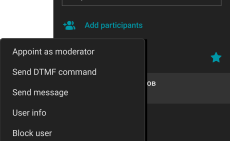
Chat settings with options to assign moderator or owner roles and manage participants.

Managing chat moderators and transferring owner rights

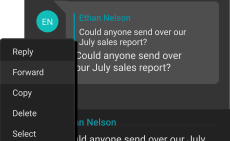
Message options menu showing reply, forward, copy, delete or highlight actions.

Edit, reply & forward messages

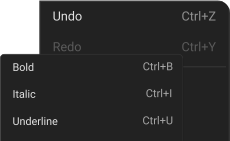
Text formatting menu showing shortcuts.

Text formatting: bold, underline, strikethrough, and italics

Interface showing user mentions with usernames after typing @mention.

Participants mentions

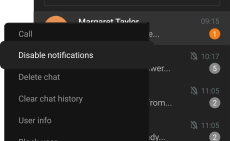
Chat interface with option to mute notifications for focusing on important messages.

Focus on important messages

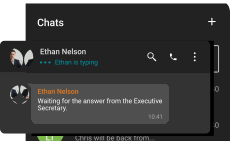
Chat interface showing “typing” status under contact's name in a messaging app.

“Typing” status

Ability to display participants who have read the message

Information about reading the message

Boundary-Free Corporate Communication

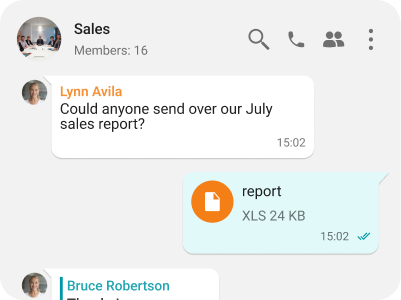
Group chat interface with a sent XLS file

Fast File Sharing

Share and instantly preview files within TrueConf client applications.

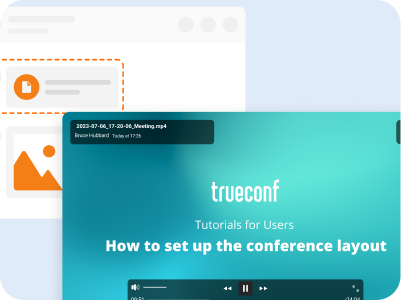
Interface showing video playback in a desktop client

File and Media Viewing

View received images, video files, and PDF documents within TrueConf desktop clients.

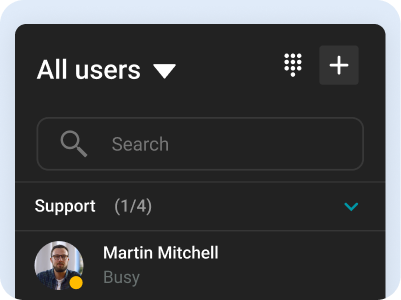
Address Book

Address Book

Use the intuitive address book and department navigation to contact any company employee and see colleagues' availability status.

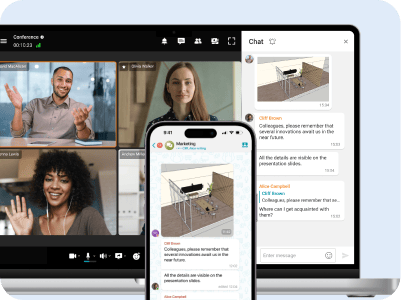
Video conference and chat on computer and smartphone, showing cross-device synchronization

Synchronization Across All Devices

Take calls and join conferences from any device while maintaining communication continuity — your chat history syncs automatically.

Communication Security

Unified Entry Point

Unified Entry Point

Integration with Active Directory enables centralized management of user accounts and restricts access rights to corporate information.

Two-Factor Authentication

Two-Factor Authentication

Connect third-party identity providers, including AD FS, to establish trust zones with varying security levels and required authorization methods.

Full Control Over Your Communications

TrueConf Server is deployed on your company’s hardware, ensuring the protection of personal data from third parties. The server operates within your closed corporate network autonomously, remaining fully under your control.

Full Control Over Your Communications

International Recognition

TrueConf is an internationally recognized developer, consistently highlighted in reports by leading industry analysts, including Gartner, IDC, and Frost & Sullivan.

International Recognition

Our Project

Department of Justice and Home Affairs

Department of Justice and Home Affairs

With limited resources and judges short on time, Zurich legal professionals and court officials are embracing video conferencing for all stages of the legal process. With TrueConf, officers are spending less time on inmate security and transport to focus more on their primary job functions, while multiple inmates from multiple locations can be connected without the need for extra holding cells in the courtrooms.

Hindustan Aeronautics Limited

Hindustan Aeronautics Limited

TrueConf Enterprise has powered Hindustan Aeronautics Limited to create a private collaboration cloud that enables more than 30,000 employees to communicate seamlessly from any convenient device. After moving their meeting activities online, HAL managed not only to save time and money on transportation costs but also reduce the risk of delays and cancellations due to travel disruptions.

European Patent and Trademark Attorneys

European Patent and Trademark Attorneys

TrueConf helped Isarpatent to connect multiple company offices and provide online patent consultations with their clients and partners. All communications between patent advisors and clients are encrypted and safely stored on the company’s premises.

Istanbul Airport

Istanbul Airport

The visitors of Istanbul Airport can experience a new level of real-time customer service and get immediate help in a matter of seconds thanks to information video kiosk system powered by TrueConf SDK.

ZTM Bad Kissingen

ZTM Bad Kissingen

The TeleView for Refugees project based on TrueConf video conferencing systems was quickly deployed and did not require large financial contributions or legacy video conferencing endpoint installments. The solution meets the requirements for sensitive medical data processing, storage and transmission.

Koluman Holding

Koluman Holding

Koluman Holding, one of the leading manufacturers in Turkey’s automotive industry, has replaced hardware MCU with TrueConf Server, a software video conferencing system. The solution integrates smoothly with existing SIP/H.323 infrastructure, delivering high quality video collaboration across five branches.

Communicate without limits with TrueConf Server!

Learn more
App interface with group chats.

FAQ

Wire review

Wire serves as a secure communication and collaboration platform crafted for organizations emphasizing confidentiality, regulatory adherence, and information safety. Originating from Europe, Wire differentiates itself through an open-source architecture, full end-to-end encryption, and compliance with rigorous security standards such as GDPR.

The solution unites instant messaging, voice and video conferencing, file transfers, and online meetings within a streamlined and cohesive interface. Its architecture is centered on reducing data visibility—no unnecessary metadata is retained, and every piece of content remains encrypted during transmission and storage. This approach positions it as a trusted option for government institutions, corporations, and highly regulated sectors managing confidential data.

For enterprises, Wire provides Wire Pro, featuring administrative management tools, encrypted guest spaces for external collaboration, and connectivity with corporate identity frameworks. Teams operate efficiently across devices while preserving total authority over their digital communications and stored information.

Pros:

• Comprehensive end-to-end encryption protecting all communication formats

• Open-source framework ensuring transparency and frequent security assessments

• Alignment with GDPR and enterprise-level compliance principles

• Minimal metadata retention combined with robust privacy assurance

Cons:

• Limited integrations with popular productivity tools (e.g., Microsoft 365, Google Workspace)

• Fewer enterprise collaboration features compared to competitors like Slack or Teams

• Occasional synchronization delays across devices

• User interface may feel minimalistic and less intuitive for new users

• Lacks advanced meeting management options (e.g., breakout rooms, whiteboards)

• Performance can be slower with large group chats or file transfers

Best Wire alternatives

1. TrueConf

TrueConf represents a robust enterprise-level platform for video conferencing and collaboration, featuring on-premises installation, complete end-to-end encryption, and unrestricted data ownership—making it particularly suitable for security-conscious institutions. In contrast to Wire, TrueConf provides SIP/H.323 compatibility, Active Directory synchronization, and seamless operation with traditional video conferencing systems. It supports high-definition meetings, persistent team chat, content sharing, and webinar management within a unified, fully self-hosted ecosystem.

Key Features:

• On-premises or private cloud deployment flexibility

• 4K ultra-HD conferencing with encrypted team communication

• SIP/H.323 connectivity and Skype for Business integration

• LDAP and Active Directory synchronization support

• Comprehensive end-to-end encryption with full administrative control

• Compatibility with hardware room systems and TrueConf Room suite

Best for: Corporations, public sector organizations, and healthcare institutions demanding complete governance over their communication and collaboration environment.


2. Element (Matrix)

Element, developed using the open-source Matrix framework, delivers decentralized and fully encrypted communication suitable for both organizations and online communities. It supports text messaging, voice calls, and video conferencing with built-in federation, allowing participants to deploy private servers and retain total authority over their data. Element’s extensive collection of bridges and automation tools enables smooth integration with Slack, IRC, and Microsoft Teams, making it a highly adaptable platform for multi-environment collaboration.

Key Features:

• End-to-end encrypted chat, voice, and video functionality

• Flexible federation options and independent server hosting

• Connectivity bridges for Slack, Discord, IRC, and Microsoft Teams

• Transparent open-source architecture ensuring accountability

• Secure identity confirmation through cross-signing methods

• Compatibility with customized integrations and programmable bots

Best for: Enterprises and institutions valuing open standards, operational transparency, and fully customizable self-hosted deployment models.


3. Mattermost

Mattermost emphasizes secure and efficient team communication tailored for DevOps, IT operations, and highly regulated industries. As a completely open-source platform, it supports local on-premises deployment and offers extensive integration with CI/CD pipelines and project management solutions. The platform further incorporates sophisticated role-based permission control, detailed audit tracking, and automation tools designed to optimize communication and coordination among technical departments.

Key Features:

• Self-managed hosting environment with Kubernetes compatibility

• Seamless integration with GitLab, Jira, Jenkins, and other CI/CD systems

• Organized threaded discussions and secure file exchange

• Configurable workflows and reusable playbooks

• Fine-grained access control combined with compliance monitoring

• Developer-friendly open APIs enabling customization and scalability

Best for: Engineering groups and enterprises seeking chat-centric collaboration aligned with continuous development and operational processes.


4. Rocket.Chat

Rocket.Chat serves as an open-source collaboration hub emphasizing strong data protection and extensive customization capabilities. It features federation, end-to-end encryption, and unified multi-channel communication across chat, email, and social platforms. With its modular design and open APIs, the platform enables businesses to adapt it to specific workflows and integrate seamlessly with CRM systems, help desks, or analytics environments.

Key Features:

• Comprehensive end-to-end encryption and full data ownership

• Omnichannel engagement through chat, email, SMS, and social networks

• Role-based access management and single sign-on compatibility

• Flexible interface design with extendable plugin support

• Federation compatibility utilizing the Matrix protocol

• Compliance readiness for GDPR, HIPAA, and ISO 27001 standards

Best for: Enterprises and institutions requiring a deeply adaptable, secure, and fully self-hosted communication solution.


5. Signal

Signal is widely recognized for its robust encryption framework and privacy-centered architecture. It is ideally suited for small organizations or individuals seeking protected one-to-one or limited group communication channels. The application remains free, open-source, and operated by a nonprofit foundation, guaranteeing that user confidentiality stays paramount over advertising or data monetization.

Key Features:

• Default end-to-end encryption across all conversations

• No advertisements, tracking tools, or behavioral profiling

• Encrypted group discussions and media file transfers

• Cross-platform compatibility for iOS, Android, and desktop systems

• Disappearing messages, screenshot protection, and enhanced privacy settings

• Open-source software subjected to consistent third-party security audits

Best for: Small teams, activists, or NGOs emphasizing secure, personal communication without the administrative burden of enterprise-grade systems.


6. Threema Work

Threema Work delivers enterprise-level encrypted communication aligned with Swiss privacy principles and supports both cloud-hosted and on-premises deployment configurations. The platform features group conversations, document sharing, and centralized user administration designed for professional use. Developed in Switzerland, Threema highlights absolute data sovereignty and provides adaptable licensing models appropriate for SMEs as well as large-scale corporations.
Key Features:

• Swiss-based hosting or fully on-premises operation

• No phone number or email credentials required for setup

• Comprehensive end-to-end encryption securing all exchanges

• Centralized control panel designed for IT administrators

• Customizable branding and flexible distribution capabilities

• Full compliance with GDPR and Swiss data protection laws

Best for: Businesses prioritizing European data independence and compliant, enterprise-ready communication infrastructure.