TrueConf
Signal
Brief Description
Based on SVC technology with a built-in SIP/H.323/RTSP gateway
Developed using the Signal Protocol for end-to-end message encryption
Deployment type
On-premises, cloud, or hybrid deployment
Cloud-based
Data autonomy and protection
4K UltraHD video support
Max group video conference size
2,000
50
Multi-factor authentication
Calendar integration
Integration with VoIP and telephony
Address book
Display of previous messages for new group chat participants
User status visibility
No file size limits
Up to 500 MB
Saved messages (Favorites)
Saved messages
Chat synchronization across all user devices
Message formatting
Voice messages
Message editing
Within 24 hours after sending
Bulk actions on messages
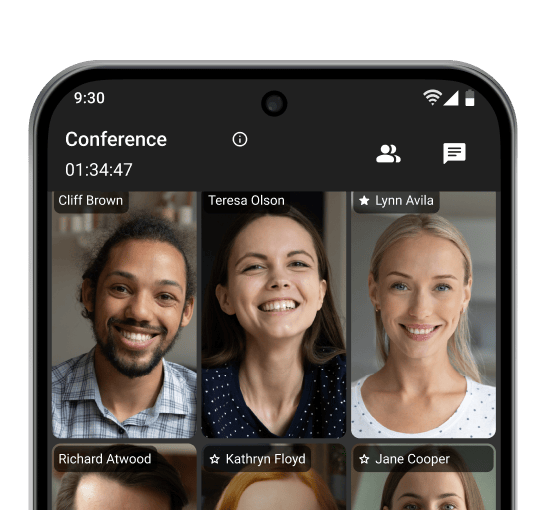
4K Online Meetings
Make video calls and host conferences in 4K UltraHD resolution, with no time limits on your conversations!
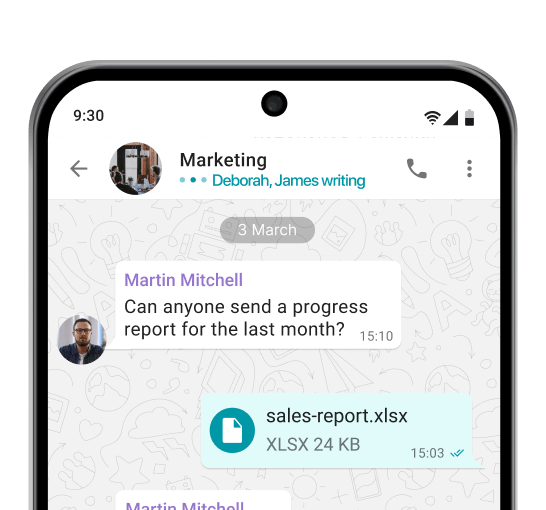
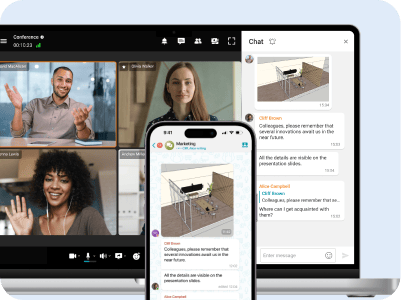
Corporate Messenger
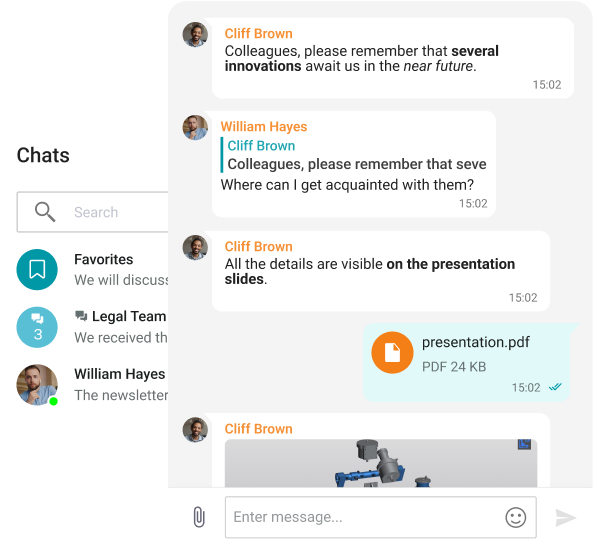
Exchange messages during conferences and beyond! Respond to colleagues' requests in private and group chats, seamlessly turning discussions into video meetings.
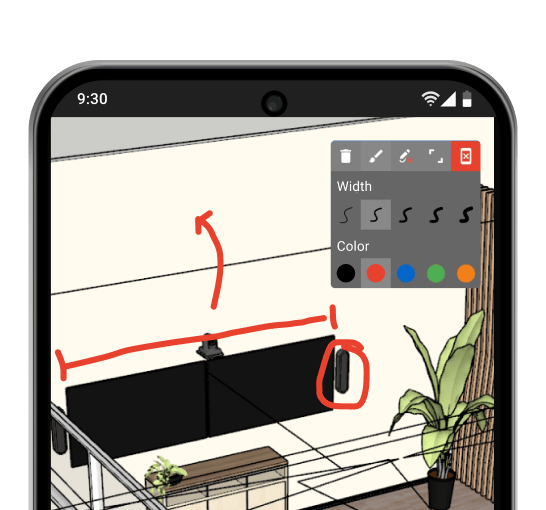
Team Collaboration
Use a wide range of collaboration tools: screen sharing, presentations, and video files, as well as remote desktop control, reactions, and annotations over content.
Communicate in noisy environments, change your background, and transcript important meeting details — all enabled by artificial intelligence.
Smart Noise Suppression
Blurring and Replacing the Background
Transcription of the Meetings
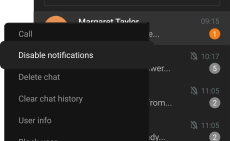
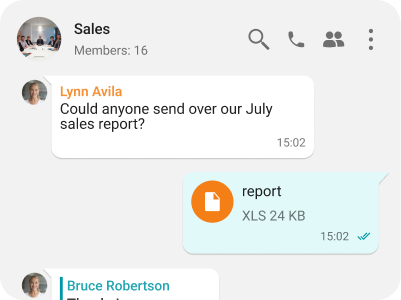
Group and private chats
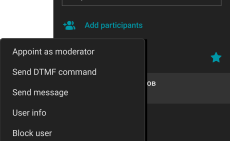
Managing chat moderators and transferring owner rights
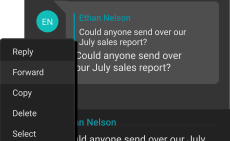
Edit, reply & forward messages
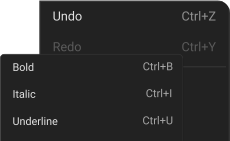
Text formatting: bold, underline, strikethrough, and italics
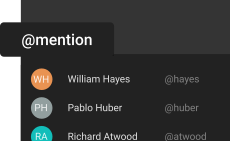
Participants mentions
Focus on important messages
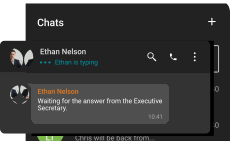
“Typing” status
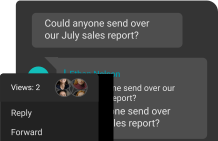
Information about reading the message
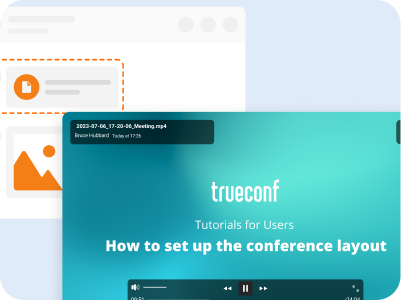
Fast File Sharing
Share and instantly preview files within TrueConf client applications.
File and Media Viewing
View received images, video files, and PDF documents within TrueConf desktop clients.
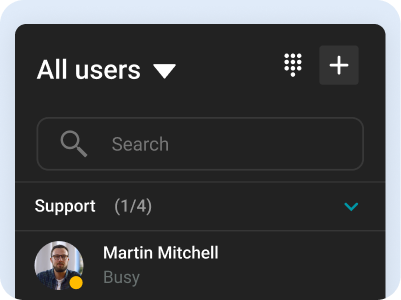
Address Book
Use the intuitive address book and department navigation to contact any company employee and see colleagues' availability status.
Synchronization Across All Devices
Take calls and join conferences from any device while maintaining communication continuity — your chat history syncs automatically.
Unified Entry Point
Integration with Active Directory enables centralized management of user accounts and restricts access rights to corporate information.
Two-Factor Authentication
Connect third-party identity providers, including AD FS, to establish trust zones with varying security levels and required authorization methods.
TrueConf Server is deployed on your company’s hardware, ensuring the protection of personal data from third parties. The server operates within your closed corporate network autonomously, remaining fully under your control.
TrueConf is an internationally recognized developer, consistently highlighted in reports by leading industry analysts, including Gartner, IDC, and Frost & Sullivan.
Signal has earned its reputation as a trustworthy messenger — but it wasn't built for every use case. Registration is tied to a phone number, which immediately compromises anonymity. Beyond that, the app offers little in the way of enterprise functionality: there's no support for large-scale video conferencing, no centralized admin tools, and no option to host the platform on your own infrastructure. For individuals, that's often fine. For teams and organizations handling sensitive data, those gaps matter.
Security is more than a checkbox — it's a combination of technical architecture, policy decisions, and operational flexibility. Before settling on a messenger, here's what's actually worth examining:
End-to-end encryption (E2EE) — Messages must be encrypted before they leave your device and remain unreadable until they reach the intended recipient. If the service provider can decrypt your messages, they aren't truly private.
Open-source code — Transparency is a prerequisite for trust. When source code is publicly available, independent researchers can verify security claims. Proprietary, closed-source apps ask users to take the vendor's word for it — which isn't enough.
Metadata minimization — Encryption protects content, but metadata tells its own story: who communicates with whom, how frequently, and when. A genuinely private platform limits how much of this information it retains or exposes.
Anonymous registration — Linking an account to a phone number creates a direct trail back to a real identity. Platforms that use generated IDs or allow email-only registration give users meaningful separation between their identity and their communications.
Self-destructing messages — Automatic message deletion reduces exposure if a device is ever lost, stolen, or seized. It's a simple feature with significant security implications.
Multi-device support — People work across multiple devices. A secure messenger should follow them — syncing messages between phones, tablets, and desktops — without weakening encryption in the process.
Self-hosting / on-premise deployment — For organizations, keeping data within their own infrastructure is often non-negotiable. Self-hosted solutions eliminate dependence on third-party servers and make regulatory compliance far more manageable.
Administrative controls — Business environments require structure: user provisioning, role-based access, policy enforcement, and audit capabilities. Consumer apps rarely offer this; enterprise-grade platforms should.
Cross-platform availability — A secure messenger that only runs on certain operating systems creates bottlenecks. Full coverage across iOS, Android, Windows, macOS, and Linux is the baseline expectation.
Resistance to legal requests — Jurisdiction shapes vulnerability. Providers incorporated in countries with strong privacy protections are less susceptible to government data demands than those operating under more permissive legal frameworks.
1. TrueConf
TrueConf is an enterprise communication platform engineered around the principle of data sovereignty. Rather than routing communications through shared cloud infrastructure, it can be installed directly on an organization's own servers — whether on-premise or within a private cloud environment. The result: messages, calls, and files stay entirely within the organization's control, with no exposure to external systems.
The platform goes well beyond basic messaging. It supports high-definition video conferencing for large groups, integrates with corporate identity systems such as LDAP and Active Directory, and provides native clients for Windows, macOS, Linux, iOS, and Android. Administrative tools allow IT teams to manage users, define access policies, and monitor usage without relying on a vendor's dashboard. For businesses in regulated sectors — finance, healthcare, government — where data handling requirements are strict, TrueConf offers a degree of operational control that cloud-dependent alternatives simply can't replicate.
2. Threema
Developed in Switzerland, Threema was designed from the ground up to collect as little user data as possible. There's no phone number or email address required to create an account — instead, each user receives a randomly generated ID that has no connection to their real-world identity. This makes Threema one of the few mainstream messengers that offers genuine anonymity from the moment of registration.
All communication on the platform — messages, voice calls, file transfers — is end-to-end encrypted. Delivered messages are promptly removed from Threema's servers, minimizing any data footprint. The codebase is open source and has undergone multiple independent security audits. For organizations, Threema Work adds a layer of business functionality: centralized deployment, admin controls, and compatibility with mobile device management systems. Unlike most competitors, Threema operates on a one-time payment model rather than a recurring subscription, which many users find refreshing.
3. Matrix (via Element)
Matrix occupies a different category from typical messaging apps — it's an open communication protocol rather than a centralized service. Through a federated architecture, anyone can operate their own Matrix server and exchange messages with users on entirely separate servers, much like the way email has always worked. Organizations can therefore self-host their communications infrastructure while remaining connected to the broader Matrix ecosystem if desired.
Element is the most widely used Matrix client, offering encrypted messaging, voice and video calls, file sharing, and structured threaded conversations. It has gained notable traction among government agencies, academic institutions, and open-source communities that prioritize independence from proprietary platforms. The flexibility of the federation model is a genuine strength — though running and maintaining a self-hosted homeserver does require a higher level of technical capability than most consumer-oriented alternatives demand.
4. Wire
Wire brings together encrypted messaging, voice calls, video conferencing, and file sharing within a single platform, developed across Switzerland and Germany — both countries with strong data protection frameworks. A practical differentiator from Signal is that Wire allows users to register using only an email address, removing the phone number requirement entirely.
The enterprise version, Wire for Business, extends the platform with administrative features, guest access for external participants, and tools designed to meet compliance requirements. Group calls can accommodate up to 150 participants, making it a viable option for remote team meetings. Wire's encryption has been reviewed by independent auditors, and its code is publicly available for scrutiny. In terms of positioning, Wire for Business competes directly with collaboration tools like Slack and Microsoft Teams — with privacy built into the foundation rather than bolted on afterward.
Signal is optimized for private one-on-one and small group conversations between individuals. TrueConf is built for a fundamentally different context: organizational communication at scale. It supports large video conferences, provides administrative tools for managing users and access, and — most critically — can be deployed entirely on an organization's own infrastructure. That means no dependence on a third-party provider and no data leaving the organization's environment. For businesses, that distinction is the difference between a messaging app and a communication platform.
No. TrueConf places no restrictions on call or conference duration. Sessions can continue for as long as necessary — a meaningful advantage over platforms that cap meeting length on free tiers or even certain paid plans, forcing users to reconnect or upgrade to avoid interruptions.
Yes. TrueConf applies end-to-end encryption across both calls and messages, keeping the content of communications inaccessible to outside parties. When the platform is deployed on a private server, the security posture strengthens further: no traffic passes through external infrastructure, which simplifies compliance with data protection regulations and gives organizations full visibility into how their communications are handled.