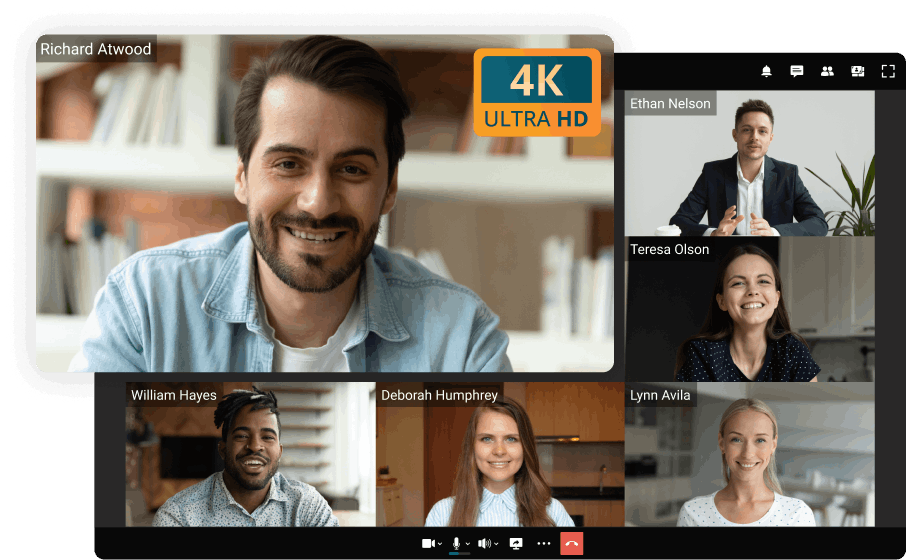
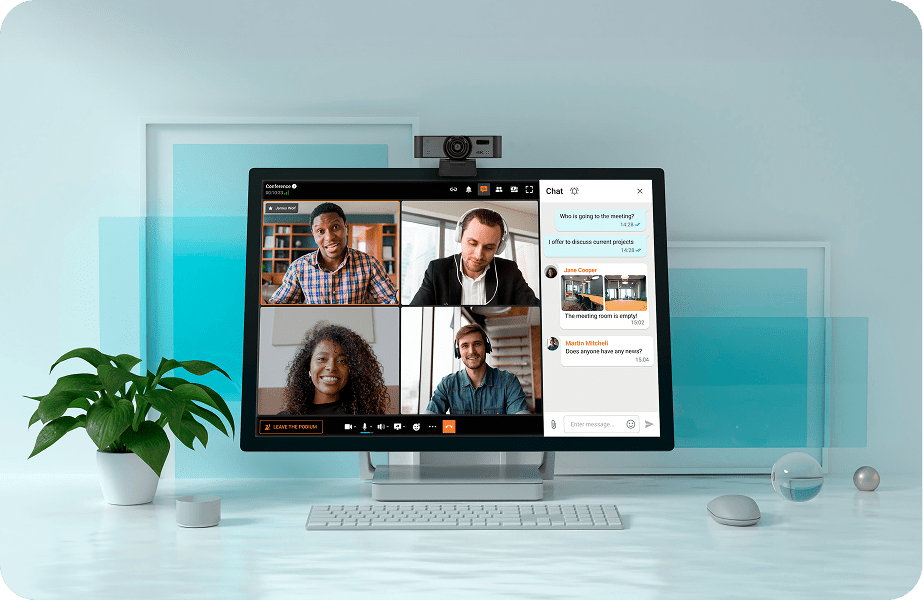
Ultra HD video conferencing for government, business, education, healthcare, and other purposes.

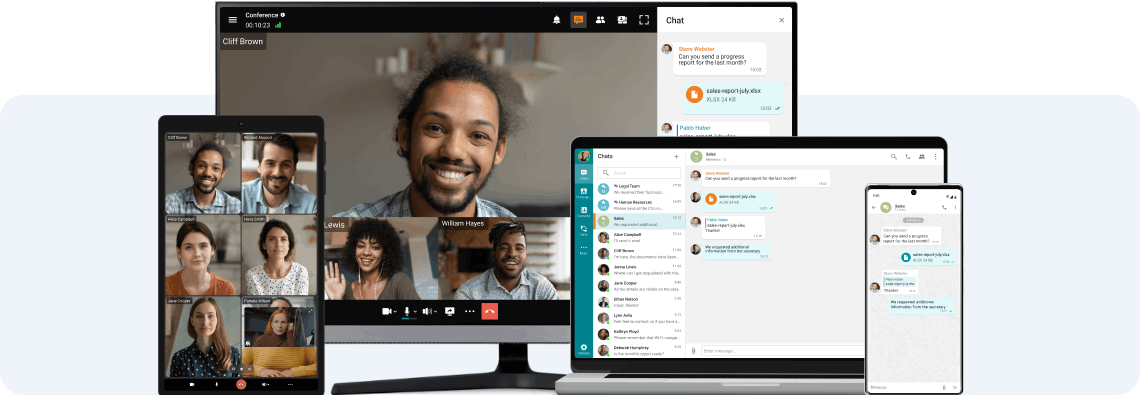
Client applications are available for all popular operating systems, including Windows, macOS, Linux, iOS, Android, and Android TV.
Forget about blurry pictures — enjoy real-life experiences with UltraHD online meetings! Save time and money by conducting lifelike video conferences with your colleagues worldwide.
Take control of your video meeting's progress by assigning roles, adding or removing participants, and managing users' devices!
Communicate in personal and group chats, and easily share images, presentations, documents, and files. Respond to colleagues at your convenience, while effortlessly transforming any discussion into a video meeting!
Share presentations, desktop screen and application windows, draw and add annotations, show content and videos with sound, and manage the desktop of your interlocutors.
Boost the viewership to one million by live streaming online events on platforms like YouTube, Wowza, and other services or CDN platforms.
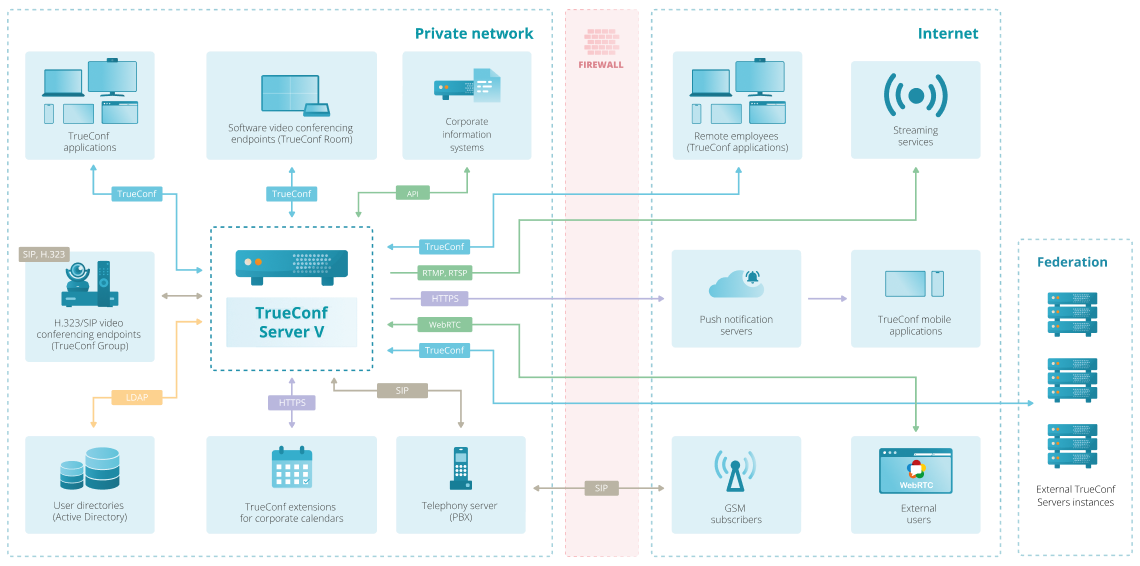
TrueConf is deployed on your company's equipment and works autonomously inside a closed corporate network, which guarantees reliable protection of personal data from third parties.
Engage Employees
During video communication, interlocutors need to maintain eye contact, which enhances involvement in the discussion.
Structure Meetings
Employees join the conference from different places, and meeting time is often limited. This way, there is less chit-chat and more focus on the discussion.
Save Time and Money
As employees can work remotely, the time spent commuting to and from the office is greatly saved. Additionally, it affects international travel waste, and this budget can be redirected to other important issues.
Boost Productivity
If you need an answer to an urgent question, it's much more efficient to have a video conference. This way, you can move on with your project without waiting for feedback.
Streamline Collaboration
Video conferencing platforms allow users to easily share content such as important business documents, PDFs, spreadsheets, presentations, and more.
Create a Better Work-Life Balance
Attending the meeting virtually, when possible, provides an opportunity to improve work-life balance and spend more time with family or hobbies.
If you're looking for a free option for video calling without paying, TrueConf Server Free provides the core features needed for secure video communication. It supports one-on-one calls and small group meetings with HD video, screen sharing, and text chat. Users connect through TrueConf applications available for desktop and mobile platforms, and since the server works inside your own network, all video calls remain local. This makes TrueConf Server Free a practical choice for organizations that need a self-hosted and cost-free environment for video calls.
You can make free calls from a PC to a mobile device if both sides use the same application. In the case of TrueConf, you can install the desktop app on your PC and the mobile app on a smartphone, sign in with the same TrueConf Server, and place a direct video call at no cost. The call works over the Internet or your local network, and no phone carrier charges apply. This is a simple way to connect a computer user with someone using a mobile phone without paying for mobile voice services.