
TrueConf Room Service
TrueConf Room Service
Purpose
TrueConf Room Service This is an auxiliary service designed for advanced management of terminal TrueConf Room launch parameters.Parameters are specified in application Settings, which you may have already used when setting up the terminal. In the application, you can:
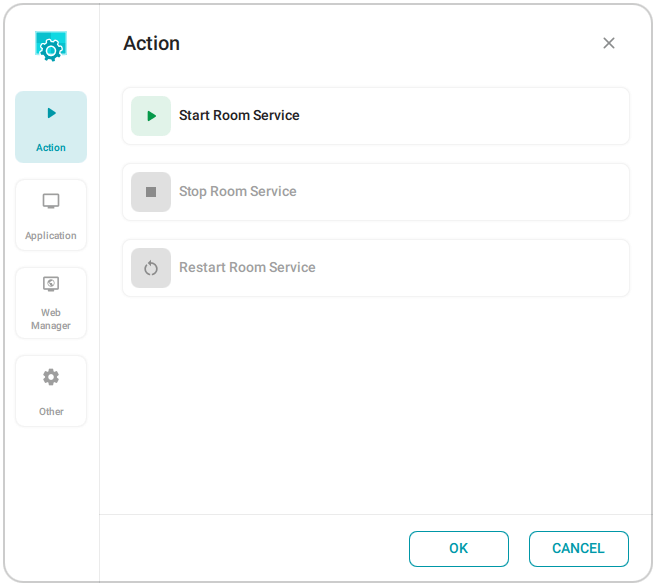
Manually start, stop, and restart the TrueConf Room Service service:
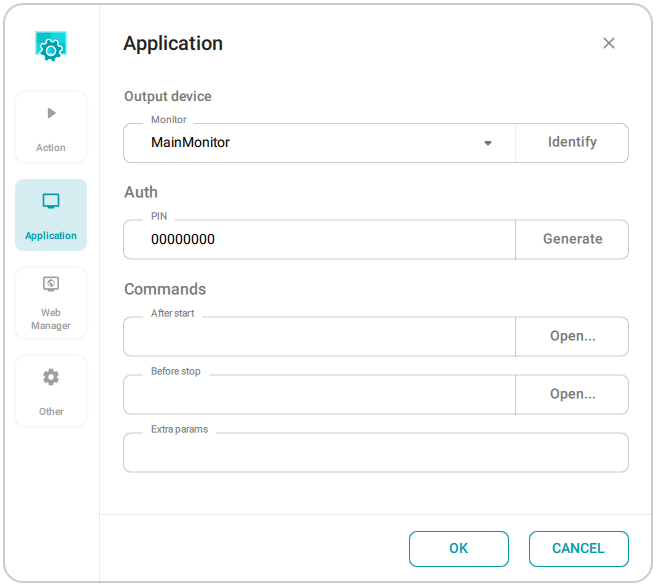
Specify parameters to launch the application (main screen) TrueConf Room:
monitor in a multi-display configuration
Your PIN for authorization is used to manage the terminal via API.
custom script executed when the application starts or stops
additional command line options;
Enable the automatic launch of an additional video stream and set the monitor for its display. This way, you can control the content you are broadcasting in the general conference video layout.
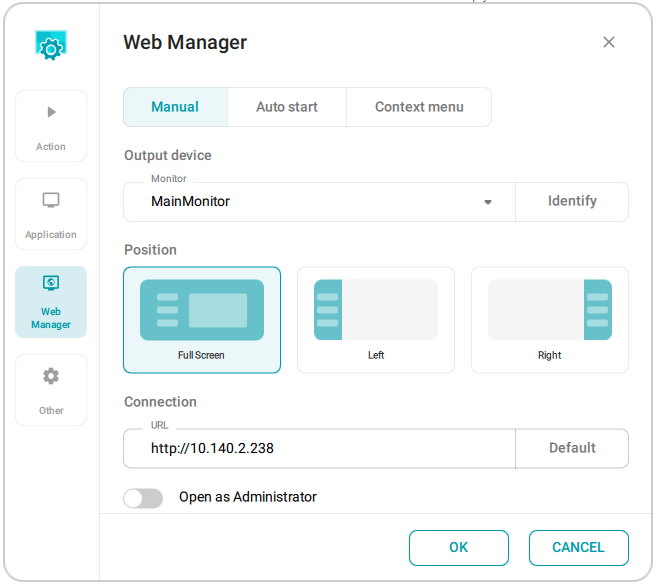
Configure the launch of the control panel:
configure the startup mode: automatic (when TrueConf Room Service starts), manual (from the system tray, via API, from a main screen link, etc.), or via the context menu button from the remote control (to be added in future updates);
Select the screen (if multiple displays can be used) and the position of the control panel (only when the app is launched automatically , the control panel can be opened on a part of the screen, e.g., on the right or left side)
Set a new URL for the control panel
activate launch the control panel as administrator, applicable only when it is set to launch automatically.
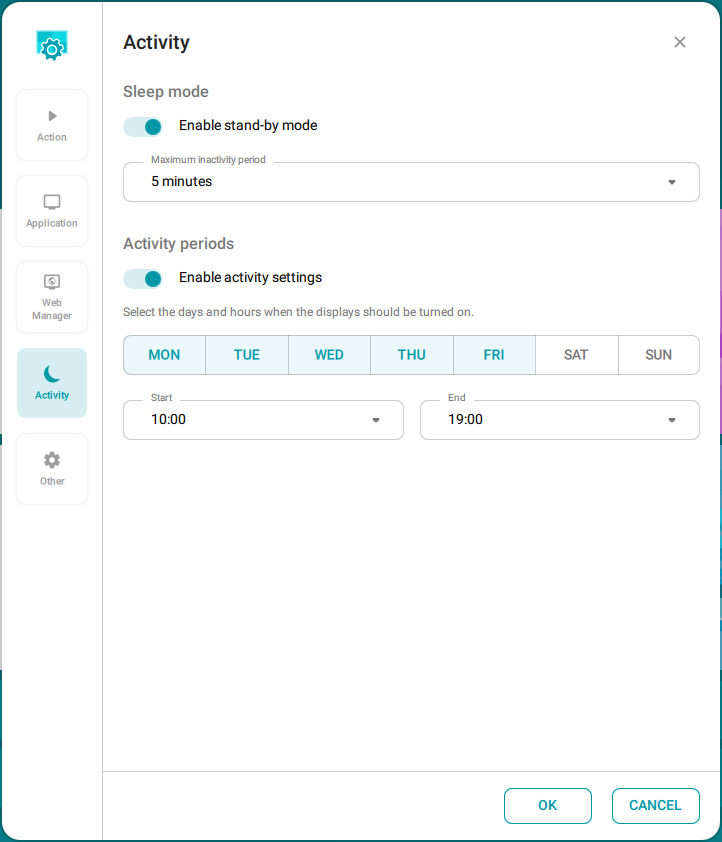
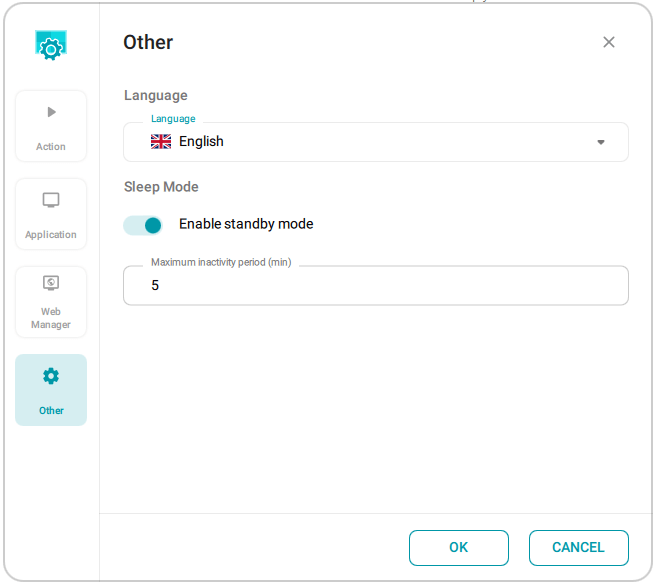
In section Activity, enable the automatic switch to standby mode, select the inactivity time for its activation (enabled by default with a 5-minute timeout), and set the monitor activity period (monitors will be turned off during non-working hours):
Change the interface language TrueConf Room Service, customize the logo (upload your own if you have the full version of TrueConf Room), and enable QR code display for access to the control panel:
Please note that to automatically launch the control panel as an administrator, secure access must be configured for administrator mode.
Launch parameters
TrueConf Room supports launching with command line parameters. You can use TrueConf Room Service to automate the launch without using the command line. To do this, specify the desired options in the Extra params field on the App tab. For example, to launch the application with a virtual background, add the parameter--background C:/image.png.