
Notification center, conference information
Notification center, conference information
Working with notifications
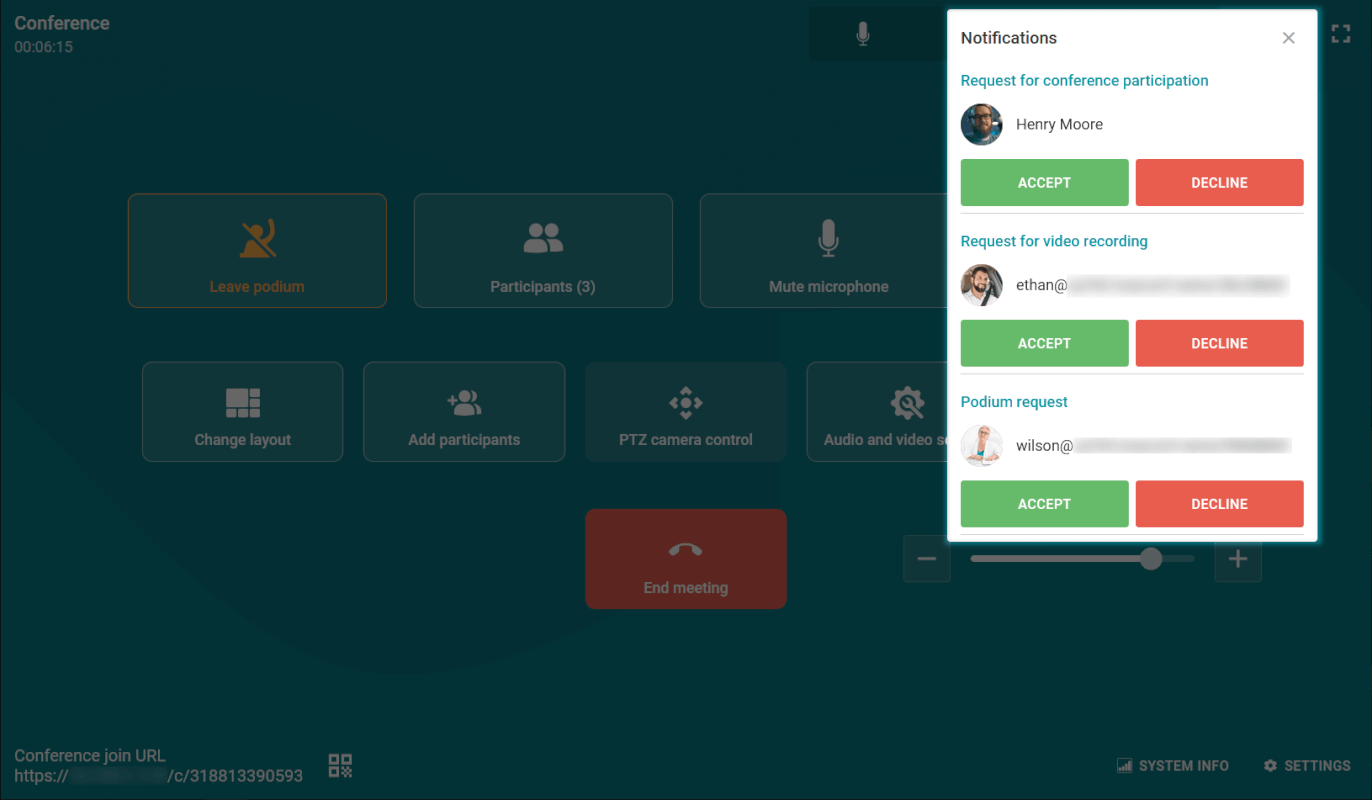
During the conference, you may receive the following requests: to record your video window, and if you are the moderator, requests for a new participant to join the event and to take the floor in a moderated role-based conference. All requests are displayed in the top right corner in the notification center. Click the  button to view current notifications.
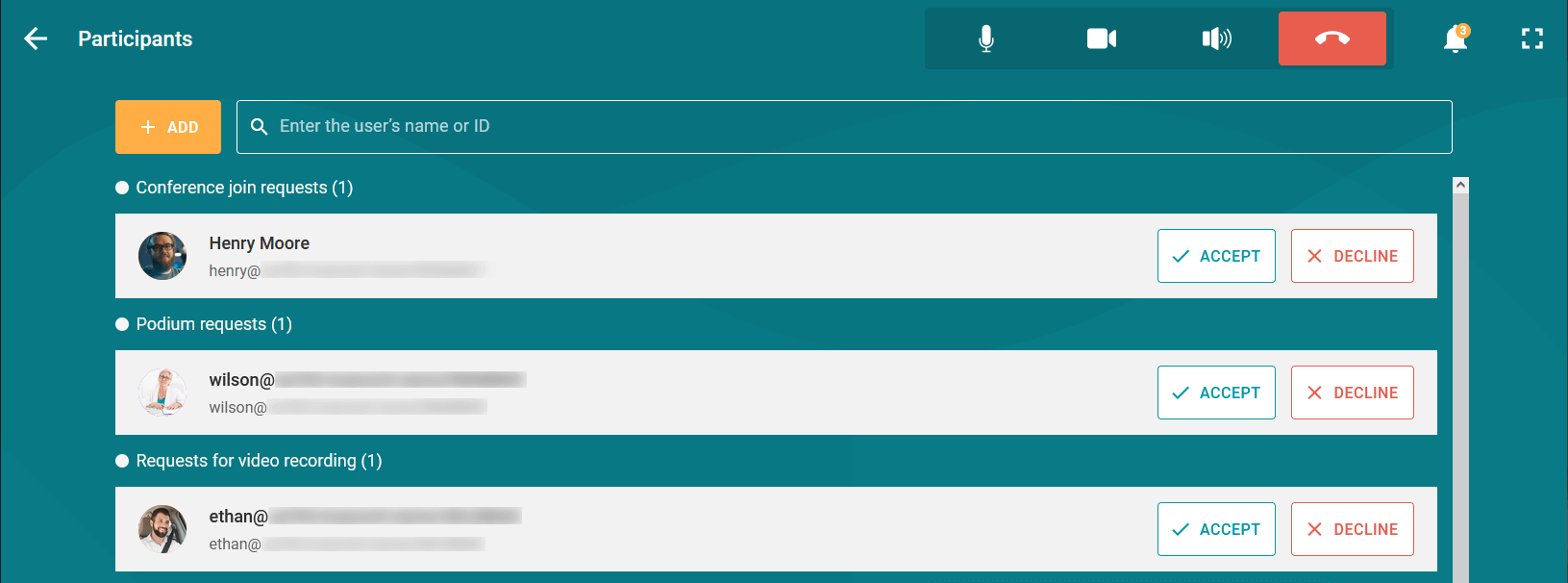
Additionally, the conference participant list displays requests from other users that require a response.
Conference information
To access the current conference information window, click the  icon in the control panel. You will see the main details of the event:
Conference ID
Owner's name
Conference join link.
Additionally, you will be able to activate or deactivate the waiting room for the conference.
If conference recording is activated on the server side, the recording indicator will also be displayed next to the conference name.
Conference settings
Moderators and the conference owner have the same set of management features through real-time meeting management as in client applications TrueConf or the personal area. For example, they can:
Customize the video layout
Control participants' devices
Change conference PIN and ID
Lock the conference for new participants at any time during the session
Manage the waiting room: enable and disable it
Activate video recording on the server side right during a conference.
For more details, see the description of real-time meeting management.