
Managing devices
Selecting devices
You can connect multiple video and audio capture sources to TrueConf Room.
To switch to another device, click the Audio and video settings button and then make the necessary settings in the window that opens, as shown earlier.
PTZ camera control
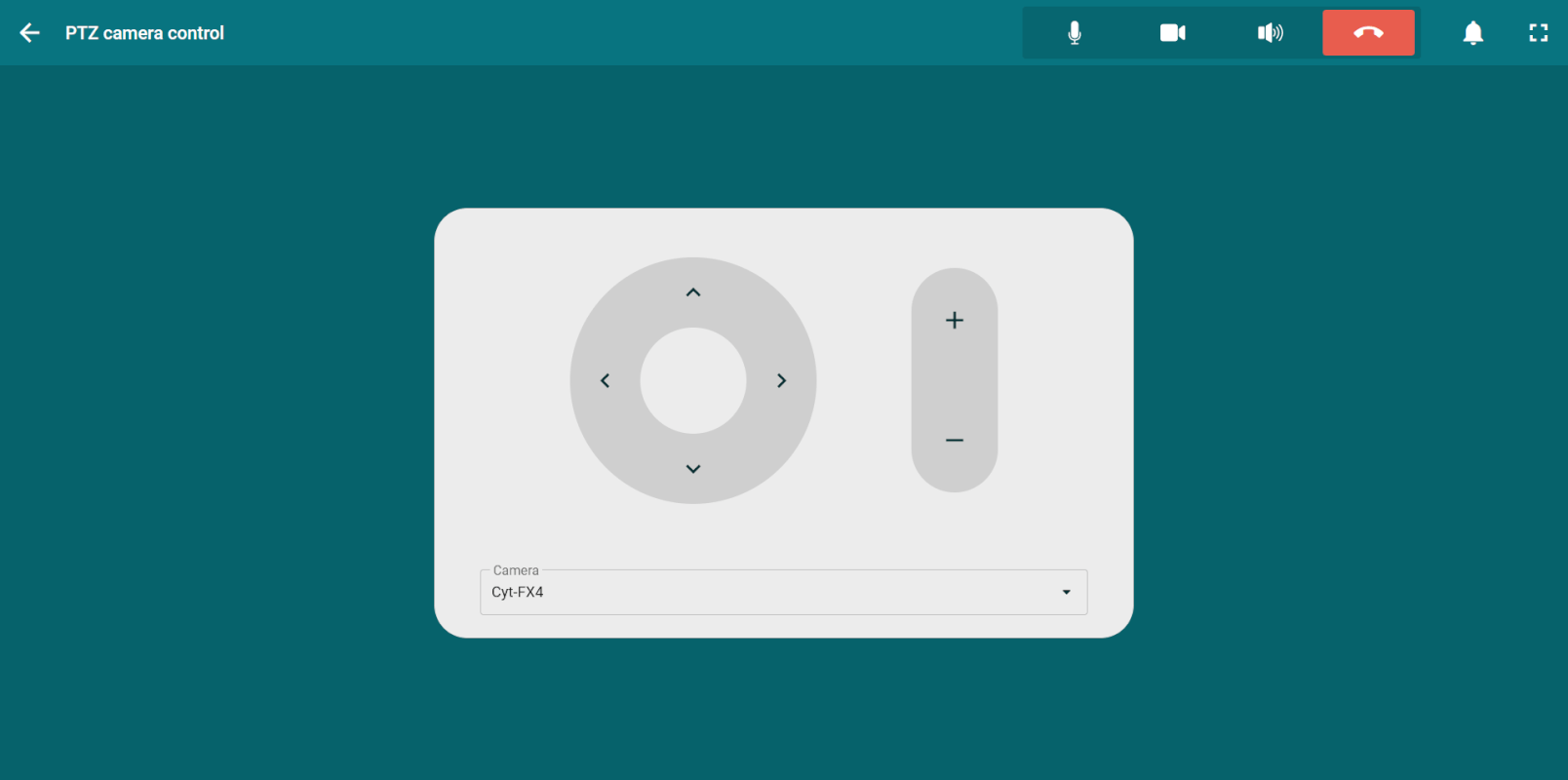
To control the PTZ camera, click the PTZ camera control button on the control panel. A window will open with the control block and a list of presets.
Presets
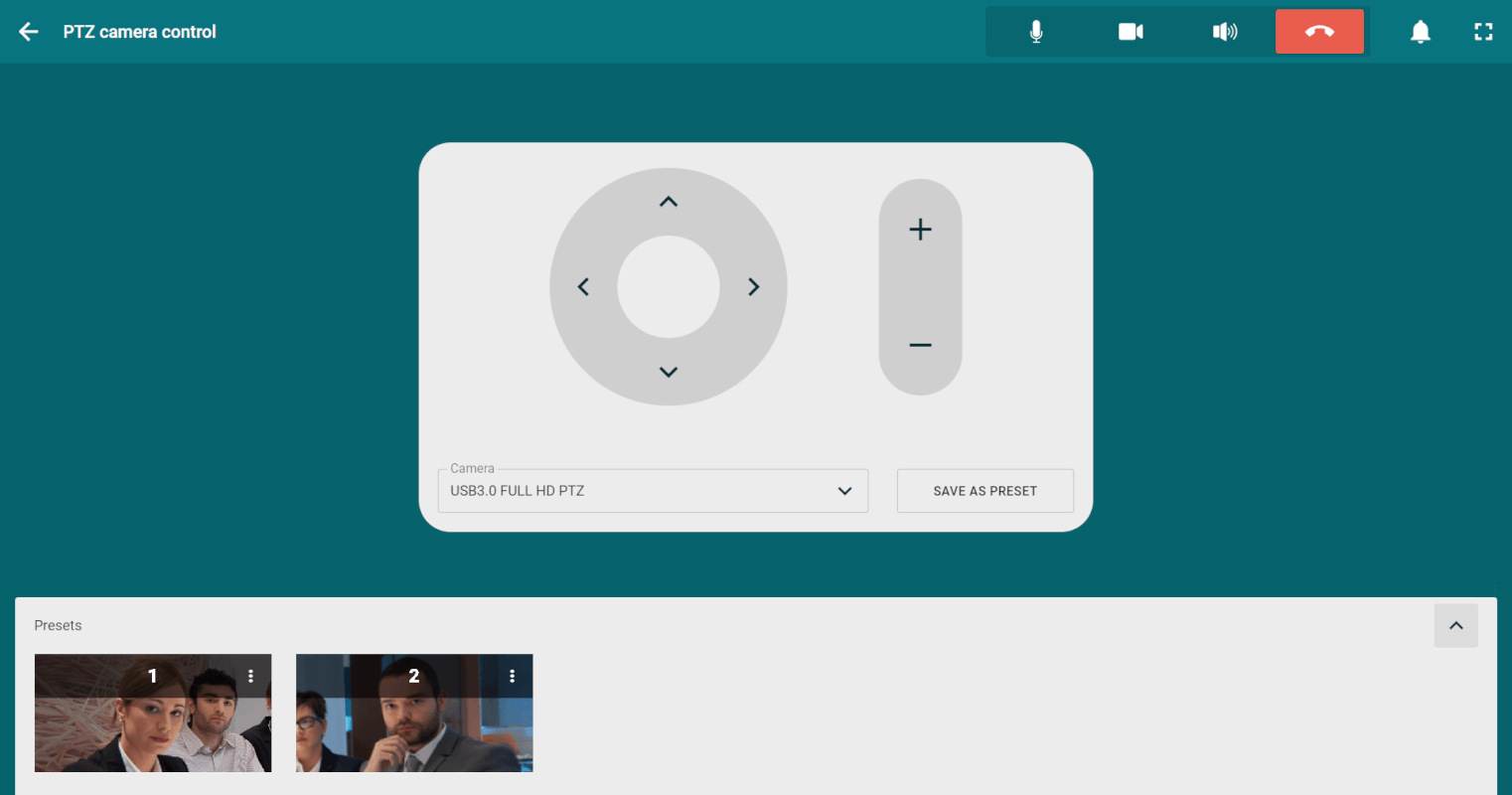
By using presets, you can switch between different cameras connected to TrueConf Room. To do this:
Go to PTZ camera control.
Select a camera in the drop-down list.
Click the Save as preset button.
In the list of presets, there will be fixed miniature frames from the camera selected when settings were last saved.
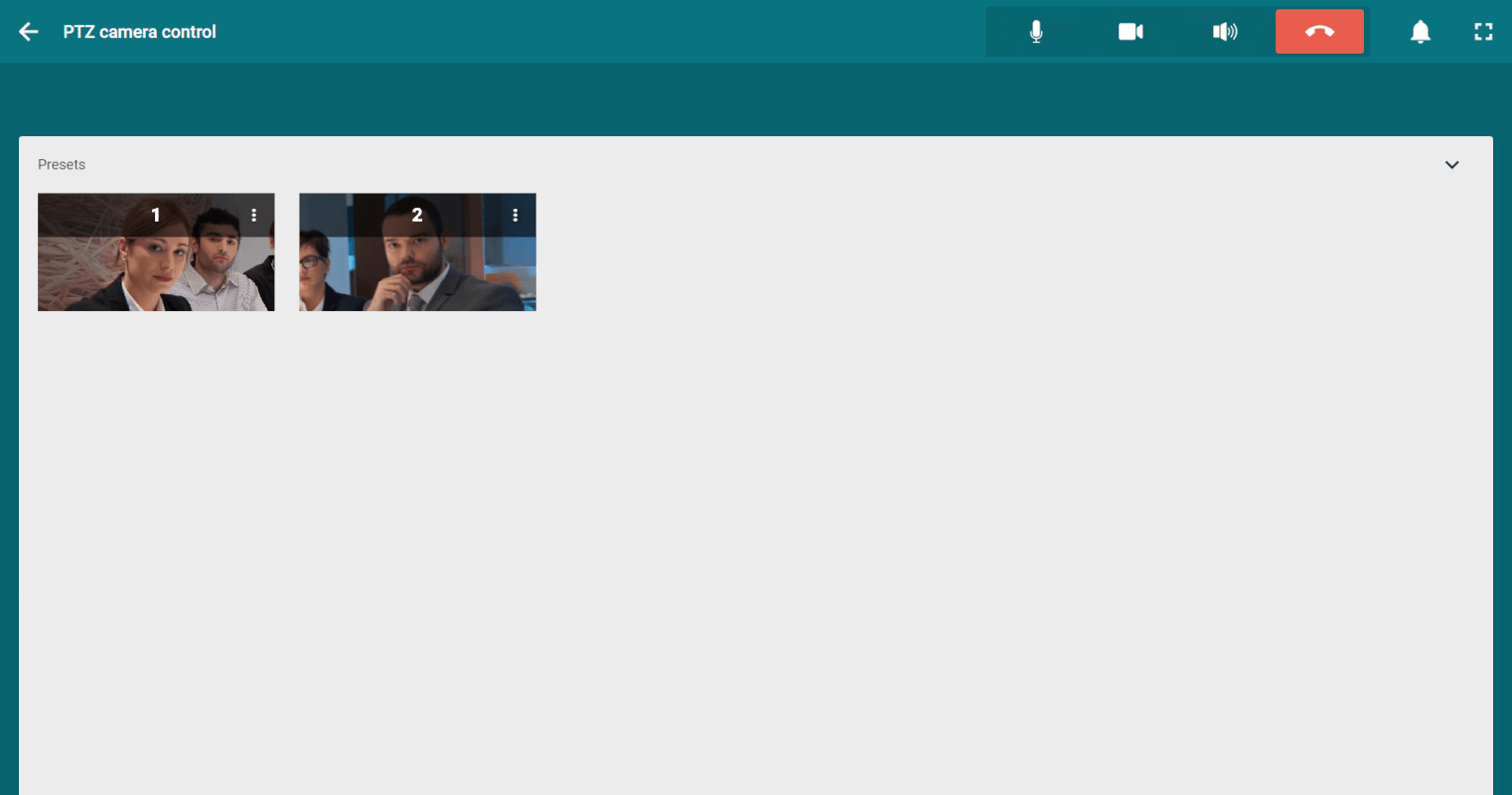
For ease of use, you can open the list of presets in the following way:
Gestures
This feature is available only when accessing the control panel from a device supporting touch input.
In addition to the widget for controlling your PTZ camera, you can use gestures, such as swipes on the screen, when connecting a Logitech Tap touch controller.
This control mode is available:
during the conference in the layout settings window;
In the settings of the camera connected to the terminal (both during the event and outside of a call).
Controlling participant's camera
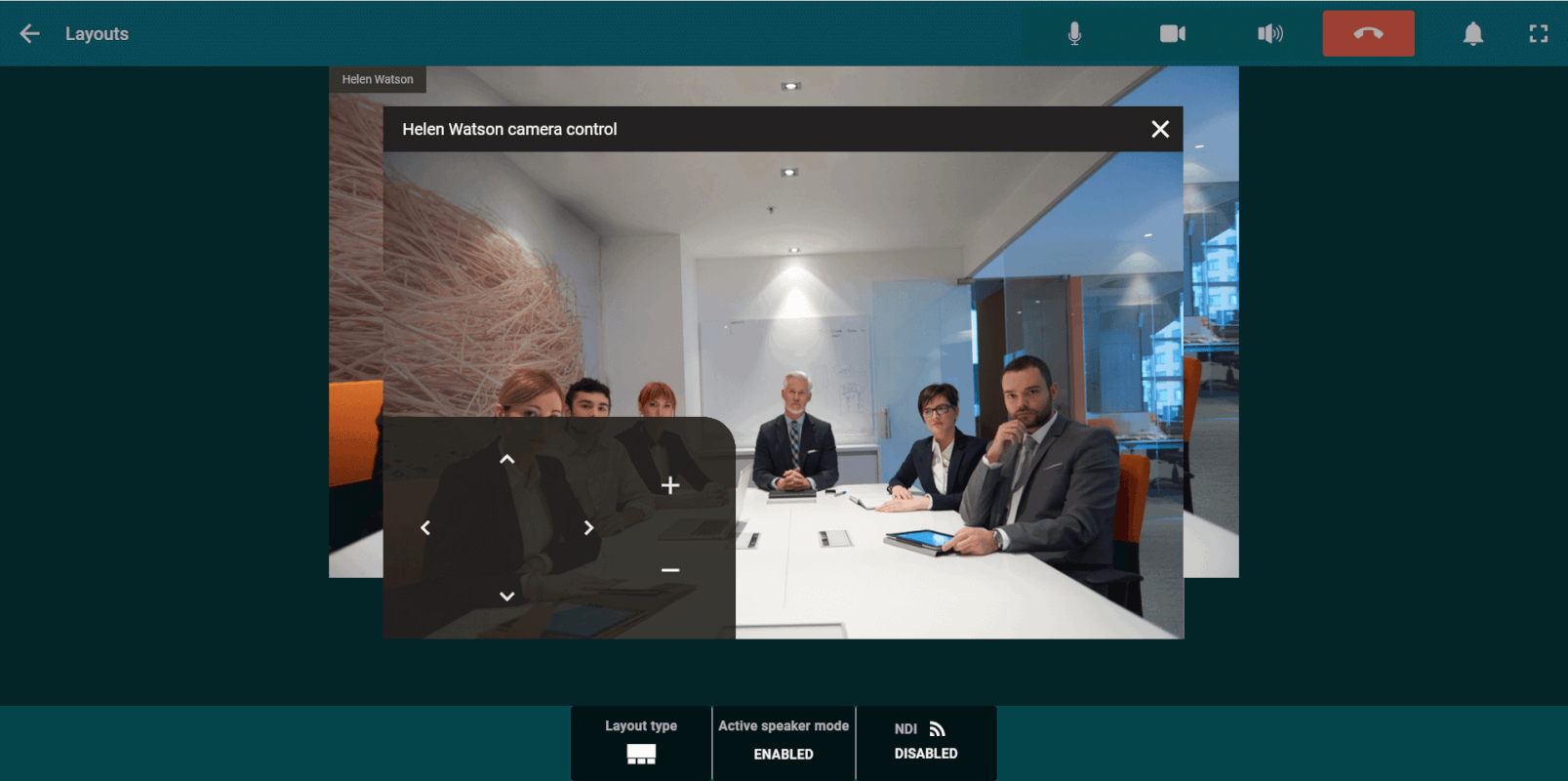
To start controlling the camera, click the Change layout button on the control panel, select the video window of the participant whose camera you want to control, and choose Remote camera control from the menu that appears. Once access is granted, a video window with the camera control panel will open.
Human (operator) presence sensor
There are pre-configured PCs specifically designed for meeting rooms and conference halls. These setups come with built-in modules that facilitate their use as video conferencing terminals. One such module is the presence sensor (also known as a motion sensor), which wakes the device from standby mode when an operator is nearby.
TrueConf RoomStarting from version 5.0.1, it supports presence sensors on the following devices: Lenovo ThinkSmart Hub Teams and Lenovo ThinkSmart Hub 500. If the terminal is in standby mode and a person approaches, it will automatically wake up.