
Rental mode
About 2 min
TrueConf Room allows you to quickly add a terminal to a conference using Join with room.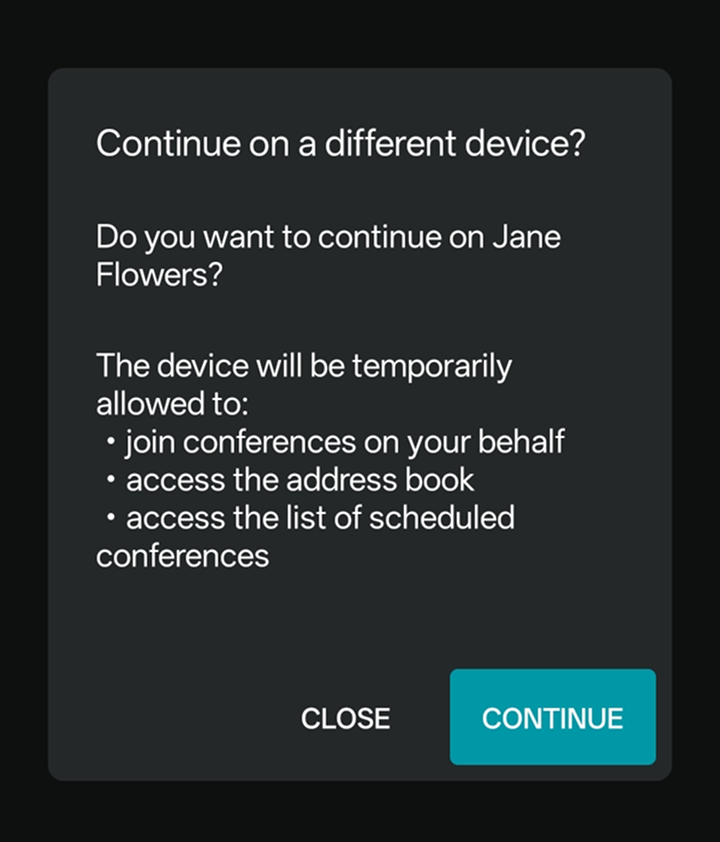
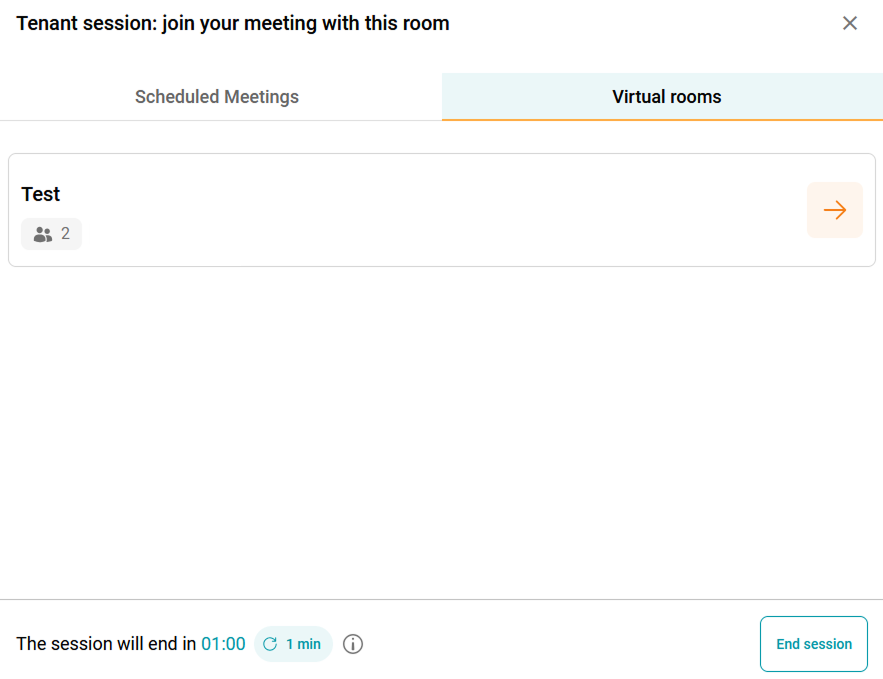
To quickly add terminal TrueConf Room to an active conference or start a scheduled conference, use the Join with room feature.
To connect a terminal to a conference:
In the main menu of TrueConf Room, open the Join with room menu.
In the TrueConf mobile app, go to the Conferences section.
Click QR code scanner.
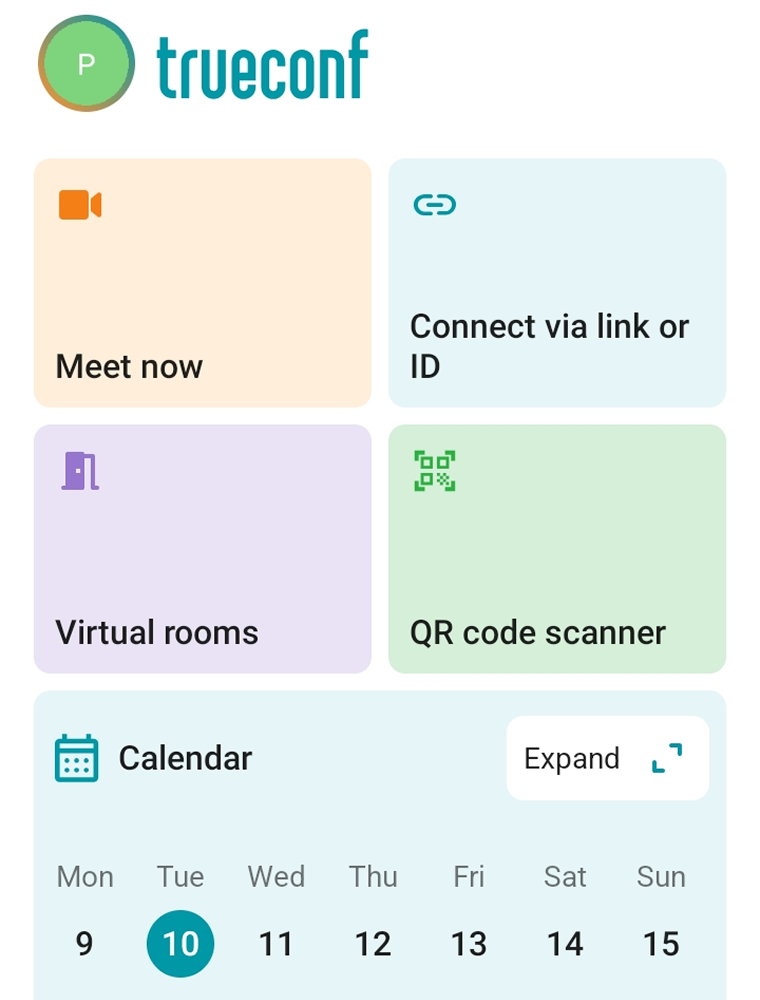
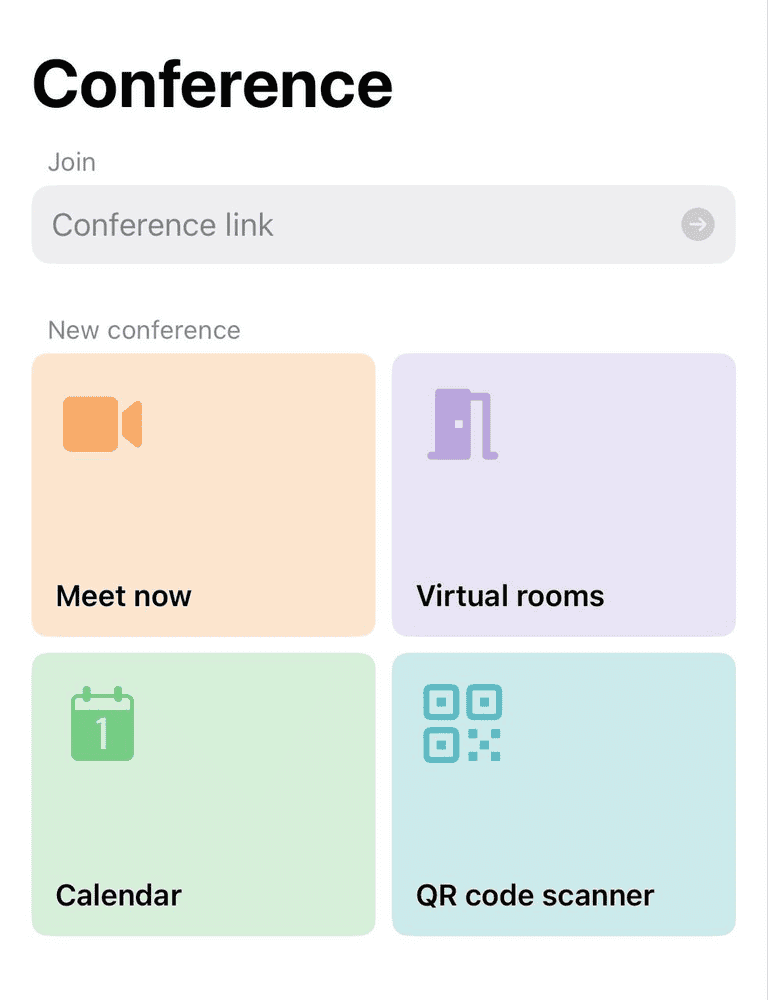
Scan the QR code.
In the window that appears, click Continue.
If you are in an active conference when launching the rental mode, the TrueConf Room terminal will be automatically connected to your conference.
Otherwise, you will see the list of all conferences to which the user of the TrueConf mobile app is invited, and you will be able to join them right from the TrueConf Room terminal.