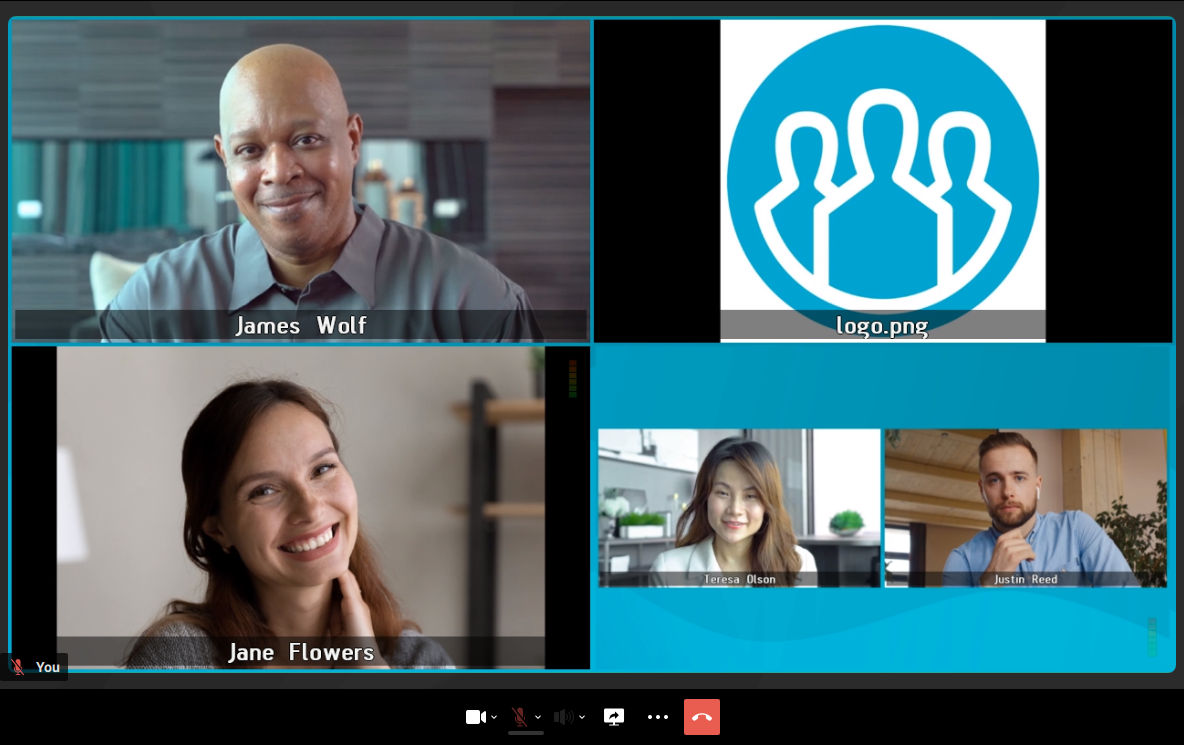
Conference cascading
Cascading is the process of combining multiple conferences, whether hosted on the same or different servers, into a single video conference.
Cascading capabilities allow you to distribute the load across multiple TrueConf MCU servers.
Types of Conference Cascading
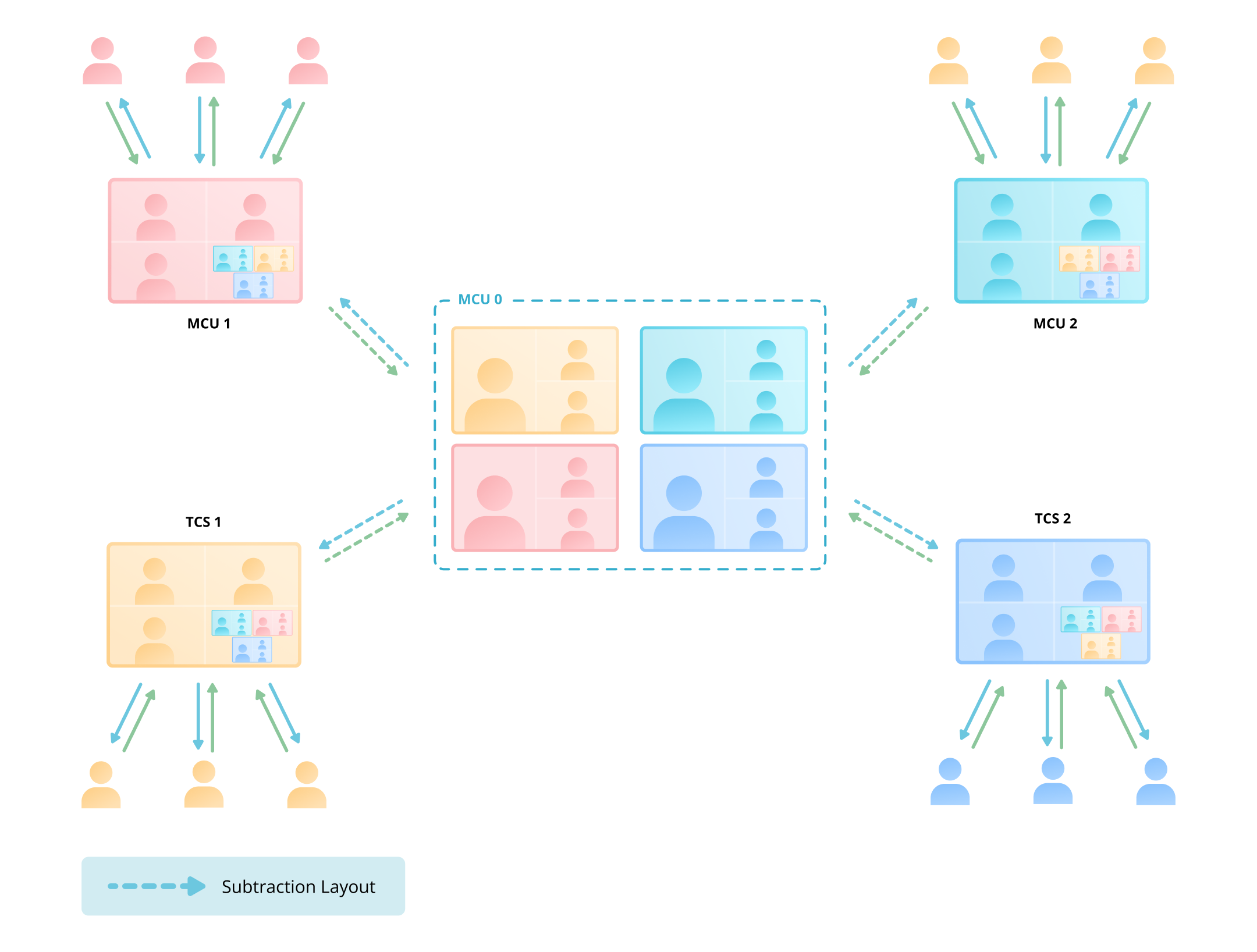
Server TrueConf MCU supports two types of conference cascading: simple and hub-and-spoke, where roles are configured separately in the cascade. It is not possible to connect conferences with different types of cascading.
Basic Cascading
Star topology cascading
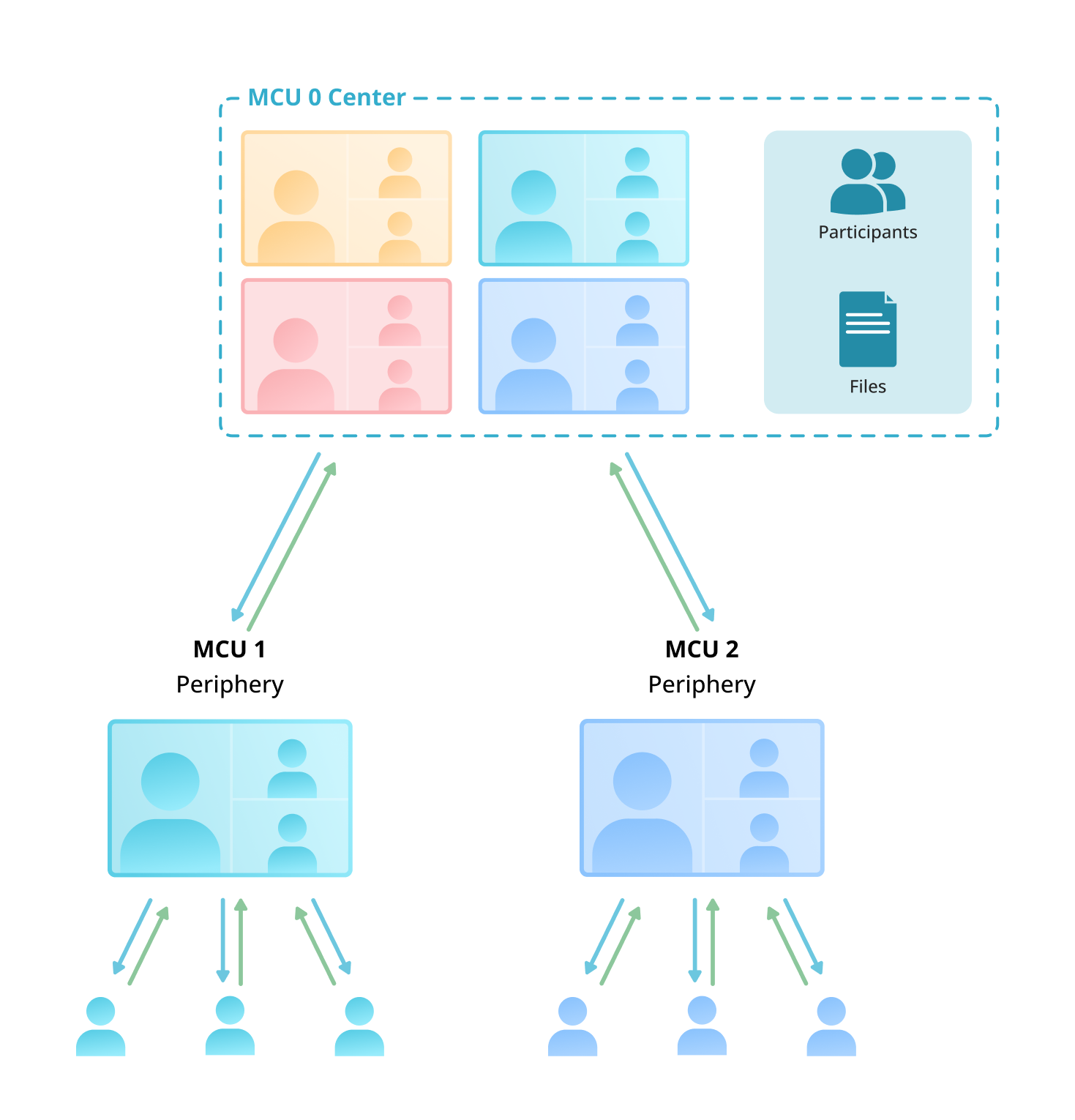
Difference in Cascade Types
| Simple cascading | Star topology cascading |
|---|---|
| Supports interoperability with other servers and . | Works only with other servers. |
| The server sends its video layout and receives the conference video layout it connects to, excluding its own video. | — creates the video layout for all connected conferences. — receives the video layout from a cascade-type center subscriber (including its own layout). |
You can cascade conferences both within a single server and between different servers.
Cascading Configuration
Cascading can only be configured between active conferences; it's not possible to add a conference to a cascade in advance. To set up cascading, you need to:
- In the menu Add participant, on the Conferences tab, select the cascading method.
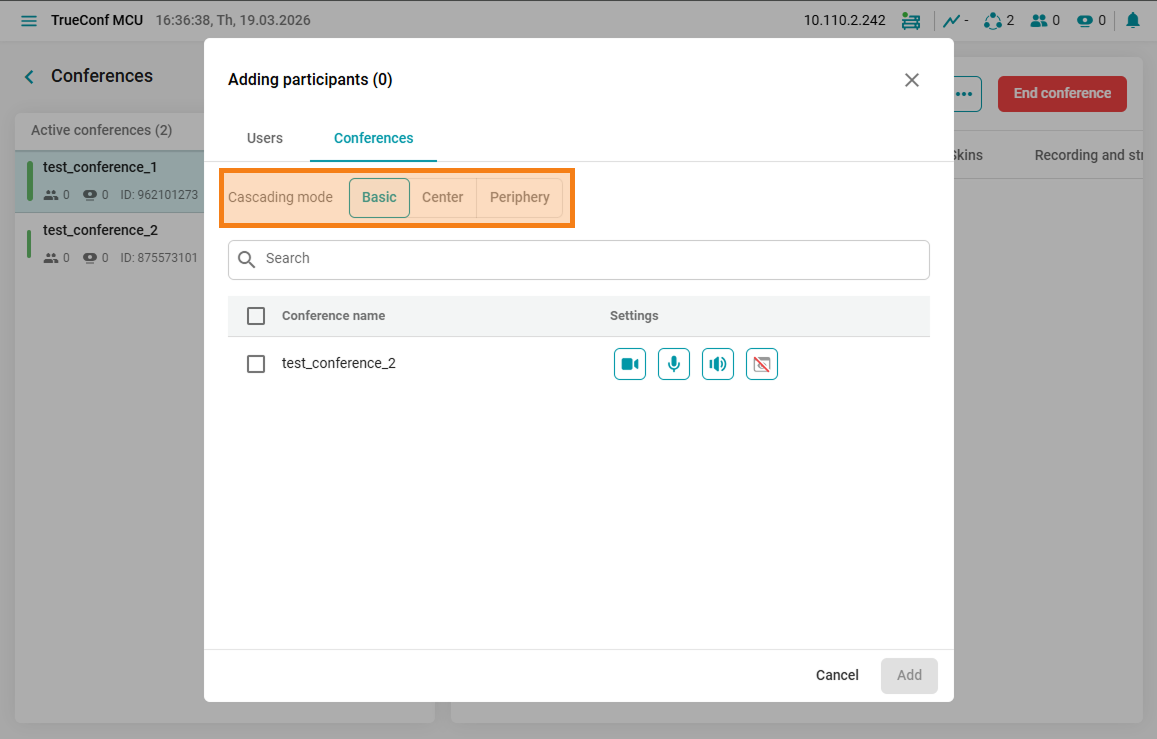
- Add a conference to the cascade using the
 Add by address menu. For more details on connecting via address, see the connecting to a conference section.
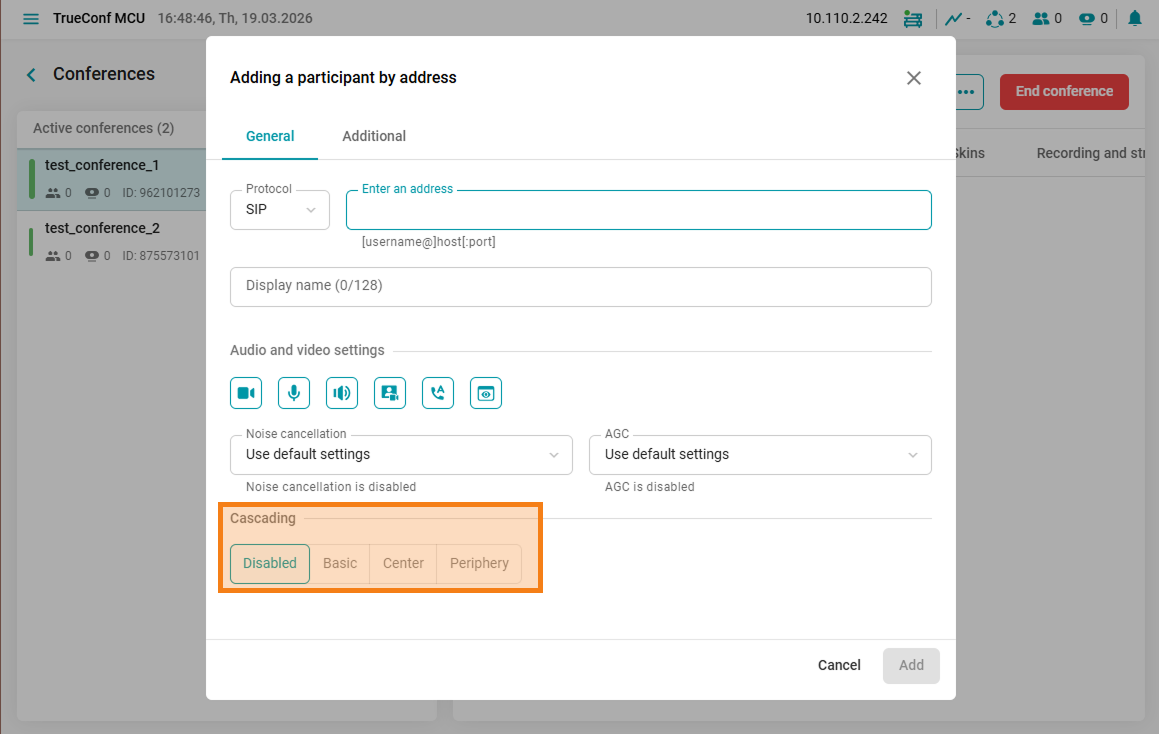
Cascading status
When cascading, you will see one of the icons next to the conference name, indicating the mode it is operating in.
Simple Cascading Designation 

Designation of center-spoke cascading
Center - 
Beam - 

If you need to change the cascading mode between conferences, you can disconnect them using the  button in the conference participant list and add the conference again.
Video layouts in cascading conferences
For more information on configuring video layouts in TrueConf MCU, you can refer to the Creating a Conference section.
Selecting the cascading mode allows you to use:
- Unique video layout for each conference in cascading mode Basic.
Video layout of the first conference in Basic cascading mode
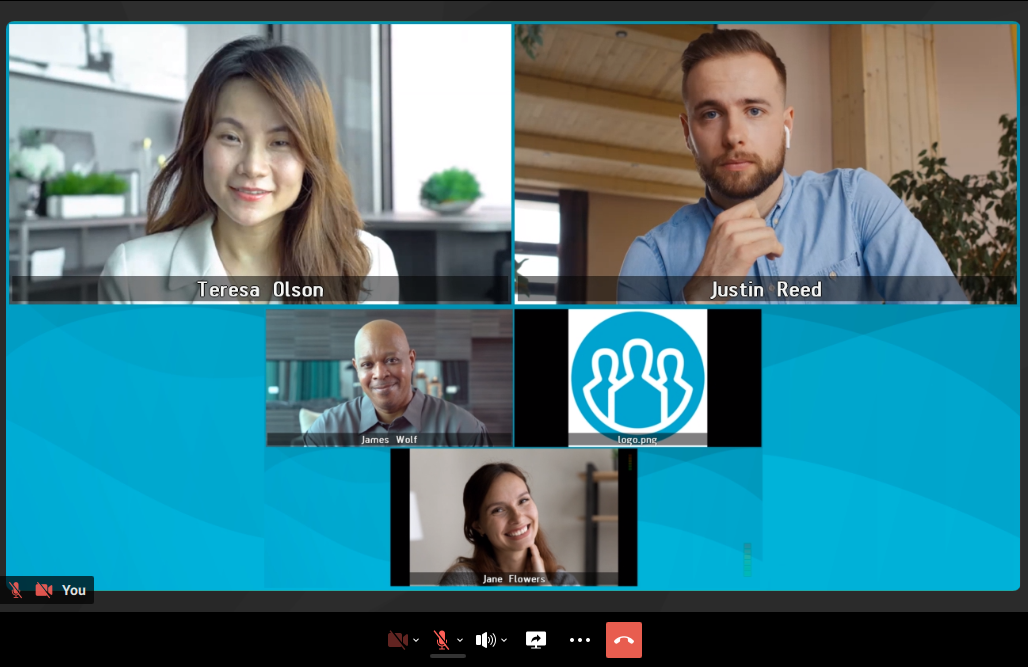
Video layout of the second conference in Basic cascading mode
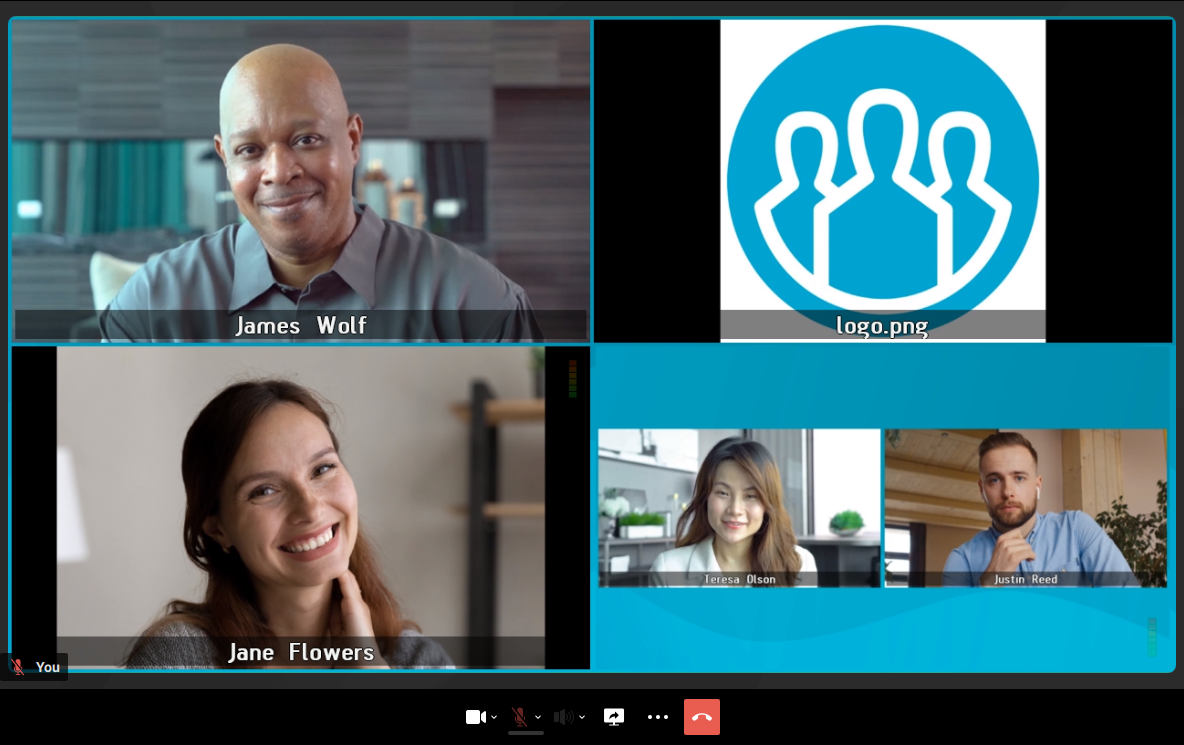
- A single video layout for all conferences in cascading mode Center-periphery
Video layout for all conferences in mode Center-periphery