
Joining a Conference
Joining a Conference
You can join the conference held on TrueConf MCU using SIP and H.323 protocols.
Please note that TrueConf client applications are not standalone SIP/H.323 software terminals, and therefore make calls through TrueConf Server using these protocols. To connect to MCU events via SIP/H.323 protocols, the application must be authorized on TrueConf Server and have available licenses for the SIP/H.323/RTSP gateway.
You can view the links to join the event by clicking the  button next to the active conference name on its page.
More details about the conference route, ID, and PIN are described here.
For TrueConf users
For users of the TrueConf client application, you can share a link to the conference connection page.
First, you need to create a conference with the enabled parameter Allow access to conference via link.
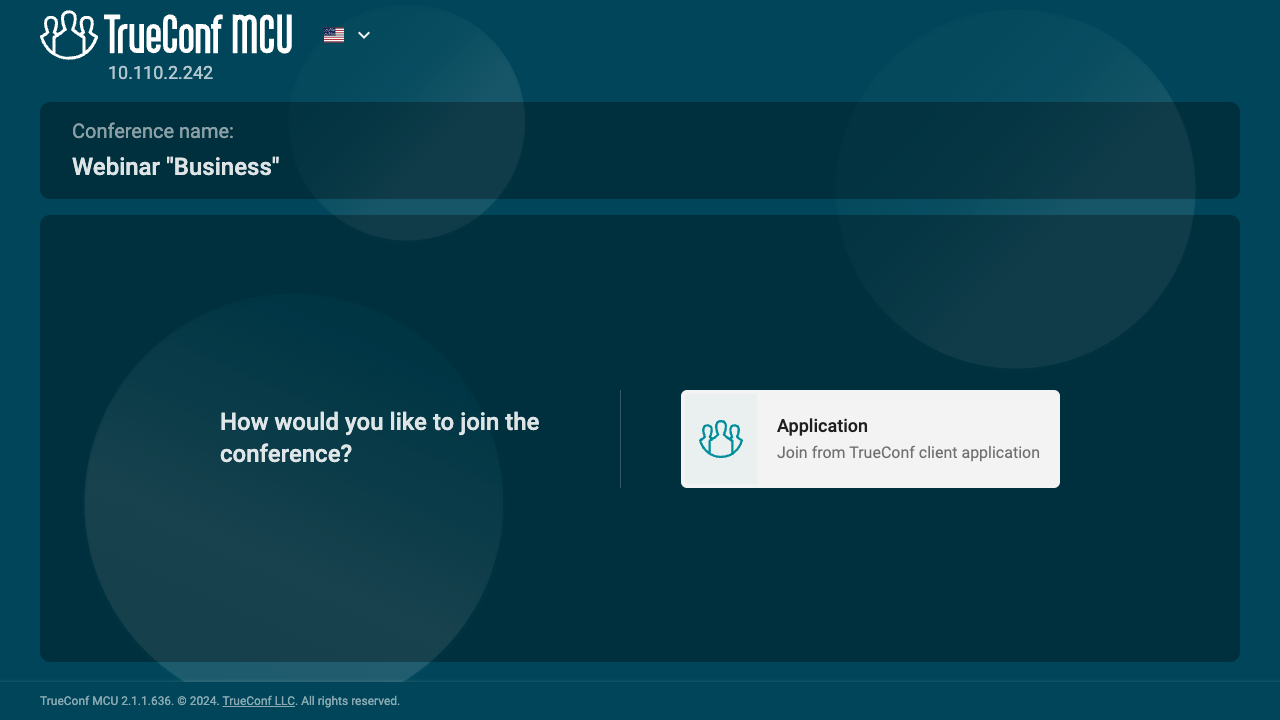
If the conference is already in progress, clicking the link will direct the participant to a page displaying the event name and a button to join via the TrueConf client application.
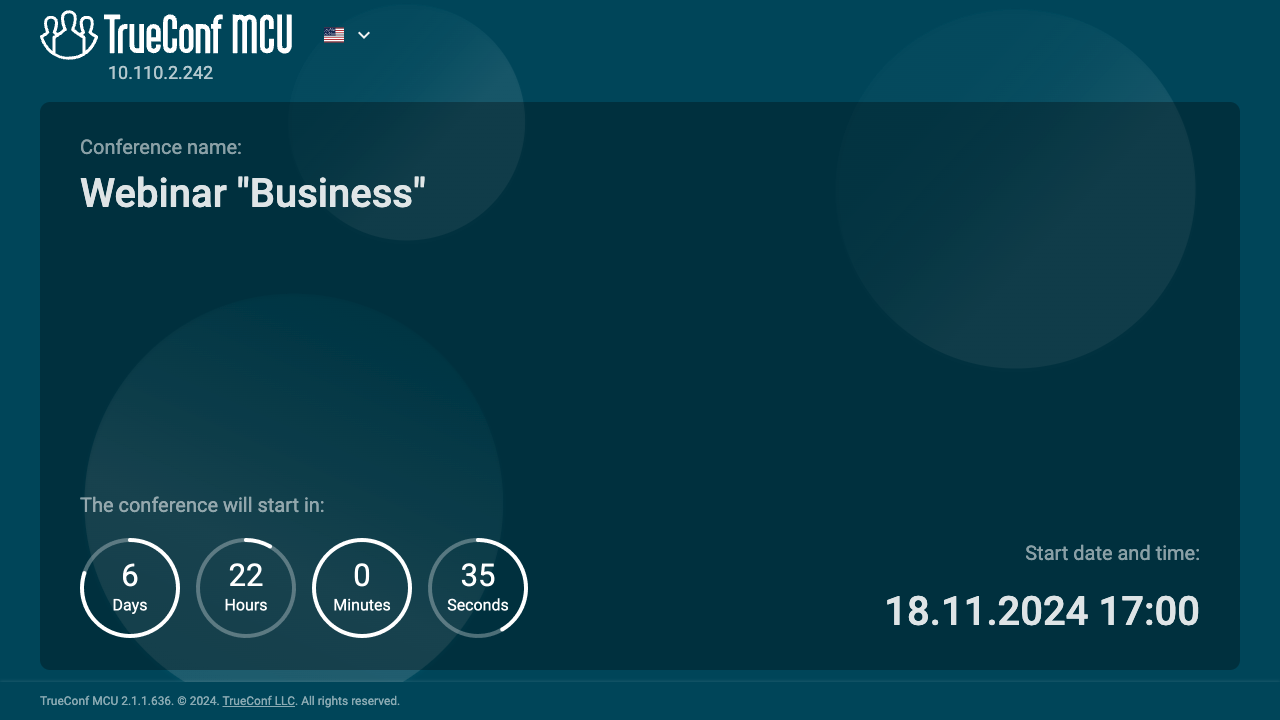
On the page of a scheduled conference, there will be a countdown timer indicating the time remaining before the start of the event.
If the link to the connection page for the conference is unavailable, TrueConf users can join the event by using the call string in the following format:
1. Via SIP protocol (if its use is allowed in the settings):
#sip:<id>:<pin>@<server_name>, where:<server_name>— the domain name of the PC where TrueConf MCU is installed, or its IPv4 address;<id>— route or conference ID<pin>— conference PIN (if available).
#sip:@<server_name>,<id>#, where:<server_name>— the domain name of the PC where TrueConf MCU is installed, or its IPv4 address;<id>— route or conference ID.
#sip:@<server_name>, where:<server_name>— the domain name of the PC where TrueConf MCU is installed, or its IPv4 address. In this case, the user will enter the waiting room and will need to enter the ID using the dial pad to join the conference.
2. Via H.323 protocol (if its use is enabled in the settings):
#h323:<id>:<pin>@<server_name>, where:<server_name>— the domain name of the PC where TrueConf MCU is installed, or its IPv4 address;<id>— route or conference ID<pin>— conference PIN (if available).
#h323:@<server_name>,<id>#, where:<server_name>— the domain name of the PC where TrueConf MCU is installed, or its IPv4 address;<ID>— the route or conference ID.
#h323:@<server_name>, where:<server_name>— the domain name of the PC where TrueConf MCU is installed, or its IPv4 address. In this case, the user will enter the waiting room and will need to enter the ID using the dial pad to join the conference.
For SIP/H.323 endpoints
To join a conference on TrueConf MCU from a software or hardware terminal using the SIP or H.323 protocol, use one of the following formats:
<id>:<pin>@<server_name>, where:<server_name>— the domain name of the PC where TrueConf MCU is installed, or its IPv4 address;<id>— route (for endpoints allowing users to type characters) or conference ID<pin>— conference PIN (if available).
<server_name>, where:<server_name>— the domain name of the PC where TrueConf MCU is installed, or its IPv4 address. In this case, the user will enter the waiting room and will need to enter the ID using the dial pad to join the conference.
When connecting to a conference from TrueConf Group terminals, additional stream optimization is used.