Incoming Calls
Incoming calls
Actions when receiving an incoming call
In case of an incoming call or conference invitation, you can perform multiple actions apart from accepting or declining the call. The following options are available:
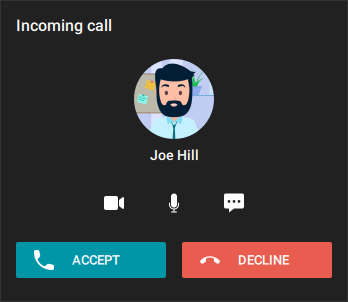
By clicking the
 and
and  buttons, you can either turn off your camera and microphone in advance before answering a call or turn them on if they were previously disabled.
Click
 to send a message instead of replying to a call. You select one of the short answers or write your own message. The message will be sent to the caller and the call will be automatically declined. This feature is available for a one-on-one call or conference invitation sent by a moderator of an ongoing meeting.
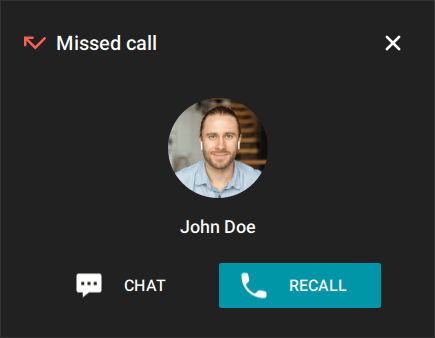
Missed call
If you do not reply to a call or a conference invitation, you will see a notification. In case of a missed call, the notification will include a button opening the chat with the user who made the call. You can also call the user or join the conference by clicking on the corresponding button.