# Event Log
You can view all actions performed on the TrueConf MCU server, such as adding and removing roles, authorizations, server reboots, updates, and more, in the Administration → Event log section.
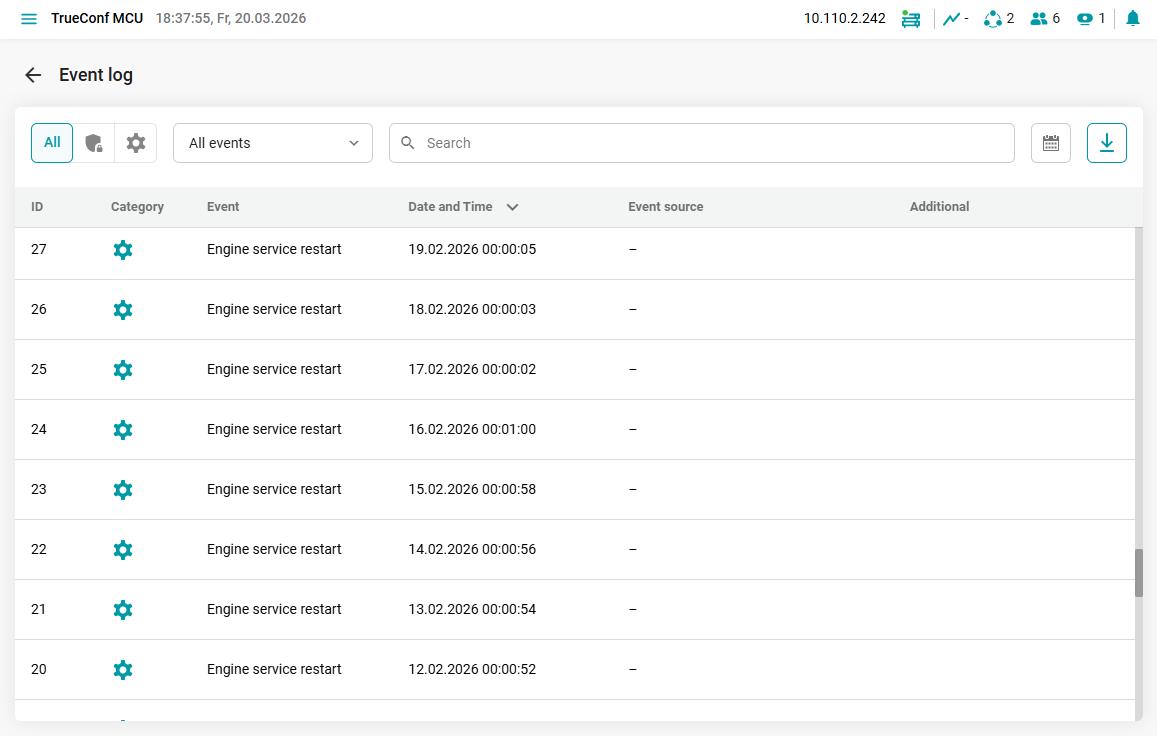
# Event Log Management
The control panel is used for filtering, searching, and exporting data from the event log.

Functions of the event log control panel:
Filtering for security-related events of TrueConf MCU and system events;
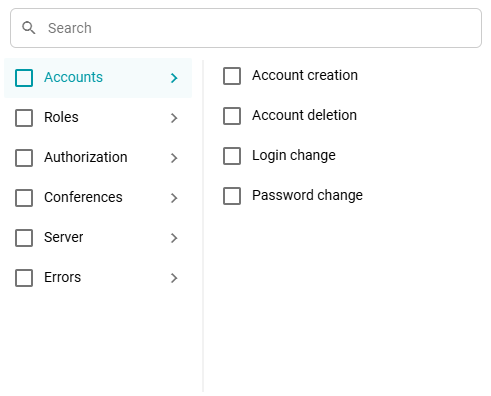
Filtering by specific types of events from the list of all events;
Search for an event by its ID;
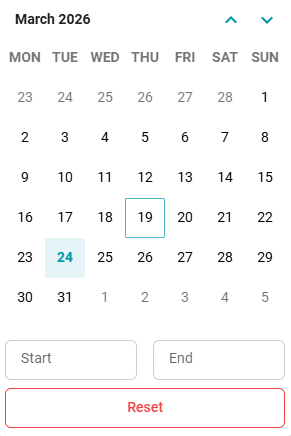
Event filtering by date;
Exporting the event table in CSV format.
# List of all events in the log
The following events are logged on the TrueConf MCU server:
"Security" Category
Authorization;
Authorization attempt and lockout;
Attempt and blocking of connection to the conference;
Creating or deleting an account;
Changing the login or password;
Error changing login or password;
Changing security settings;
Error changing security settings.
"System" Category
Adding and removing roles;
Event log export;
Server data cleanup;
Rebooting, shutting down, and updating the MCU;
Operating system reboot;
Start, stop, and complete MCU calibration;
Export and import of data;
Changing the HTTPS port;
Changing the HTTPS Certificate;
Export the history of all conferences;
Export conference history;
The hard drive is full;
Changing security settings;
Restarting the WEB API service;
Engine service restart;
Restarting the proxy service;
As well as errors in performing these actions.