# Conference cascading
Cascading is the process of combining multiple conferences, initiated on one or different servers, into a single video conference.
By utilizing cascading capabilities, you can distribute the load across multiple TrueConf MCU servers.
# Types of Conference Cascading
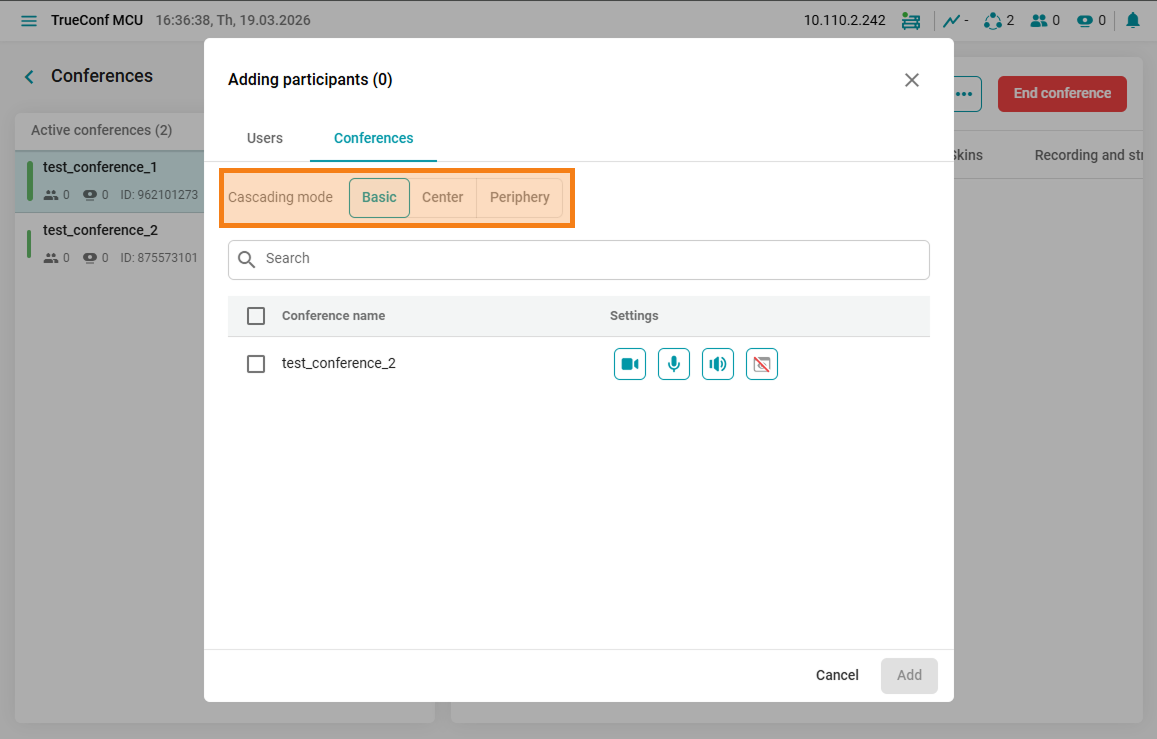
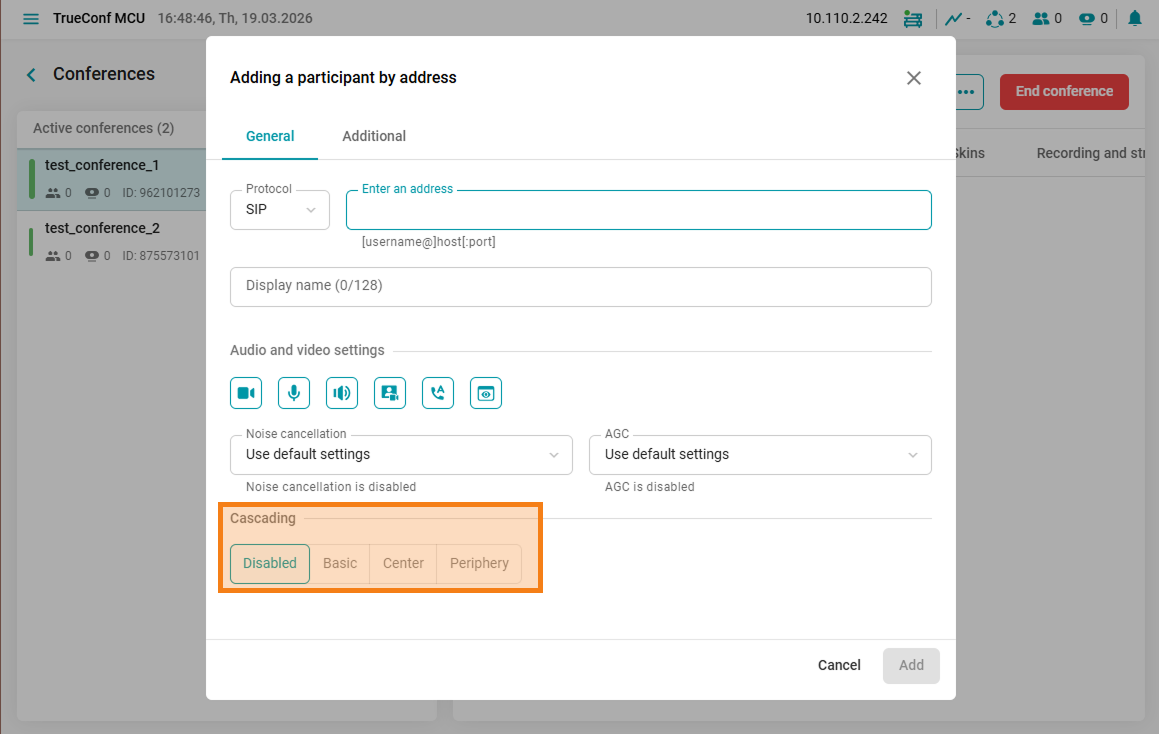
The TrueConf MCU server supports two types of conference cascading—basic and center-periphery, where roles in the cascade are configured separately. It is not possible to use both types of cascading simultaneously.
Simple cascade
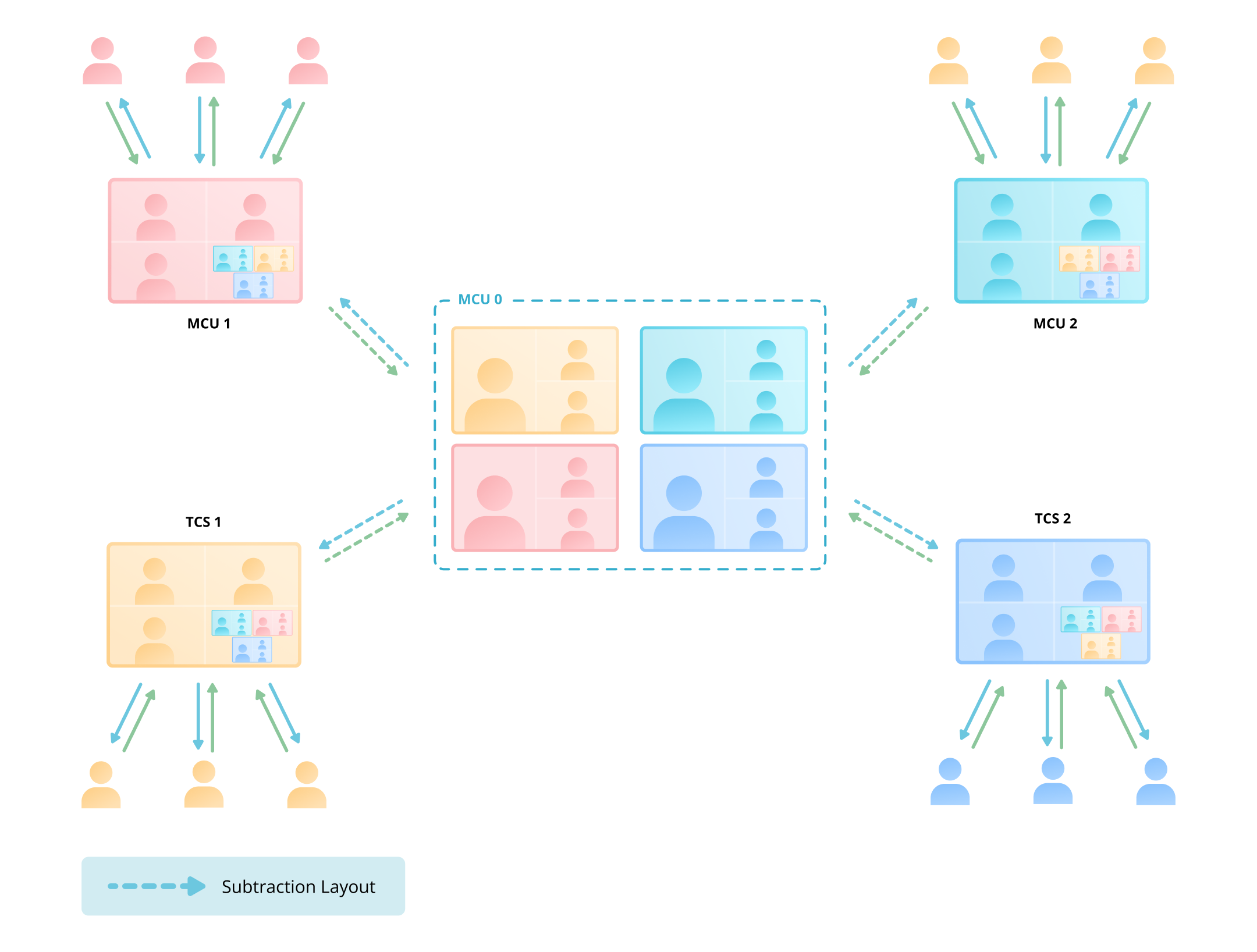
Cascading star topology
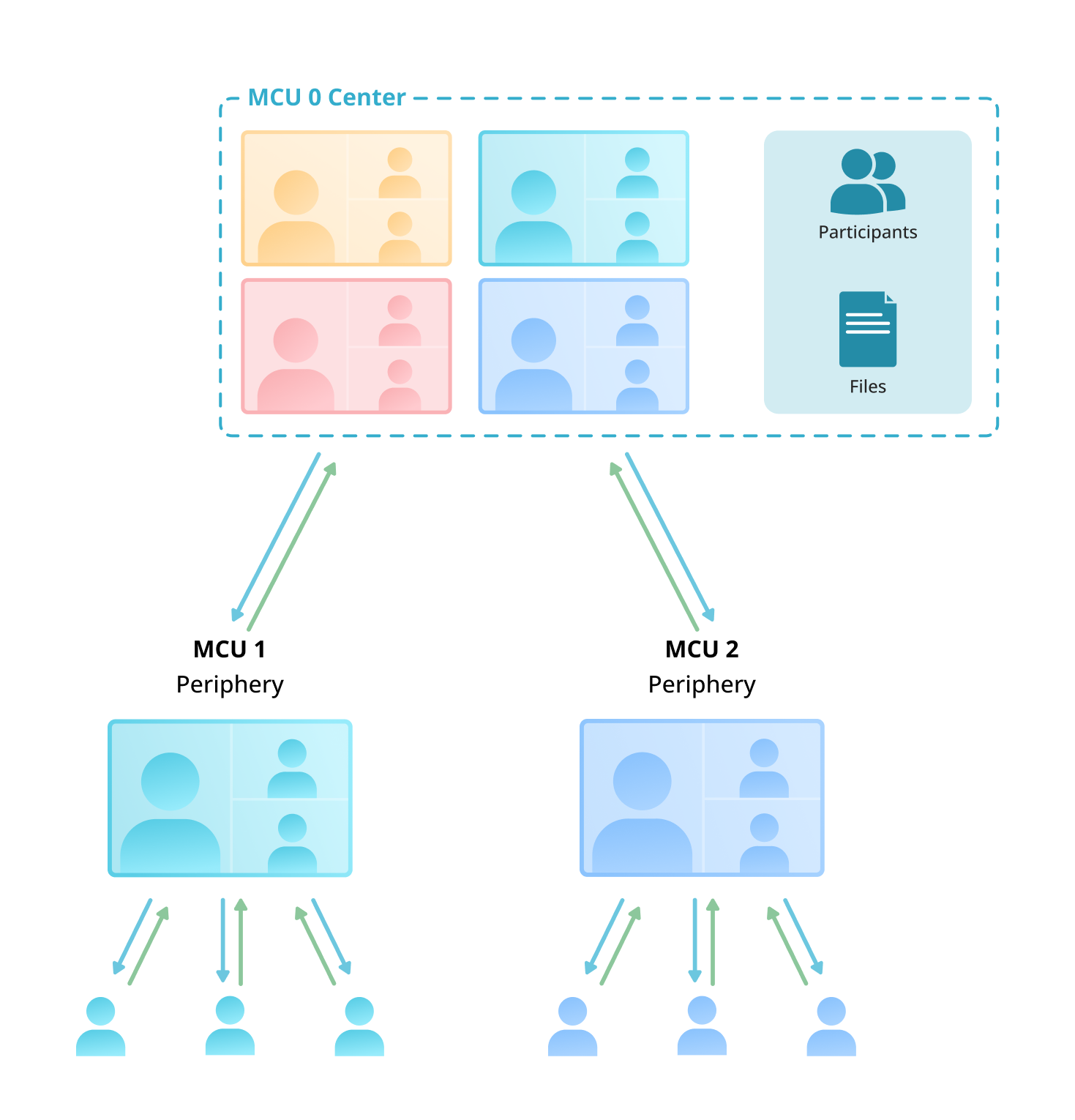
Difference in cascading types
| Simple cascading | Star cascading |
|---|---|
| Supports interaction with other TrueConf MCU and TrueConf Server servers. | Works only with other TrueConf MCU servers. |
| The server sends its video layout and receives the conference layout it is connected to, excluding its own video. | Center — forms the layout for all conferences connected to it. Periphery — receives the layout from the center-type cascading subscriber (including its own layout). |
The cascading settings allow you to configure both cascading conferences on a single TrueConf MCU server, which is known as internal cascading, and on different servers, TrueConf MCU and TrueConf Server, which is referred to as external cascading.
# Cascading Configuration
Cascading can only be configured between active conferences; you cannot add a conference to the cascade in advance. To set up cascading, you can:
- Use the Add participant menu on the Conferences tab.
- Add a conference to the cascade using the Add by address menu. For more details on connecting by address, see the connecting to a conference section.
When cascading conferences, you will see an indication next to their name showing the current cascading mode of that conference.
Simple Cascading Designation

Center-beam cascading designation

If you need to change the cascading mode between conferences, you can disconnect them using the  button and add the conference again.
# Video layouts in cascading conferences
For more details on configuring video layouts in TrueConf MCU, refer to the section Creating a conference.
Selecting the cascading mode allows you to use:
A unique video layout for each conference in cascading mode Basic.

Video layout of the first conference in Basic mode
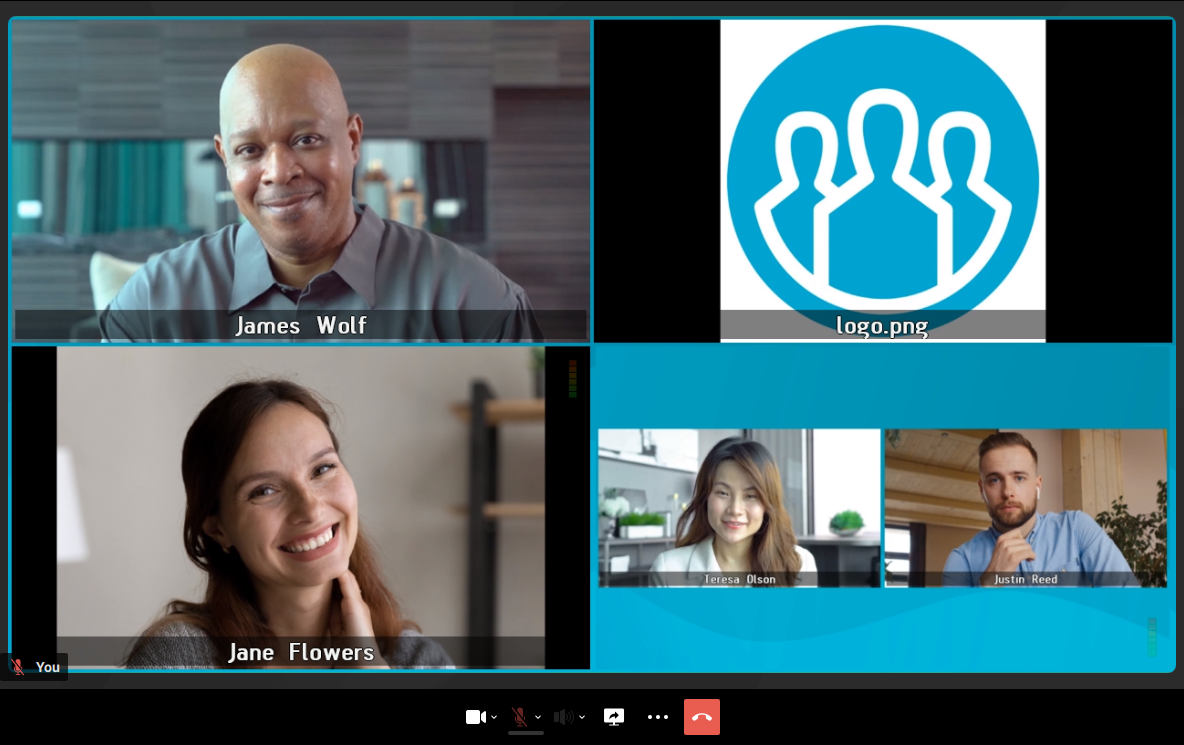
Video layout of the second conference in Basic mode.
A single video layout for all conferences in cascade mode Center-periphery
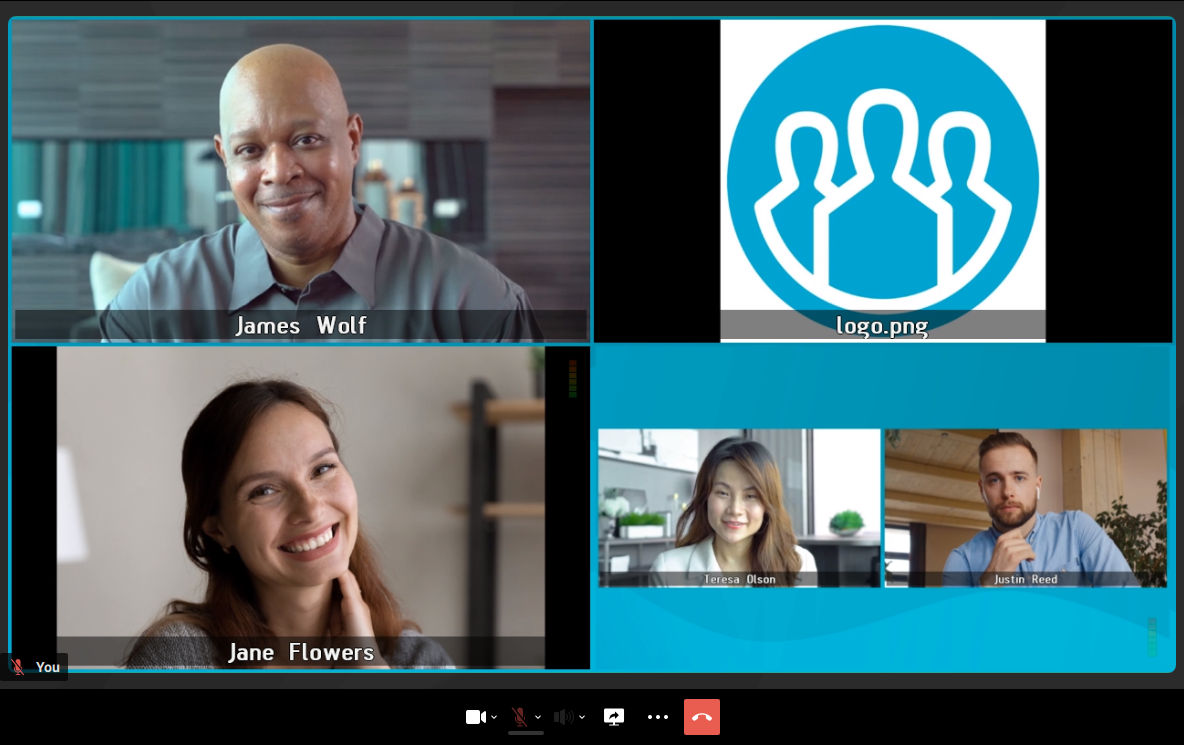
Video layout for all conferences in Center-periphery mode.