
TrueConf 3.1.1 for Android TV: improved UI
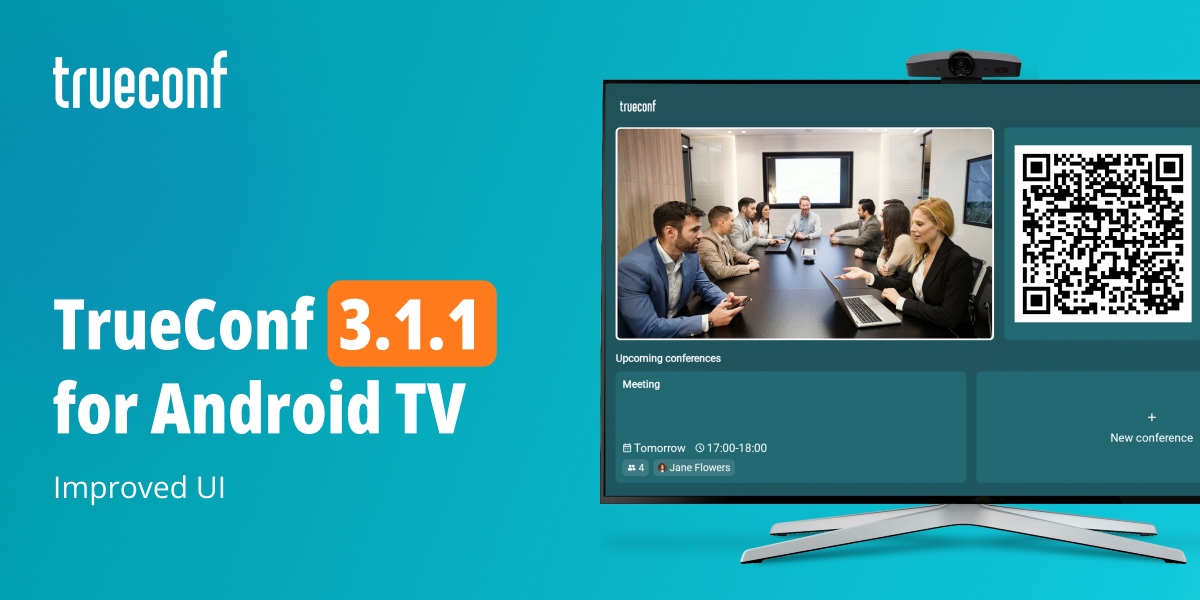
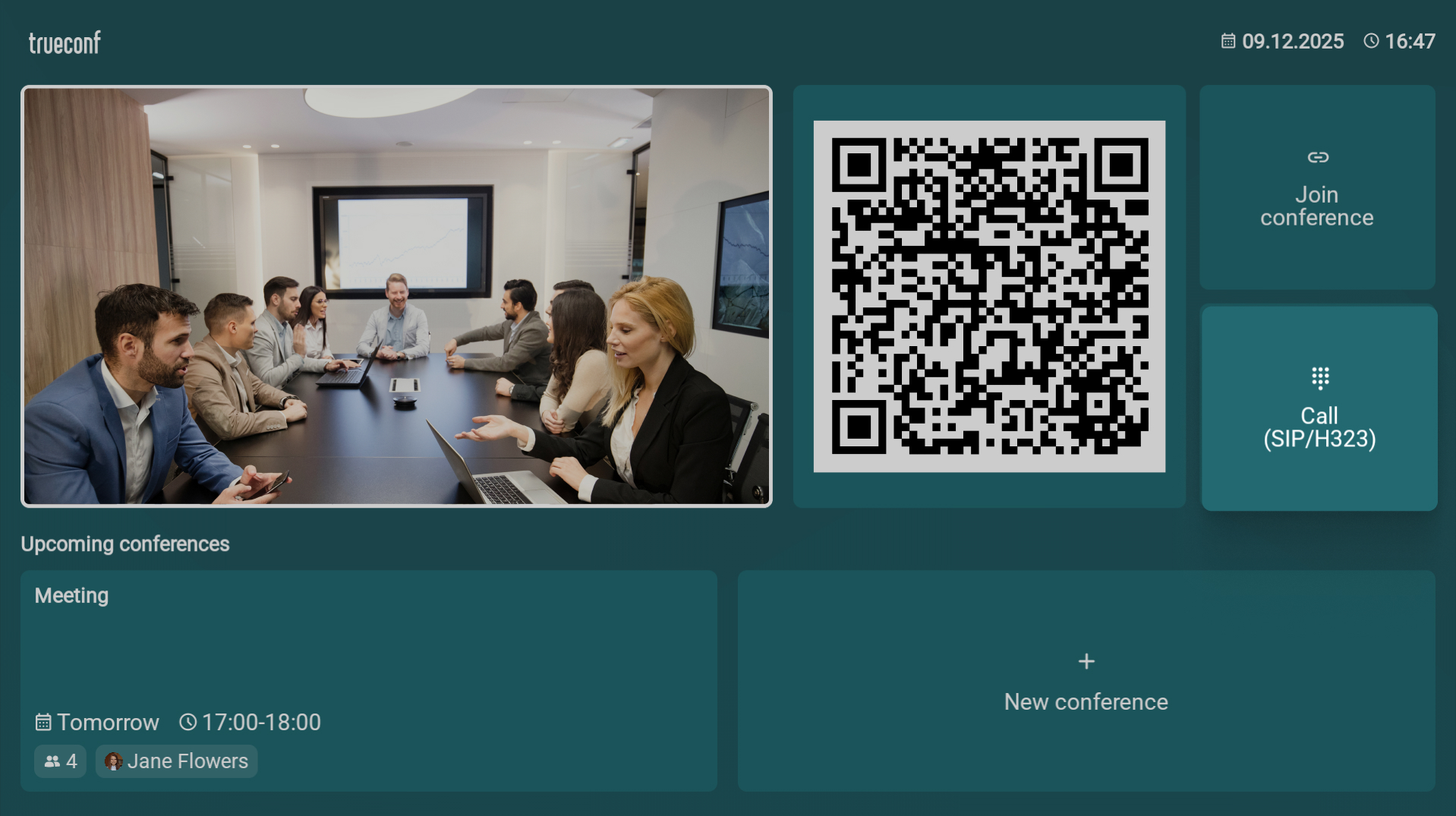
We’re happy to release the latest update of our application for smart TVs and videobars. The new version brings a section with upcoming conferences on the main screen, updated UI, and a number of useful and visual changes.
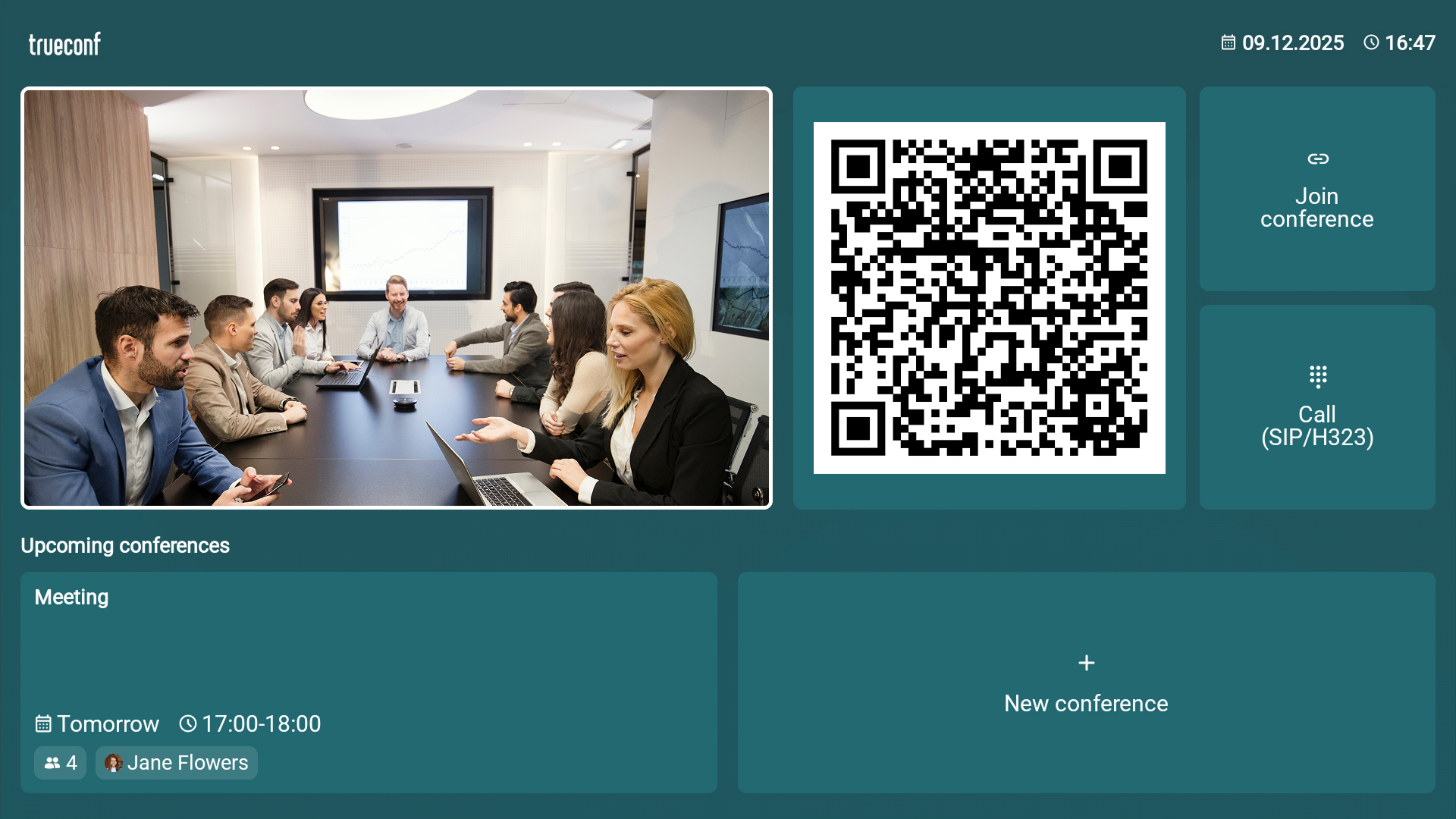
Main screen
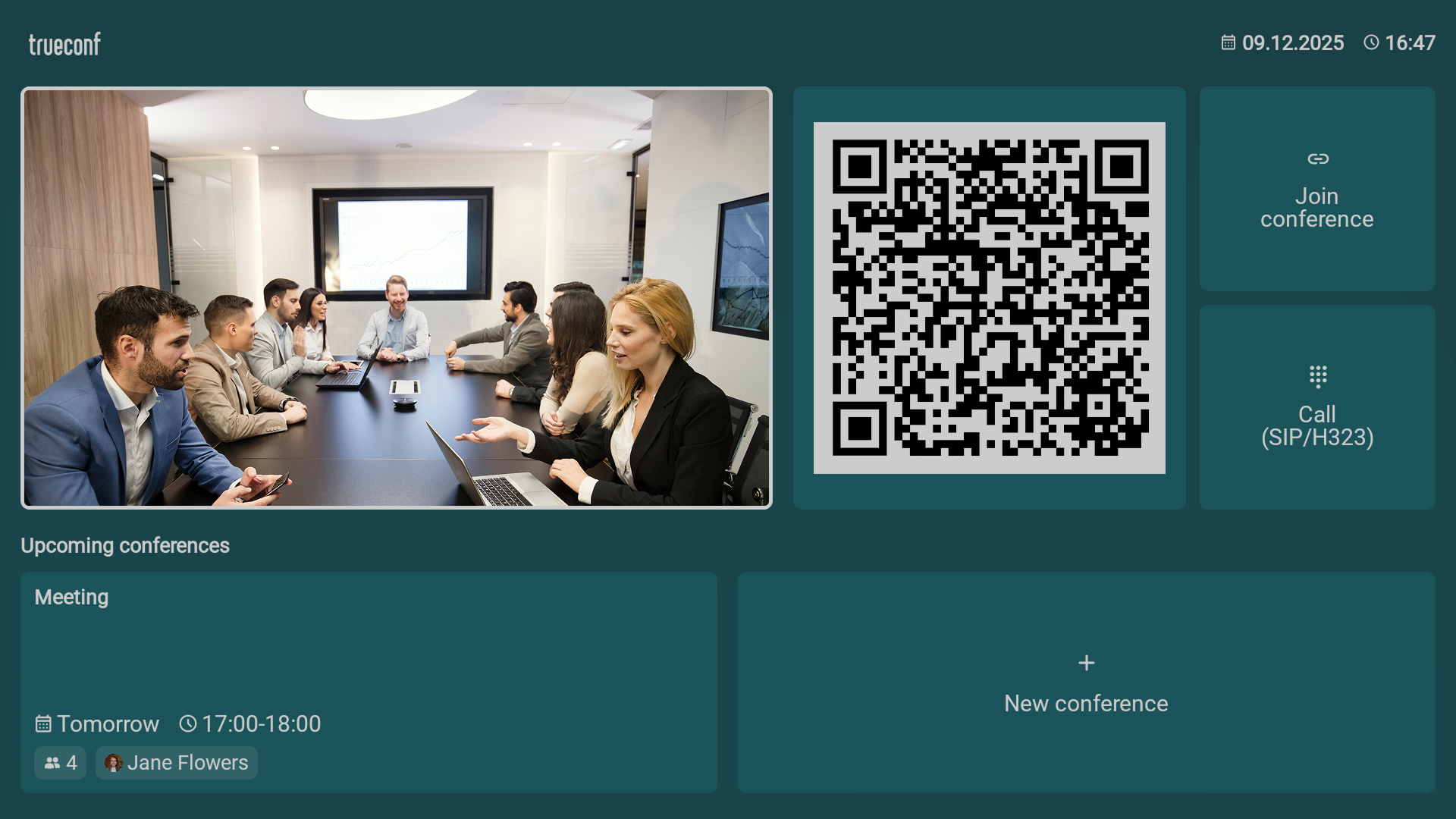
We have updated the main screen interface and refined its structure — adding sections for upcoming conferences, quick-access buttons for joining conferences and calling SIP/H.323 users.
Device check screen
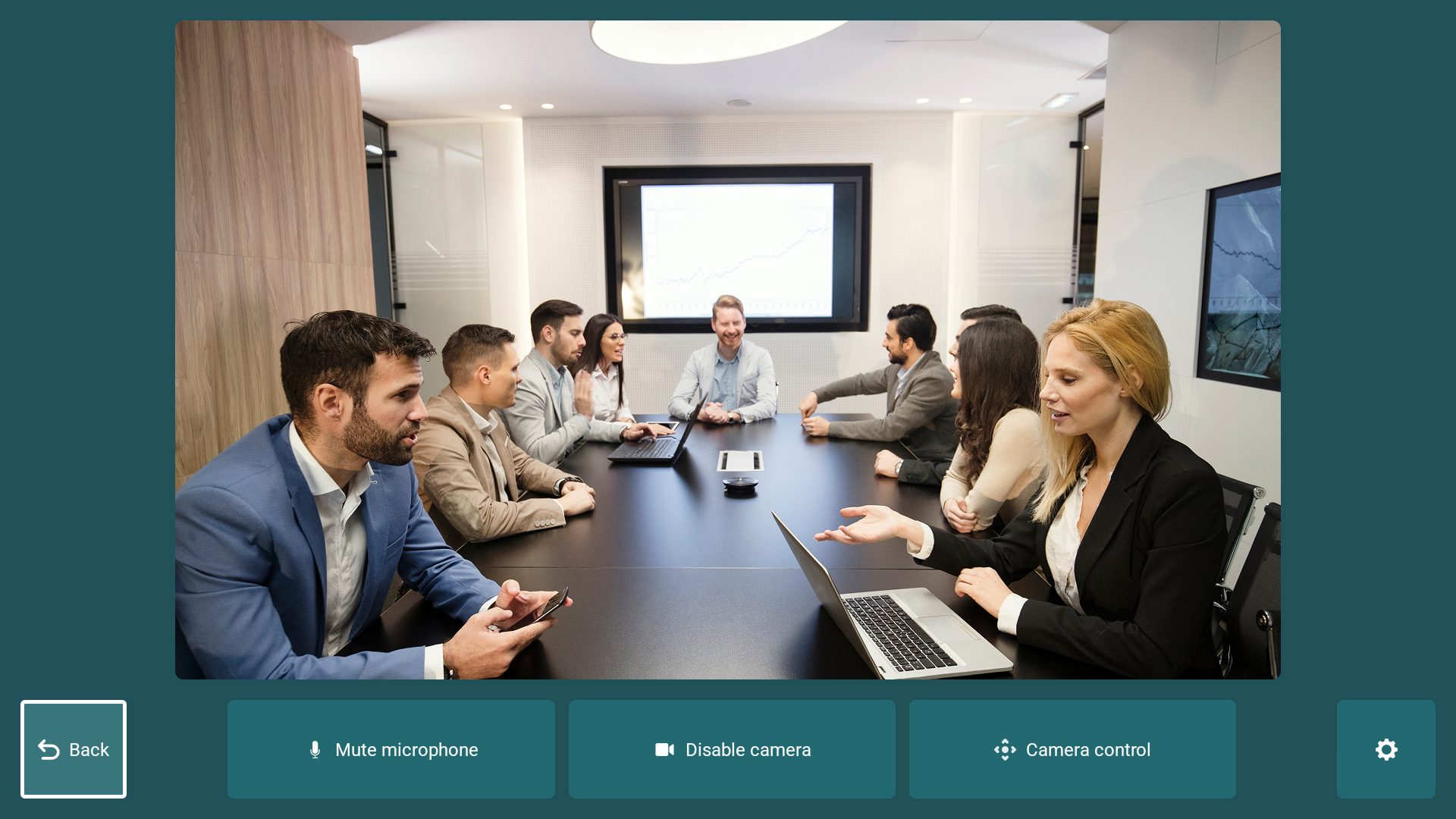
You can now configure a camera and microphone connected to your Smart TV directly from the main screen. You just need to select a self-view window if the camera is connected, or your profile image if the camera is disabled.
Screen for calling SIP/H.323 users
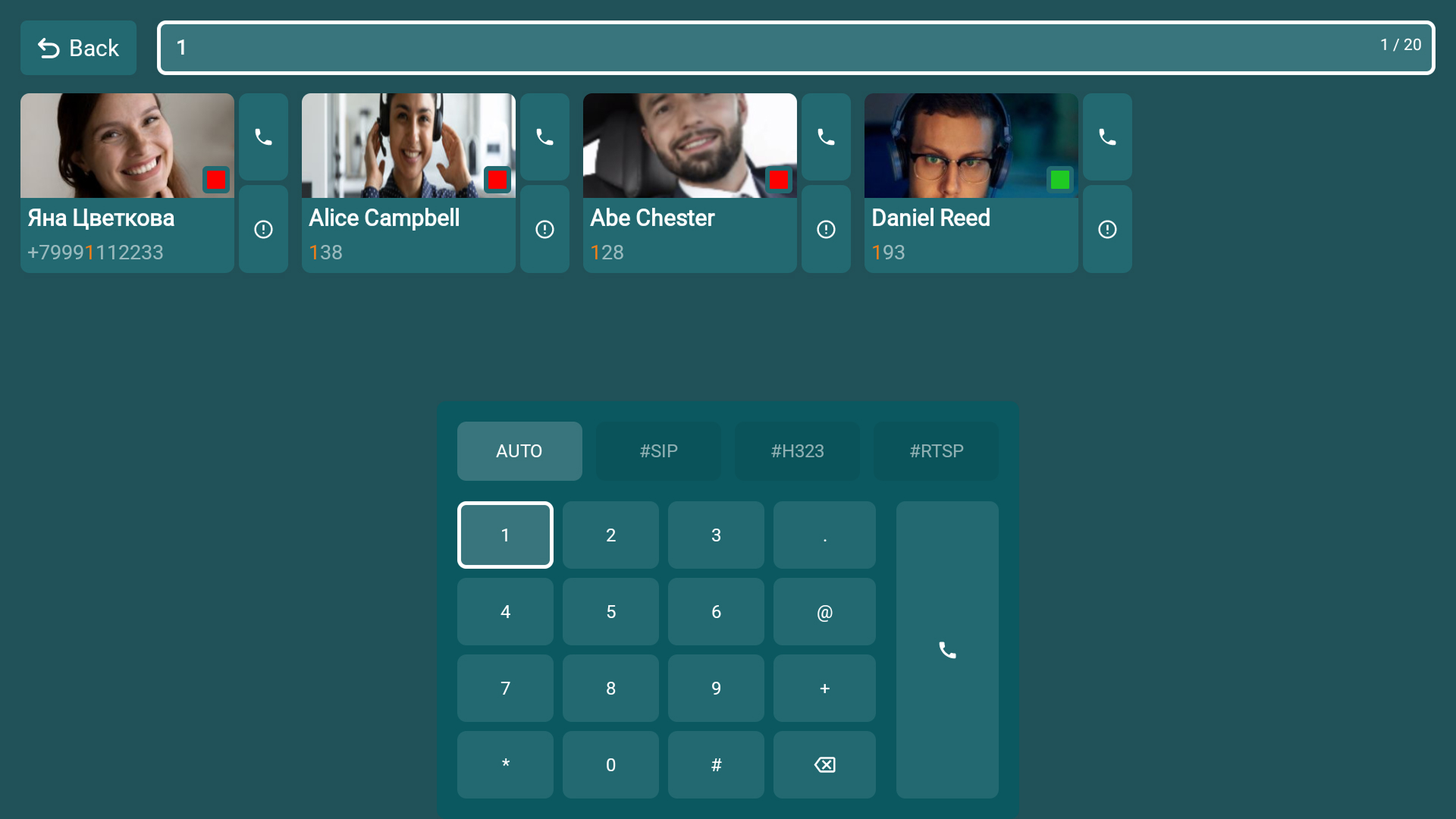
When selecting the Call (SIP/H.323) button on the main screen, the updated menu for calling users via SIP, H.323, and RTSP will open. You can manually select the call protocol or set the automatic detection. When you dial a number, the application will automatically suggest contacts containing the entered sequence.
- The structure of the device information section has been updated. Elements are now grouped into logical blocks, which simplifies navigation.
- In the conference settings,you can now enable the display of your self-view in the conference layout, similar to TrueConf desktop apps.
- The application stability has been improved.

Maria Mihalyova
Date published: 26.12.2025
Maria Mihalyova
Date published: 26.12.2025
Follow us on social networks