
TrueConf 3.9 for iOS и iPadOS: Updated UI and Tablet Mode for iPad
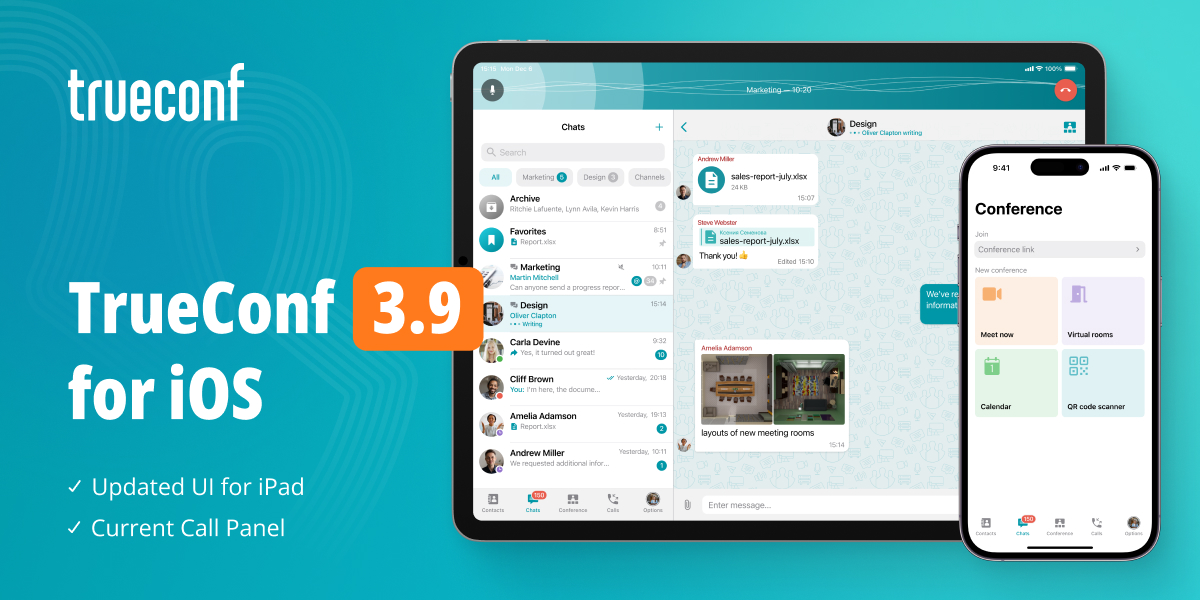
Meet TrueConf 3.9, the latest update of our app for iOS and iPadOS! In the new version, we’ve significantly redesigned the tablet mode for iPad, added the current call panel and introduced other usability and stability changes.

Tablet Mode for iPad
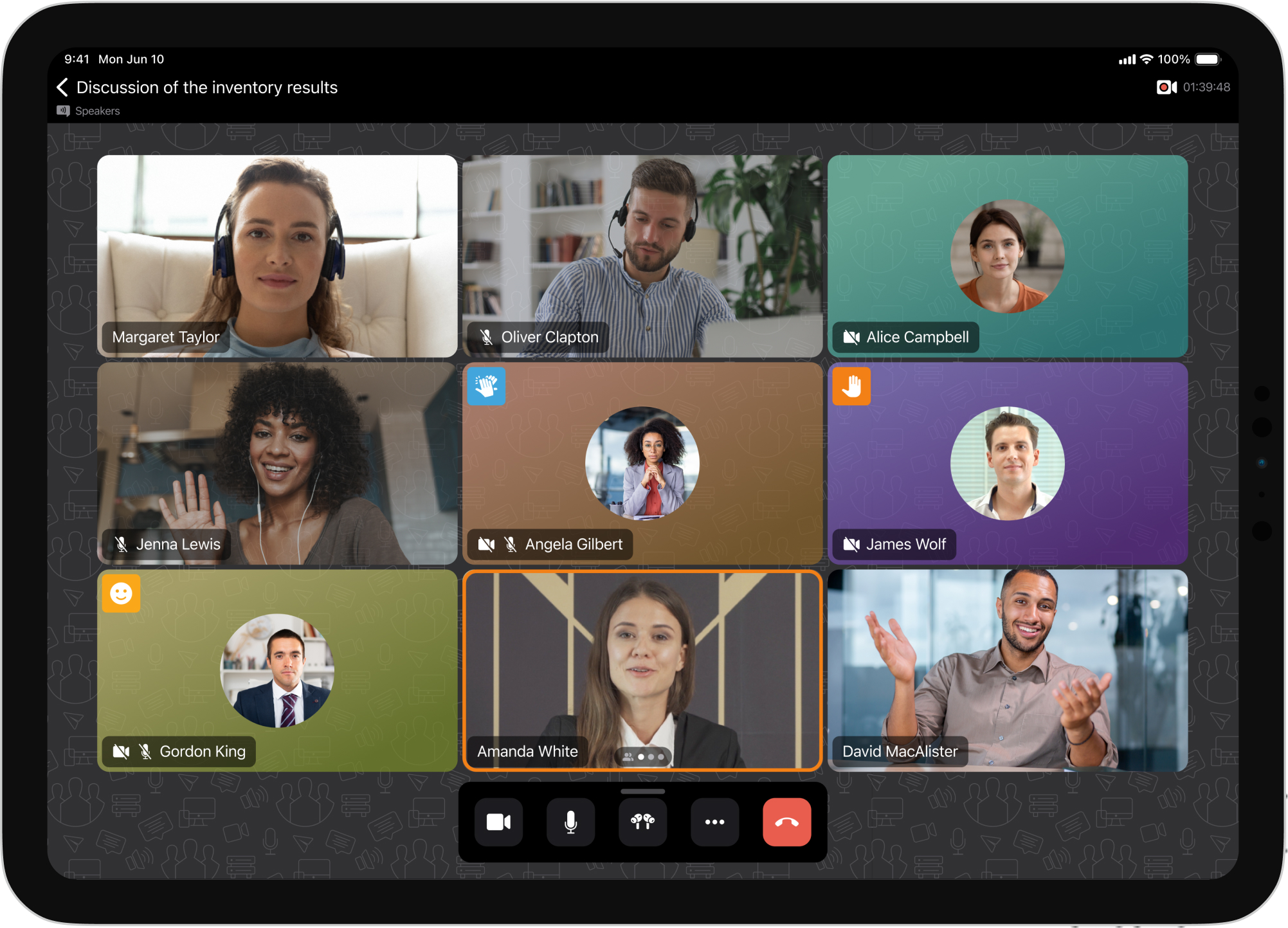
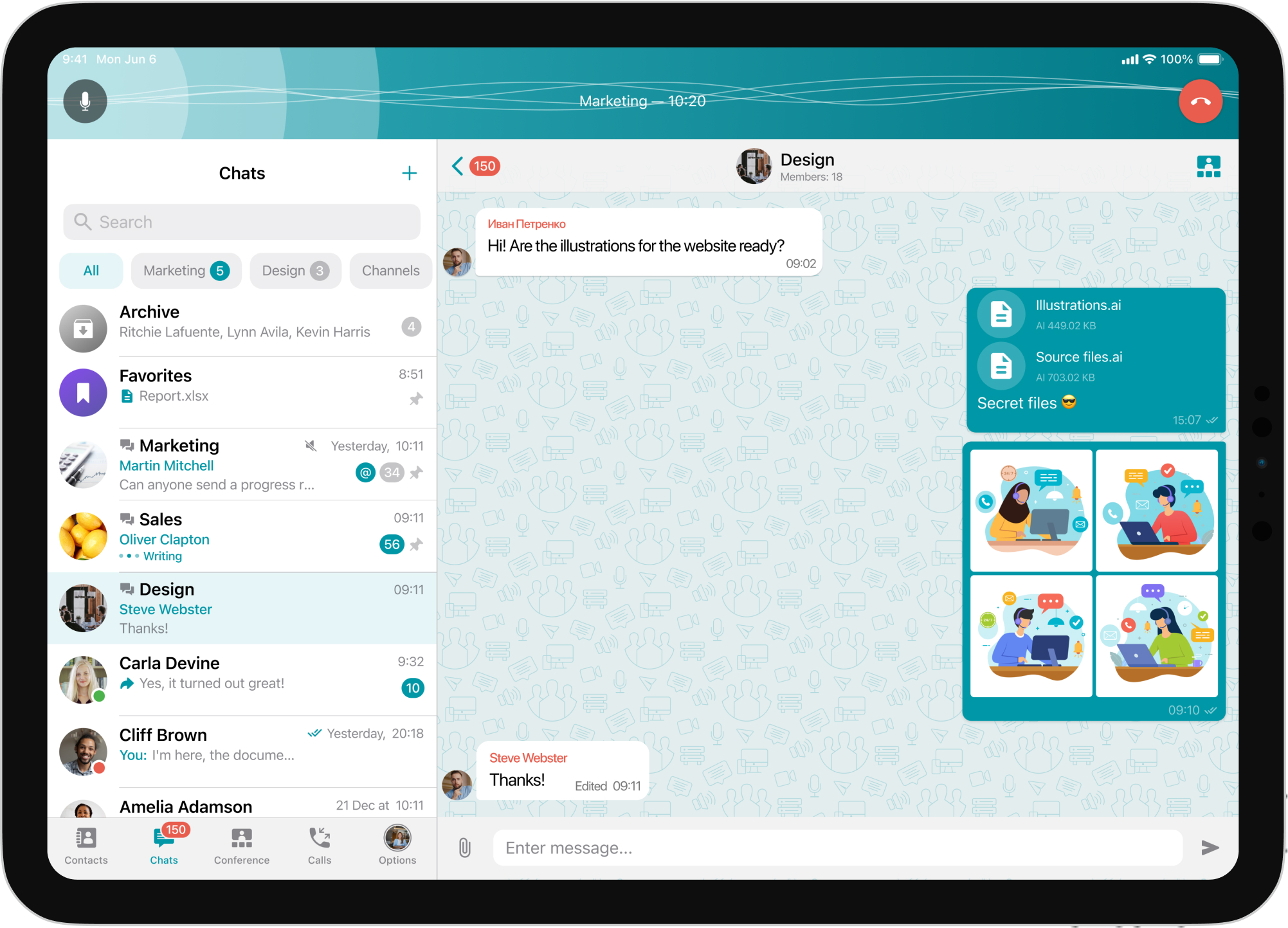
With the new version of TrueConf for iPadOS, your device will become a full-fledged tool for corporate communications, thanks to a tablet mode specially adapted for working on a large screen. Intuitive navigation and quick access to basic features make it easy to work with chats and easily switch between tasks.
Current Call Panel
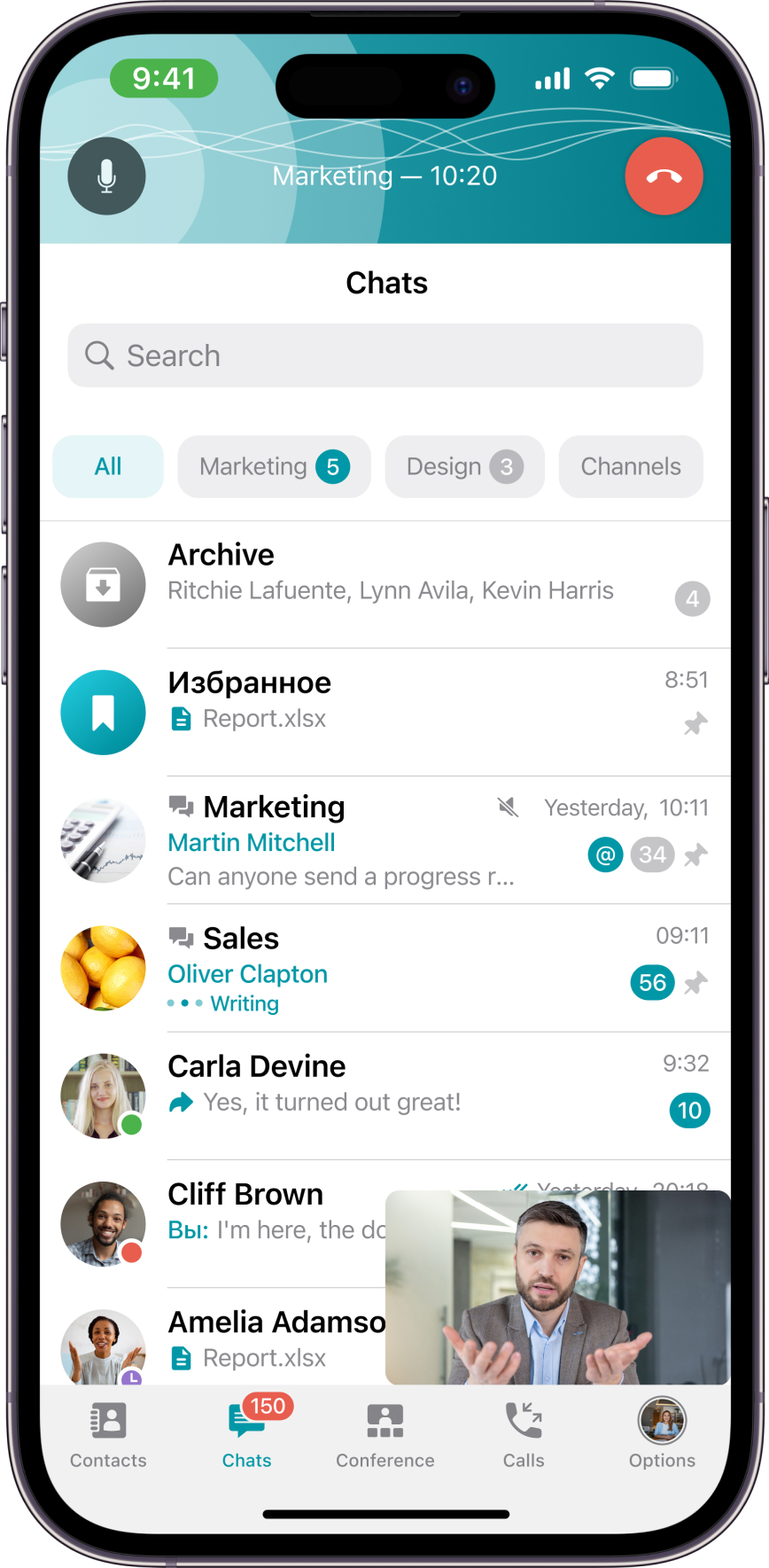
We have added a compact panel for the current call, which appears during correspondence or work in other sections of the application when participating in a call or conference. Now you can instantly return to a running conference at any time, as well as manage the microphone.
Conference Tab
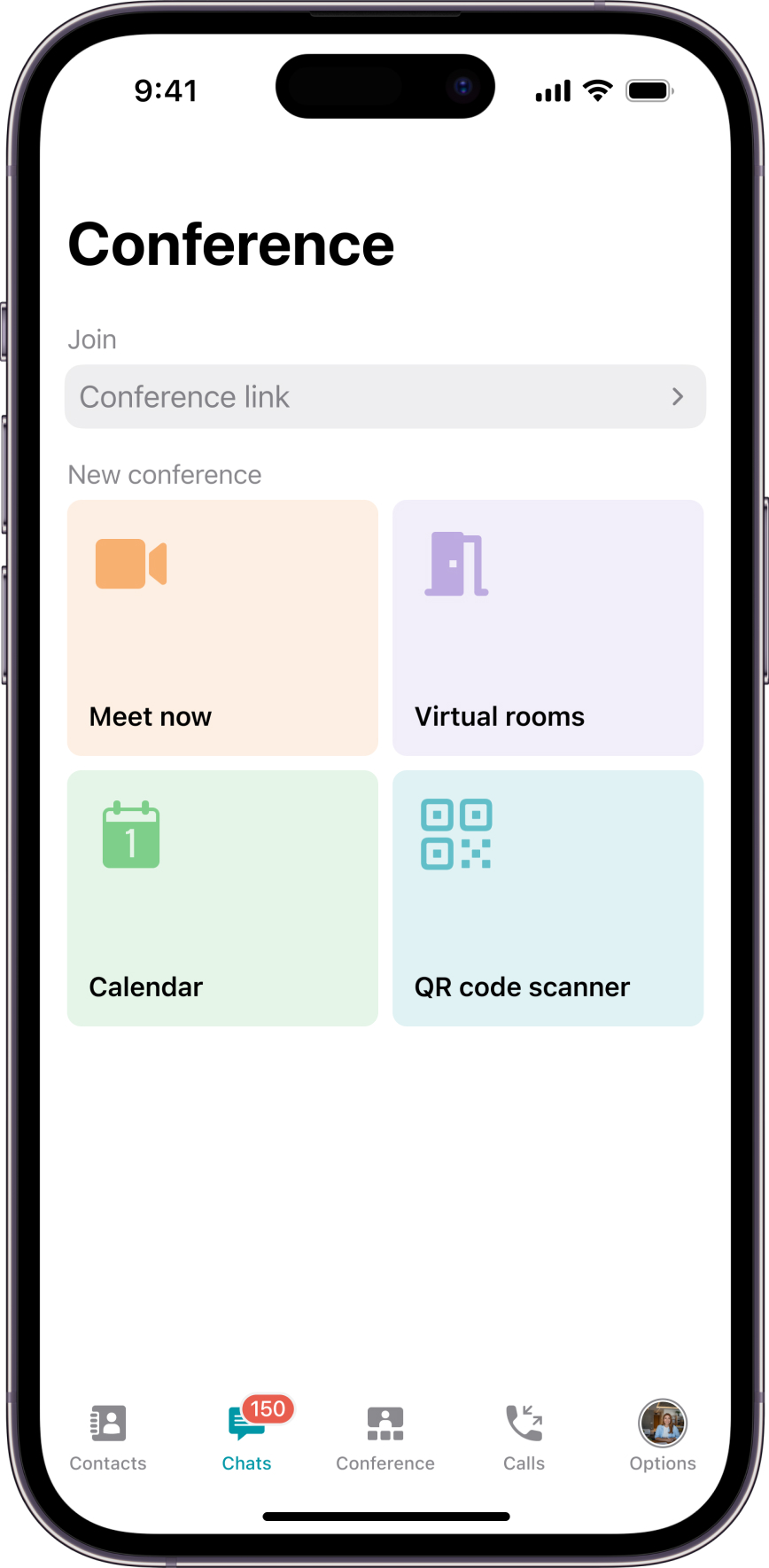
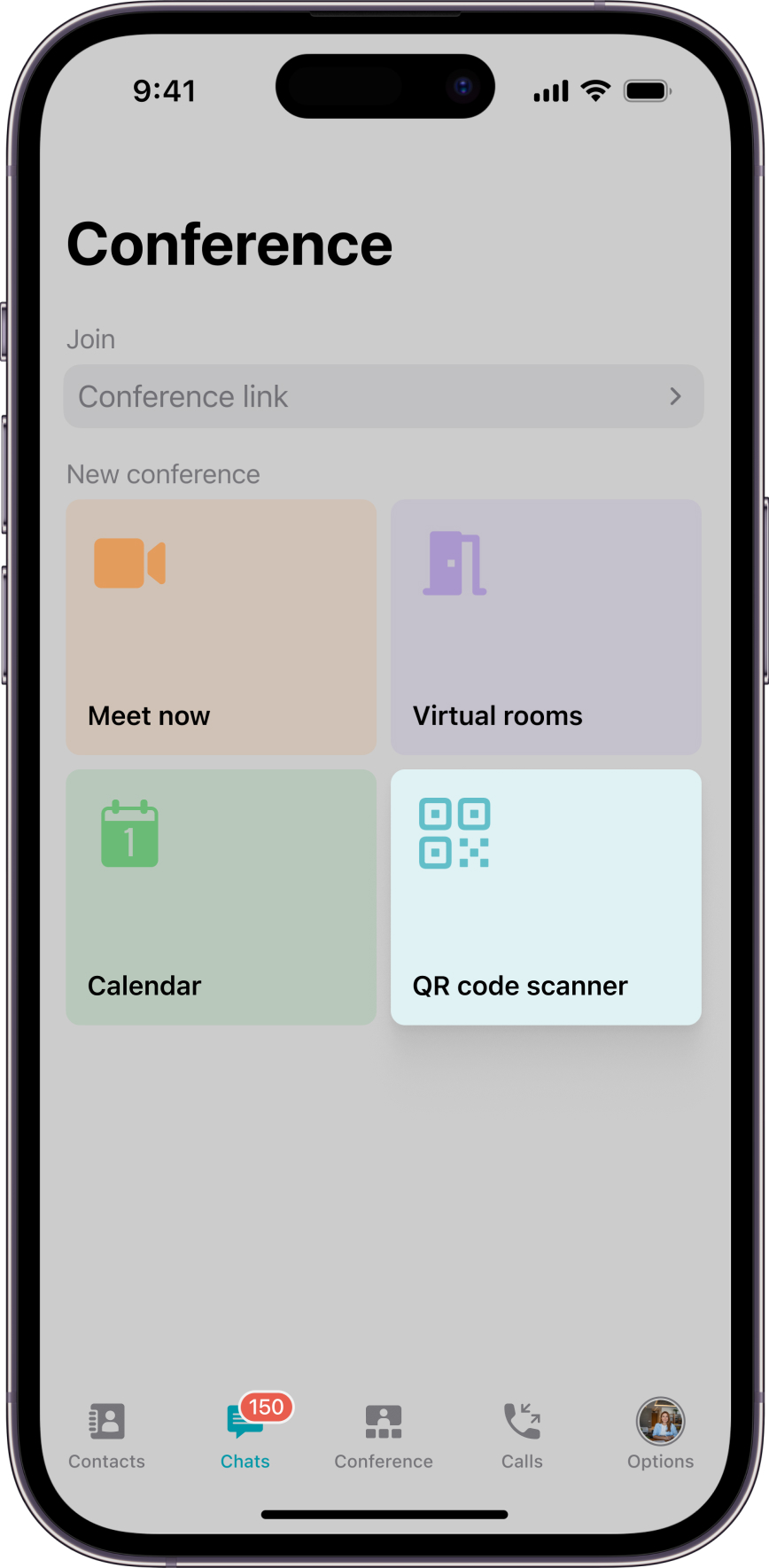
We’ve updated the Conference section similar to TrueConf for Android to simplify planning and creating ad-hoc conferences, as well as provide convenient connection to running online meetings.
QR Code Scanner
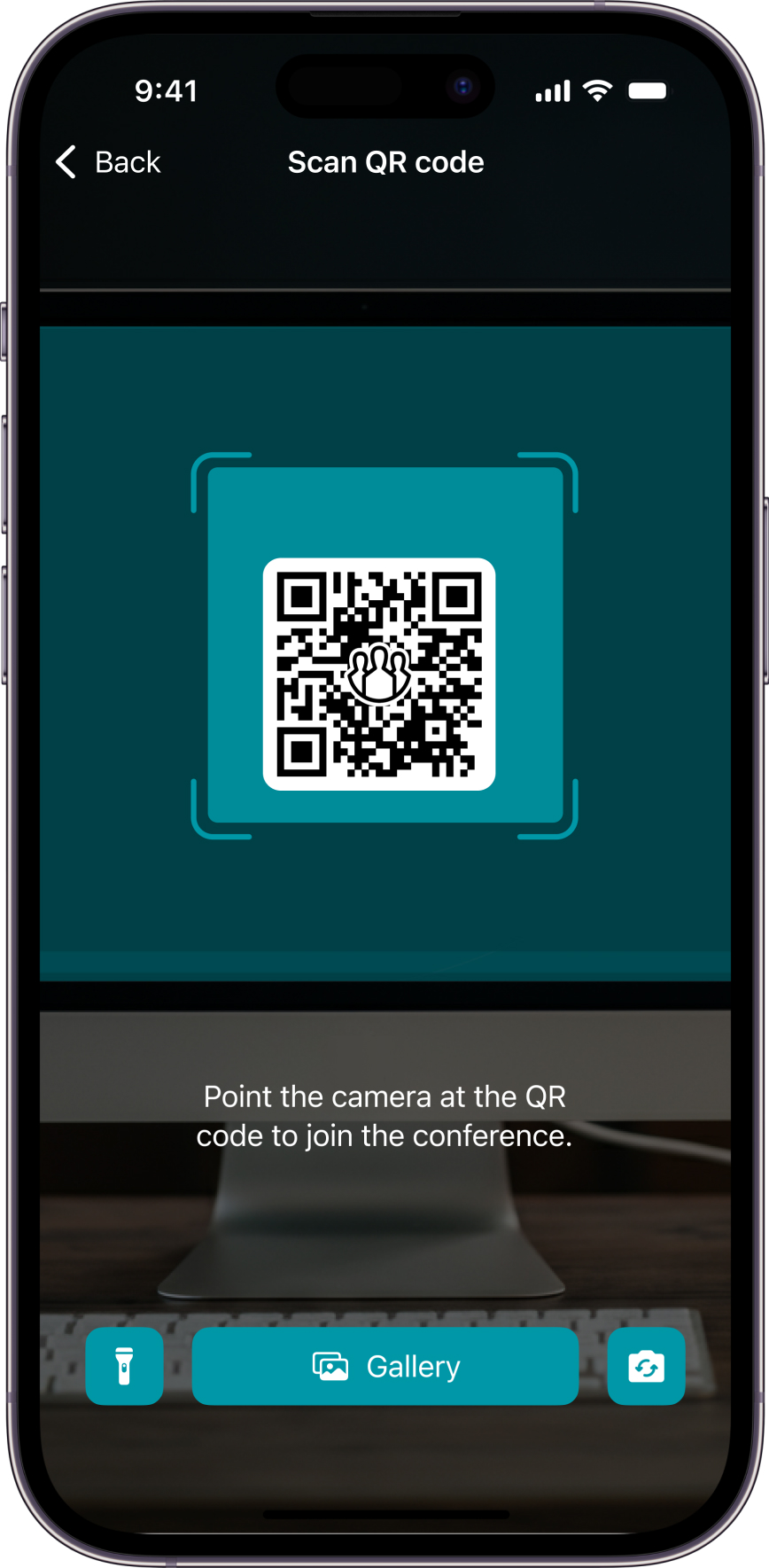
Users of TrueConf for iOS and iPadOS can now quickly connect to private and public conferences using a QR code. You can just scan it with your device’s camera on the conference page.
Other Changes and Improvements
- Tactile response when establishing a connection in 1-on-1 calls has been added
- The overall stability of the application has been improved.

Maria Mihalyova
Date published: 15.01.2026
Maria Mihalyova
Date published: 15.01.2026
Follow us on social networks