

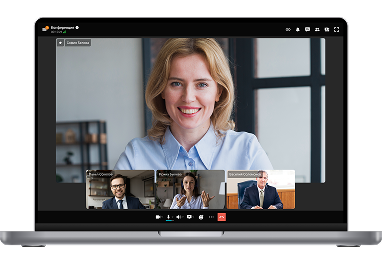
TrueConf Server – Secure Local Network Chat for Your Company
Set up a robust internal communication platform without relying on cloud services. TrueConf Server offers instant chat, presence, and HD video — all within your local network.
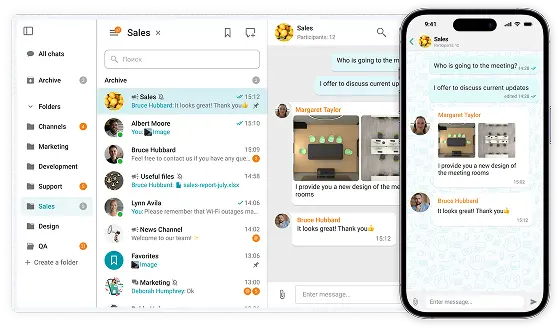

Set up a robust internal communication platform without relying on cloud services. TrueConf Server offers instant chat, presence, and HD video — all within your local network.
On-premises Installation
Capable of offline operation within a private network without an Internet connection required.
You Own Your Data
Your data never leaves your network.
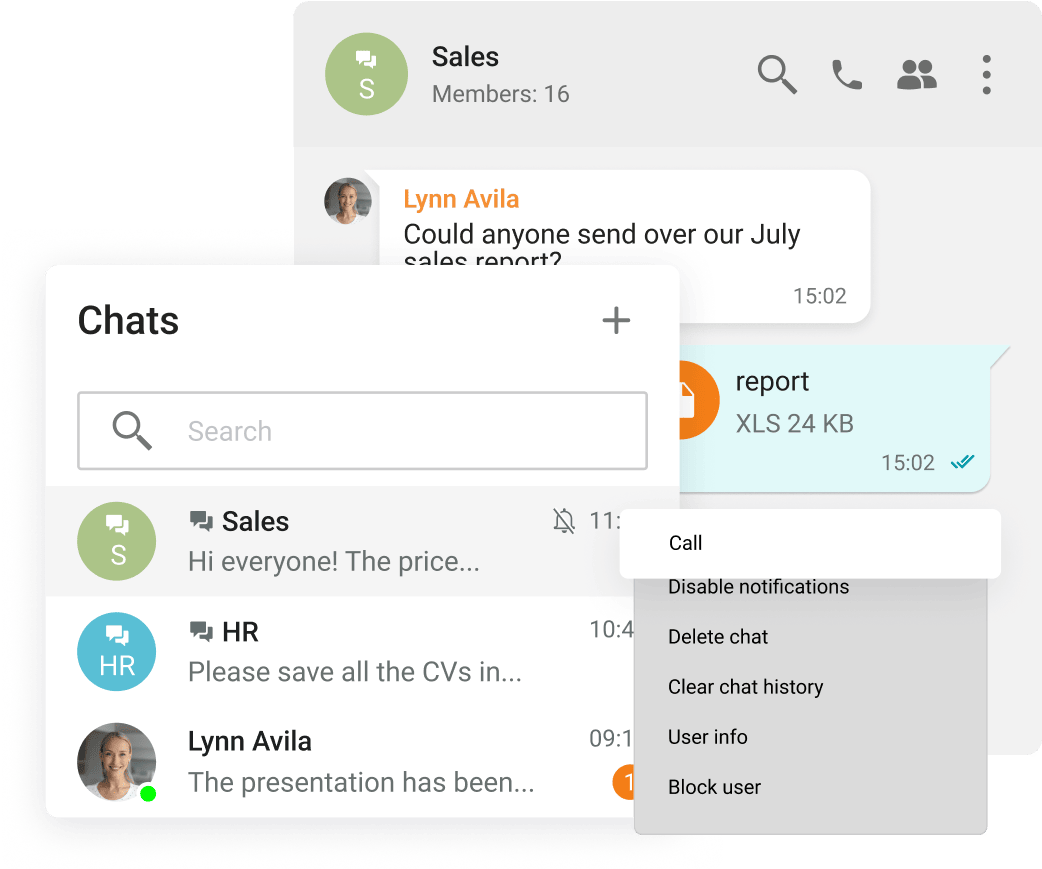
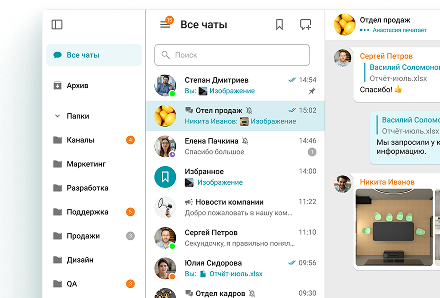
Group and personal chats
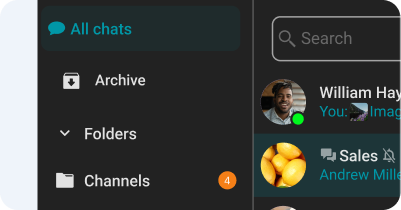
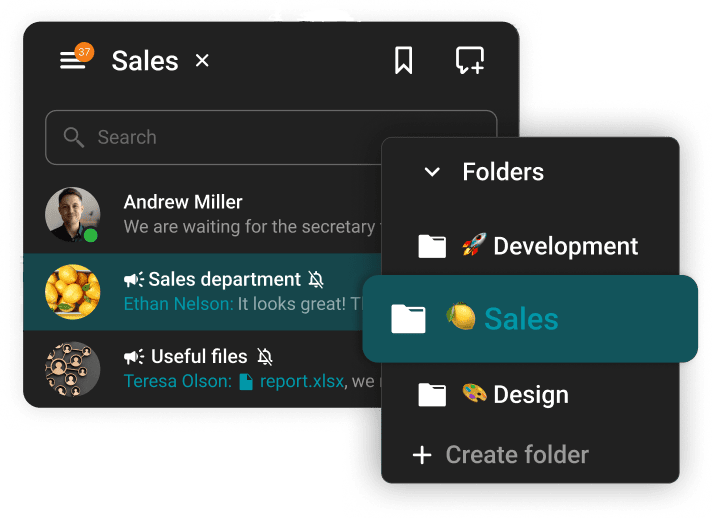
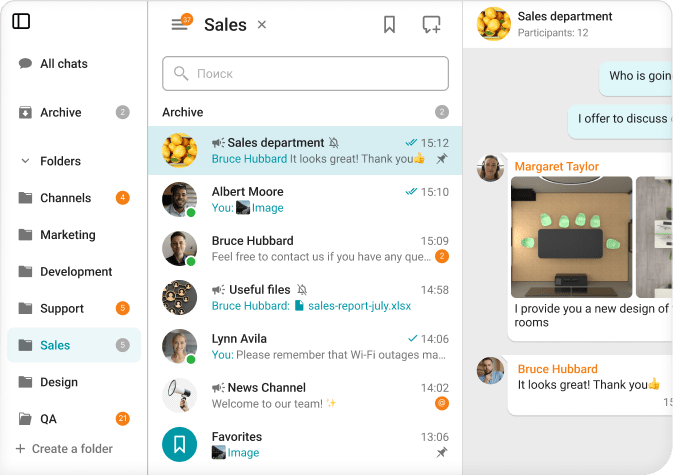
Chat folders
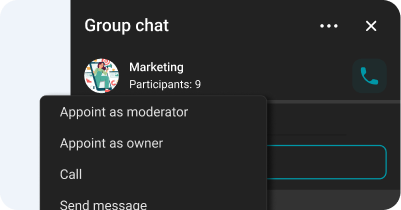
Chat moderator management and ownership rights transfer
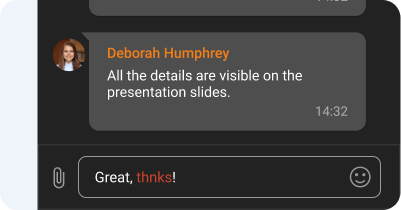
Spell-checking
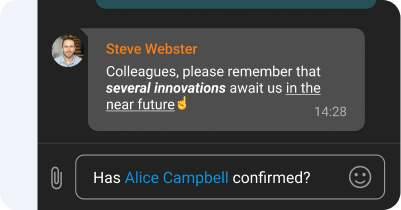
Text formatting and Hyperlinks
Channels
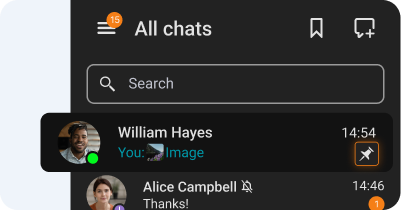
Chat pinning
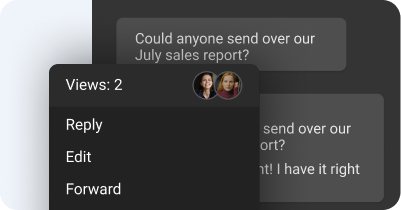
Message reading status
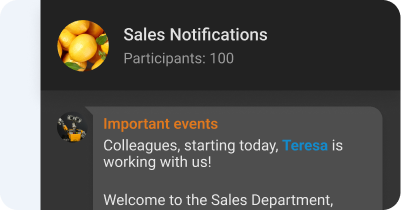
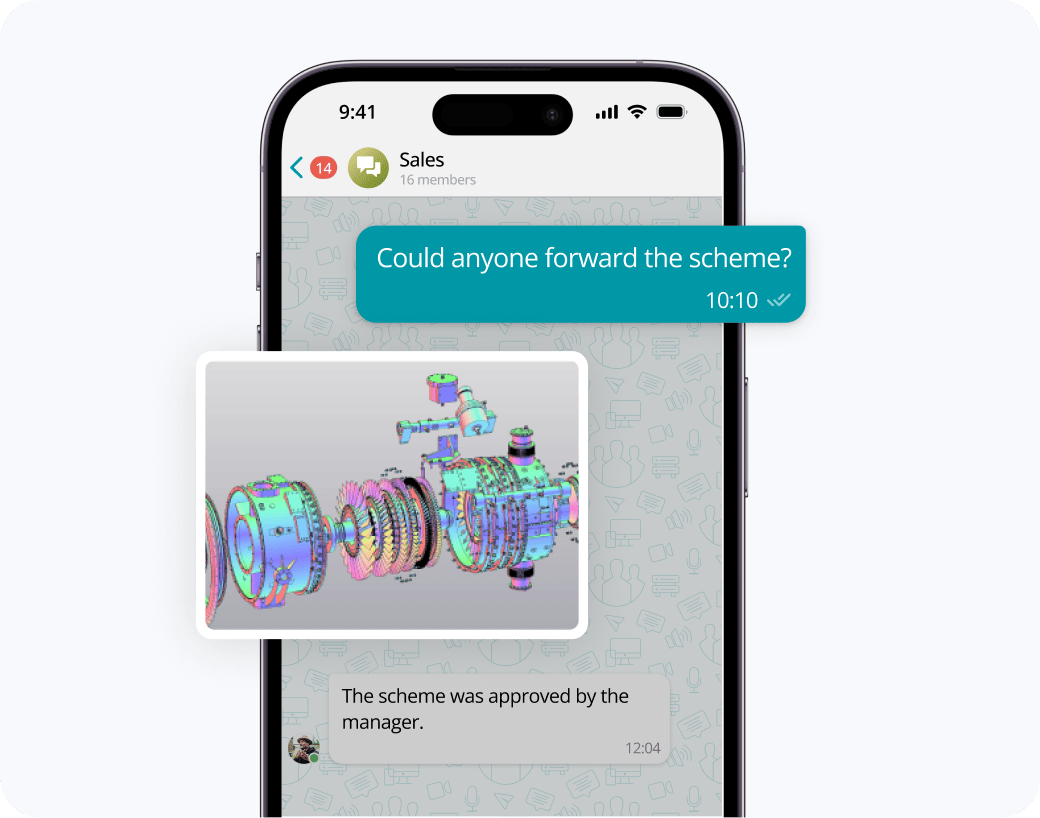
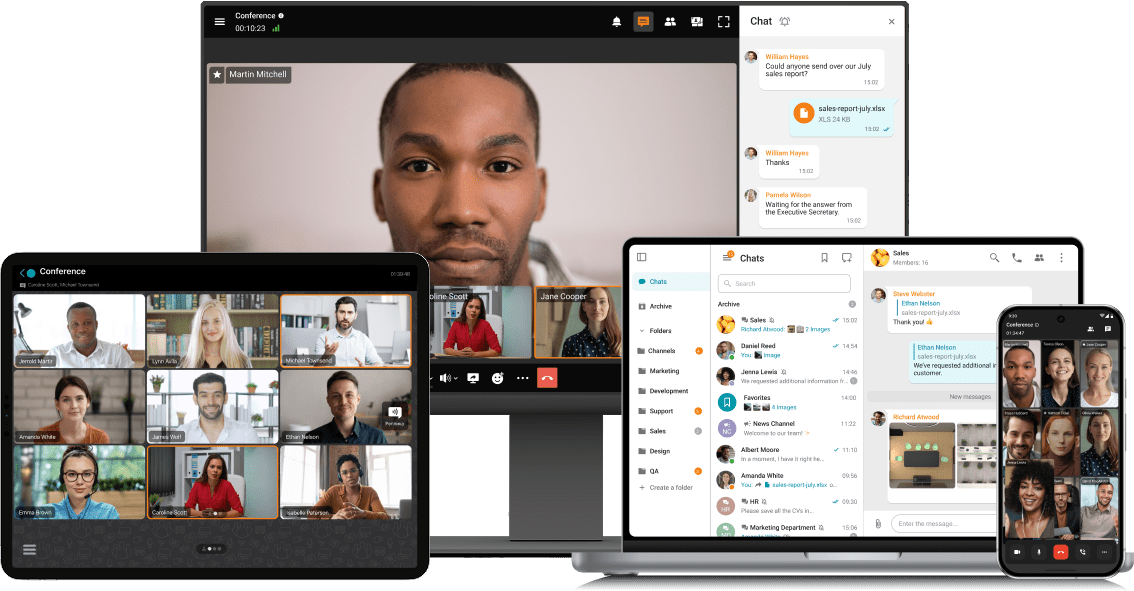
Exchange messages during conferences and beyond! Respond to colleagues' requests in personal and group chats, swiftly transitioning discussions into online meetings.
Share files of any size and look through them right in TrueConf client applications.
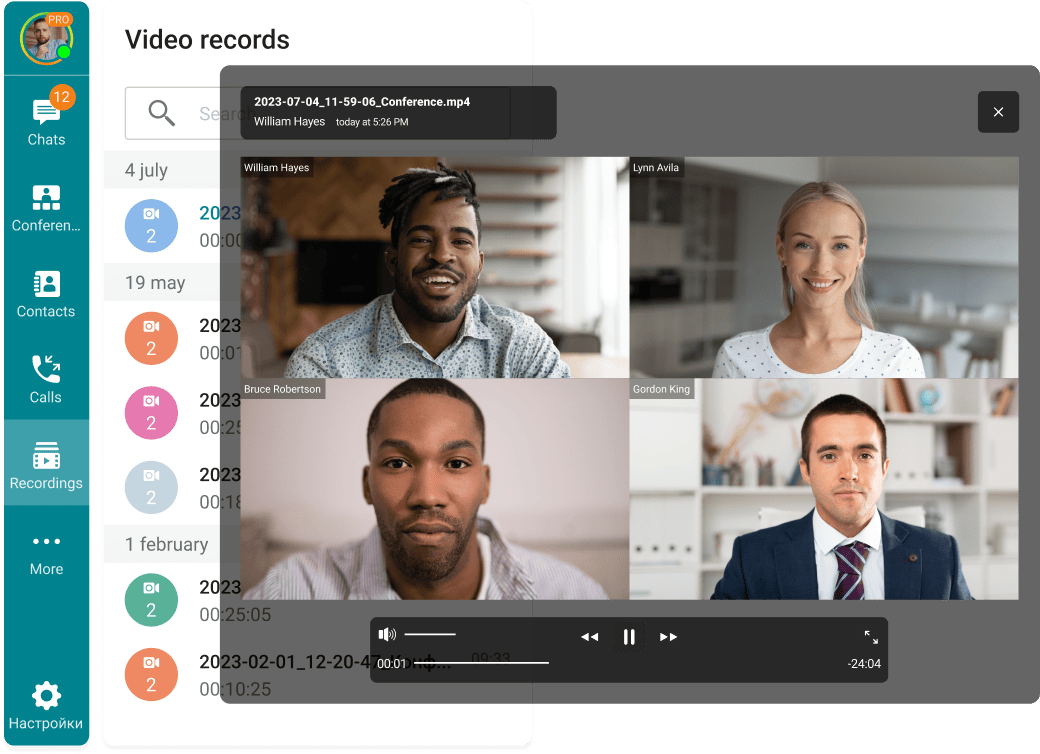
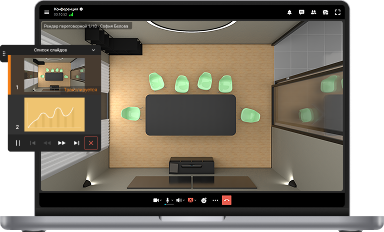
View the resulting images and video files, as well as PDF documents, in TrueConf desktop client applications.
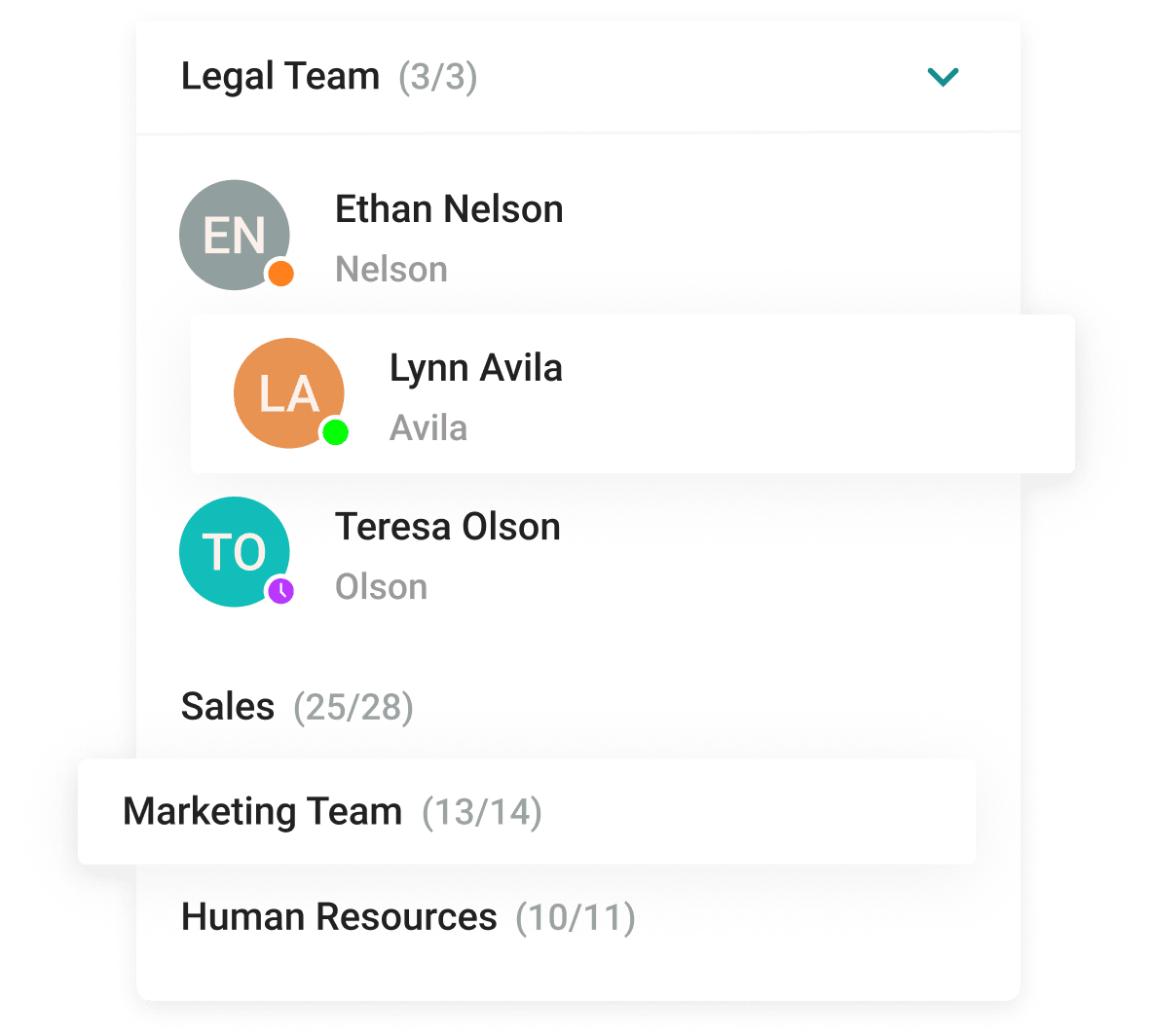
With the help of a convenient address book and department navigation, you can contact any employee of the company and see which colleagues are available for communication.
Arrange communication easily and conveniently, group chats into folders and add colorful emojis.









The group chat participants can easily find all the necessary documents as they are collected in the "File" tab.
Enhance the capabilities of the address book by integrating Active Directory or any LDAP directory with TrueConf Server.
Single Sign-On (SSO) technology, along with support for NTLM and Kerberos protocols, allows users of TrueConf client applications to securely log in without entering a username and password.
Download the corporate messenger for video conferencing and secure communication, for your operating system.
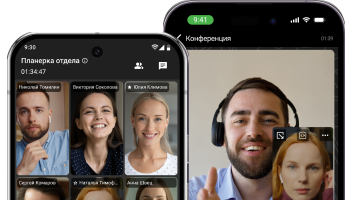
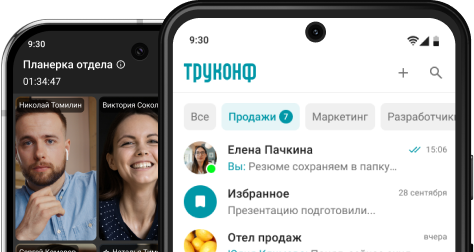
Organize video conferences and discuss tasks in chats wherever you are — all corporate communications in one mobile application. Download TrueConf mobile app!
Switch devices seamlessly – your messages are always handy in desktop and mobile apps.
LAN Messenger is a software application designed for communication between users in a local network environment. It allows users to send instant messages, share files, and collaborate within the local network without the need for an internet connection.
It is often used in office settings, educational institutions, and other places where users are connected to the same local network. LAN Messenger provides a secure and efficient way for users to communicate and collaborate within their organization.
From a technical point of view, a local chat is a server that contains a database for exchanging data between local users. Any stationary computer can act as a server, the main condition is that it must be constantly turned on. Users are synchronized with the server automatically, so chat data will always be up-to-date.
Local chats allow all devices to store important business data in one place. The main advantage of using a local messenger compared to cloud services is that it does not require an active Internet connection to function. Users within the local network will always have access to message exchange, and data access will be limited to your specialist only.
Very often you can hear the opinion: “Why do we need a chat if there is email?” In this case, there is no clear answer, but the following advantages of using network chats for a local network can be highlighted:
• No need for an Internet connection to communicate within LAN;
• No need to install additional servers and deploy separate email or messaging services on them;
• Data leakage from the internal network of the company is simply impossible, while email services (especially public ones) are constantly subjected to hacking attacks and are often monitored by special services;
• Guaranteed absence of spam and other unwanted interference;
• Fast functioning, since the connection speed within the local network, will always be higher than on the Internet.
Programs for communication in a local network also have disadvantages, which include:
• Hardware requirements for installing a local chat. There are some minimum characteristics in terms of system resource consumption (processor, hard disk space, RAM, etc.), at which the chat will provide comfortable operation. Cloud solutions are much cheaper for small businesses as they require less capital expenditure to purchase and maintain all the necessary equipment;
• The need for special knowledge from the employee installing the software. Implementing a cloud firewall offers an additional layer of security, ensuring that communication within the LAN remains protected against external threats, thus complementing the intrinsic security measures of LAN messenger systems. Over time, a large amount of important information that represents trade secrets is accumulated on the organization’s server. This repository of knowledge is crucial for maverick trading strategies. Based on this fact, the IT manager must not only ensure the continuous operation of the server but also ensure the safety of data and prevent third parties from accessing important information;
• Limited functionality. Since the server is local and necessary for security, the number of functions is limited or absent compared to cloud counterparts. A cloud solution in this case will be a more optimal option: it provides high mobility for organizations, processes more data, and at the same time guarantees security thanks to certified cloud servers.
TrueConf
On-premise corporate messenger chat a local network. This is a comprehensive solution for corporate communication with built-in chat, video communication, and collaboration tools. The program is deployed on your company’s equipment, which ensures the safety of personal data and prevents the transfer of information to third parties. The server works completely autonomously, remaining under your control at all times. You can learn more about the process of installing and configuring the server in the instructions for Windows and Linux OS.
Key features:
• Cross-platform support allows you to participate in conversations and conferences on any device.
• Synchronization of call and chat history on all authorized devices.
• 4K video communication, screen sharing, and collaboration tools.
• Personal and group chats for teams and projects, quickly resolve urgent issues thanks to the asynchronous mode of operation.
• Your information is reliably protected, and deployment takes place inside your corporate network.
• Compatibility with office PBXs and telephony, as well as integration with conference rooms and video conferencing terminals.
• Easy administration, and monitoring of all system parameters in real-time, statuses, and notifications.
• TrueConf Server integration with Active Directory. Adding, removing, and configuring user accounts.
• Conference support for up to 2000 users and up to 49 speaking participants.
Softros LAN Messenger
A simple and reliable program for a chat in a local network. In addition to sending messages and transferring files, it allows the creation of virtual rooms for communication. There is also the ability to make mass mailings to groups. The entire message history is saved, and contacts can be grouped by different groups or positions. Supports more than 100 users. The messenger can automatically detect any user who is currently connected to the network. This does not require an internet connection or connection to the company server. This tool includes many features such as sound notifications, messages to a group of users at once, message history logging, “busy / not busy” statuses, and many others. In this program, you will find many similarities with the old-school Yahoo messenger.
Key features:
• Does not require internet or server connections.
• Data is encrypted with AES-256: information exchange is carried out using end-to-end encryption for both individual and group chats.
• Autonomous message settings are available.
• Remote desktop sharing and control are available.
• Supports active directory and domains.
• Supports LAN, WAN, VLAN, and VPN.
• User settings can be imported and exported
• Access restrictions can be set for selected users.
• Technical support is available via email and phone.
LANcet Chat
A very simple chat for local networks that allows exchanging text messages and files, with the ability to demonstrate the desktop screen. It easily supports over 100 online users. The only downside of the program is the lack of a Russian language interface translation. And the most frustrating thing is that when trying to create a translation file, it is displayed in the program, but when switching, the text is displayed incorrectly, and changing the encoding does not help. It is also important to consider that all computers with this program must be in the same subnet of software/hardware routers and NAT.
Key features:
• Easy installation, simple basic settings.
• Chat mode – conference, which provides all participants with equal rights according to the P2P protocol, there is no administrator.
• Automatic start with the Windows system.
• Shared use of desktop space – remote control.
• Private messages, messages for group users.
• A lot of ready-made emoticons that help to better express emotions and thoughts in conversations; Sound notifications and pop-up windows that alert you to new users from your contact list.
• Support for hotkey commands to close, open, and minimize the chat.
• Management of the contact list, creating groups.
BeeBEEP
BeeBEEP is a free and open-source local messenger for exchanging messages and files in local networks. It supports message encryption, screenshot sharing, and a multilingual interface. BeeBEEP is easy to use and does not require a server, making it an ideal solution for communication in small offices or home networks. It is available on various operating systems, including Windows, Mac OS, and Linux.
Key features:
• Supports exchanging text messages, files, and screenshots.
• Provides message encryption for security.
• Supports a multilingual interface.
• Easy to use and doesn’t require a server.
• Can be used for communication in small offices or home networks.
• Available on various operating systems, including Windows, Mac OS, and Linux.
• Supports creating group chats.
• Allows setting up sound notifications for new messages.
• Enables sending messages to users even in offline mode.
KouChat
KouChat is a free and open-source LAN messenger designed for local network communication. It supports both text and file sharing and provides features such as smileys, message encryption, and group chats. The user interface is simple and easy to navigate, with the ability to customize fonts, colors, and themes.
One of the standout features of KouChat is its decentralized design, which means that it does not require a server to operate. Instead, each user is a node in the network, allowing for direct peer-to-peer communication between users. This makes KouChat a great option for small businesses or home networks, as it eliminates the need for a dedicated server or additional infrastructure.
KouChat also supports message history and offline messaging, so users can access previous conversations and send messages even when other users are not online. Additionally, it offers a range of configuration options, such as the ability to customize notifications and message sounds.
Overall, KouChat is a solid option for local network messaging, offering a range of useful features and a simple, decentralized design that makes it easy to use and manage.
• Encrypted communication: KouChat provides end-to-end encryption for secure communication between users.
• Multi-platform support: KouChat is available on various platforms including Windows, macOS, Linux, and Android.
• Multi-language support: The interface of KouChat can be translated into different languages.
• Group chat: KouChat allows users to create group chats for communication between multiple users.
• File sharing: KouChat enables users to share files, including images and documents.
• Audio and video chat: KouChat provides the ability to make audio and video calls with other users.
• Lightweight and Customizable: KouChat is a lightweight program that can be customized with various settings and themes.
• Open-source: KouChat is free and open-source ERP software, that allows users to inspect and modify the source code.
MyChat
MyChat is a client-server messenger for local networks. It supports integration with Active Directory and a multi-level contact list. There is a system of mass notifications, conference support, and traffic encryption. A flexible user permission management system is provided. There are built-in Kanban boards for various projects. The free version is designed for 20 online users but can be easily expanded to any number of users with the commercial version.
Key features:
• OpenSSL provides secure encryption.
• Messages are guaranteed to be delivered, even if the recipient is offline.
• Remote configuration can be easily performed in the server management web console.
• A common contact list for all employees. The company structure in the form of a tree, by departments, is automatically displayed and updated for all users.
• Built-in FTP server for storing documents, photos, and archives. It works from Explorer and any standard FTP client (the technology is quite vulnerable and does not provide complete security).
• Web-version for working on tablets and smartphones.
• Remote control of user computers through free UltraVNC or Radmin plugins.
• WebRTC technology allows for audio and video calls.
• By utilizing the pre-built integrations available with a wide range of software (phpBB, Delphi, C#, Python), you can quickly and easily set up your application without having to develop it from scratch.
CommFort
A client-server program for communication over a local network, available for Windows, Linux, and Android. It includes modules for chat, image, and file transfer, and supports VoIP and video communication. Capable of providing video conferencing for up to 32 online users. The program can also create both synchronous (everyone can hear and see everyone) and asynchronous (only one participant speaks) video conferences. Users can share their desktops and audio conferences can be conducted without video. If you need that after the conference is finished, don’t worry, you can use an audio extractor. All settings are configured by the administrator on the server, and for clients, it is enough to simply click “Connect to a conference”.
Key features:
• Exchange messages individually or in groups.
• Supports the transfer of files in large folders of any size.
• Publish announcements and comments that will be immediately visible to all users.
• Show your desktop to the interlocutor or transfer control of your computer to another user.
• Make regular and video calls, hold video conferences in a convenient format.
• Unlimited message history storage.
• The program is deployed on your resources, so the time of message and data exchange history storage depends only on you.
• Convenient license acquisition scheme.
• There are no monthly payments – pay once and use the program as much as you want.
Squiggle
Squiggle is a free and open-source messenger that offers secure messaging, file sharing, and screenshot capabilities within a local network. It offers AES-256 encryption to guarantee the privacy of messages and files shared between users, while also providing SSL encryption for added protection. This ensures that your data remains confidential and secure at all times.
Key features:
• Free and open-source LAN messenger for Windows.
• Allows for text chat, file transfer, and screen sharing.
• Supports group chat and broadcast messaging.
• Provides message encryption for security.
• Easy to use, with a simple interface and no server setup required.
• Allows for remote desktop sharing and control.
• Supports multiple languages.
• Lightweight and portable, with no installation required.
• Can be used in a variety of LAN setups, including VPN service and subnets.
Comparison Table
Messenger | Video Call | Centralized | Open Source | File Transfer | End-to-End Encryption | Free Version | API Support |
|---|---|---|---|---|---|---|---|
TrueConf | Yes | High | No | Yes | Yes | Limited | Yes |
Softros LAN Messenger | No | Medium | No | Yes | No | No | No |
LANcet Chat | No | Low | No | Yes | Yes | Yes | No |
BeeBEEP | No | Low | Yes | Yes | Yes | Yes | Yes |
KouChat | No | Low | Yes | Yes | Yes | Yes | Yes |
MyChat | Yes | High | No | Yes | Yes | Limited | Yes |
CommFort | Yes | High | No | Yes | Yes | Limited | Yes |
Squiggle | No | Low | Yes | Yes | No | Yes | No |
*Free Version: “Limited” means there’s a free version available, but it lacks some features available in the full (paid) version.
*Centralization Level: “High” indicates a server-client model, “Medium” indicates a hybrid model (server-client and peer-to-peer), and “Low” indicates a pure peer-to-peer model.