
TrueConf 4.0 for iOS: Voice Messages and Additional Statuses
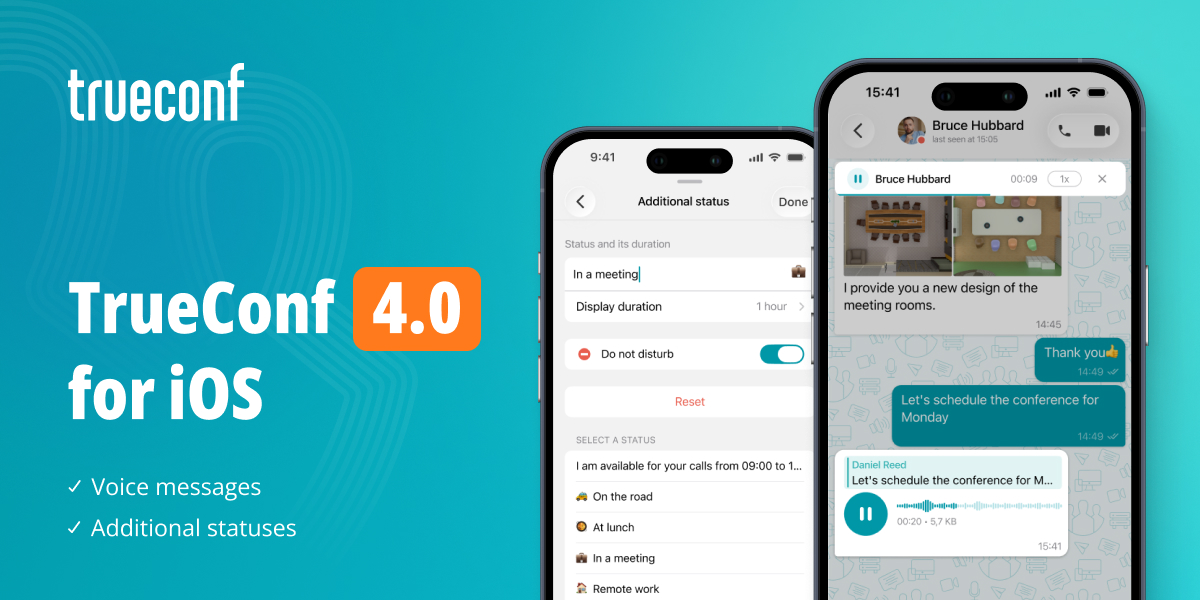
Meet TrueConf 4.0 for iOS. The new version brings voice messages, enhanced chat communication capabilities, and a redesigned user profile.

Updated messenger
Voice messages
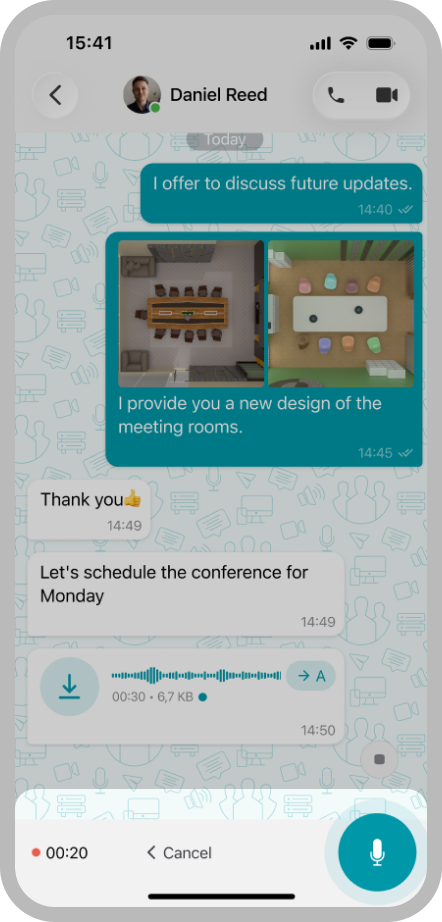
With TrueConf 4.0 for iOS, collaboration is reaching a new level. You can exchange voice messages with your team when it is inconvenient to call, quickly share ideas, clarify details, and stay in touch even outside the office.
To record an audio message, hold the  button or swipe up to lock recording.
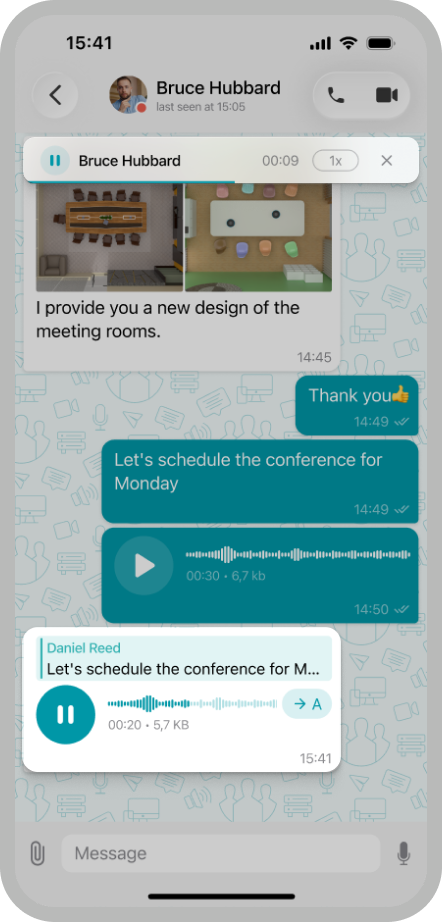
Responses with attachments
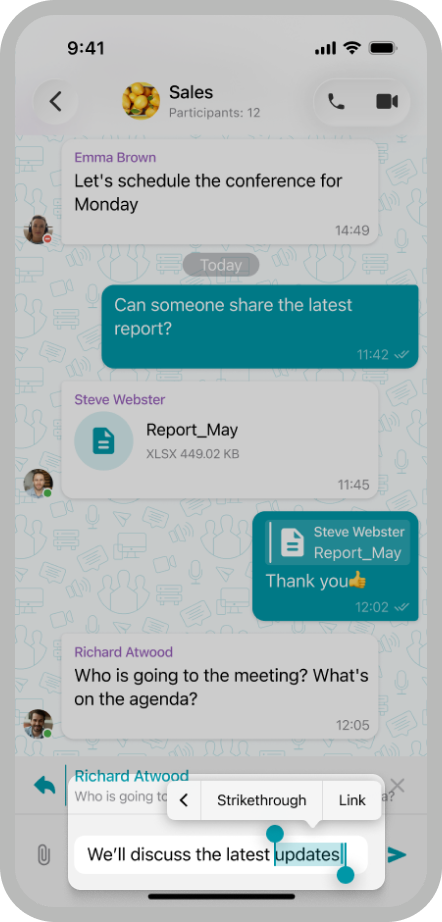
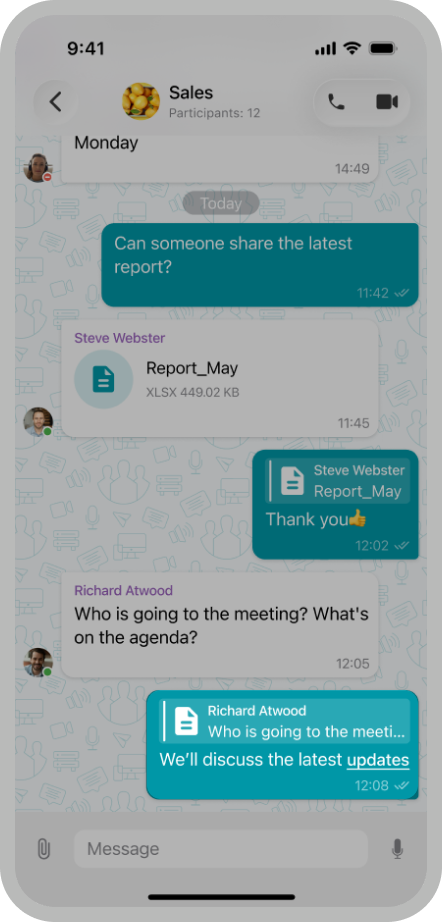
You can now reply to messages in chats not only with text but also with media files. This helps maintain the context of the conversation, quickly find necessary materials, and avoid confusion in long discussions.
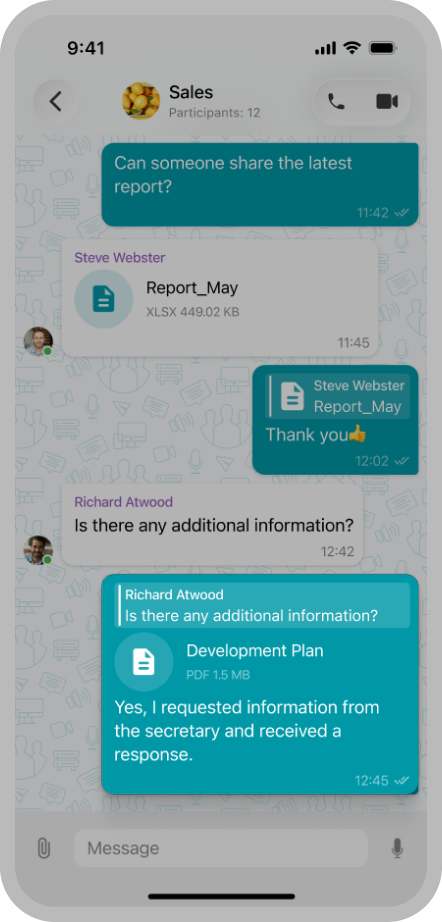
Hyperlinks
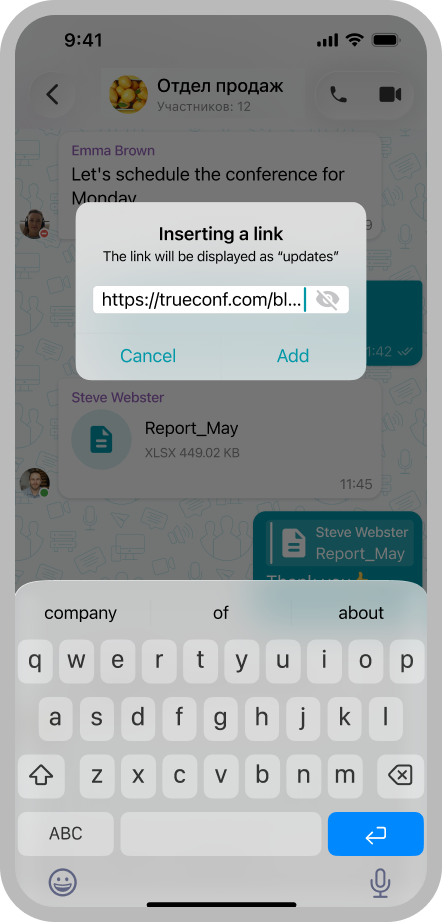
In version 4.0, you can now embed links directly in your messages to share useful resources, documents, and web pages without cluttering the chat.
Additional statuses
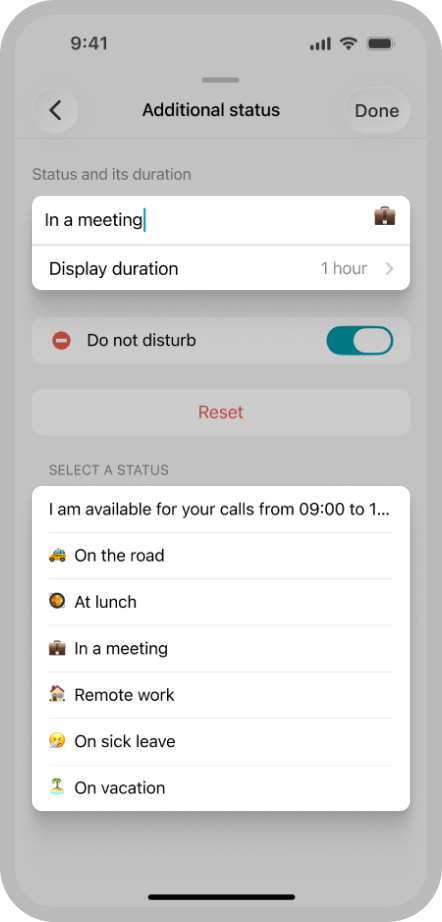
We’ve expanded the settings of additional statuses so your colleagues can always see up-to-date information about your availability. You can choose one of the standard statuses, create a custom one, and set a duration for it to automatically clear.
Other changes and improvements
- The application interface is adapted for iOS 26
- We’ve updated the appearance of user profiles
- Blocked users are now marked with the specific icon
- We’ve added a dialer in the conference participant list so you can invite users by phone number
- The time to connect to TrueConf Server and load chats when launching the app has been reduced
- We’ve fixed an issue that caused unexpected account logouts
- The overall stability of the application has been improved.
You can check the full list of changes in our changelog.

Maria Mihalyova
Date published: 04.06.2026
Maria Mihalyova
Date published: 04.06.2026
Follow us on social networks