
TrueConf Calendar Connector 2.0: Two-Way Synchronization
We’re happy to release TrueConf Calendar Connector 2.0. The update enhances integration with Microsoft Exchange, simplifies calendar event management, and improves product performance.
Support for multiple video collaboration servers
The new version introduces support for simultaneous operation with multiple video collaboration servers. This enables TrueConf Calendar Connector to be used across distributed enterprise environments and scale the solution without additional restrictions.
Support for multiple servers requires connection to TrueConf Enterprise
Creating calendar events from TrueConf app
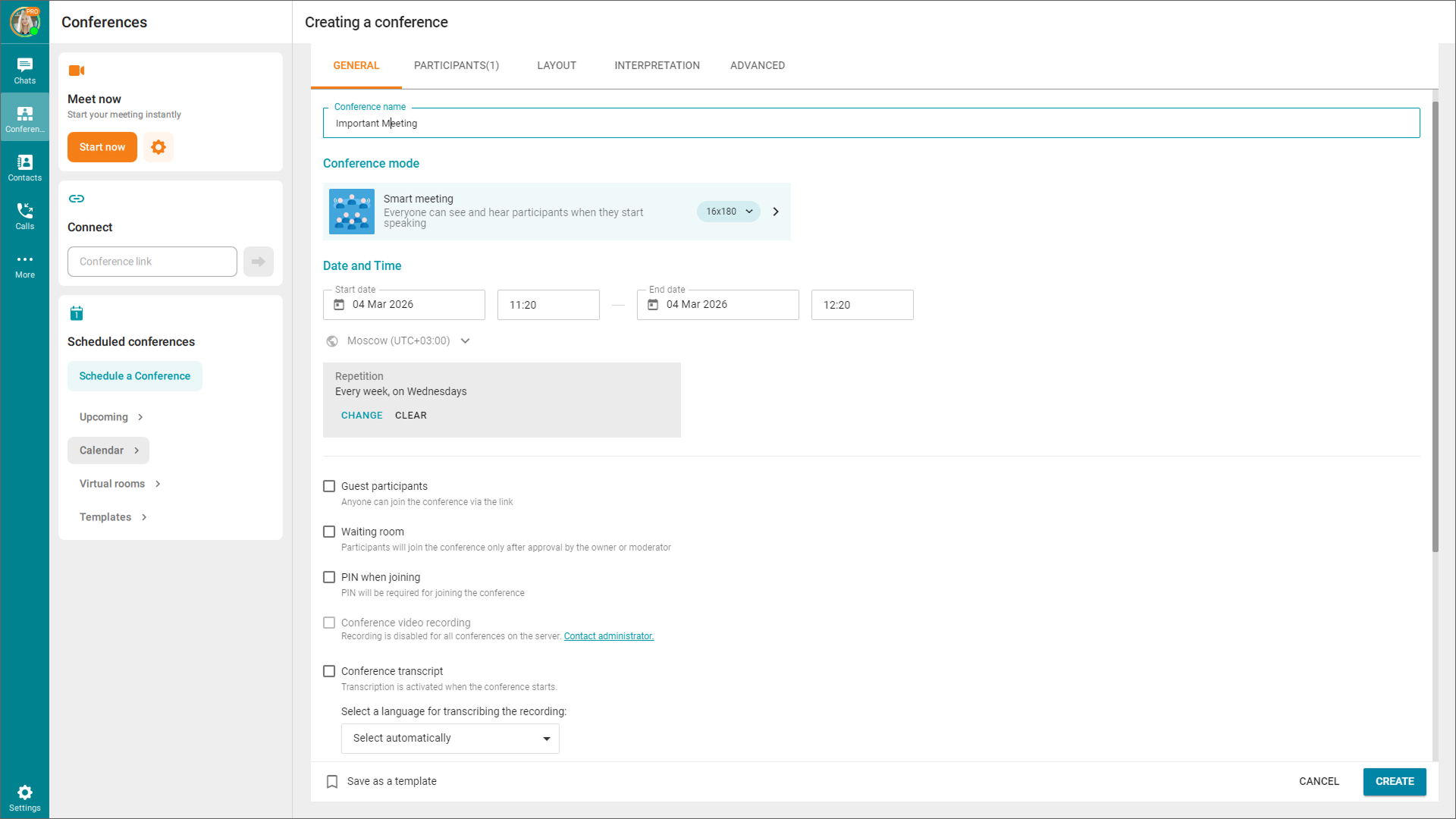
Users can now create new conference events directly within TrueConf mobile and desktop apps. Events are automatically synchronized with Microsoft Exchange and appear in participants’ corporate calendars.
Editing existing events
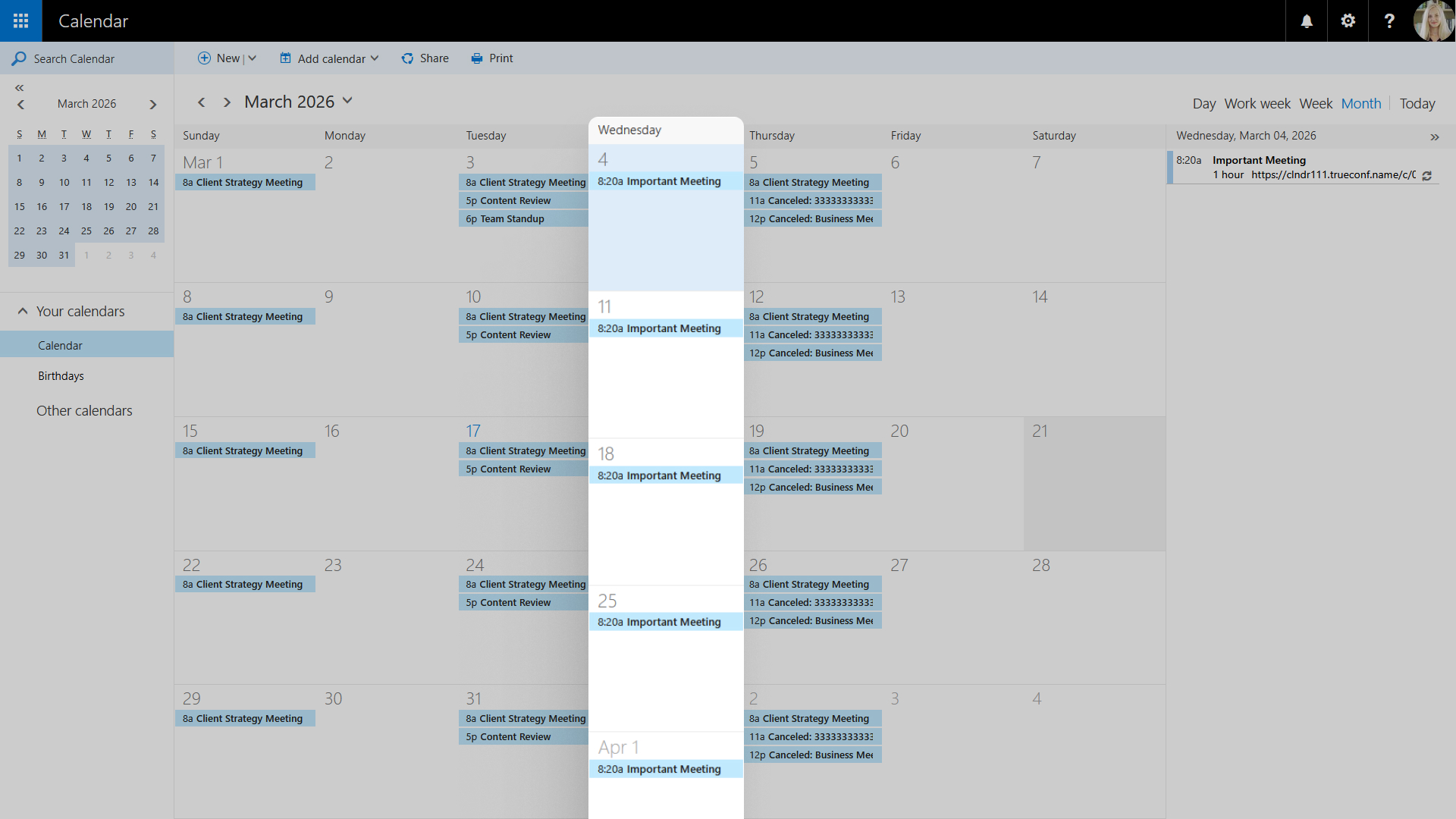
TrueConf Calendar Connector 2.0 now enables users to modify parameters of existing calendar events directly from both TrueConf apps and Microsoft Outlook. All changes are automatically synchronized between the calendars.
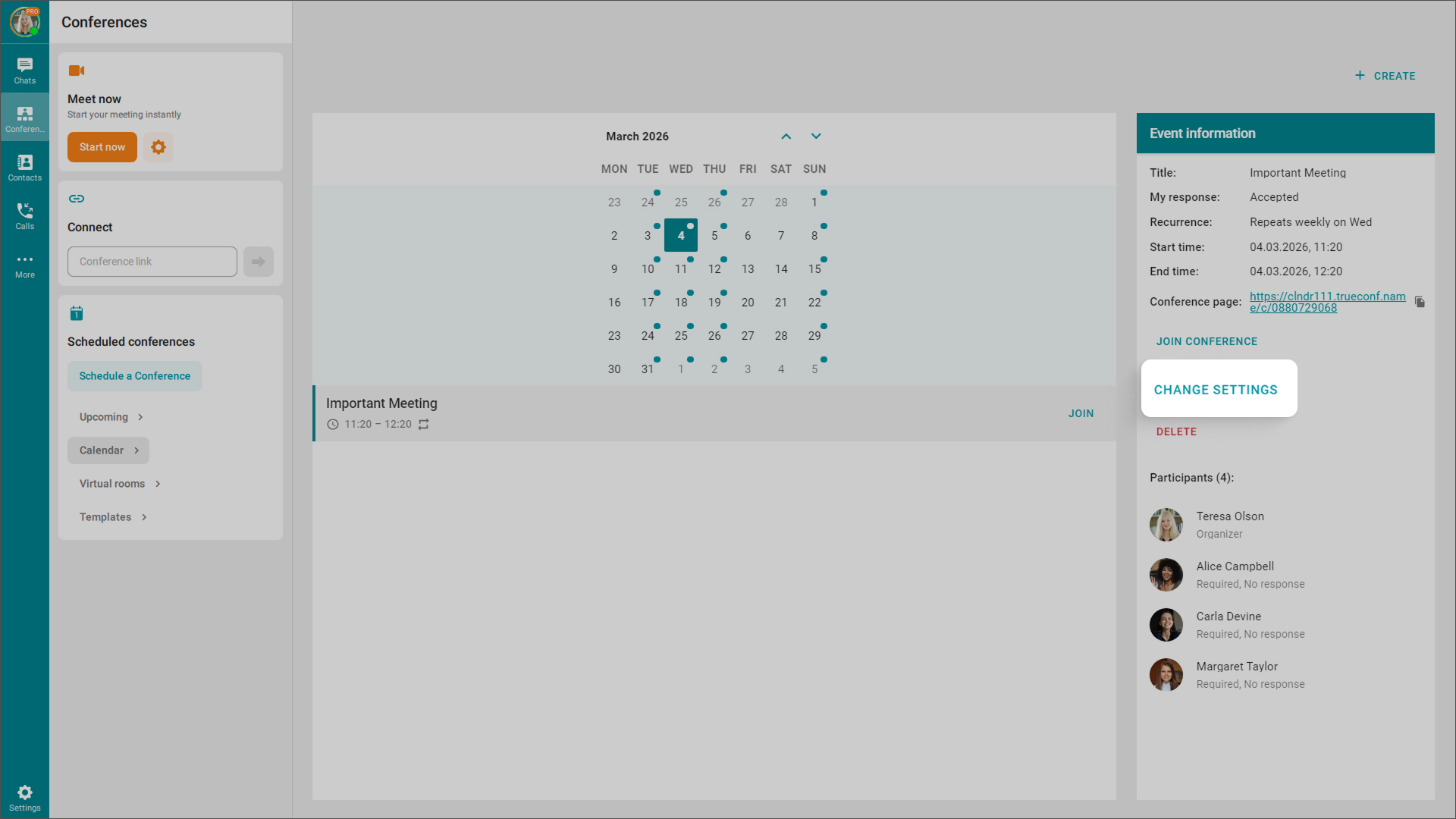
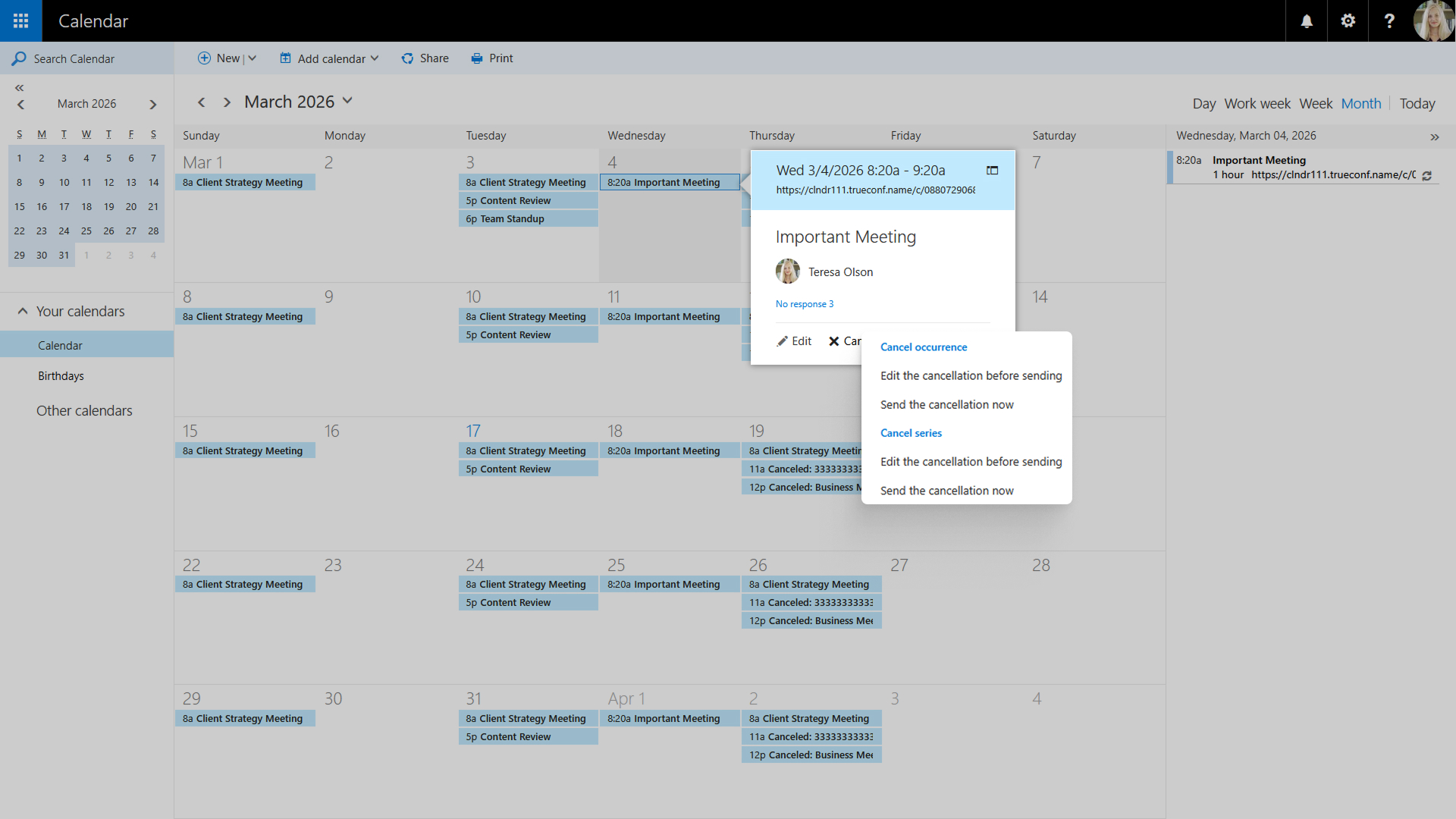
Deleting calendar events
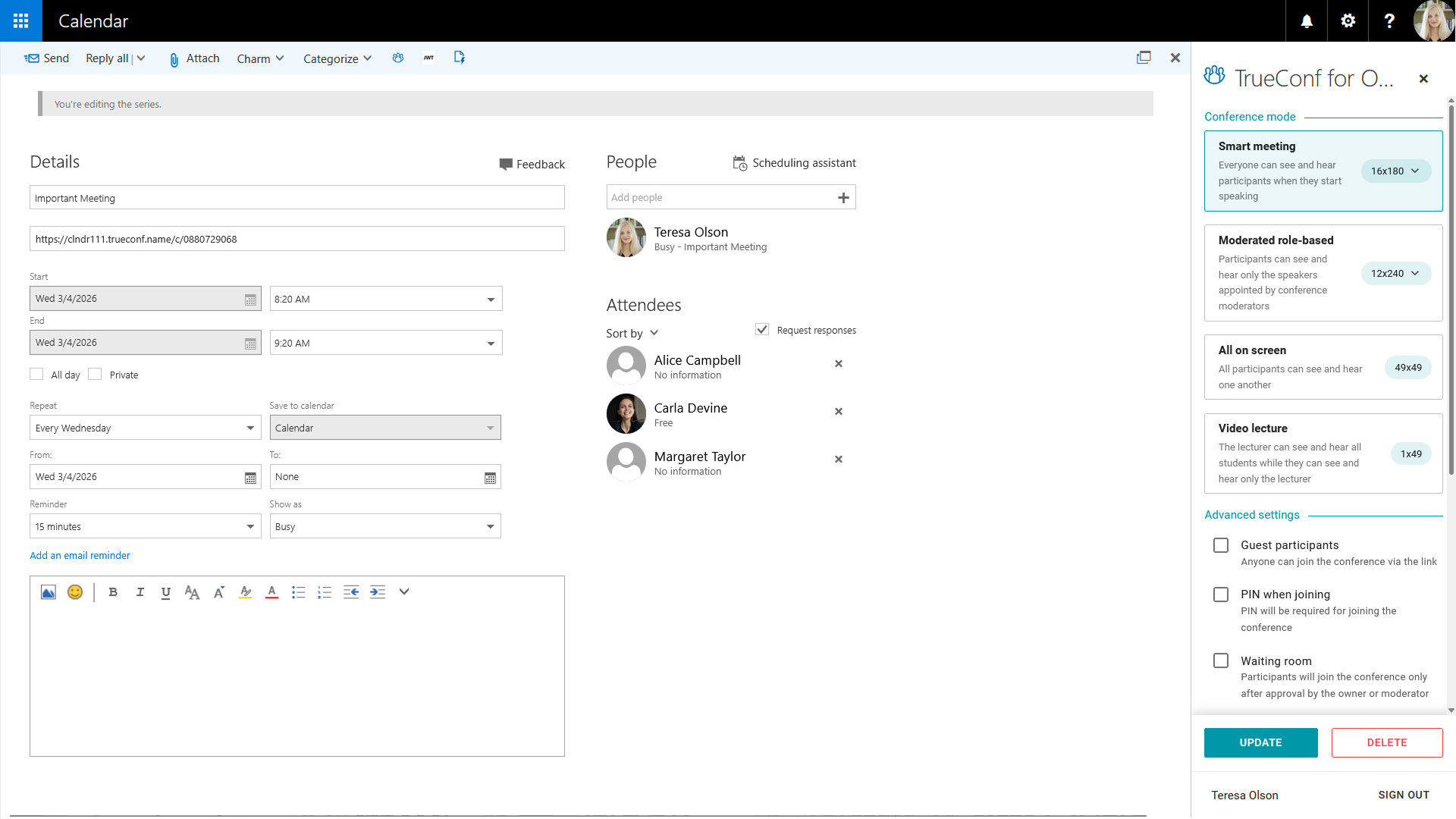
You can now delete calendar events from either TrueConf client applications or Microsoft Exchange. The feature supports deleting an individual event within a recurring series as well as multiple events.
Other Changes and Improvements
- Administrators of TrueConf Calendar Connector can now configure the display of canceled events using the configuration file
- The synchronization speed of calendar events has been optimized
- The overall solution stability has been improved.

Maria Mihalyova
Date published: 17.02.2026
Maria Mihalyova
Date published: 17.02.2026
Follow us on social networks