
TrueConf 3.2 for Android: Voice Messages and PIN to Access the App
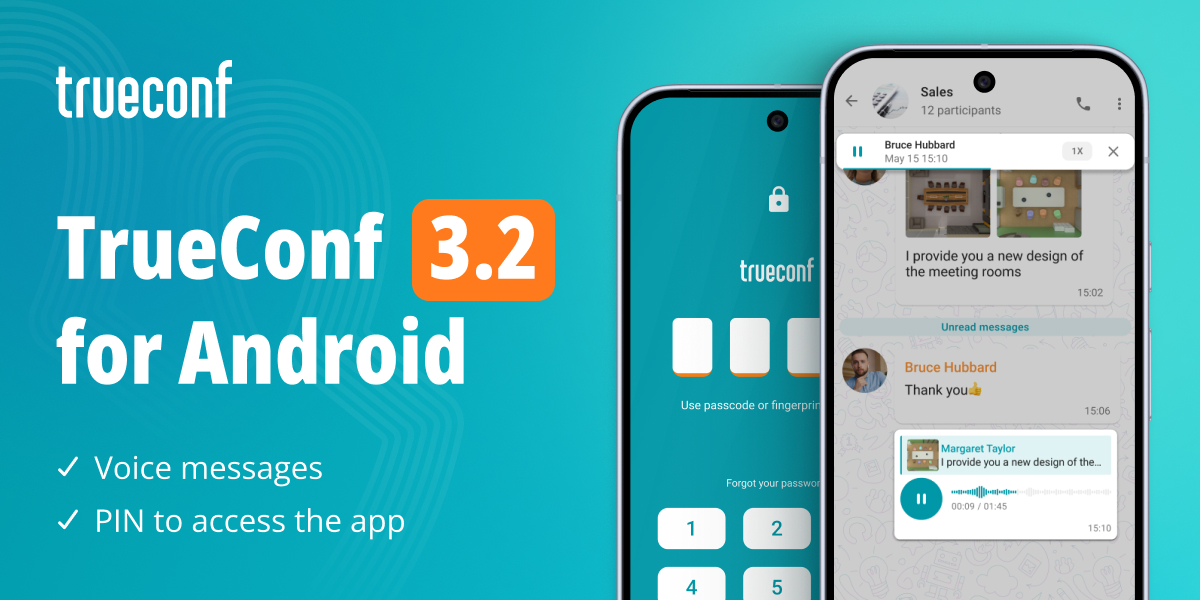
We’re pleased to announce the latest update of our mobile app for Android. The new version features the ability to connect with colleagues and promptly resolve issues via voice messages, and PIN protection for secure app access.

Voice messages
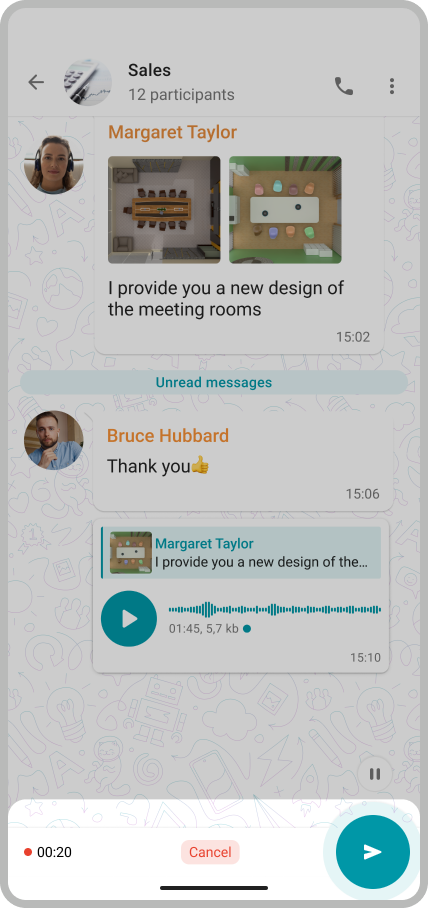
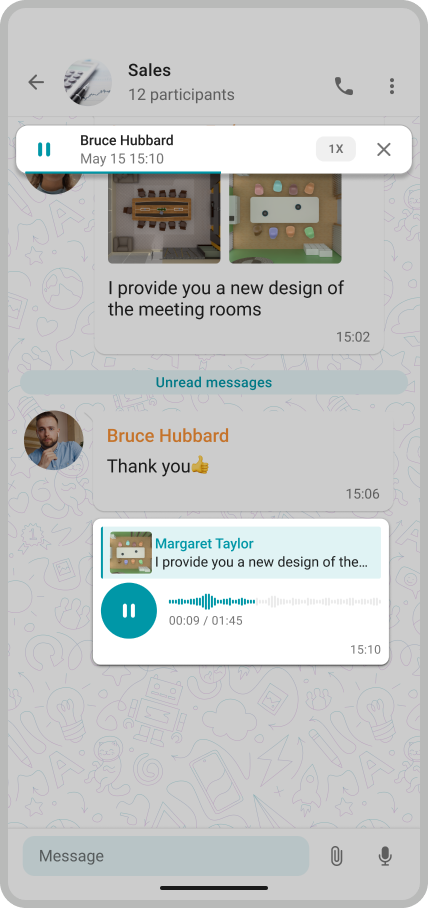
Chatting is now even more user-friendly: in version 3.2, you can send voice messages in group conversations. This makes it easier to resolve work issues quickly, especially when it is inconvenient to call and typing takes a long time.
To record an audio message, hold the  button, or swipe up to lock recording.
PIN to access the app
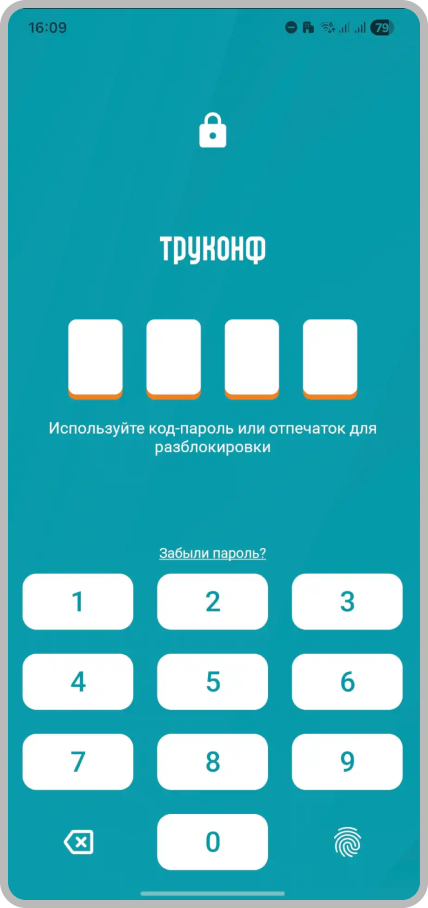
To enhance the security of work communications, we’ve added PIN protection for app access. This helps prevent unauthorized users from viewing confidential data. You can also set up fingerprint unlock for faster and more convenient access.
How to enable? Go to the Settings – PIN and enter it, or enable fingerprint unlock. In the same window, you can set an inactivity timeout to automatically lock the app after a period of non-use.

Other changes and improvements
- By clicking on an employee’s corporate email in the chat, you will now be prompted to open an email or view the user’s profile. If the corporate email address and TrueConf ID do not match, the profile will be unavailable
- The conference information field, as well as the control panel, can now be hidden or pinned on the screen during calls
- Сommands for chatbots like /command are now highlighted in messages – by clicking on the command, it will appear in the message input field
You can view the full list of changes in the changelog.

Maria Mihalyova
Date published: 21.05.2026
Maria Mihalyova
Date published: 21.05.2026
Follow us on social networks