
Quick Reference Guide for Meeting Room Users
Quick Reference Guide for Meeting Room Users
The address of your terminal TrueConf Group:
SIP-address:H.323-address:
Turn on the endpoint
To start using the terminal, turn it on using the button on the remote  .
.
Once enabled, you will be greeted by the main menu:
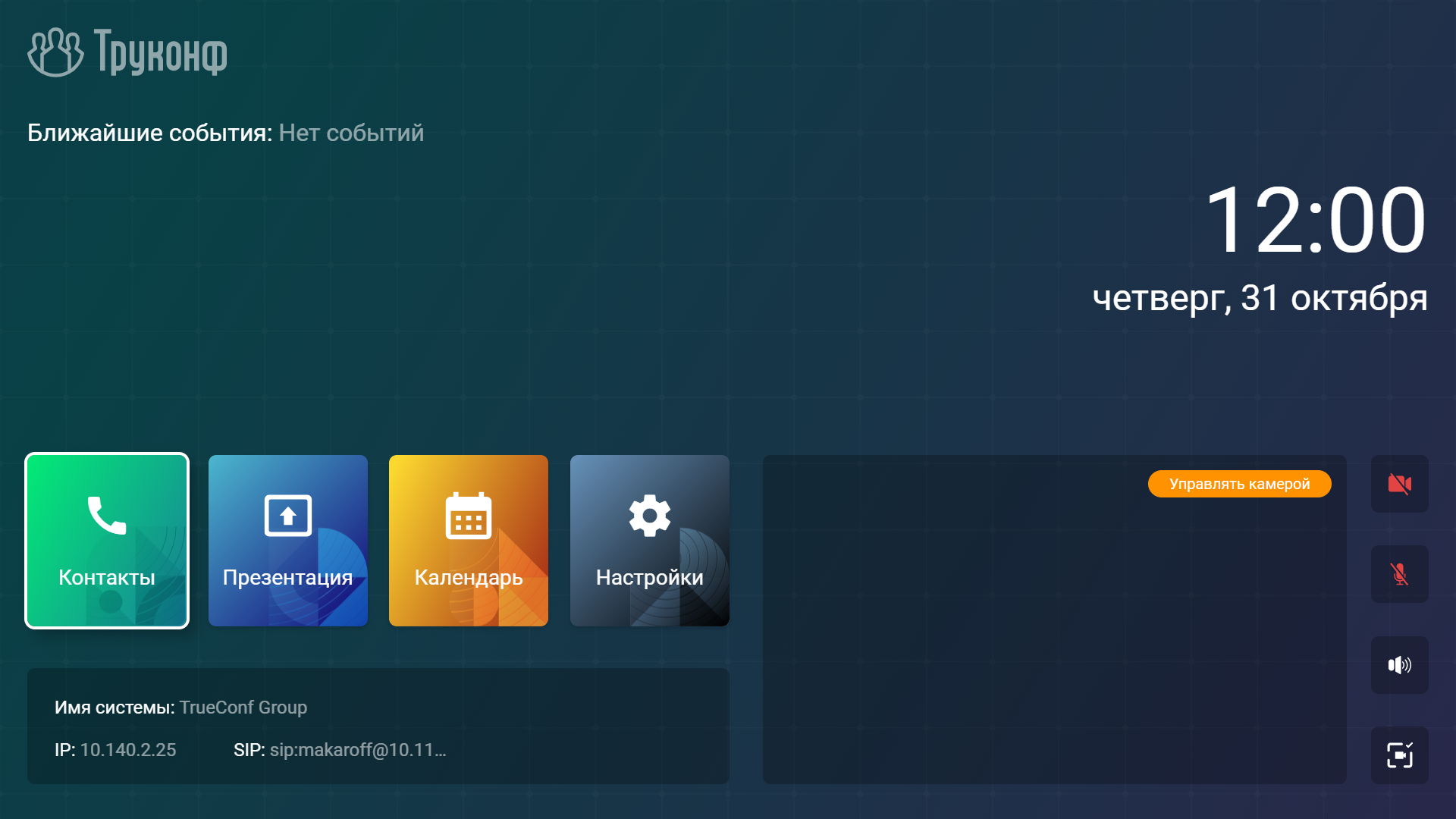
To return to the main menu from any section, use the  button.
Incoming call
When you receive an incoming call, a window will appear displaying the caller's name or the conference title:
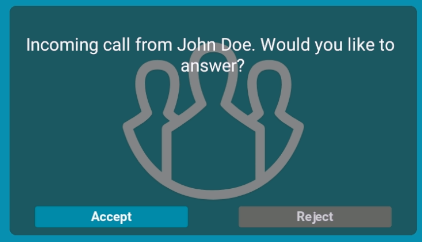
You can use the call menu buttons or the Accept  and Decline
  remote controls.
How to Make a Call from the Terminal
For calling in a conference and users who are not in the address book or call history:
In the main menu, go to the Contacts → Dialer section.
The terminal will automatically detect the protocol, but if necessary, you can specify it manually (SIP, H.323, RTSP, VNC, NDI).
Enter the ID and server address in the format:
for the conference –
00<Conference_ID>@<server>;For the user –
<TrueConf_ID>@<server>;
To call another SIP/H.323 terminal, simply enter the IP address:
<ip_device>.Click Call.
Later, you will be able to repeat this call from section Contacts → Recent.
Call from the address book
In the main menu, go to the Contacts section.
Select the desired contact group, such as Local (on the terminal).
Select the desired contact and click the
button.
Presentation Display
Select the content source by clicking the PC
 button.
When choosing to play a file from a USB drive, you will see its contents. Here you can choose your file with the navigation buttons.
To start the broadcast, press the PC
button on the remote control and select Start sharing.
Features available during a call
 – turn the microphone off or on.
 - adjust the speaker volume level on the terminal.
 - Zoom in on the image from a PTZ camera or a presentation.
 - switching control (arrows and zoom buttons) between different content sources: your PTZ camera, the interlocutor's PTZ camera, and content.
 - content source management.