
Working in a moderated role-based conference
Working in a moderated role-based conference
How to make an audio reply
During a moderated role-based conference, you can make a short audio remark without requesting special permission. To do this, press the  button on the control panel and hold it while speaking.
How to take and leave the podium
When you are not on the podium, the self-view window displays the status  .
.
To speak at the podium in the conference control panel, click the  button. Once the moderator approves the request, the message You are now on the podium will appear in the control panel, and you will be able to address the other participants. To stop broadcasting from the podium, click the
  button.
Managing speakers
If an attendee sends a request for the podium, you will see a notification that looks in this way:
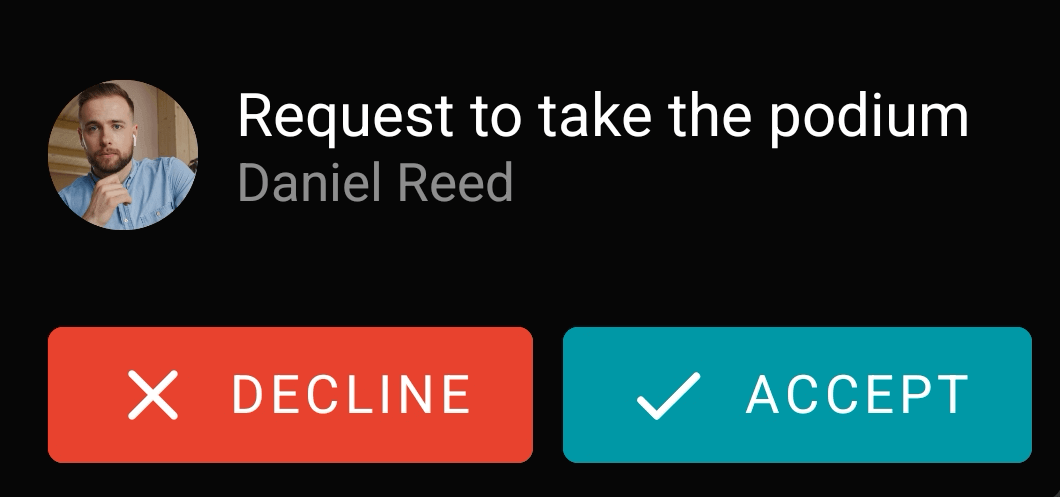
Please note that the notification will be hidden after a few seconds. If you did not have enough time to accept the request, go to the list of conference participants and accept it there.
If you are the moderator of a role-based conference, you can invite any participant to the podium during the event. To do it, go to the list of conference participants, hold the name of the person you want to make a speaker, and select Take podium When the podium invitation is accepted, the user will be displayed in the video layout.