Conferences
Conferences
Joining a conference
To join a conference, you can:
specify its ID in the Conference → Join the conference menu;
If it has already started, call its owner by finding them in the address book (they will be marked with a star icon
 ).
).
During the conference, you can turn off your camera and microphone, use the chat, and view the shared content.
Creating a conference
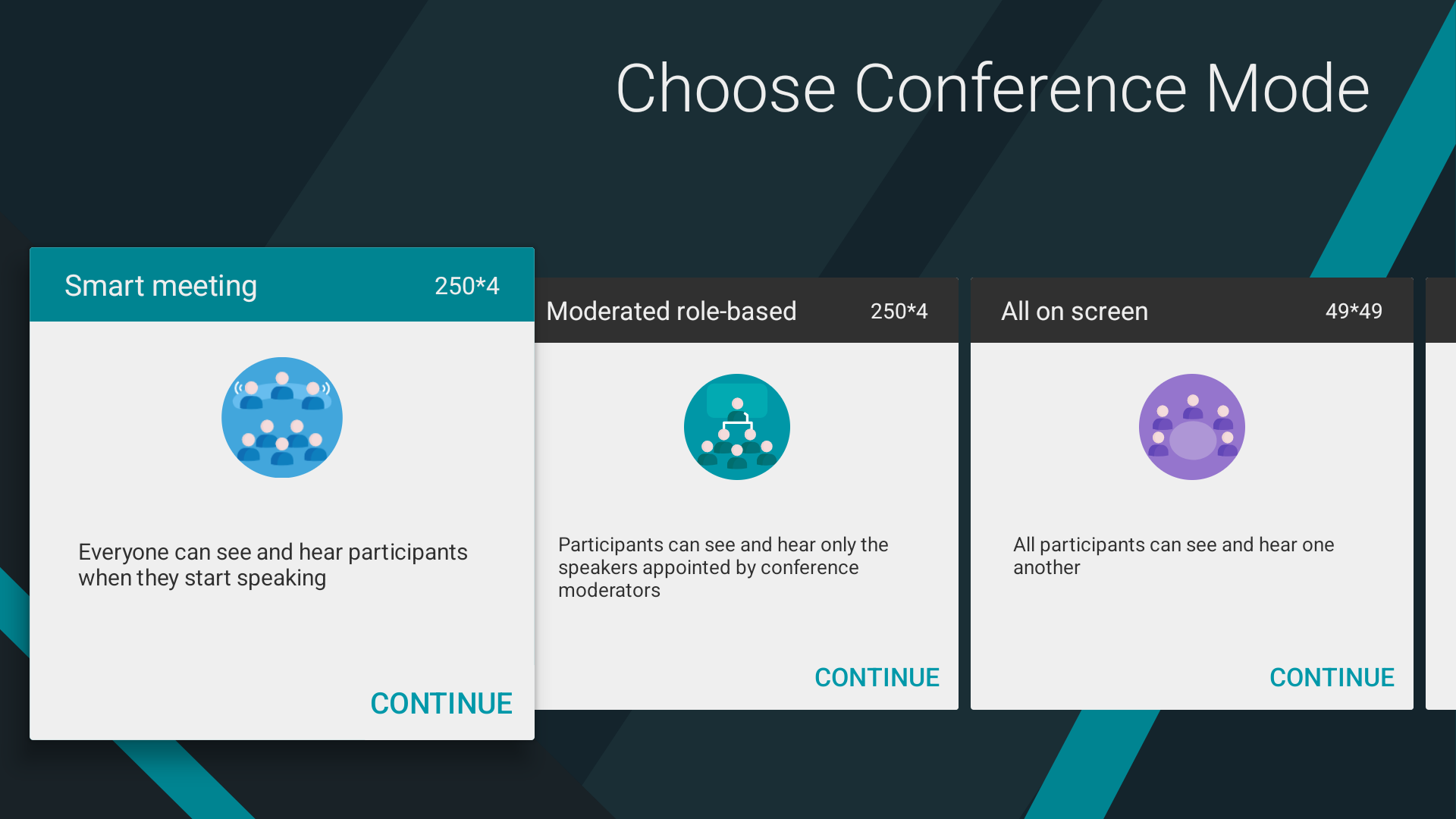
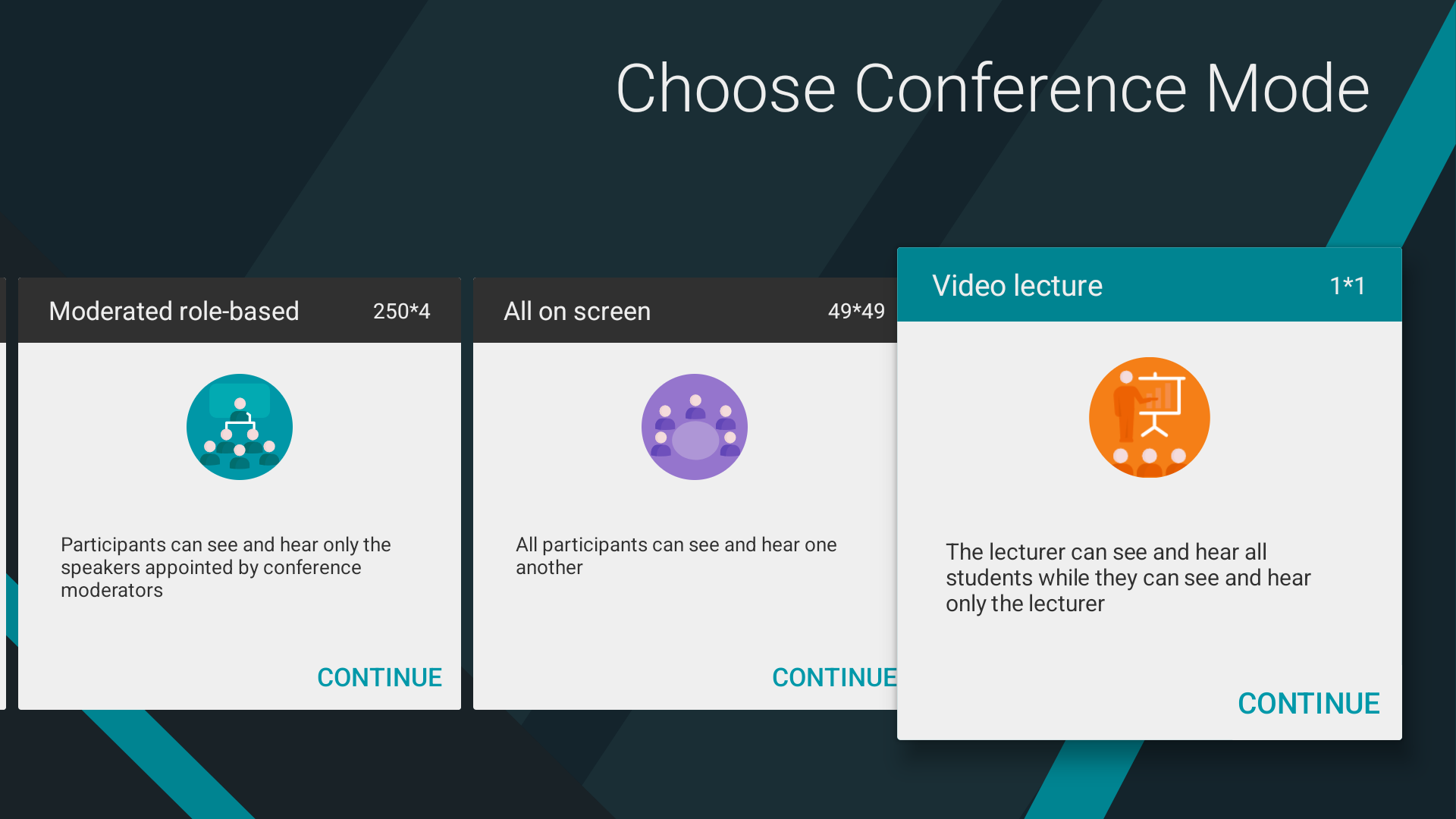
In the TrueConf for Android TV application, you can organize a video conference of one of four types: everyone on screen, video lecture, smart meeting, or moderated role-based conference.
All on screen
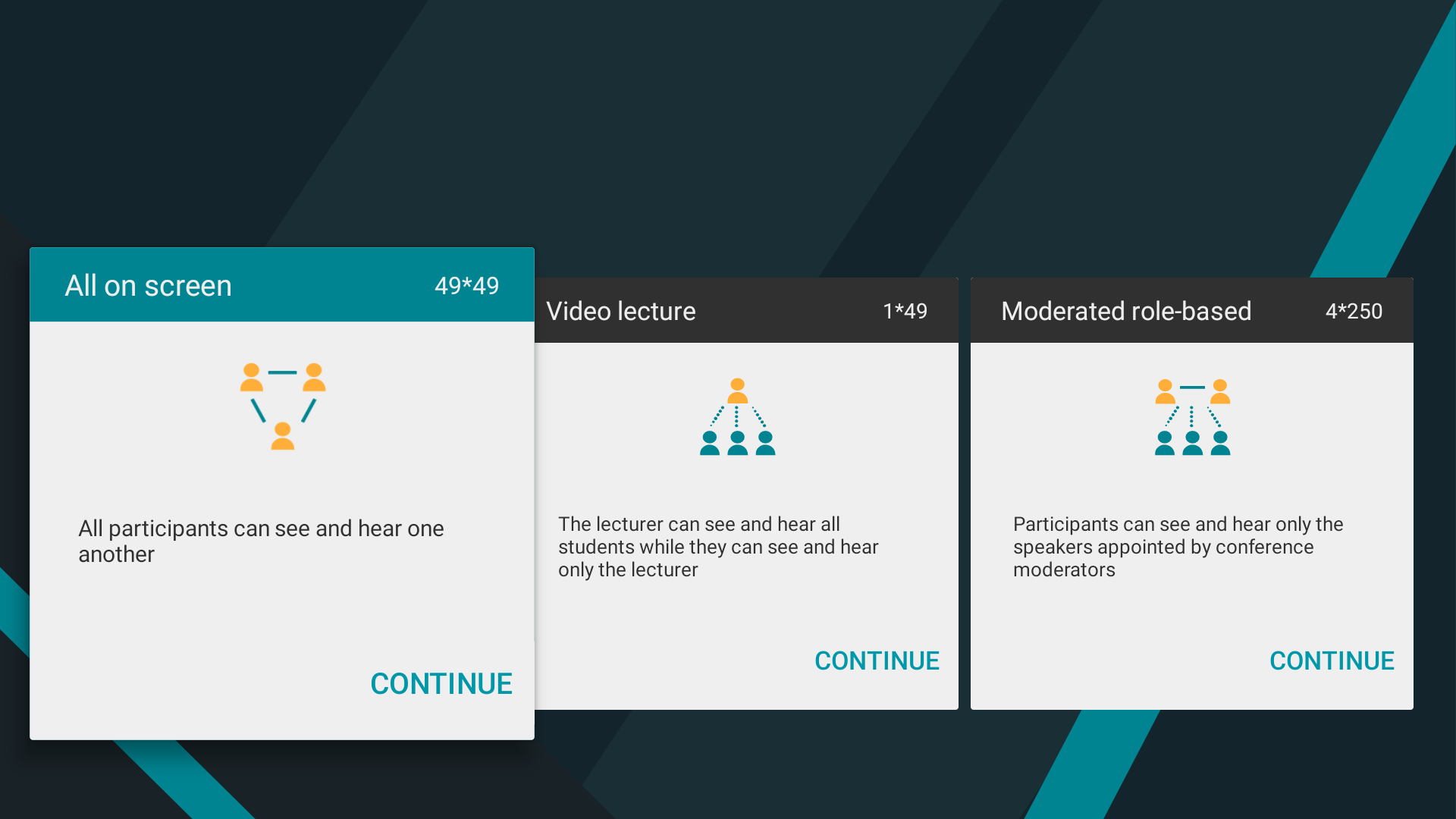
Symmetric conference is a video conference during which all users can see and hear each other:
Go to the Conference → New Conference menu.
Select the All on screen mode:
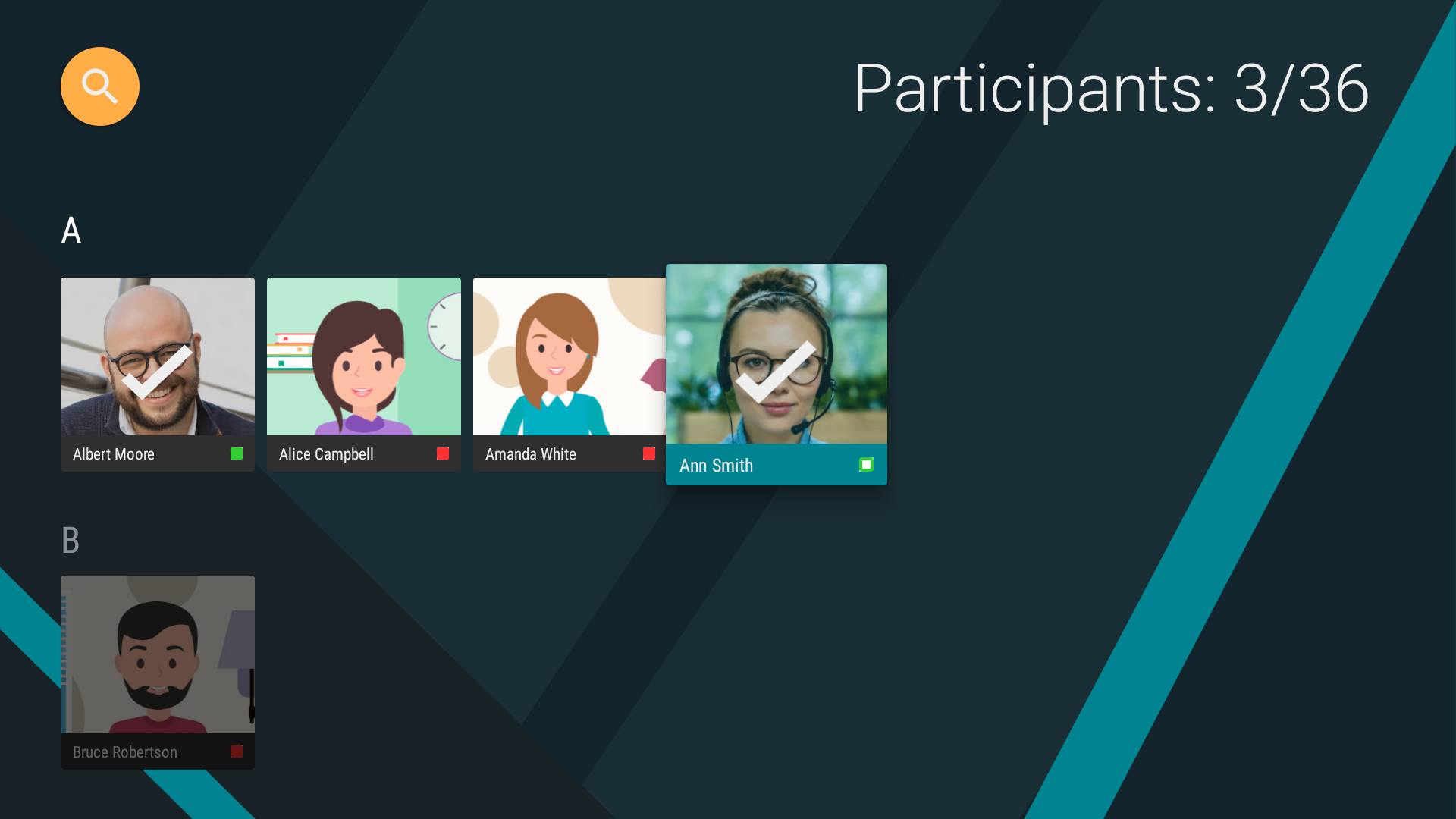
Select the conference participants from your address book:
Select option Automatic entry to allow a user who wants to join the conference to be automatically connected when calling you.
Click Create conference:
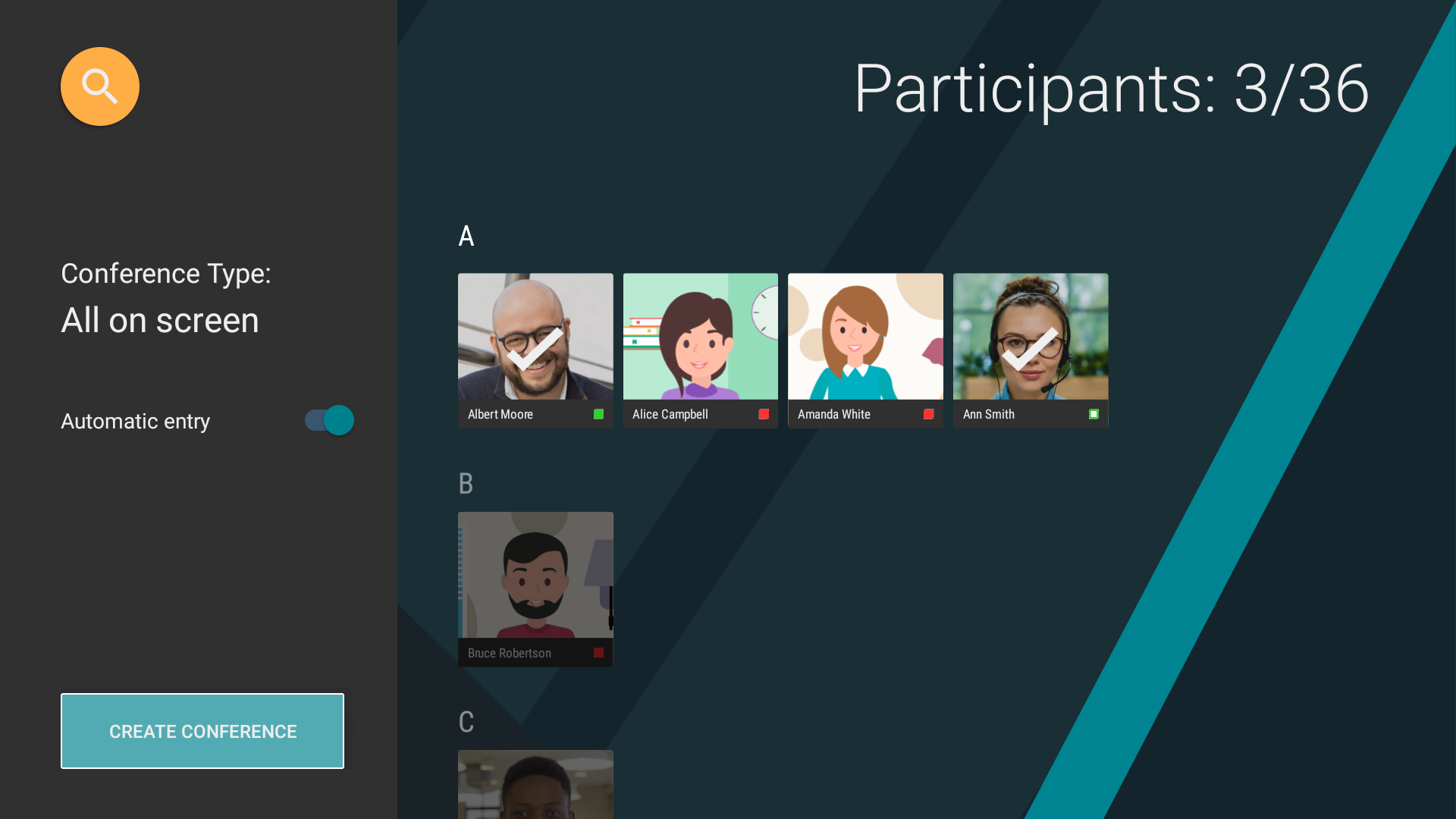
The conference will launch immediately, all the participants will receive an invitation:

Moderated role-based conference
Creating a group conference with participants divided into listeners and speakers. Your actions will be similar to those described in the previous section, except you should specify Moderated role-based when selecting the conference type.
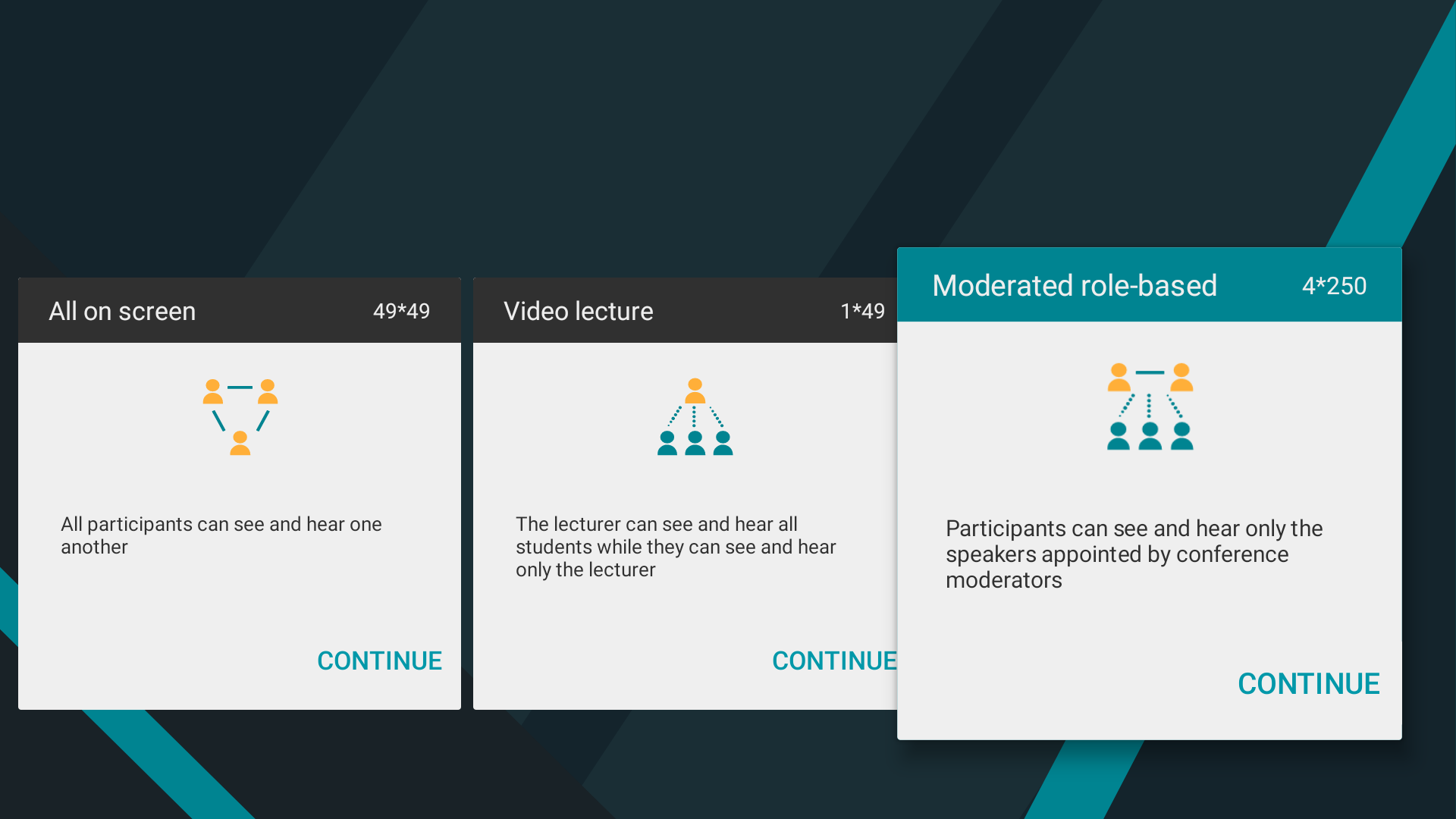
Video lecture
A video lecture is created similarly. In this mode, all participants can see and hear only the presenter, while the presenter can see and hear everyone.
Smart meeting
A smart meeting is created in a similar way. This mode is similar to a moderated role-based conference, except that participants are given the podium automatically based on voice activity or during content sharing.