Collaboration Tools
Collaboration tools
Text chat
You can exchange text messages with other users both inside and outside group conferences.
When a user signs in on a new device, the chat history saved on the previous device will be available on the new device.
When connecting to TrueConf Server version below 5.0, messaging between devices is not synchronized.
To start a text chat with any of your contacts, go to their profile and click the Chat button.
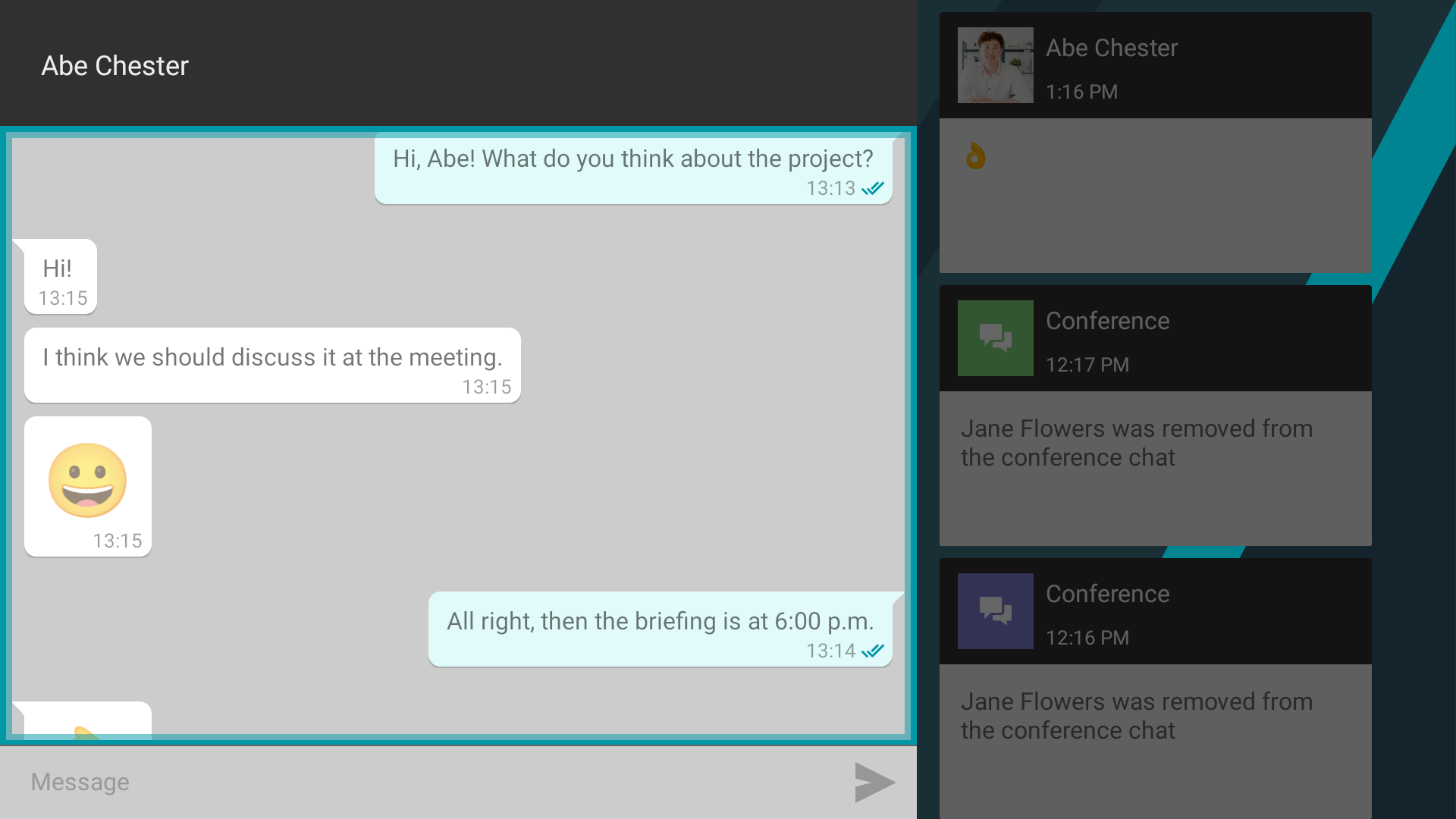
Chat is available during a call and conference. To access it, click the  button on the conference control panel. In a conference, you can choose between a group chat or a private conversation with a specific participant.
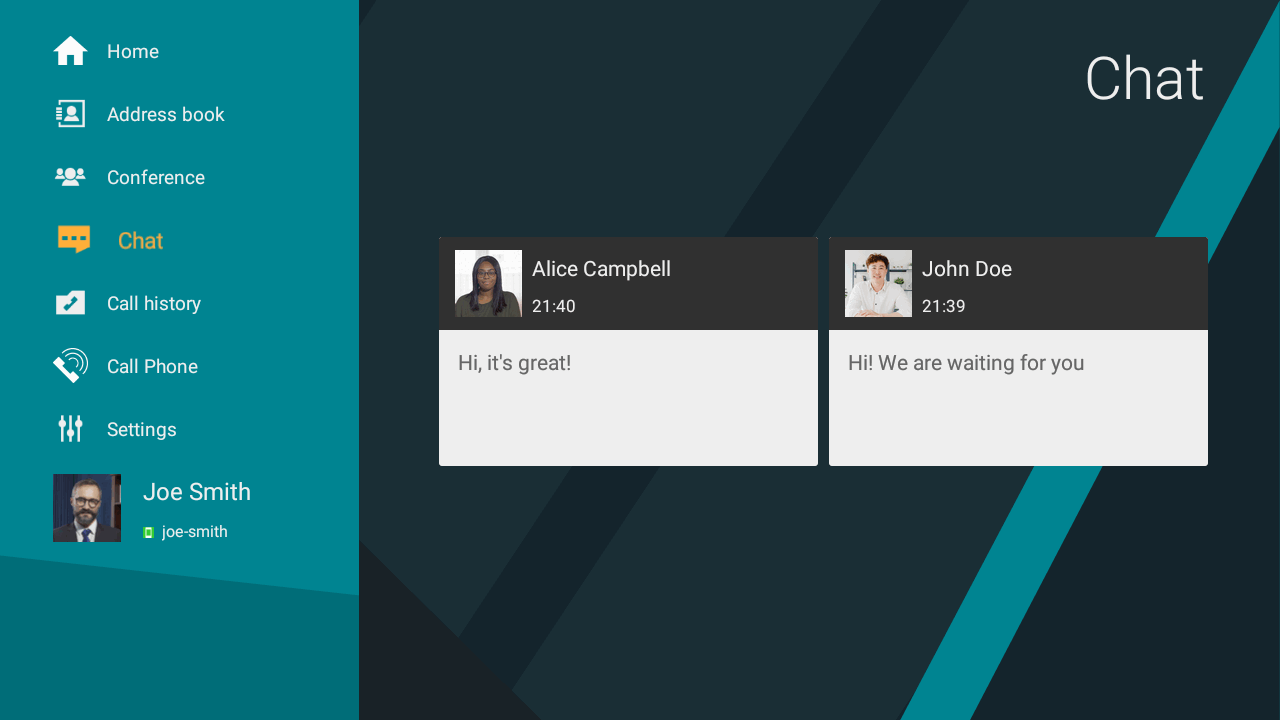
The list of your chats is displayed in the application's Chat menu:
Group chat
You can also communicate in group chats outside of conferences. Such a chat can be created using any client application, for example, TrueConf for Android.
Viewing content
Content sharing by multiple participants
Two conference participants can start a slideshow at the same time. In this case, you can select and zoom a content window in the content preview screen to make sure you do not miss any details.

To zoom in an image:
Go to the video area
Select a video window with the remote control.
The image will be maximized to the full screen.