Hosting Conferences

TrueConf Capabilities
This article identifies various limits applicable to the TrueConf video conferencing platform.

Danila GaidenkoDanila GaidenkoAuthor8/12/25Writing DateAbout 5 minReading TimeHosting ConferencesCategoryAdministrationTag
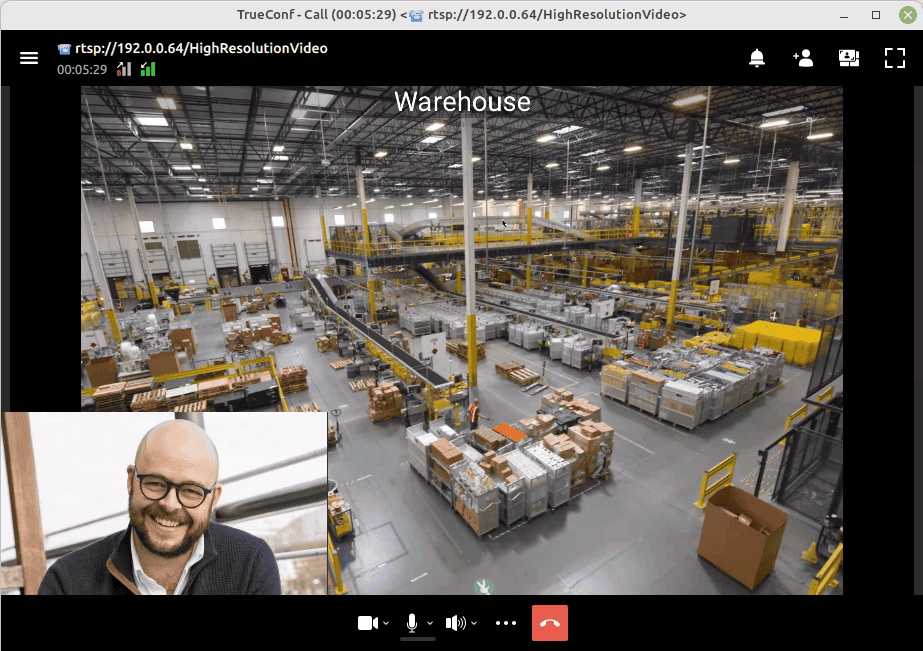
How to Connect to RTSP Sources (IP Cameras) during TrueConf Conferences
Users of TrueConf Server can connect to IP cameras via RTSP from their client desktop/mobile applications and inspect remote facilities during video conferences. This opportunity has become possible thanks to the built-in multiple gateway.

Dimitrii ZuikovDimitrii ZuikovAuthor4/1/25Writing DateAbout 4 minReading TimeHosting ConferencesCategoryConference managementTag
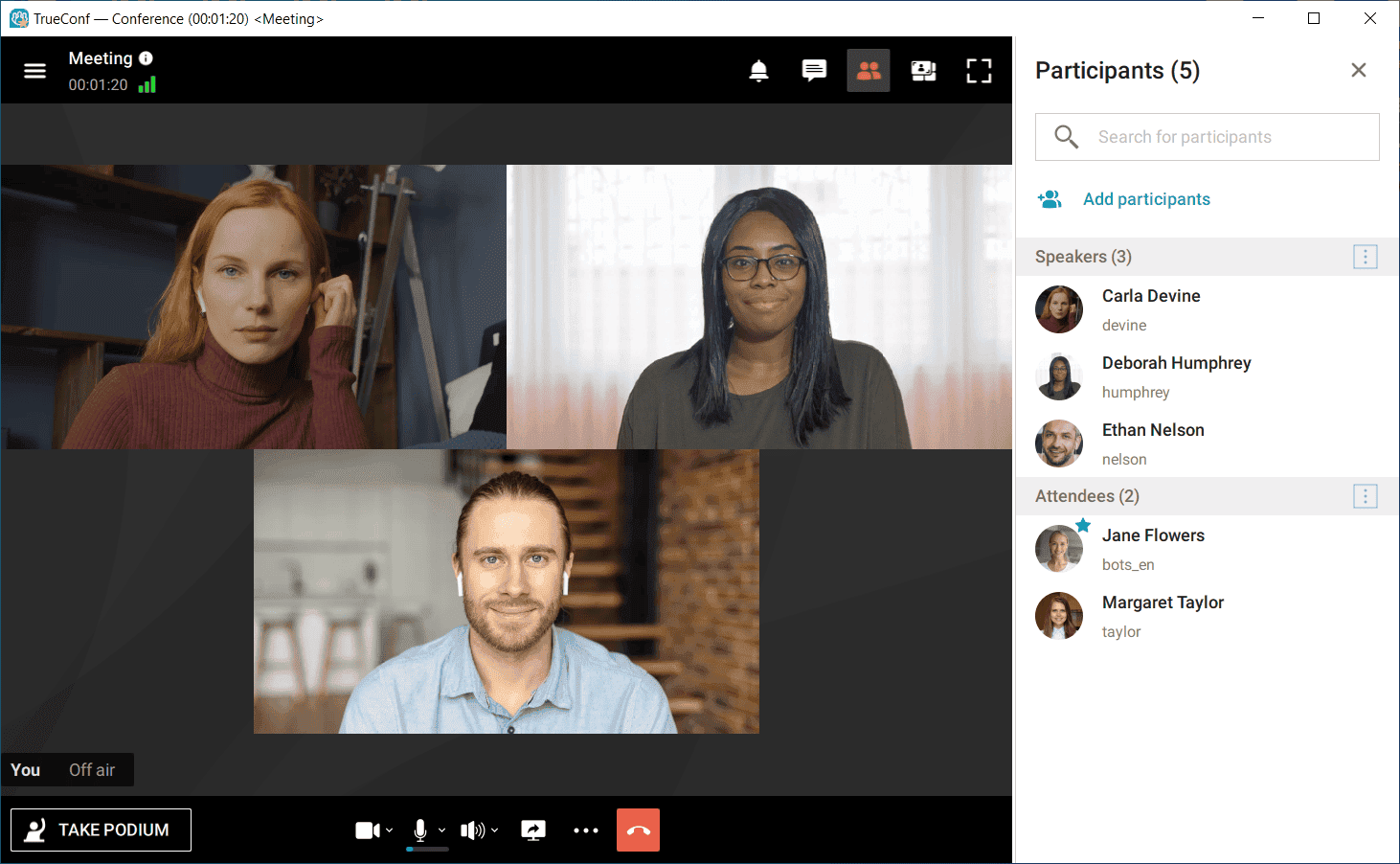
How to invite users to a conference
When creating a conference In the client application You can find the Participants section in the Conference Manager tab in the side panel of TrueConf for Windows, Linux or macOS side panel.

Aleksandr ParinovAleksandr ParinovAuthor4/1/25Writing DateAbout 5 minReading TimeHosting ConferencesCategoryConference managementTag
How to change or set the meeting video layout
During TrueConf video meetings, you can set video layouts: common layout for all participants individual layout for a specific participant individual layout for WebRTC users (for browser-based meetings) and H323/SIP devices.

Danila GaidenkoDanila GaidenkoAuthor7/2/24Writing DateAbout 6 minReading TimeHosting ConferencesCategoryConference managementTag
How to organize video conferences using TrueConf for Windows application
You can do all of it in your client application. It is available for all popular operating systems: TrueConf for Windows, Linux, iOS, macOS, Android, and Android TV. Client applications for all platforms have similar features and GUI.

Dimitrii ZuikovDimitrii ZuikovAuthor2/14/24Writing DateAbout 6 minReading TimeHosting ConferencesCategoryTrueConf OnlineTrueConf SolutionsTag
When a moderated role-based conference will be helpful
Role-based conference or virtual meeting is a video conferencing mode in which only some of the participants can be seen and heard by others. In TrueConf client applications, the “Moderated role-based” mode is used for holding such conferences.

Dimitrii ZuikovDimitrii ZuikovAuthor12/3/23Writing DateAbout 6 minReading TimeHosting ConferencesCategoryConference schedulingConference managementTag
How to use OBS Studio virtual camera in TrueConf client application
A virtual camera is a software solution that emulates the work of a hardware camera. This feature is useful when you want to broadcast someone else's presentation from another conference directly into your own, or share additional video content.

Theodor LazarevTheodor LazarevAuthor11/23/23Writing DateAbout 6 minReading TimeHosting ConferencesCategoryTrueConf for WindowsSIP / H.323Conference managementTag
Why a chat file or message may be unavailable
TrueConf client application offers all features of an all-in-one team messenger that supports both private and group chats. In addition to sending messages, chat users can also share files. However, in some cases users may be unable to send or download files and send messages.

Konstantin KotovKonstantin KotovAuthor9/26/23Writing DateAbout 5 minReading TimeHosting ConferencesCategoryTrueConf SolutionsTag
How to Share Audio During Meetings
Please note that the TrueConf desktop client application (Windows, Linux, macOS) version 8.2 and later includes built-in support for content sharing with audio, eliminating the need for third-party software.

Dimitrii ZuikovDimitrii ZuikovAuthor3/24/23Writing DateAbout 5 minReading TimeHosting ConferencesCategoryConference managementTag
How to use speakerphone buttons in a TrueConf role-based conference
The TrueConf client applications for desktops (Windows, Linux) support the use of speakerphone hardware buttons, including such use cases as taking or leaving the podium in a moderated role-based conference.

Anthony BaadzhyAnthony BaadzhyAuthor12/15/22Writing DateAbout 5 minReading TimeHosting ConferencesCategoryConference managementTag