
Connection to the video conferencing server
To use the video conferencing system, you need to have one of the TrueConf client applications installed on your device.
Where to find client applications
You can download client applications for all supported platforms from the guest page of your TrueConf Server (you can confirm its address with the server administrator) or from the page on our official website.
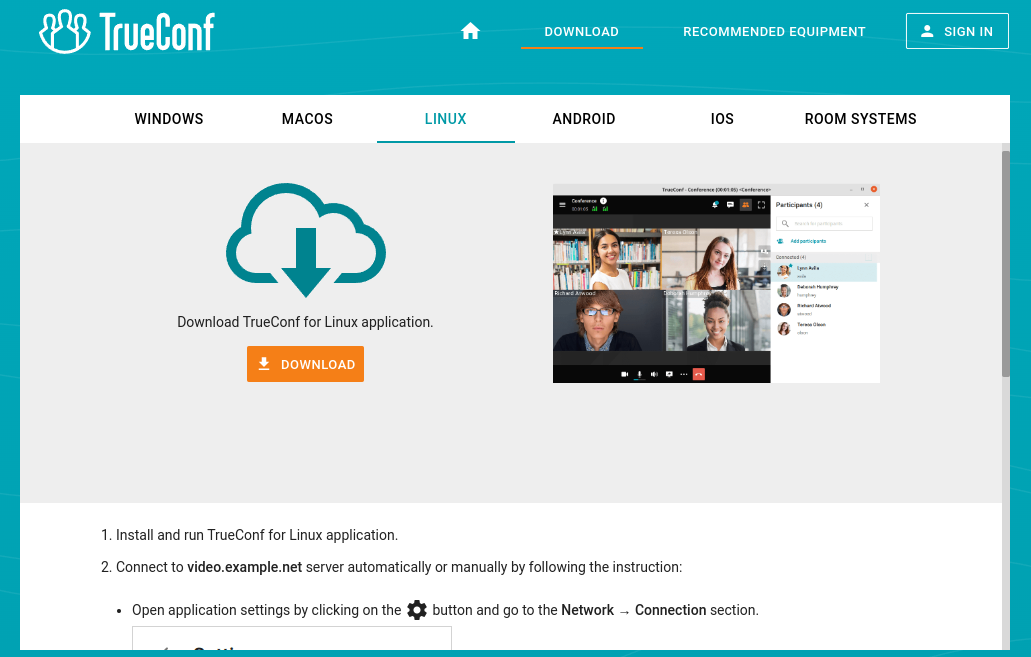
For which platforms client applications are available
The following platforms are natively supported:
Windows
macOS
Linux
Android
Android TV
iOS
iPadOS
WebRTC (from a browser)
Please note that a WebRTC application is available only to the users who have a link to the conference URL address.
TrueConf client application features
Please note that the full list of features available during the conference will depend on your role in it.
Our client applications enable you to:
Adjust address book settings including the way in which contacts are grouped
conduct video conferences (including one-on-one video calls) and join them;
- participate in polls during the conference;
create internal and public polls, this is also available from the personal area;
broadcast your screen content or presentations to participants;
adjust the video layout on the screen during a video conference;
Exchange files and text messages with other users
View chat and call history
Select peripherals (e.g. microphone and camera)
Set personal preferences to customize application settings
Enable echo cancellation, noise reduction and automatic gain control.
How to connect client applications to TrueConf Server
To connect the application to TrueConf Server, specify the server address on the network and complete the authorization process. For more detailed information, please contact your server administrator.
How to update client applications
Client applications TrueConf for Windows are integrated into the TrueConf Server installation package and are updated automatically when the server is updated. Applications for Linux are available on our website and in each operating system's repository. Additionally, you can download the dmg installer file for macOS. For all the ways to install the TrueConf application for Linux, refer to the relevant article in our knowledge base.
To update other client applications, you need to manually download the new version from our web site or get updates from the corresponding marketplace for Android/Android TV/iOS/iPadOS and macOS.