
TrueConf Specialist Certification

Sign up on TrueAcademy
Please take the following steps to sign up on TrueAcademy portal:
Please take the following steps to sign up on TrueAcademy portal:
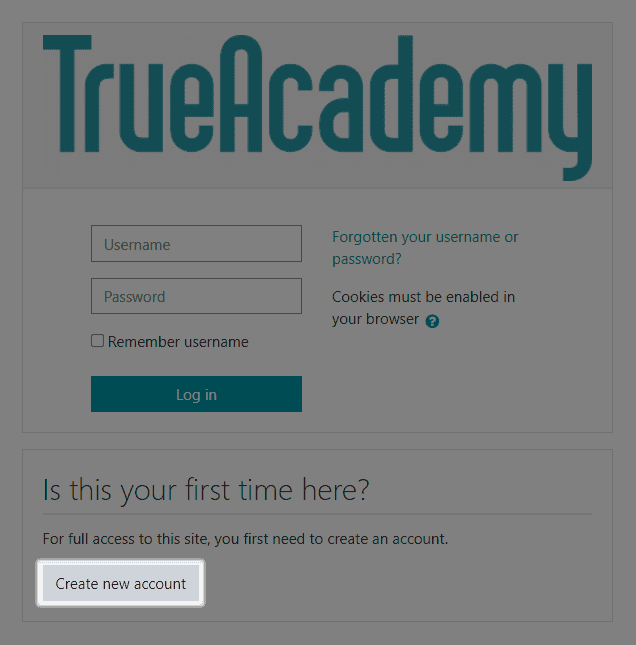
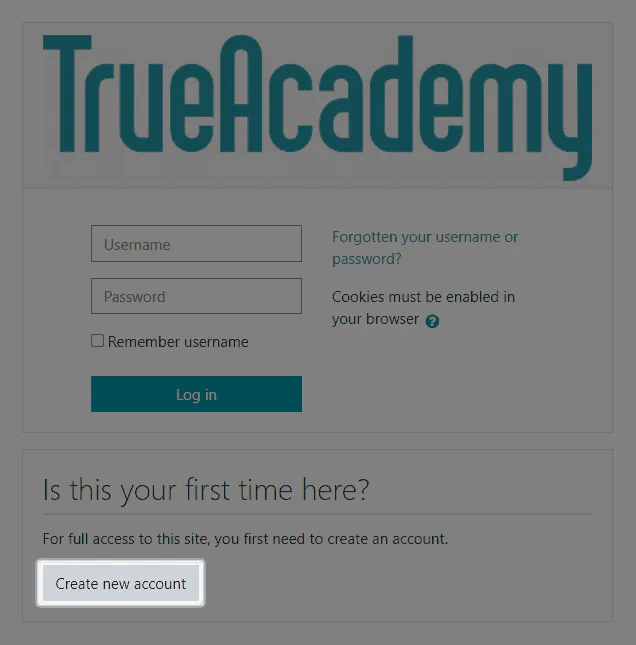
Visit the home page. If you already have an account, you can log in with your username and password and proceed to the introductory course. If you are new on TrueAcademy, click the Create new account button.
To continue you must agree to the Terms of Use and Cookie Policy.
Fill in ALL fields.
This information will be required to issue your TrueConf Certified Specialist certificate.
An email asking for confirmation of your registration will be automatically sent to the email address you have provided above in the form.
Once you’ve followed the link in the email, click the Continue button to go to your Dashboard. You can take a quick overview of our learning platform.
You have successfully registered on TrueAcademy!
Please note that we reserve the right to delete user accounts with incorrect personal information.
Course enrolment
You need to sign up for an introductory course:
Log in to the platform using your credentials.
Click
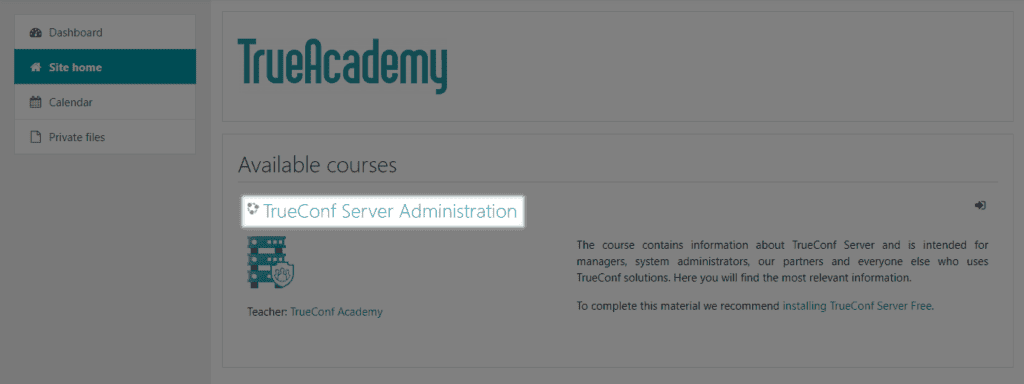 the Site Home button in the side menu.
From the list of available courses, select the desired one.
Click Enroll in the course if it is a basic course on TrueConf video conferencing system administration. For the advanced course, you need to request access from your manager. To do this, click the appropriate button on the course card and continue the conversation with them in the chat.
Now, a My Courses tab will be available at the top of the screen, allowing you to quickly navigate to the course you need. Additionally, the list of available courses is displayed when you access the Personal Area menu item.