# AI server system settings
In the System section, you will find the main system settings for TrueConf AI Server:
HTTPS settings
Selection of the control panel language
Shut down or restart the AI server.
# HTTPS connection settings
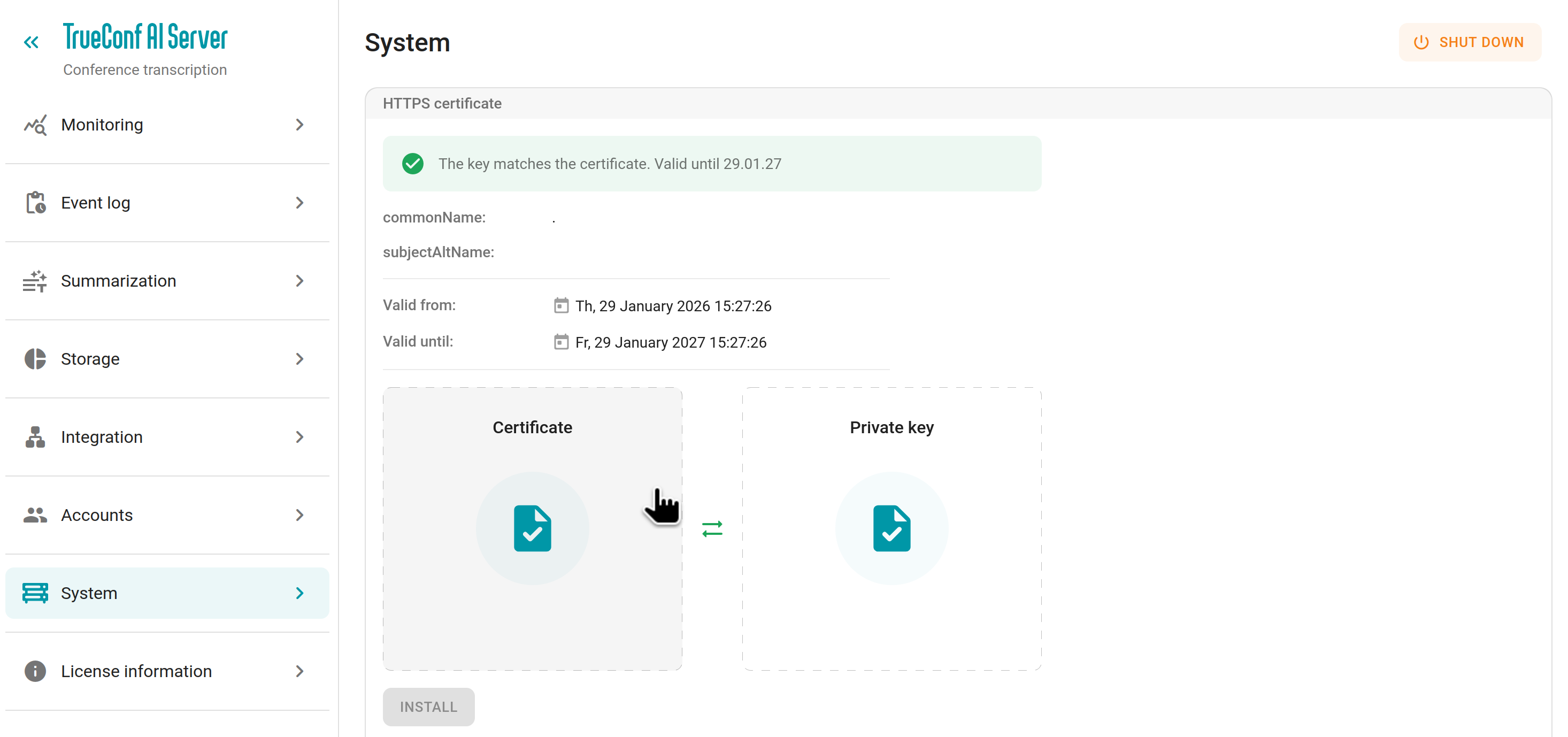
When the transcription module is installed (it is the main component of TrueConf AI Server), a self-signed certificate is automatically generated. For seamless operation of the AI server with TrueConf Server / TrueConf Enterprise corporate messengers, you may need to move this certificate to the machines hosting the video conferencing servers.
You can use a commercial certificate (including a free one from Let's Encrypt). To do it:
Generate a new certificate and private key (for example, by following the instruction from this knowledge base article).
Go to the AI server control panel and open the System → HTTPS certificate section.
Upload the certificate and its private key into the corresponding fields.
Click the Install button to apply the changes.
You may need to restart TrueConf AI Server services to make sure that changes take effect.
# Switching between languages
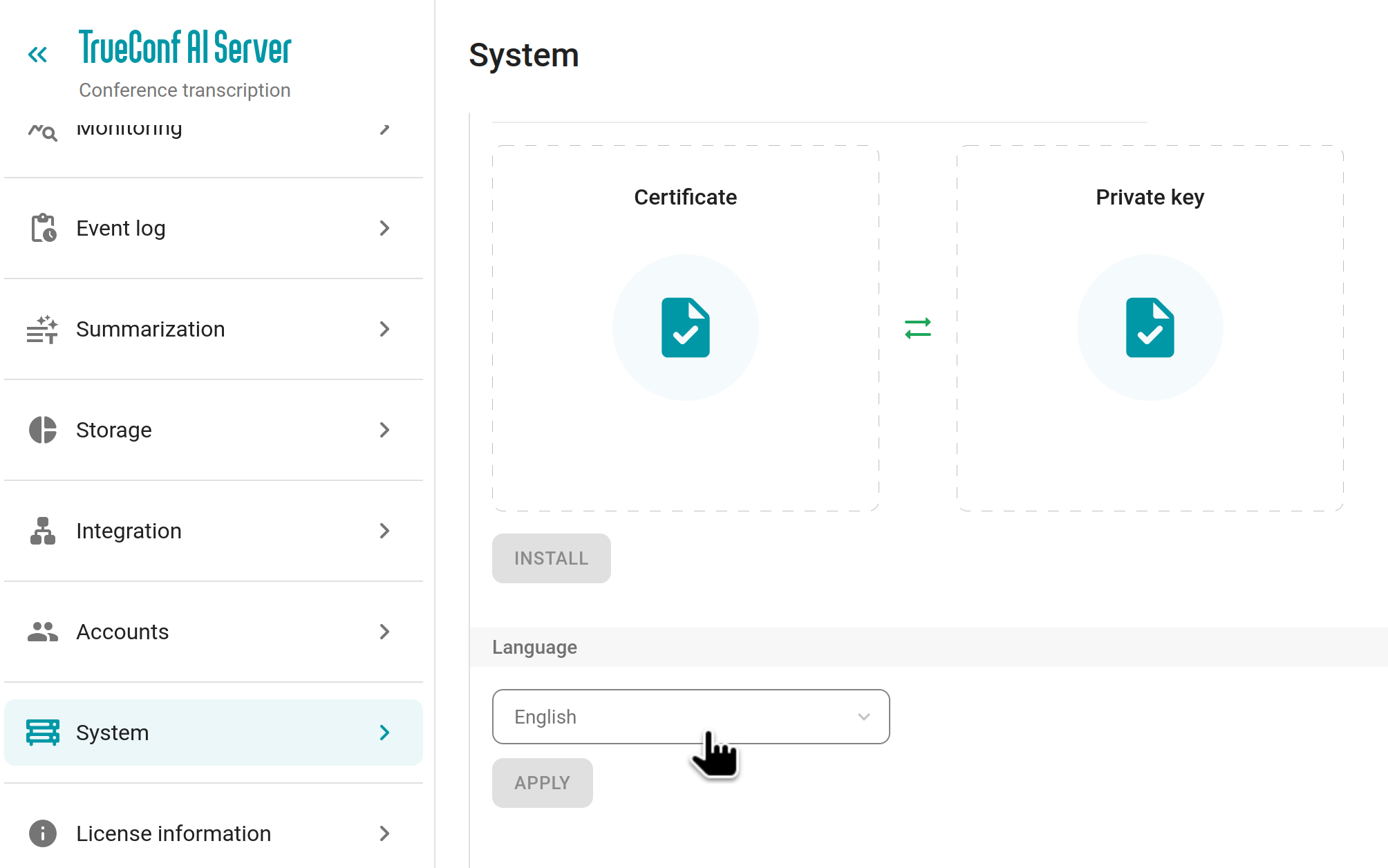
To change the language of the control panel, use the dropdown list in the System → Language section. The selected language will be applied only to your account and will not affect other administrators. To complete the configuration, click Apply.
# Shutting down and restarting the AI server
You can restart TrueConf AI Server services directly in the control panel by clicking the button in the upper right corner of the System section.
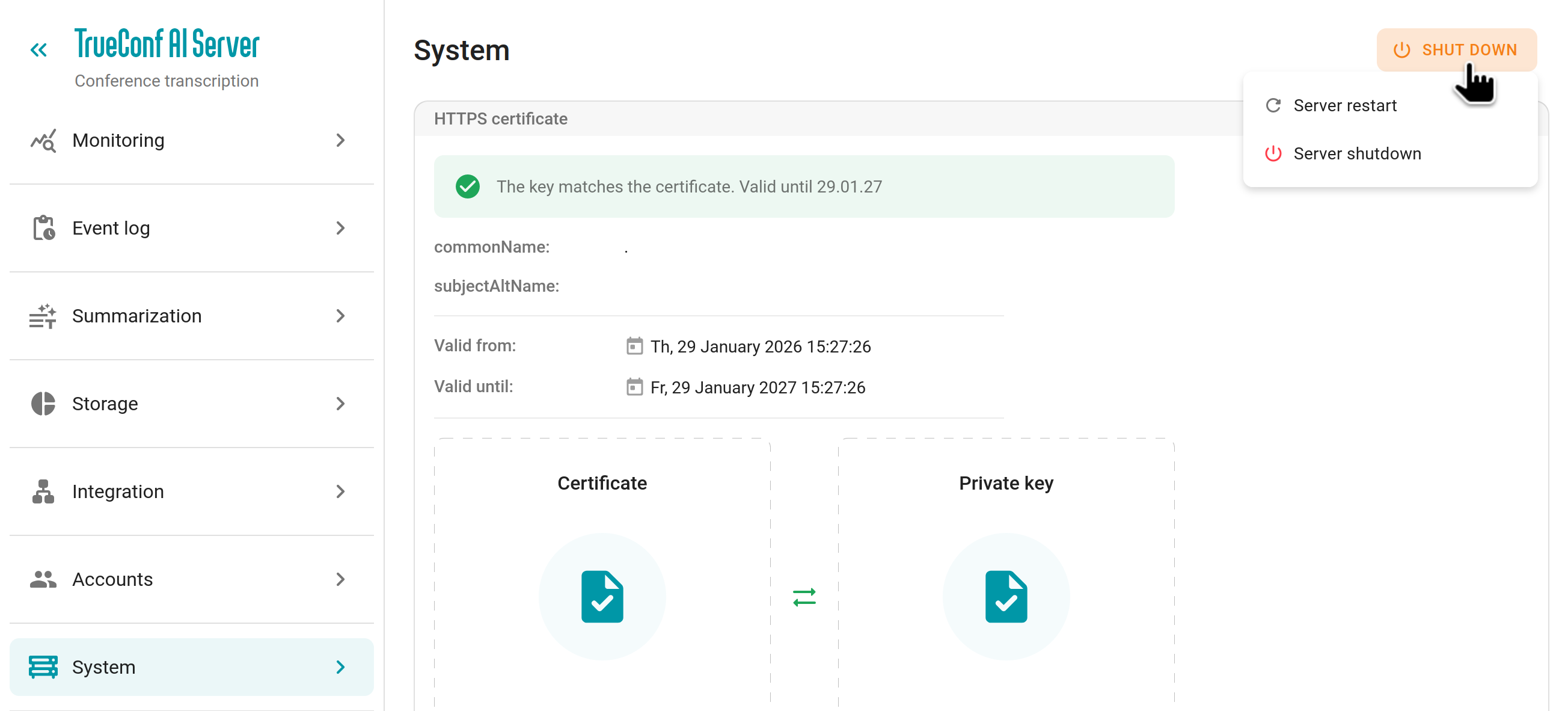
The restart button will completely restart the Docker containers of the AI server modules. All transcription and summarization tasks will be stopped and will resume once the containers are back up.
The shutdown button will completely terminate all services and containers of the AI server, including the web service (the control panel will become unavailable). In this case you will need to start the services manually through the terminal of the machine where the AI server is installed or restart the OS. All transcription and summarization tasks will be stopped and will resume once the services are started.